#Git
18 articles tagged with #Git
Best AI Tools for Developers in 2026
GitHub Copilot, Cursor, and more — the standout AI tools that developers are using daily in 2026.
Git and GitHub for Beginners: A Complete Guide
Git tracks your code history; GitHub hosts it — learn the essential version control workflow every developer uses.

CI/CD Explained: Build, Test, Deploy
CI/CD is how modern software teams ship code dozens of times a day without breaking things. This guide explains what continuous integration and continuous delivery mean, how a pipeline works, and how to set up your first one with GitHub Actions.
Git and GitHub for Beginners: The Complete Guide
Git is the version control system used by virtually every software team on the planet. This beginner guide explains commits, branches, merges, and pull requests clearly, with the exact commands you'll use every day as a developer.
Terraform Basics: Infrastructure as Code on AWS
Terraform lets you define cloud infrastructure in code, version it in Git, and deploy it repeatably. This guide covers providers, resources, variables, outputs, state management, and real AWS examples — from a simple S3 bucket to a complete web server setup.
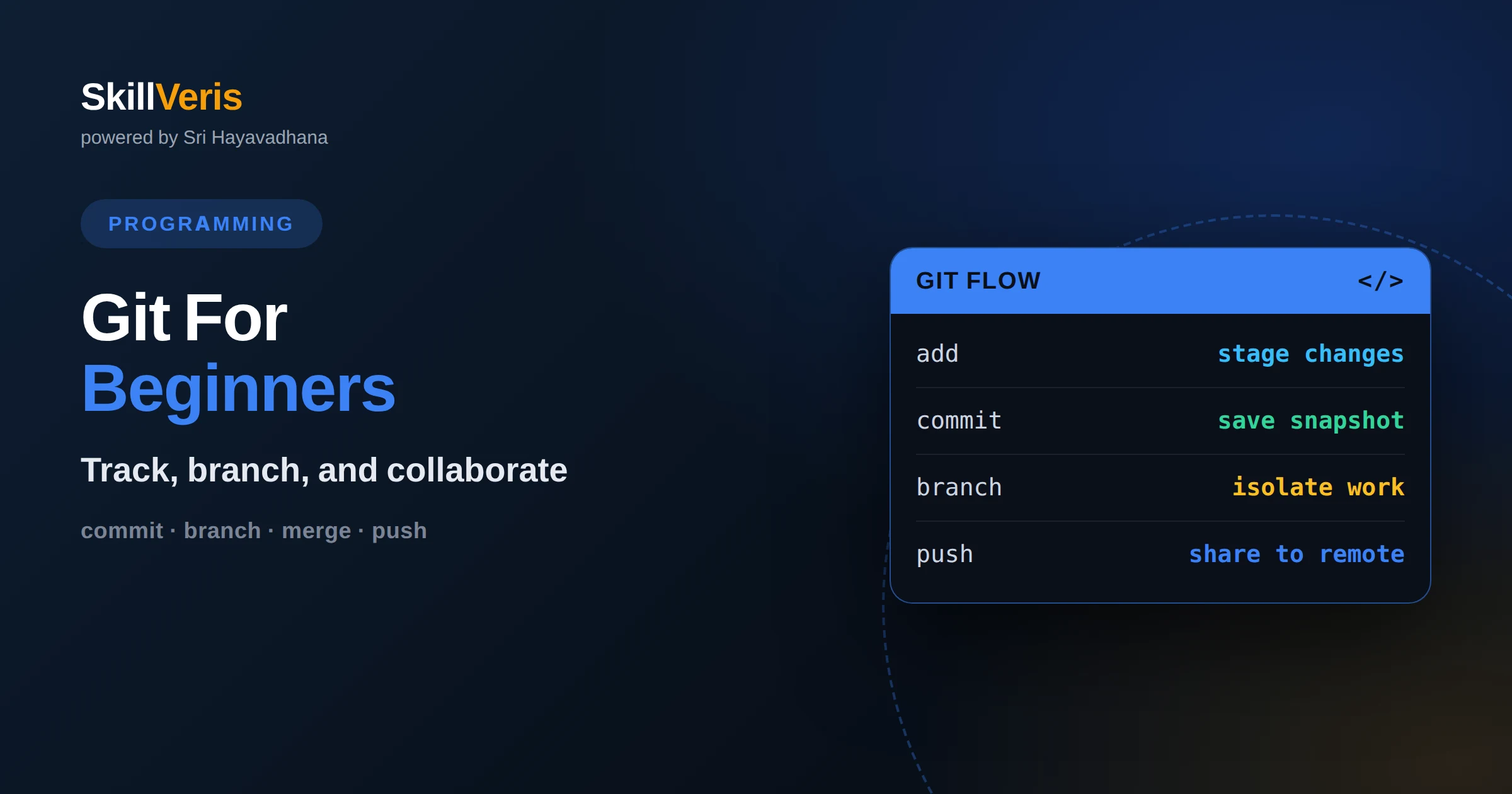
Git for Beginners: A Practical Guide
Git is a version control system that tracks changes to your code so you can experiment safely, collaborate, and undo mistakes. Learn the core workflow here.
Understanding HTTP Status Codes for Developers
HTTP status codes are three-digit signals a server returns to describe a request's outcome. Learn the five classes and the codes every developer must know.
Build a Personal Portfolio Website From Scratch
Build a portfolio website by planning your sections, choosing a stack, showcasing 3-5 strong projects, and deploying free on Netlify, Vercel, or GitHub Pages.
CI/CD Pipelines With GitHub Actions
GitHub Actions builds CI/CD pipelines with YAML workflows that automatically test, build, and deploy your code on every push — free for public repos and built into GitHub.
How to Build a GitHub Profile That Stands Out
A standout GitHub profile shows real, working projects with clear READMEs and a focused profile page. Here's how to turn your GitHub into a portfolio that gets you hired.
How to Write Better Commit Messages
Good commit messages make history readable and debugging fast. Learn a simple format and habits that turn your Git log into project documentation.
How to Build a Data Portfolio That Gets You Hired
Learn how to build a data portfolio that gets you hired, from choosing the right projects to telling a clear story and hosting your work on GitHub.
Git and GitHub for Data Analysts
A practical guide to Git and GitHub for data analysts: version your notebooks and datasets, collaborate safely, and stop losing work to overwritten files.
What Is GitHub? Git Hosting and Collaboration Explained
GitHub is a web platform for hosting Git repositories, where developers store code, track changes, and collaborate through pull requests. This guide explains how GitHub relates to Git, its core features, and why it is central to modern software teams.
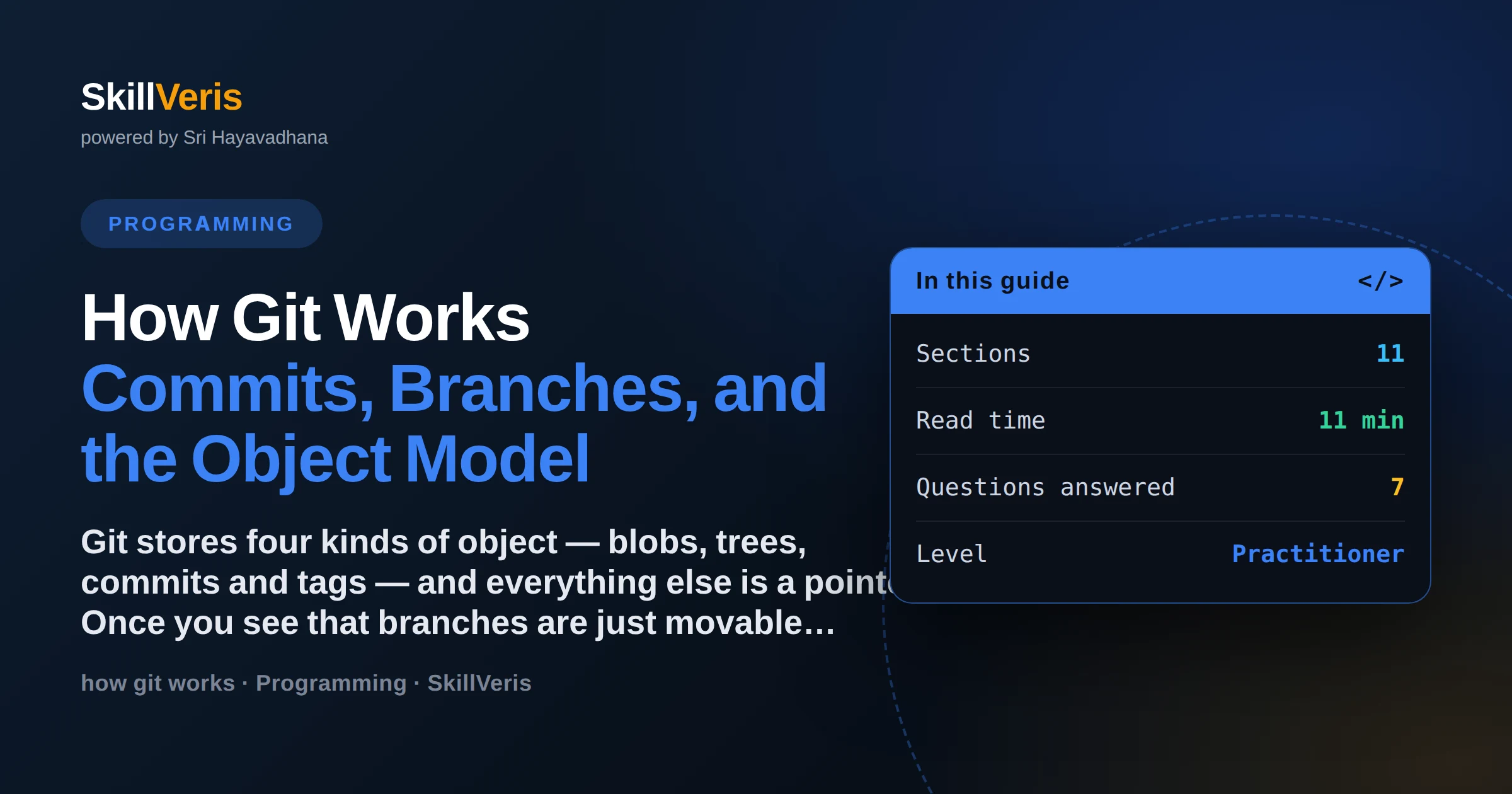
How Git Works: Commits, Branches, and the Object Model
Git stores four kinds of object — blobs, trees, commits and tags — and everything else is a pointer. Once you see that branches are just movable references and commits are immutable snapshots, merge, rebase, reset and detached HEAD stop being arbitrary rules and become predictable consequences of that structure.
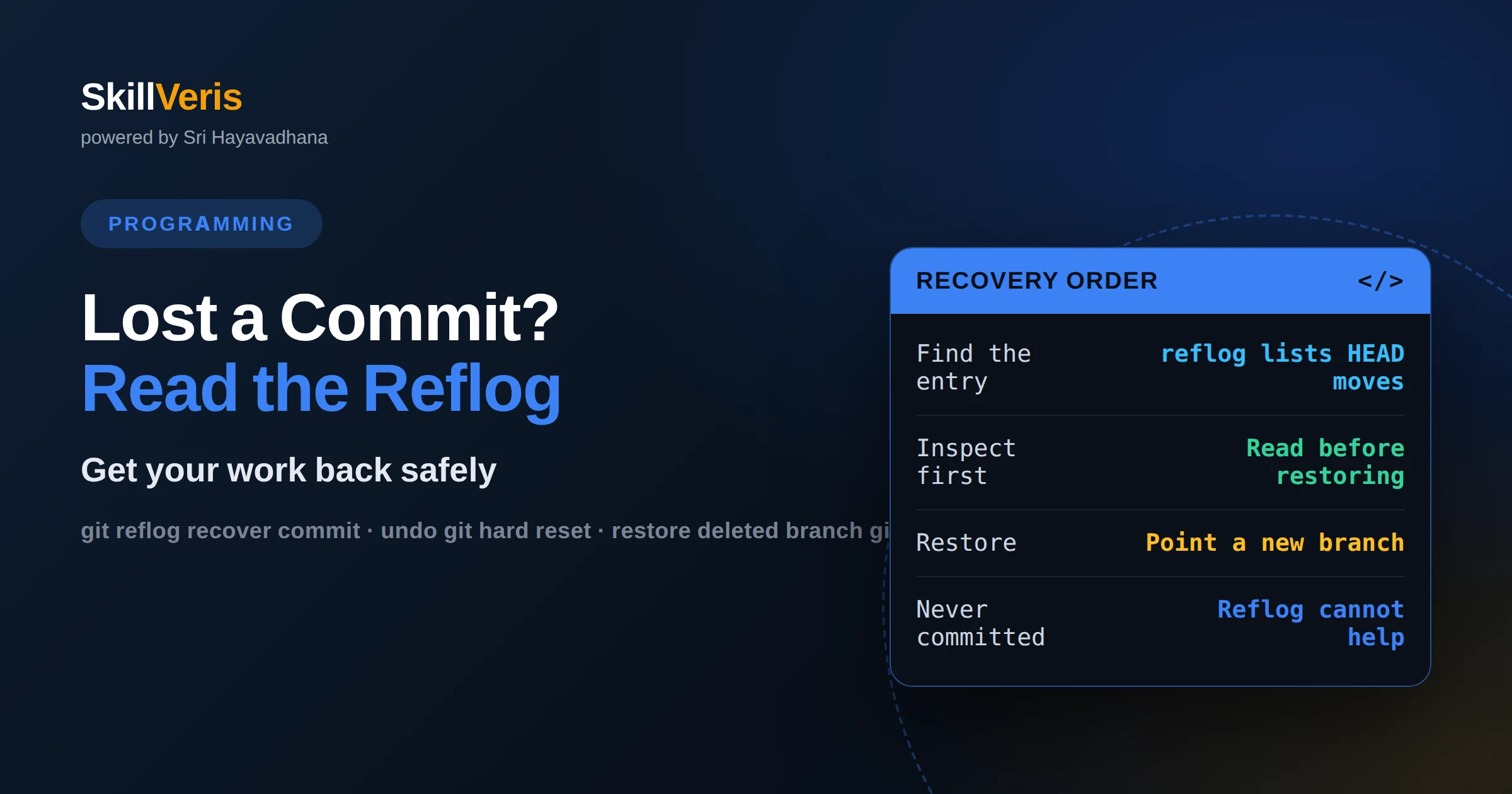
How to recover lost commits with git reflog
Get your work back after a bad reset, rebase or branch delete. Read the reflog to find the state you want, inspect that commit before you touch anything, restore it onto a new branch, and know exactly which losses the reflog genuinely cannot recover.
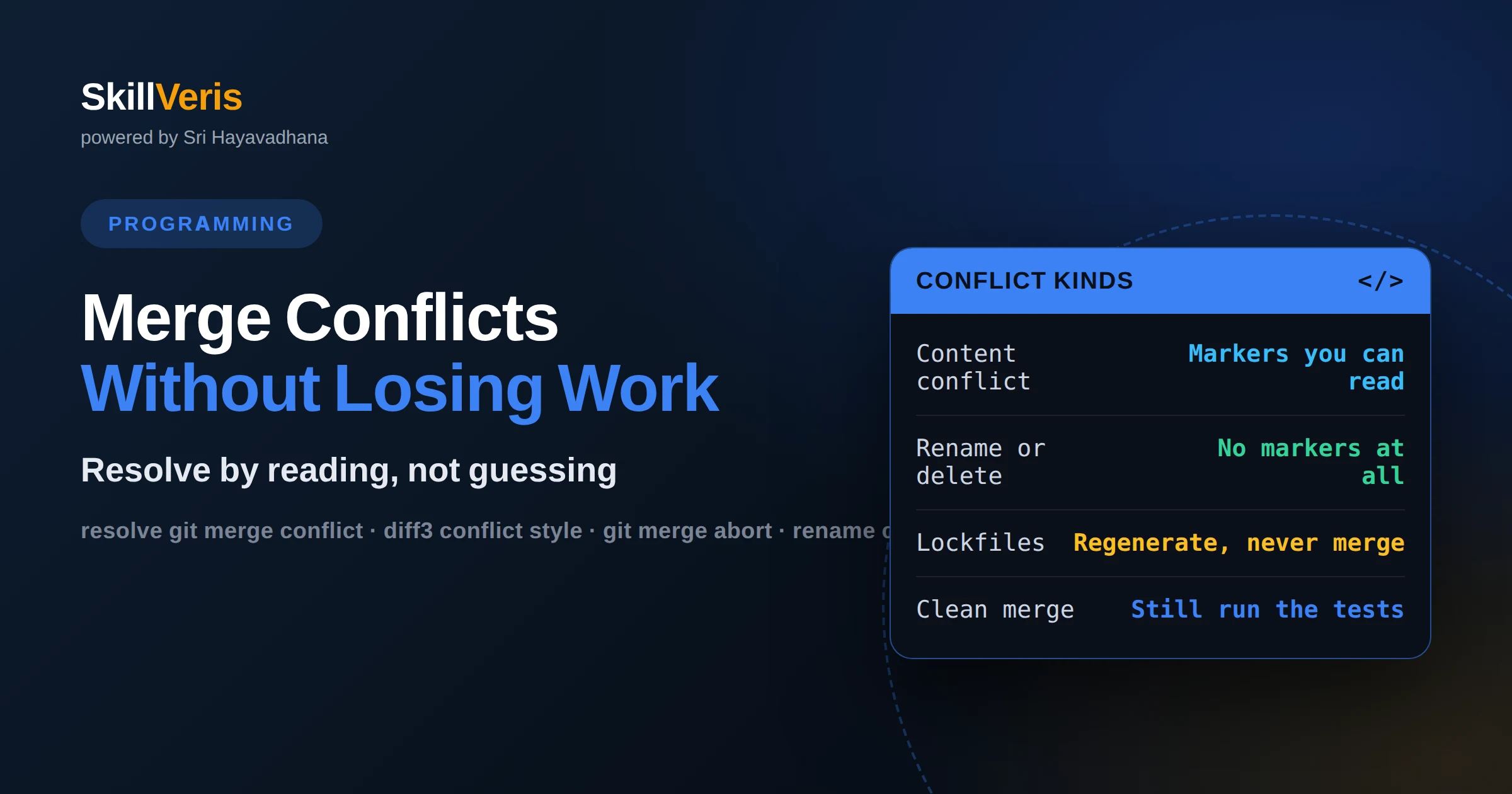
How to resolve Git merge conflicts without losing work
Resolve conflicts with a procedure instead of guesswork. Read the three-way diff including the common ancestor, handle rename, delete and lockfile conflicts deliberately, and verify the result — because a merge that compiles is not necessarily a merge that kept both changes.
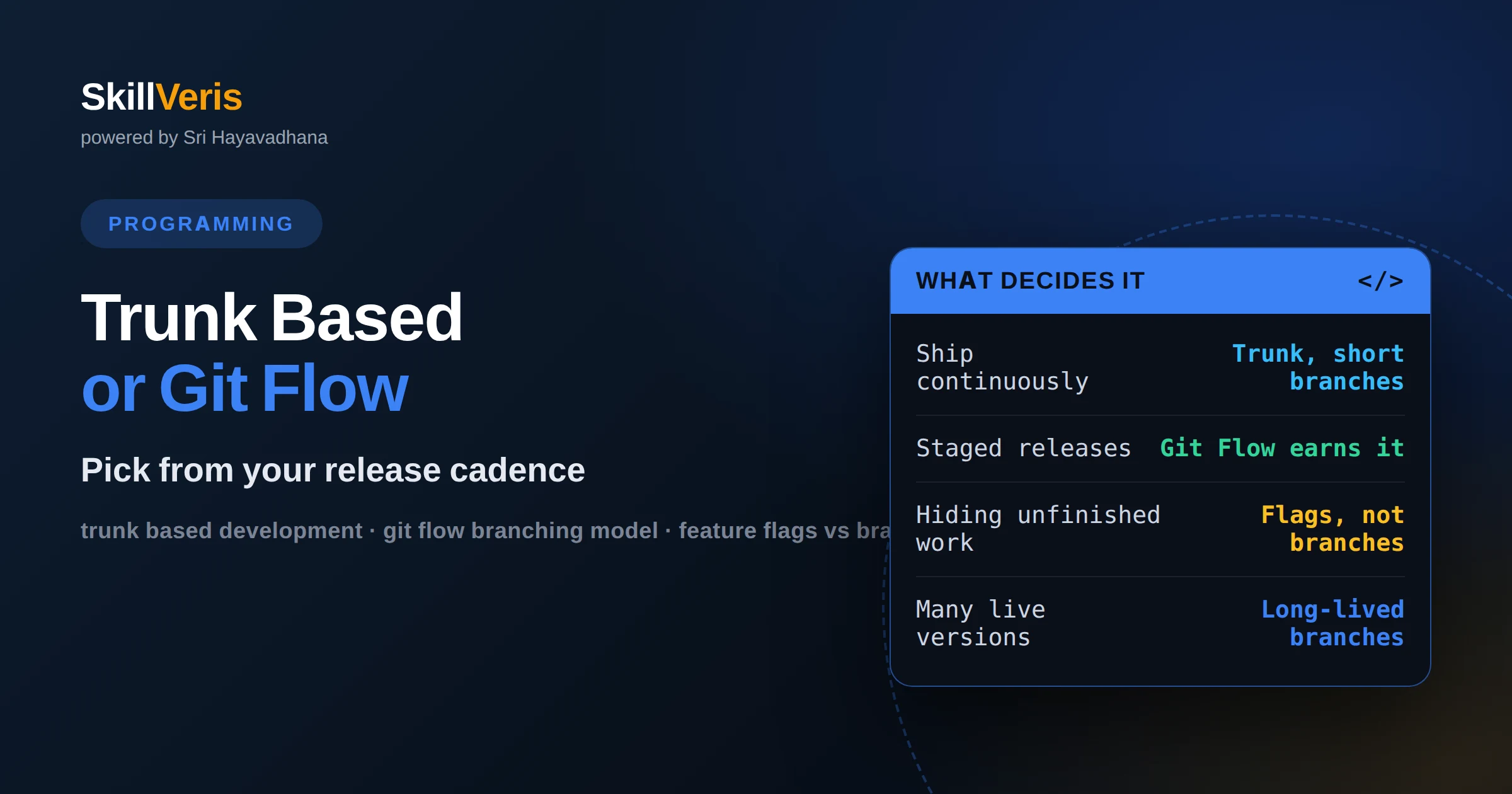
Trunk-based development vs Git Flow: choosing a branching model
Choose a branching model from your release process rather than your preferences. Long-lived branches exist to hold work back from a release, so if you ship continuously they only accumulate merge debt — and trunk-based development is a bet on automated tests and feature flags.