Git and GitHub for Beginners: A Complete Guide
SkillVeris Team
Engineering Team
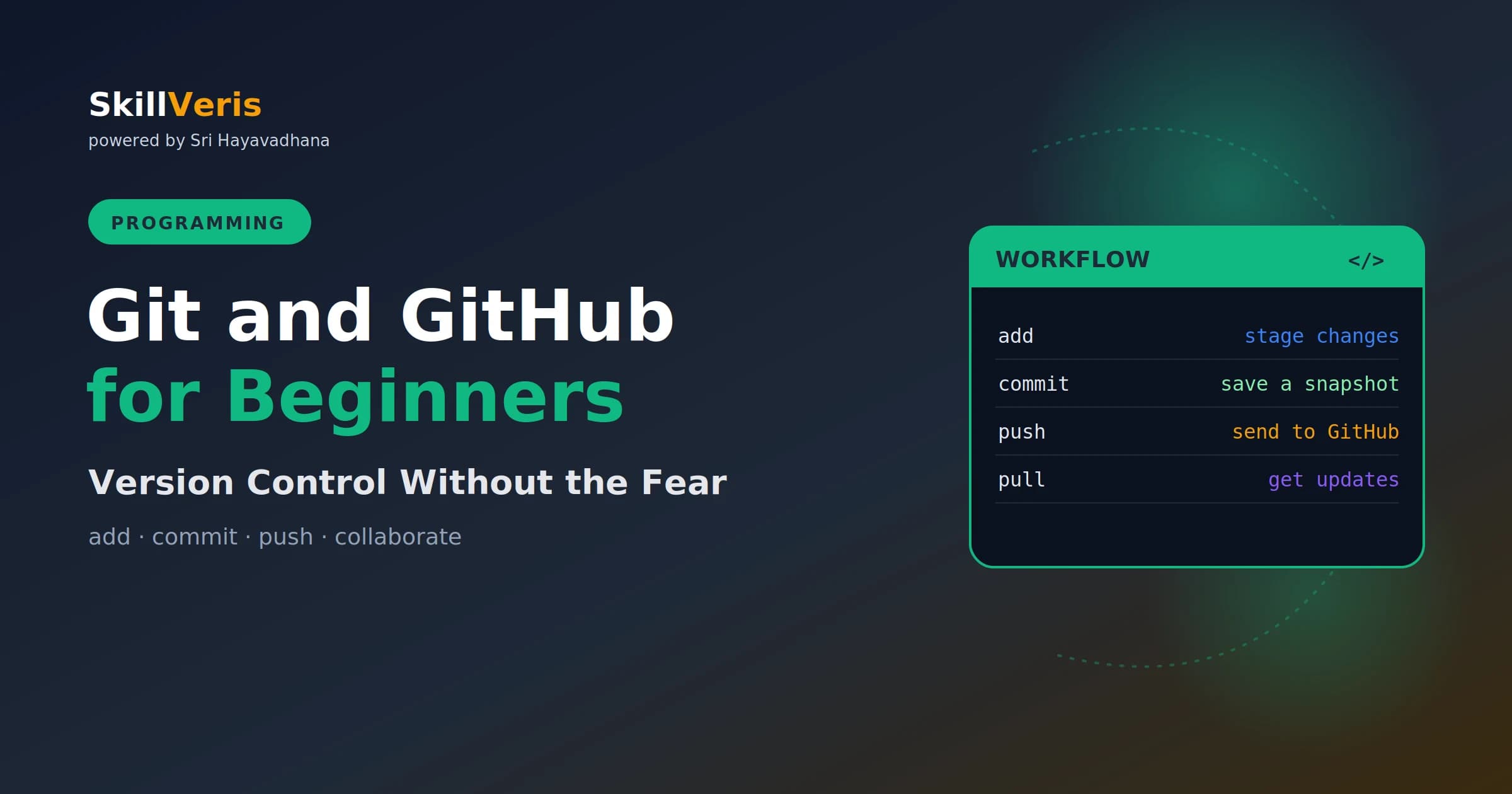
Git is a tool on your computer that tracks your code's history; GitHub is a website that hosts it so you can back up, share, and collaborate
In this guide, you'll learn:
- The everyday workflow is just four commands: add → commit → push , and pull to get updates.
- All concepts are explained with real-world examples and hands-on practice.
- All concepts are explained with real-world examples and hands-on practice.
- All concepts are explained with real-world examples and hands-on practice.
1About This Guide
Git looks scary at first — cryptic commands, talk of branches and merges. But the daily reality is simpler
than it seems. This guide gives you exactly what you need to start using Git and GitHub with confidence.
2What Is Version Control?
Version control tracks the history of your files, so you can save snapshots, see what changed, and roll
back mistakes. It's like an unlimited undo for your whole project — and it lets multiple people work on the
3Git vs GitHub
People mix these up constantly. Git is the version-control tool that runs on your computer. GitHub is a
website that hosts Git repositories online, so you can back them up, share them, and collaborate. Git is
4Key Terms
This section provides key insights and practical guidance.
- Repository (repo): a project folder Git tracks.
- Commit: a saved snapshot with a message.
- Branch: a separate line of work.
- Remote: the online copy (e.g. on GitHub).
5Setting Up
This section provides key insights and practical guidance.
6The Core Workflow
add chooses what to include, commit saves it with a message. That message is a note to your future
7Pushing to GitHub
This links your local repo to GitHub and uploads it. From then on, git push sends new commits, and
Branches let you work on something new without touching the working version. When it's ready, you
- It's expected in virtually every developer job.
- It protects your work with full history and backups.
- It's how you showcase projects to employers.
- It's the gateway to open-source contribution.
- Vague commit messages like "stuff" — be descriptive.
Related Reading
Get The Print Version
Download a PDF of this article for offline reading.
About the Publisher
SkillVeris Team
Engineering Team
Our engineering writers turn abstract code concepts into hands-on, project-driven learning experiences.
View all postsRelated Posts




Never miss an update
Get the latest tutorials and guides delivered to your inbox.
No spam. Unsubscribe anytime.