How to Write Better Commit Messages
SkillVeris Team
Careers Team
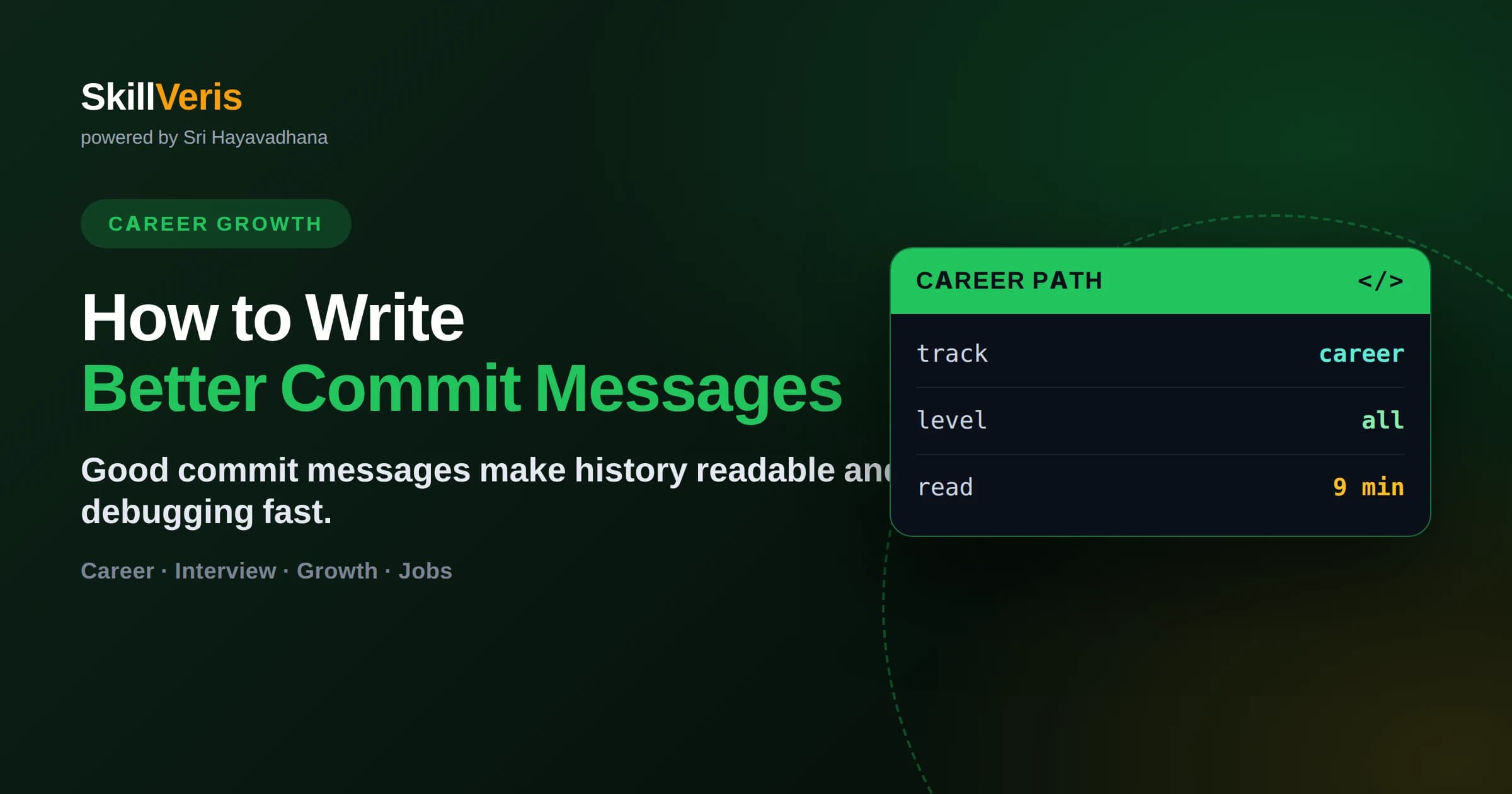
Write better commit messages by using a short imperative summary line under about 50 characters, a blank line, then a body that explains why the change was made rather than what.
In this guide, you'll learn:
- A commit message explains intent to your future self and teammates — the diff already shows the 'what'.
- Use the imperative mood, like 'Add login validation', matching how Git's own messages read.
- Keep the summary line concise and put context, reasoning, and trade-offs in the body.
- Adopt Conventional Commits (feat, fix, docs) to enable automated changelogs and clear history.
1What Makes a Good Commit Message?
A good commit message has a short, imperative summary line under about 50 characters, followed by a blank line and a body that explains why the change was made. The diff already shows what changed; the message exists to capture intent and context.
Commit messages are documentation you write once and read many times — during code review, while hunting a regression, or when a new teammate tries to understand a decision months later. A clear history turns your Git log into a searchable record of how and why the project evolved.
2Why Commit Messages Matter
Sloppy messages like 'fix stuff' or 'wip' cost real time later. Good ones pay off across the life of a project.
- Debugging: tools like git blame and git log let you find why a line exists — if the message explains it.
- Code review: reviewers understand intent faster when the message frames the change.
- Onboarding: new teammates learn the project's history from a readable log.
- Rollbacks: clear messages make it obvious which commit to revert when something breaks.
- Automation: structured messages can generate changelogs and release notes.
🔑Write for Your Future Self
Six months from now, staring at a confusing line of code, the commit message is often your only clue about why it exists. Write the message you will wish you had.
3The Standard Format
A widely accepted structure keeps messages consistent and scannable. It separates a scannable summary from a fuller explanation.
The Summary Line
One line, imperative mood, ideally under 50 characters, no trailing period. It should complete the sentence 'If applied, this commit will…'.
Add password strength validation
Fix crash when cart is empty
Refactor auth service to use tokens
The Body
After a blank line, wrap text at about 72 characters and explain the why: the problem, the reasoning, and any trade-offs or alternatives you rejected. Reference issue numbers if your team tracks them.
4Use the Imperative Mood
Write summaries as commands: 'Add', 'Fix', 'Remove', 'Update' — not 'Added', 'Fixes', or 'Adding'. This matches the style Git itself uses for generated messages like 'Merge branch' and keeps your log grammatically consistent.
The trick is to read your summary as completing the phrase 'If applied, this commit will ___'. 'If applied, this commit will Add login validation' reads correctly; 'will Added login validation' does not. That simple test keeps every message uniform.
5Adopt Conventional Commits
Conventional Commits is a lightweight convention that prefixes each summary with a type, making history machine-readable and human-scannable at once. It powers automated versioning and changelog tools used across the industry.
- feat: a new feature for users
- fix: a bug fix
- docs: documentation-only changes
- refactor: code change that neither fixes a bug nor adds a feature
- test: adding or correcting tests
- chore: build process, tooling, or dependency updates
💡Example
A message like 'feat: add rate limiting to login endpoint' instantly tells readers and tools that this is a user-facing feature — enabling automatic changelog generation.
6Common Mistakes to Avoid
Most bad commit histories come from a handful of repeated habits. Break these and your log improves immediately.
- Vague messages: 'fix', 'update', 'changes', or 'wip' tell readers nothing.
- Explaining what instead of why: the diff already shows what changed.
- Giant commits bundling unrelated changes under one message.
- Past tense or inconsistent mood across the log.
- Summary lines that run long and get truncated in tools.
- Committing commented-out code or debug prints with no note explaining it.
7Make Small, Focused Commits
A message can only be clear if the commit itself is coherent. Each commit should represent one logical change — one bug fix, one feature increment, or one refactor — so its message describes a single idea.
Use git add -p to stage related changes together and split unrelated work into separate commits. Small, focused commits are easier to review, easier to revert cleanly, and produce a history where every message is honest about exactly what it did.
8Key Takeaways
Commit messages are cheap to write and expensive to lack. A little discipline compounds over a project's life.
- Use a short imperative summary line, a blank line, then a body explaining why.
- Keep the summary under about 50 characters with no trailing period.
- Explain intent and trade-offs, not the mechanics the diff already shows.
- Adopt Conventional Commits to unlock automated changelogs and clarity.
- Keep commits small and focused so each message describes one change.
9Frequently Asked Questions
Q: How long should a commit summary line be? A: Aim for under about 50 characters so it displays fully in Git tools and logs without truncation. Put any longer explanation in the body after a blank line.
Q: Why use the imperative mood in commit messages? A: It matches Git's own generated messages and reads consistently. Test it with 'If applied, this commit will ___' — the imperative form completes that sentence correctly.
Q: Do I need Conventional Commits? A: They are not mandatory, but the feat/fix/docs prefixes make history scannable and enable automated changelogs and versioning, so many teams adopt them.
Q: What should go in the commit body versus the summary? A: The summary states the change in one imperative line. The body explains why the change was made, the problem it solves, and any trade-offs or alternatives you considered.
Related Reading
Get The Print Version
Download a PDF of this article for offline reading.
About the Publisher
SkillVeris Team
Careers Team
Our careers team helps you navigate tech job markets, build portfolios, and land the roles you want.
View all postsRelated Posts

Never miss an update
Get the latest tutorials and guides delivered to your inbox.
No spam. Unsubscribe anytime.