Best AI Tools for Developers in 2026
SkillVeris Team
AI Research Team
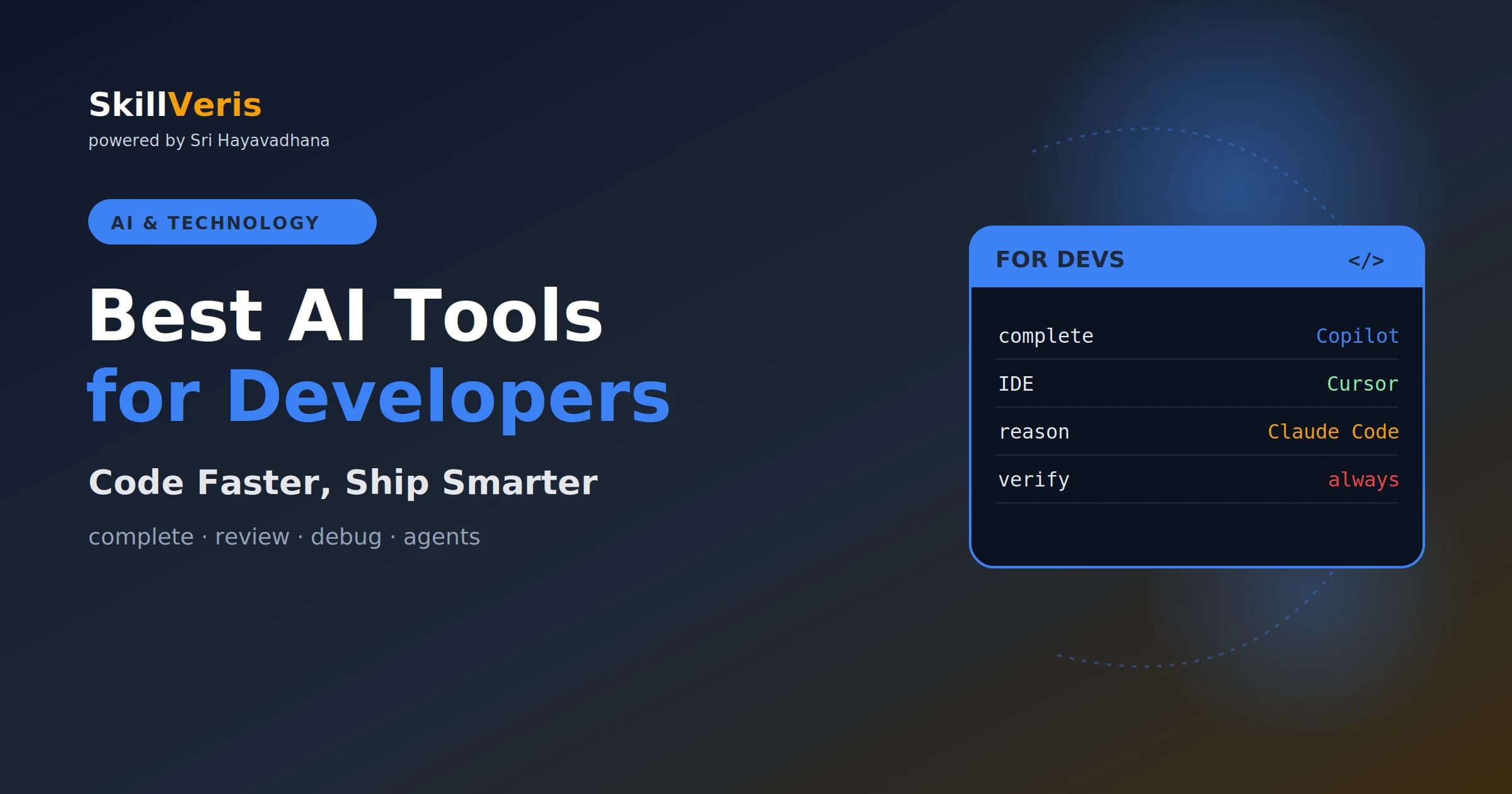
In 2026, the standout developer AI tools are GitHub Copilot (in-editor autocomplete), Cursor (AI-first IDE), and Claude Code (complex, multi-file reasoning)
In this guide, you'll learn:
- They can cut routine coding time sharply — but review, test, and understand everything they produce
- All concepts are explained with real-world examples and hands-on practice.
- All concepts are explained with real-world examples and hands-on practice.
- All concepts are explained with real-world examples and hands-on practice.
1About This Guide
The AI dev-tools space moves fast. These are strong 2026 options — check current features, pricing,
Coding without AI in 2026 feels a bit like writing without autocomplete. The best tools understand intent,
2How AI Is Changing Dev Work
A large majority of professional developers now use an AI coding assistant daily, and studies suggest
meaningful time savings on routine tasks. The job is shifting toward design, judgement, and reviewing AI
3GitHub Copilot
The most widely adopted AI coding tool, Copilot lives inside your existing editor and suggests code as
you type, plus a chat for explaining and debugging. It's a low-friction entry point — you keep your setup
4Cursor
Cursor is an AI-first code editor with codebase-aware chat — it can reason across your whole project,
make edits, and answer questions about your code. Developers praise its fluid, cohesive experience for
5Claude Code
Claude Code is favoured for complex reasoning and multi-file changes — the kind of task where you
want code that's correct on the first pass and fits your existing workflow. It's a strong choice for tricky
6AI for Code Review and Debugging
Beyond writing code, AI assistants are excellent at explaining errors, reviewing diffs, and suggesting
fixes. Paste an error and your code, ask for the likely cause and a fix — it often turns a frustrating hour
7AI for Learning and Documentation
a module, or draft documentation — a fast way to get up to speed in a new codebase.
Ask an assistant to suggest test cases, generate unit tests, or find edge cases you missed. It won't
- Want AI without changing your setup? → GitHub Copilot.
- Want a fully AI-native editor? → Cursor.
- Tackling complex, multi-file work? → Claude Code.
- Just learning? → any chat assistant to explain code.
- Review every suggestion — don't merge code you don't understand.
Related Reading
Get The Print Version
Download a PDF of this article for offline reading.
About the Publisher
SkillVeris Team
AI Research Team
Our AI team covers the latest in machine learning, generative AI, and emerging tech — clearly and accurately.
View all postsRelated Posts




Never miss an update
Get the latest tutorials and guides delivered to your inbox.
No spam. Unsubscribe anytime.