LinkedIn Optimization for Tech Professionals
SkillVeris Team
Careers Team
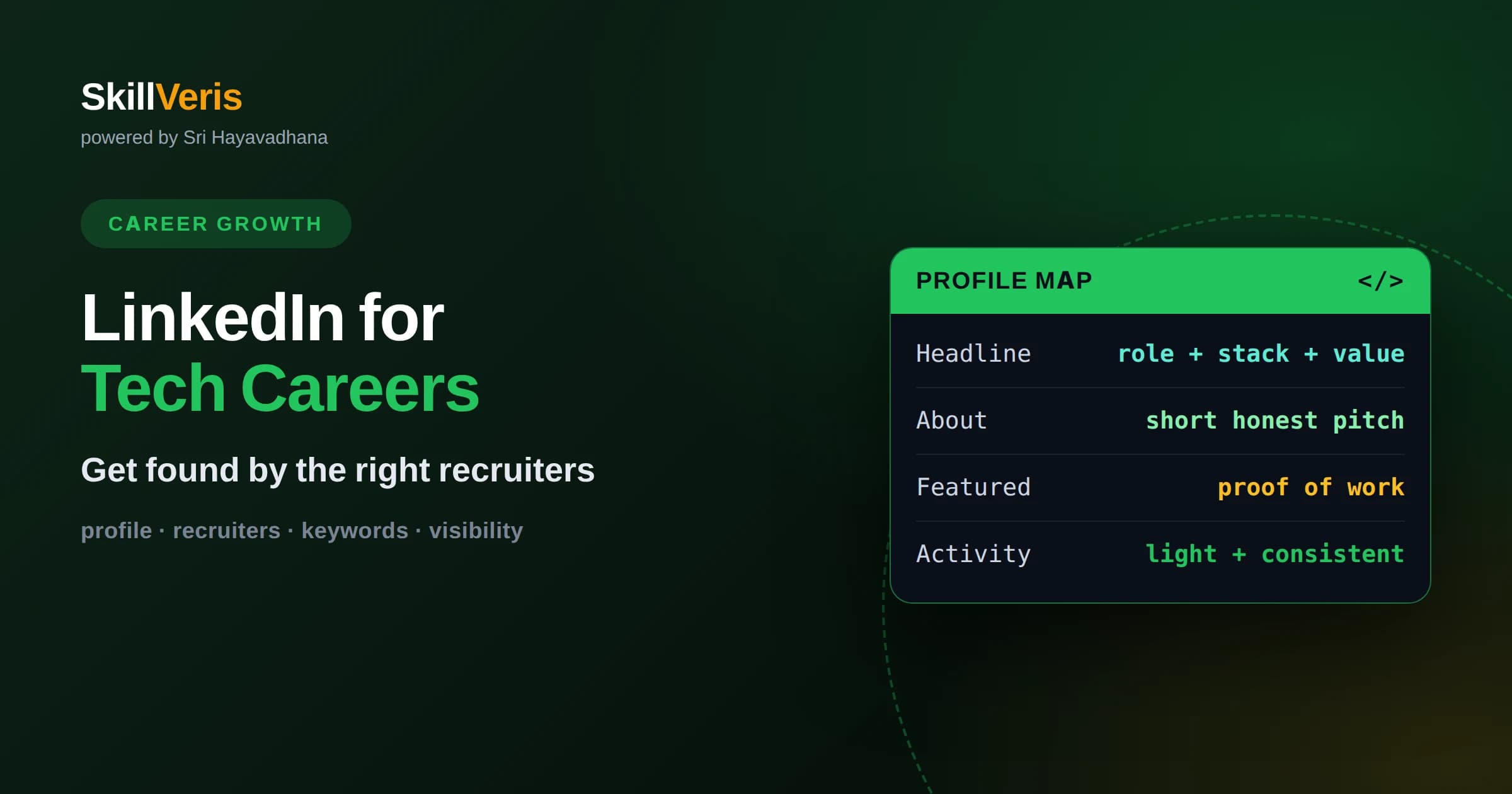
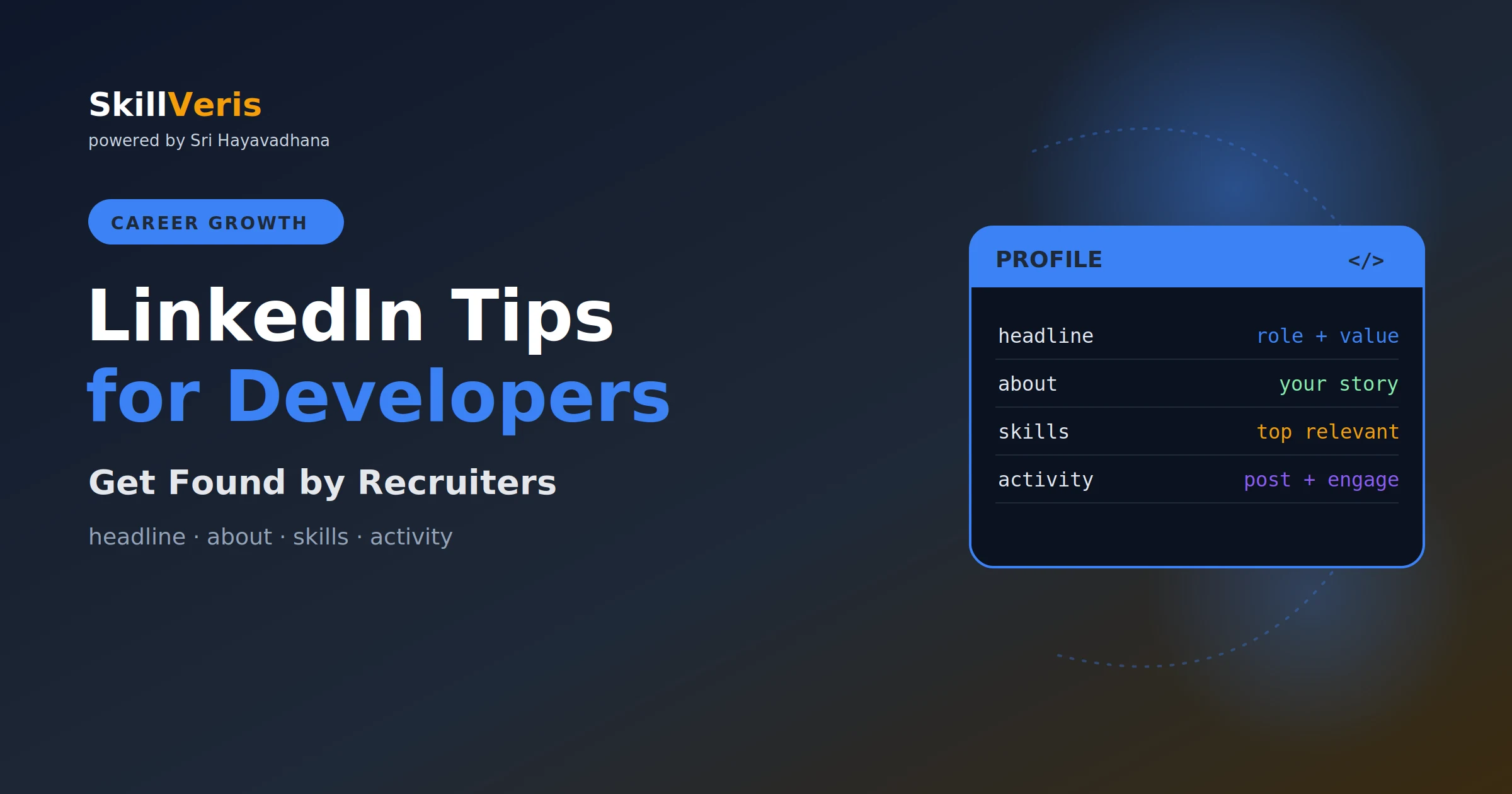
A recruiter-friendly headline and About section built around the roles and skills you want are what make your profile surface in search.
In this guide, you'll learn:
- Proof of work such as projects, contributions, and quantified impact outperforms generic buzzwords in every section.
- Consistent, low-effort activity keeps you visible in your network's feed without turning you into a full-time content creator.
- Treat your profile as a living document you revise after every project, not a resume you write once and forget.
1What LinkedIn Optimization Actually Means for Developers
LinkedIn optimization for tech professionals means shaping your profile so the right people find it and instantly understand what you do, then giving them a reason to reach out. It is not about gaming an algorithm or collecting connections; it is about matching the language recruiters and hiring managers search for with genuine proof that you can do the work. When those two things line up, your profile stops being a static resume and becomes a discovery engine.
Most developer profiles fail for one of two reasons. Either they are empty, with a job title and nothing else, or they are stuffed with vague adjectives like passionate and hardworking that tell a reader nothing concrete. An optimized profile sits between those extremes: specific, scannable, and honest. It states what you build, which tools you use, and what results you have produced.
The goal is not to sound impressive to everyone. It is to be legible to a small number of people who can change your career: recruiters filling roles you want, engineers who might refer you, and future collaborators. Optimize for them, and the rest takes care of itself.
2Write a Headline That Does More Than State Your Job Title
Your headline is the single most valuable piece of real estate on your profile because it appears everywhere: in search results, comments, and connection requests. The default headline is just your current job title, which wastes the space. A stronger formula names your role, your core stack, and the value you deliver, for example a backend engineer who builds scalable APIs in Go and Python.
Include the keywords a recruiter would actually type. If you want frontend roles, the words React, TypeScript, and frontend should appear somewhere in your headline or nearby sections, because LinkedIn search weighs these fields heavily. Write for a human first, but make sure the machine can read you too.
Avoid cramming in ten technologies separated by pipes. Pick the two or three that define the role you want next, not every tool you have ever touched. Clarity beats completeness here.
3Turn the About Section Into a Short, Honest Pitch
The About section is where a curious reader decides whether to keep going. Open with one or two sentences that answer who you are and what you build, then expand into the kinds of problems you enjoy solving and the technologies you reach for. Write in the first person; it reads as more human and more confident than stiff third-person prose.
Structure matters because most people skim. Use short paragraphs and put the most important information first. A common pattern is a hook sentence, a paragraph on your focus and strengths, a paragraph on a representative achievement, and a closing line inviting the reader to connect or reach out about specific opportunities.
Weave in keywords naturally rather than listing them. If you specialize in distributed systems, say so in the context of a real problem you solved. Recruiters searching those terms will find you, and human readers will trust a profile that shows rather than merely claims.
4Describe Experience in Terms of Impact, Not Duties
Under each role, resist the urge to copy your job description. Anyone can list responsibilities; what distinguishes you is outcome. Rewrite each bullet to lead with a result and follow with how you achieved it, such as reducing a build pipeline from twenty minutes to five by parallelizing test suites.
Quantify wherever you honestly can, but keep numbers real and illustrative rather than invented. If you do not have precise metrics, describe scale and effect: supported a service handling large daily traffic, or migrated a legacy module that unblocked a team of engineers. Concrete detail is persuasive even without a percentage.
Each role should read as a short story of problems you were handed and value you left behind. That framing is exactly what a hiring manager is trying to predict about your next role.
5Curate Skills and Endorsements Deliberately
The Skills section feeds LinkedIn search and lets you signal your focus at a glance. Pin the handful of skills most relevant to the roles you want to the top, and remove stale or off-target entries that dilute the picture. A profile listing forty scattered skills reads as unfocused; a tight, ordered list reads as intentional.
Endorsements carry modest weight, but they add social proof when they cluster around your headline skills. You do not need hundreds. A dozen genuine endorsements on your core technologies from people who have worked with you is more credible than a long tail of random ones.
Take the relevant skill assessments LinkedIn offers when you are confident in the topic. A verified badge next to a key skill is a small but real trust signal that costs you only a few minutes.
6Show Proof of Work With Projects and Links
For developers, proof of work is your strongest asset, and LinkedIn gives several places to display it. Use the Featured section to pin a standout project, a technical article you wrote, or a link to your portfolio and code repositories. These artifacts let a skeptical reader verify your claims in seconds.
If you contribute to open source, mention specific contributions rather than the fact of contributing. A reader who can click through to a merged change or a project you maintain gains far more confidence than one reading the word open-source in isolation.
Even small, finished projects matter early in a career. A deployed application with a clear README communicates that you can ship, which is exactly the quality employers struggle to assess from a resume alone.
Add short context to each featured item so a reader knows why it matters. A one-line description explaining the problem the project solves, the stack you used, and the outcome turns a bare link into a persuasive story that a busy recruiter can absorb in seconds.
8Understand How Recruiters Search and Rank Profiles
Recruiters rarely browse; they search using tools that match keywords against your headline, About, experience, and skills. If a term does not appear anywhere in your profile, you will not surface for it, no matter how skilled you are. This is why keyword placement is not spam but basic findability.
Think about the exact phrases a recruiter would type for your target role and make sure each appears at least once in a natural context. Include variations, since one recruiter searches for machine learning while another searches for ML. The aim is coverage without keyword stuffing that reads as robotic.
Location and openness signals also matter. Turning on the quiet open-to-work setting, which is visible only to recruiters, and keeping your location accurate meaningfully increases how often you appear in their filtered results.
Seniority and title language matter too. Recruiters often filter by role level, so make sure your experience uses the standard terms for your level rather than internal company titles that mean nothing outside your organization. Translating an unusual internal title into a recognizable one can be the difference between surfacing and staying invisible.
9Stay Visible With Light, Consistent Activity
Visibility on LinkedIn compounds with activity, but you do not need to become an influencer. Commenting thoughtfully on posts in your field a few times a week keeps you in your network's feed and quietly signals that you are engaged and current. A short, specific comment often earns more goodwill than a long original post.
When you do post, share what you are genuinely learning or building. A note about a tricky bug you solved or a concept that finally clicked is useful to others and authentic to you. This kind of content attracts the right audience without demanding a content strategy.
The point of activity is not reach for its own sake. It is to remain a familiar name when someone in your network hears about a role, because referrals still originate more good opportunities than cold applications.
10Use Your Profile as a Networking Foundation
An optimized profile makes networking easier because it does the explaining for you. When you send a connection request or a message, the person can glance at your profile and immediately understand your background, which lowers the barrier to a reply. A strong profile is the quiet partner to every outreach message you send.
Personalize connection requests with a sentence about why you are reaching out, referencing something specific from their work or a shared interest. Blank requests to strangers are easy to ignore; a brief, genuine note is not.
Follow and engage with companies and engineers whose work you admire. Over time this builds a network aligned with where you want to go, so that when opportunities circulate, they circulate near you.
11Avoid the Common Optimization Mistakes
The most frequent mistake is treating LinkedIn as a resume dump, copying stiff formal language that reads as a duty list. The second is the opposite: leaving large sections blank, which makes the algorithm skip you and makes human readers assume you are inactive. Both undercut everything else you do.
Another trap is exaggeration. Inflated titles or claimed expertise you cannot back up tend to surface awkwardly in interviews, and the tech community is small enough that reputation travels. Honesty is not just ethical here; it is strategic.
Finally, avoid the set-and-forget approach. A profile that still describes a role you left two years ago signals neglect. The best profiles are revised regularly, which keeps them accurate and keeps you thinking about your own trajectory.
12Build a Simple Maintenance Routine
Optimization is not a one-time project. Set a light recurring habit, such as a short review every couple of months, to update your headline, add any new project to Featured, and refresh a bullet or two with recent accomplishments. This keeps your profile current with almost no effort.
Tie updates to milestones. Finished a course, shipped a feature, gave a talk, or learned a new tool? Add it while it is fresh and specific in your memory, before the details blur. Small, frequent edits are far easier than a dreaded annual overhaul.
Over a year, these tiny updates accumulate into a profile that genuinely reflects your growth, which is exactly what makes it persuasive when you next go looking for a role.
13Put It Into Practice and Keep Growing
The fastest way to strengthen your LinkedIn profile is to have more real work to show, and that comes from steady, deliberate skill building. As you complete courses and projects on SkillVeris, treat each one as raw material: a new skill to list, a project to feature, or an accomplishment to describe in your experience section.
Work through this article one section at a time rather than all at once. Rewrite your headline today, revise your About section this week, and add one piece of proof to Featured after your next project. Each pass makes you more findable and more credible.
An optimized profile paired with genuine, growing skills is a durable career asset. Keep learning on SkillVeris, keep your profile in sync with what you can do, and let the two reinforce each other over time.
Get The Print Version
Download a PDF of this article for offline reading.
About the Publisher
SkillVeris Team
Careers Team
Our careers team helps you navigate tech job markets, build portfolios, and land the roles you want.
View all postsRelated Posts
Never miss an update
Get the latest tutorials and guides delivered to your inbox.
No spam. Unsubscribe anytime.