100% Free Forever
AI-Powered Learning
Industry Expert Content
Certificates & Badges
Learn At Your Own Pace
HomeBlogJunior vs Senior Developer: What Changes
Career Growth

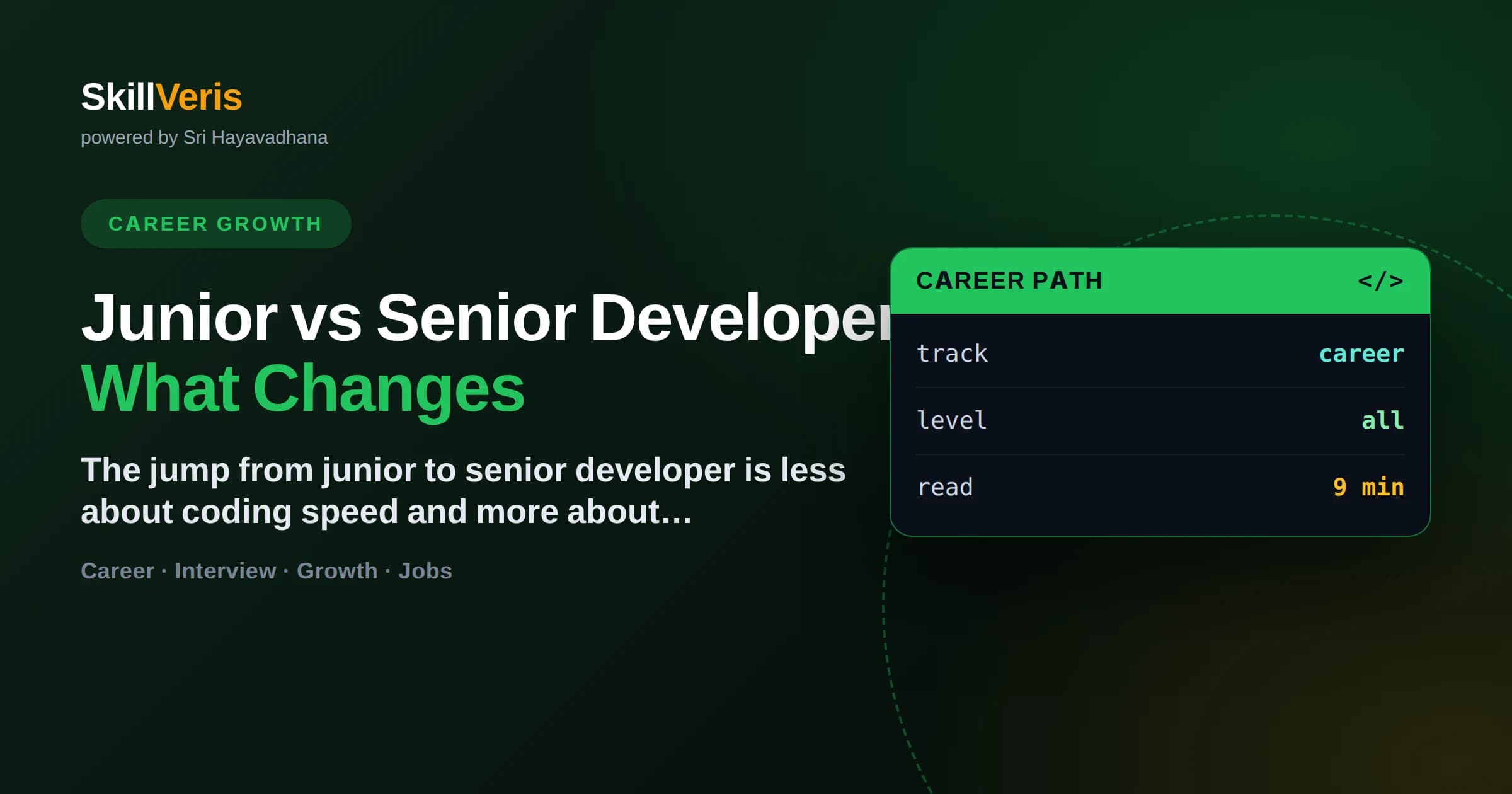
Junior vs Senior Developer: What Changes

SV

SkillVeris Team

Careers Team

May 5, 2025 9 min read
Share:
Junior vs Senior Developer: What Changes
Key Takeaway

The core shift from junior to senior is from writing code that works to making decisions that hold up — judgement, not just syntax.

In this guide, you'll learn:

  • Juniors are given well-defined tasks; seniors take ambiguous problems and define the tasks themselves.
  • Seniors are measured by outcomes and team impact, not lines of code or hours worked.
  • Communication and mentoring become as important as technical skill at the senior level.
  • Knowing when NOT to build something is a signature senior instinct.

1What Actually Changes From Junior to Senior

The biggest difference between a junior and a senior developer is not typing speed or knowing more frameworks — it is judgement, scope, and ownership. A junior is handed a clearly defined task and implements it well. A senior takes a vague business problem, decides what should be built (and what shouldn't), breaks it into tasks, anticipates failure modes, and owns the result end to end.

Seniority is best understood as the size and ambiguity of the problems you can be trusted to handle alone. That is why 'senior' is not a purely time-based title: some developers reach it in a few years, and others plateau because they keep operating at task level rather than growing into decisions and impact.

2Scope: From Tasks to Problems

The clearest dividing line is the size and clarity of the work you are given. Juniors thrive on well-specified tickets. Seniors are handed ambiguity and expected to turn it into a plan.

  • Junior: 'Add validation to this form field' — a defined, bounded task.
  • Mid: 'Build the signup flow' — a feature with several tasks to sequence.
  • Senior: 'Reduce signup drop-off' — an outcome with the approach left open.
  • Senior also decides what not to build when a simpler path exists.

🔑Key Distinction

Juniors solve the problem they are given. Seniors figure out which problem is actually worth solving.

3Judgement and Decision-Making

Seniors accumulate a library of trade-offs learned from real consequences. They know that the clever abstraction often costs more than the duplication it removes, that most performance worries are premature, and that boring, proven technology usually beats the exciting new thing for production systems. This judgement is why teams trust seniors to make calls without supervision.

Juniors tend to reach for the solution they most recently learned; seniors weigh several options against context — team size, deadline, maintenance cost, and risk. The senior answer to most design questions is 'it depends,' followed by a clear explanation of what it depends on.

4How Daily Work Differs

The texture of the workday changes as you grow. A junior spends most of the day heads-down coding. A senior's time fragments across code, design discussions, reviews, mentoring, and unblocking others — and that is the job, not a distraction from it.

Where the Time Goes

Coding never disappears, but it shares the day with higher-leverage work.

code
Junior: mostly implementation against clear tickets, with frequent questions.
Mid: implementation plus owning a feature area and reviewing peers.
Senior: architecture, code review, mentoring, and cross-team coordination.
Across all levels: writing clear code and asking good questions still matters.

5Communication Becomes the Multiplier

At the senior level, the ability to explain, persuade, and align people often matters more than raw coding skill. A senior who can write a clear design doc, run a productive review, and translate business needs into technical plans multiplies the output of the whole team. A brilliant coder who cannot communicate stays capped at their own two hands.

💡Pro Tip

Practising writing — design docs, thorough PR descriptions, clear postmortems — is one of the fastest ways to grow toward senior-level impact.

6Ownership and Accountability

Seniors own outcomes, not just commits. When a feature ships, a senior thinks about monitoring, rollback plans, edge cases, and what happens at 3 a.m. if it breaks. They do not consider a task 'done' when the code merges — they consider it done when it works reliably in production and the team can maintain it. This ownership mindset is often what a promotion committee is really looking for.

  • Think past 'it works on my machine' to 'it works under load and on-call.'
  • Plan for failure: retries, alerts, graceful degradation.
  • Leave the codebase more maintainable than you found it.
  • Take responsibility for the outcome, including when things go wrong.

7Lifting the Team Around You

A defining senior behaviour is making everyone else better. Through code review, pairing, and patient answers, seniors raise the whole team's baseline. This is why impact, not individual output, is the true senior metric: a senior who mentors three juniors into stronger engineers has more impact than one who simply ships more code alone.

8Common Mistakes on the Way Up

Some habits keep capable developers stuck at the junior or mid level longer than necessary.

  • Chasing new frameworks instead of deepening judgement and fundamentals.
  • Measuring yourself by lines of code or hours rather than outcomes.
  • Avoiding ambiguous problems because clear tickets feel safer.
  • Neglecting communication skills, assuming code speaks for itself.
  • Hoarding knowledge instead of mentoring, which caps your impact.

⚠️Watch Out

Years of experience alone do not make someone senior. A developer who spends five years only doing task-level work stays junior in everything but title.

9Key Takeaways

The junior-to-senior transition comes down to a few shifts.

  • Move from executing tasks to defining and owning problems.
  • Build judgement about trade-offs from real production consequences.
  • Treat communication and writing as core engineering skills.
  • Own outcomes end to end, including failure and maintenance.
  • Grow your impact by lifting the whole team, not just your own output.

10Frequently Asked Questions

Q: How long does it take to become a senior developer? A: There is no fixed timeline — it depends on the range and difficulty of problems you take on, not the calendar. Some developers reach senior scope in a handful of years by seeking ambiguity and ownership; others take longer if they stay at task level. Growth in judgement, not tenure, is what matters.

Q: Do I need to be a coding genius to be senior? A: No. Senior developers are defined more by judgement, ownership, and communication than by raw brilliance. Many effective seniors are solid, reliable engineers who make good decisions and lift their teams, not virtuoso coders.

Q: What is the difference between senior and staff or principal? A: Broadly, senior means owning outcomes within a team, while staff and principal roles extend that ownership across multiple teams or the whole organisation, often with more emphasis on strategy and technical direction. The scope of influence keeps widening as you climb.

Q: Can I become senior faster by switching companies? A: Sometimes a new environment offers more scope and mentorship, which accelerates growth, but a title bump without a real change in responsibility is hollow. Focus on the size of problems you can own; the title tends to follow genuine capability.

📄

Get The Print Version

Download a PDF of this article for offline reading.

About the Publisher

SV

SkillVeris Team

Careers Team

Our careers team helps you navigate tech job markets, build portfolios, and land the roles you want.

View all posts

Never miss an update

Get the latest tutorials and guides delivered to your inbox.

No spam. Unsubscribe anytime.

Frequently Asked Questions

21 categories · pick one to explore

Does SkillVeris have a tech blog, and what does it cover?
Yes, the SkillVeris blog has over 500 articles covering AI and machine learning, programming, web development, DevOps, cloud, security, databases and career guidance. Articles are practical and answer-first, and many use the Learn Through Hobbies approach, teaching technical concepts through cricket, music, gaming or cooking analogies. Everything is free to read.
What is the SkillVeris tech glossary and how big is it?
The SkillVeris glossary is a free reference of roughly 2,000-plus technology terms, each with a clear plain-language definition. It spans AI, programming, web, DevOps, cloud, security and database vocabulary, so whenever a lesson, article or job description uses jargon you do not recognise, the glossary gives you a fast, reliable answer.
Are the developer cheat sheets on SkillVeris free to download?
The cheat sheets are completely free to use, like everything else on SkillVeris. Each sheet condenses a language or tool into its essential syntax, commands and patterns for quick reference while coding. They are designed for rapid lookup during real work, complementing the deeper explanations found in study notes and courses.
Which programming references and cheat sheets are available?
Cheat sheets cover the platform's main domains, including programming languages, AI and ML tooling, web development, DevOps, cloud, security and databases, matching the topics of the 37 live courses. Each sheet lists related reading links and hashtags, so you can jump from a quick reference into fuller study notes or blog articles.
How do I find the meaning of a technical term quickly?
Search the SkillVeris glossary, which holds around 2,000-plus terms with concise, plain-language definitions. Each entry gets to the point in its first sentence, then links to related reading like blog posts or study notes for deeper context. It is faster and more consistent than sifting through scattered search results.
Is the SkillVeris blog good for beginners learning to code?
Yes, many blog articles are written specifically for beginners, and the Learn Through Hobbies style makes them unusually approachable: you might learn Python concepts through cricket or understand APIs through cooking. With 500-plus articles across skill levels, beginners can start with fundamentals and keep reading as they advance, entirely free.
Can cheat sheets replace full courses for learning a language?
No, cheat sheets are references, not teaching tools; they assume you already understand the concepts and just need syntax or commands fast. To actually learn a language, take a structured SkillVeris course with its 24–40 lessons and assessments, then keep the cheat sheet beside you while practising in Code Lab.
How often are new blog articles published on SkillVeris?
The blog grows regularly and already exceeds 500 articles, with new posts added as courses launch and technologies evolve. Topics track the platform's catalogue across AI, programming, web development, DevOps, cloud and security, so checking the Blog section periodically surfaces fresh tutorials, explainers and career-focused pieces, all free to read.
Does the glossary cover AI and machine learning terms?
Yes, AI and machine learning vocabulary is a major part of the roughly 2,000-plus term glossary, covering everything from foundational terms to modern concepts around LLMs, RAG and MLOps. Definitions are plain-language and answer-first, which helps when dense AI papers or course lessons throw unfamiliar jargon at you.
Are there cheat sheets for interview preparation?
Cheat sheets work well as interview-day refreshers because they compress syntax, commands and key concepts into scannable references. For dedicated preparation, combine them with the SkillVeris interview questions feature, which includes readiness scoring, plus study notes for depth. Reviewing a relevant cheat sheet just before an interview steadies recall under pressure.
Can I read the tech blog without signing up?
Yes, the blog is freely readable, and SkillVeris never charges for content. All 500-plus articles are open, covering tutorials, concept explainers and career advice. Creating a free account adds value elsewhere on the platform, like course progress tracking and certificates, but reading the blog requires no commitment at all.
How is the SkillVeris glossary different from Wikipedia?
The glossary is purpose-built for learners: definitions are short, plain-language and answer-first, sized for a quick lookup mid-lesson rather than a deep encyclopedic read. Entries also cross-link to related SkillVeris study notes, blog posts and courses, so a definition becomes a doorway into structured learning instead of a dead end.
Do blog articles use the Learn Through Hobbies method?
Many blog articles teach technical topics through hobby analogies, a hallmark of the SkillVeris blog, so you will find articles explaining programming through cricket, machine learning through music, or system design through cooking. The analogy is the teaching device; the article still delivers the real technical concept underneath.
Where can I find quick programming references while coding?
Open the SkillVeris cheat sheets, which are built exactly for that moment: compact, scannable references for syntax, commands and common patterns across languages and tools. Keep the relevant sheet in a browser tab while you work in Code Lab or your own editor, and dip into the glossary for terminology.
Is there a glossary entry for terms I meet in job descriptions?
Very likely yes, with roughly 2,000-plus terms across AI, programming, web, DevOps, cloud, security and databases, the glossary covers most jargon that appears in tech job descriptions. Decoding a listing this way helps you judge role fit honestly and prepares you to discuss those terms in interviews.
Are the blog articles written for the Indian tech audience?
The blog serves Indian learners plus a worldwide audience. Content stays globally relevant while acknowledging realities that matter in India, such as free access being essential for students and freshers, and career guidance that connects naturally to the SkillVeris jobs portal, which aggregates roles across India, UK, USA, Germany and Remote.
Can I suggest a topic for the blog or glossary?
SkillVeris content grows in response to what learners need, so feedback is welcome through the platform's support channels. If a term is missing from the glossary or a topic deserves an article, telling the team helps prioritise it. Meanwhile, the AI Mentor can answer the question immediately, 24/7, at any depth.
Do cheat sheets and glossary entries link to deeper learning?
Yes, every cheat sheet and glossary entry carries related reading links into study notes, blog articles and courses, plus concept hashtags for discovering similar content. This cross-linking means a thirty-second lookup can smoothly become a structured learning session whenever you decide you want more than a quick answer.
What makes SkillVeris programming references trustworthy?
The references are written to strict internal quality standards, kept consistent with the platform's 37 live courses, and never padded with invented statistics or hype. Definitions and cheat sheets are reviewed against the same content contracts that govern courses, and the answer-first style makes any inaccuracy easy to spot and correct.
How do the blog, glossary and cheat sheets fit into my learning routine?
Use them as satellites around your main course: read blog articles for context and motivation, hit the glossary the instant jargon appears, and keep cheat sheets open while coding. Together with study notes, Code Lab and the 24/7 AI Mentor, they turn passive reading into a complete, free learning system.

What Learners Say

Real journeys from the SkillVeris community — swipe for more.

SkillVeris taught me Python through Cricket. Now I’m building real projects and feeling confident!
Arjun S. · B.Tech Student
The best platform for hobby-based learning. Concepts finally stick.
Priya R. · Data Analyst
I went from zero coding to a portfolio of projects — all by learning through my love for gaming. Landed my first internship!
Kabir M. · CS Undergraduate
Trending Topics50 popular tags — tap to explore
Trending CoursesAll 37 free courses — tap to browse