How to Document Your Code Effectively
SkillVeris Team
Careers Team
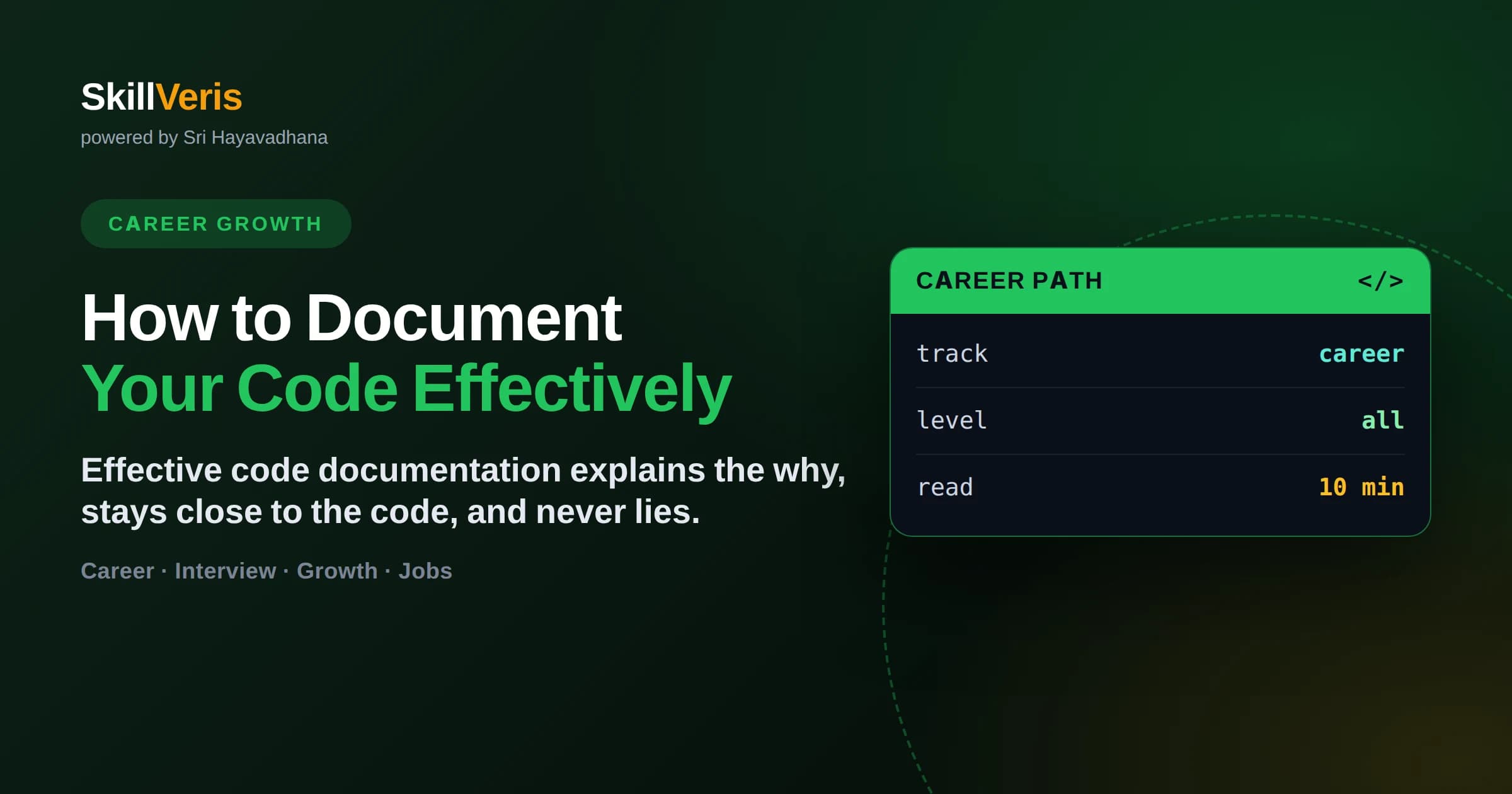
Document your code effectively by explaining why decisions were made, keeping docs close to the code, and writing self-explanatory code so comments cover intent rather than mechanics.
In this guide, you'll learn:
- The best documentation explains why, because the code itself already shows the what and how.
- Write clear names and small functions first — readable code needs fewer comments.
- Keep documentation near the code (docstrings, READMEs, inline comments) so it stays in sync.
- A good README answers what the project is, how to run it, and how to contribute.
1What Does Effective Code Documentation Look Like?
Effective code documentation explains why the code exists and how to use it, stays physically close to the code so it does not drift, and never contradicts what the code actually does. It complements readable code rather than compensating for unreadable code.
Documentation is a gift to your future self and everyone who touches the code after you. The aim is not to comment every line but to capture the context a reader cannot get from the code alone: intent, constraints, and the reasoning behind non-obvious decisions.
2Document the Why, Not the What
The single most useful rule is to explain why, because the code already shows what it does. A comment that restates the code adds noise; a comment that captures reasoning adds lasting value.
- Bad: 'increment i by 1' — the code already says i += 1.
- Good: 'retry three times because the payment gateway occasionally times out under load.'
- Good: 'we sort before deduping so the newest record wins on conflicts.'
- Good: 'do not remove this delay; the upstream API rate-limits faster callers.'
🔑The Why Test
Before writing a comment, ask: does this explain something the code cannot? If it only repeats the code, delete it. If it captures intent or a constraint, keep it.
3Start With Self-Documenting Code
The best documentation is code so clear it barely needs comments. Before reaching for a comment, improve the code itself — clear names and small functions eliminate whole categories of explanation.
Name Things Well
A variable named daysUntilExpiry needs no comment; one named d does. Descriptive names for variables, functions, and classes carry meaning without extra text.
Keep Functions Small
A short function that does one thing is self-explanatory. Extracting a confusing block into a well-named function often replaces a paragraph of comments.
4The Levels of Documentation
Documentation lives at several levels, each serving a different reader. Good projects use them together rather than cramming everything into one place.
- Inline comments: explain a tricky line or a non-obvious decision right where it happens.
- Docstrings: describe what a function or class does, its parameters, and return values.
- README: the front door — what the project is, how to install and run it, and how to contribute.
- Architecture docs: high-level design and how major pieces fit together.
- API docs: generated reference for public interfaces others depend on.
5Writing a README That Helps
The README is the most-read documentation in any project and often the only one people read. A strong one lets a newcomer go from zero to a running project in minutes without asking anyone.
Cover the essentials in order: what the project does and why it exists, prerequisites, install and run steps, a minimal usage example, and how to run tests or contribute. Keep it current, because a broken setup section is the fastest way to lose a potential contributor.
💡The Fresh Clone Test
Follow your own README on a clean machine. If you cannot get the project running from the instructions alone, neither can anyone else — fix the gaps you hit.
6Keeping Documentation From Rotting
Outdated documentation is actively harmful because it misleads readers who trust it. The core discipline is simple: change the docs in the same commit as the code they describe, never as a later chore that never happens.
Reduce the surface area that can rot by keeping docs close to code and generating what you can. Docstrings live with their functions and are easy to update; API references generated from code stay accurate automatically. The less documentation duplicates the code, the less there is to fall out of sync.
7Best Practices to Follow
A few consistent habits keep documentation useful without turning it into a burden.
- Update docs in the same pull request as the code change.
- Prefer clearer code over more comments whenever possible.
- Explain intent, constraints, and trade-offs — the things code cannot show.
- Delete comments that merely restate the code; they add noise.
- Write docstrings for public functions and any non-trivial logic.
- Test your setup instructions on a clean environment periodically.
8Key Takeaways
Documentation is a practice, not a one-time task, and the best kind reduces how much you need.
- Explain why, because the code already shows what and how.
- Write self-documenting code with clear names and small functions first.
- Use inline comments, docstrings, and a strong README together.
- Keep docs close to the code and update them in the same commit.
- Treat outdated documentation as a bug — it is worse than none.
9Frequently Asked Questions
Q: Should I comment every line of code? A: No. Comments that restate the code add noise. Comment the non-obvious: intent, constraints, and reasoning the code cannot convey on its own.
Q: What is the difference between comments and documentation? A: Comments explain specific lines or decisions inside the code, while documentation like READMEs and API references describes the project or interface at a higher level. Good projects use both.
Q: How do I stop documentation from becoming outdated? A: Update docs in the same commit as the code they describe, keep them close to the code, and generate reference docs from the source where possible so they stay accurate automatically.
Q: What belongs in a README? A: What the project does, prerequisites, install and run instructions, a minimal usage example, and how to run tests or contribute. Verify it by following the steps on a clean machine.
Get The Print Version
Download a PDF of this article for offline reading.
About the Publisher
SkillVeris Team
Careers Team
Our careers team helps you navigate tech job markets, build portfolios, and land the roles you want.
View all postsRelated Posts


Never miss an update
Get the latest tutorials and guides delivered to your inbox.
No spam. Unsubscribe anytime.