How to Contribute to Open Source Projects
SkillVeris Team
Careers Team
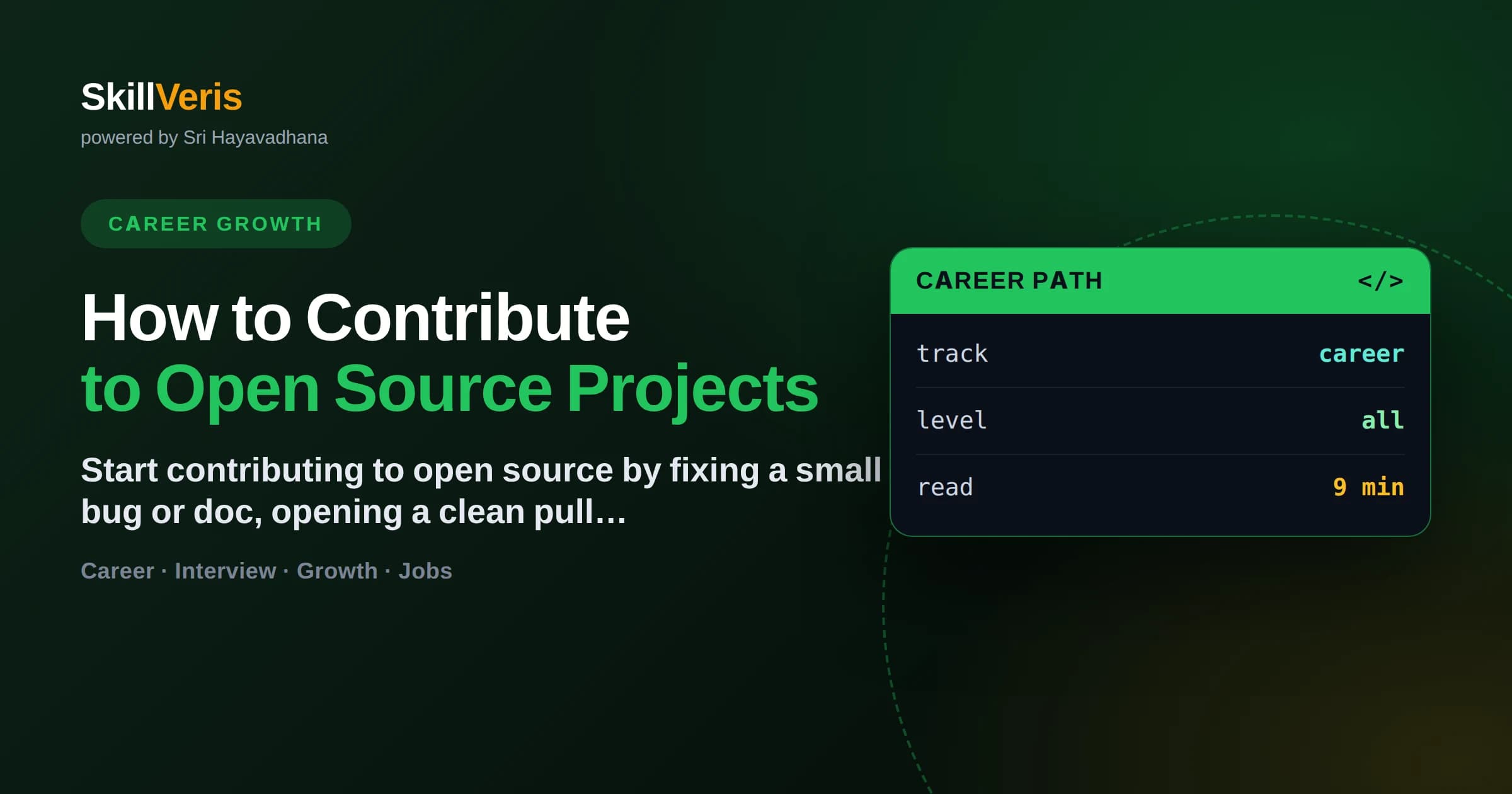
You contribute to open source by finding a beginner-friendly issue, forking the repo, making a focused change on a branch, and opening a pull request that follows the project's contribution guidelines.
In this guide, you'll learn:
- Non-code contributions — documentation, tests, translations, and bug reports — are just as valued and are the easiest way to make your first merge.
- Read CONTRIBUTING.md and the code of conduct before writing any code; every project has its own norms and review process.
- Small, single-purpose pull requests get reviewed and merged far faster than large, sprawling ones.
- Public contributions build a visible portfolio that recruiters and hiring managers can actually inspect.
1How to Contribute to Open Source Projects
To contribute to an open source project, find an issue labeled 'good first issue', fork the repository, create a branch, make one focused change, and open a pull request that follows the project's CONTRIBUTING.md. Maintainers review it, request changes if needed, and merge it once it meets their standards.
Open source is software whose code is public and open to community improvement. Contributing means adding value to that code or its surrounding materials — and you do not need to be an expert to start. Fixing a typo in the docs is a legitimate, welcome first contribution.
2Why Contribute in the First Place
Contributing to open source gives you real-world experience on codebases used by thousands of people, which is hard to replicate in personal projects. It sharpens skills you rarely practice alone: reading unfamiliar code, working with Git at scale, and responding to code review.
- Build a public portfolio: every merged pull request is visible proof of your ability.
- Learn from expert review: maintainers give feedback you would pay for elsewhere.
- Grow your network: contributors and maintainers become professional contacts.
- Give back: the tools you use every day exist because others contributed first.
- Stand out to employers who value collaboration and initiative over credentials.
🔑Career Signal
A GitHub profile with steady, thoughtful contributions tells a hiring manager more than a line on a resume. It shows how you actually work with others.
3You Do Not Have to Write Code
Many valuable contributions involve no application code at all, which makes them the perfect entry point. Projects constantly need help that has nothing to do with their core logic, and this work is often under-served and deeply appreciated.
- Documentation: fix typos, clarify confusing steps, or add missing examples.
- Bug reports: file clear, reproducible issues with steps and environment details.
- Tests: add coverage for untested functions or edge cases.
- Translations: localize the UI or docs into another language.
- Triage: reproduce reported bugs and label or comment on issues to help maintainers.
Start With Docs
Documentation fixes are ideal first contributions because they require little setup and teach you the whole pull-request workflow without the pressure of changing behavior.
4Finding a Project and an Issue
Choose a project you already use or genuinely care about — familiarity makes contributing far easier and keeps you motivated through the learning curve. Then look for issues explicitly marked as approachable for newcomers.
- Search GitHub issues for labels like 'good first issue', 'help wanted', or 'beginner'.
- Browse sites such as goodfirstissue.dev or the CNCF and Up For Grabs listings.
- Pick active projects: recent commits and responsive maintainers matter more than star count.
- Read a few merged pull requests first to learn the project's tone and standards.
- Comment on an issue to claim it before starting, so two people do not duplicate work.
💡Pro Tip
Check when the last release and last commit happened. A project that went quiet a year ago may leave your pull request unreviewed indefinitely.
5The Contribution Workflow, Step by Step
Nearly every project follows the same fork-branch-commit-pull-request loop. Learn it once and it transfers everywhere. The commands below are the standard sequence from claiming an issue to opening your first pull request.
- git clone https://github.com/you/project.git # clone your fork
- git checkout -b fix/typo-in-readme # work on a descriptive branch
- git commit -m 'Fix broken install link in README' # focused commit
- git push origin fix/typo-in-readme # push to your fork
- Open a pull request from your branch to the project's main branch on GitHub
Keep Your Fork in Sync
Before starting new work, pull the latest changes from the original repository so your branch does not conflict with recent commits.
git remote add upstream https://github.com/original/project.git
git fetch upstream
git merge upstream/main # or git rebase upstream/main6Read the Guidelines Before You Code
Every serious project ships a CONTRIBUTING.md and a code of conduct that define how it accepts changes. Reading these first prevents the most common reason pull requests get rejected: not following the project's stated process.
Guidelines typically specify branch naming, commit message format, how to run tests, code style, and whether you must sign a Contributor License Agreement. Ignoring them signals you did not do your homework, and maintainers notice.
- CONTRIBUTING.md: the contribution process and expectations.
- CODE_OF_CONDUCT.md: the community's behavioral standards.
- README.md: setup and build instructions.
- Issue and pull-request templates: the exact information maintainers want.
7Writing a Pull Request Maintainers Will Merge
A good pull request is small, focused, and clearly explained. Reviewers are volunteers with limited time, so make their job easy: change one thing, describe what and why, and link the issue it resolves.
- One purpose per pull request: do not mix a bug fix with unrelated refactoring.
- Reference the issue with 'Closes #123' so it auto-links and closes on merge.
- Explain the reasoning, not just the change — reviewers need context.
- Run the tests and linter locally before pushing; a failing CI check delays review.
- Keep the diff readable; avoid reformatting files you did not need to touch.
🔑The Golden Rule
A pull request that changes one clear thing and passes CI gets merged. One that changes fifteen things across the codebase sits in limbo for weeks.
8Responding to Code Review
Expect maintainers to request changes — this is normal and not a rejection. Review is how open source maintains quality, and even senior engineers get feedback on their pull requests. Treat every comment as a chance to learn.
Reply politely, make the requested edits, and push new commits to the same branch; the pull request updates automatically. If you disagree, explain your reasoning calmly rather than pushing back defensively. Patience and professionalism here build the reputation that leads to bigger opportunities.
9Common Mistakes to Avoid
New contributors tend to trip over the same avoidable issues. Steering clear of these dramatically improves the odds your first pull request is welcomed.
- Skipping CONTRIBUTING.md and submitting in the wrong format.
- Opening a huge pull request that touches dozens of files at once.
- Not claiming an issue first, then duplicating someone else's work.
- Submitting without running the existing tests, so CI fails immediately.
- Taking review feedback personally instead of as normal quality control.
- Ghosting your own pull request when changes are requested.
⚠️Watch Out
Never force-push over a maintainer's suggested commits or resolve conversations you did not address. It erodes trust fast and can get your pull request closed.
10Key Takeaways
The path into open source is simpler than it looks when you break it into durable habits.
- Start small: a docs fix or a 'good first issue' is a real, valued contribution.
- Read CONTRIBUTING.md and the code of conduct before writing anything.
- Follow the fork, branch, commit, pull-request workflow every time.
- Keep pull requests small, focused, and clearly explained.
- Treat code review as free mentorship and respond with patience.
11Frequently Asked Questions
Q: Do I need to be an expert programmer to contribute to open source? A: No. Documentation fixes, bug reports, tests, and translations are all valuable and require little or no application code. Many maintainers actively label issues as beginner-friendly precisely to welcome newcomers.
Q: How do I find my first issue? A: Search a project you use for labels like 'good first issue' or 'help wanted', or browse aggregators such as goodfirstissue.dev and Up For Grabs. Pick an active project with responsive maintainers.
Q: What if my pull request gets rejected or ignored? A: Rejection usually means the change did not fit the project's direction or guidelines, not that you failed. If a pull request is ignored, politely comment after a week. Choosing active, well-maintained projects reduces this risk.
Q: Will open source contributions help me get a job? A: Yes. Public contributions give hiring managers concrete, inspectable evidence of your skills, collaboration style, and initiative — often more persuasive than a resume line alone.
Get The Print Version
Download a PDF of this article for offline reading.
About the Publisher
SkillVeris Team
Careers Team
Our careers team helps you navigate tech job markets, build portfolios, and land the roles you want.
View all postsRelated Posts
Never miss an update
Get the latest tutorials and guides delivered to your inbox.
No spam. Unsubscribe anytime.