What Is Generative AI? A Complete Beginner's Guide
SkillVeris Team
AI Research Team
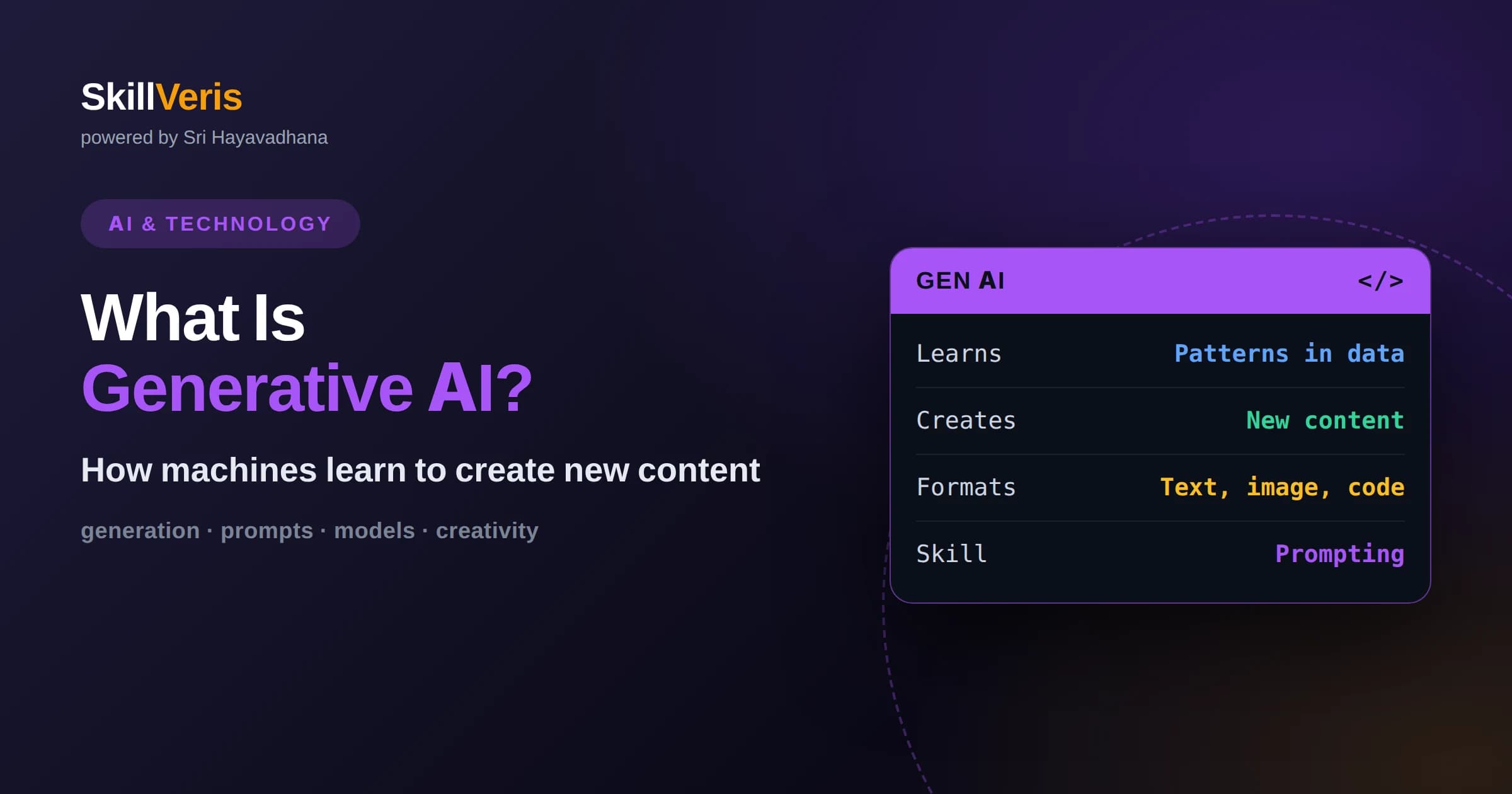
Generative AI produces new content by learning patterns from data rather than retrieving stored answers.
In this guide, you'll learn:
- The same underlying idea powers text, image, audio, and code generation across many tools.
- Prompts, iteration, and verification are the core skills for using generative AI well.
- Understanding its strengths and limits helps you apply generative AI responsibly and effectively.
1What Is Generative AI?
Generative AI is a category of artificial intelligence that creates new content, such as text, images, code, audio, or video, by learning the patterns in large amounts of existing data and then producing fresh outputs that follow those patterns. Rather than selecting from a fixed set of answers, it generates something new each time in response to your input.
The contrast with earlier AI is useful. Traditional systems mostly classified or predicted, answering questions like is this email spam or what number is this. Generative systems go further by producing original content: a paragraph that did not exist before, an image described only in words, or a function written from a plain-English request. This creative capacity is what makes generative AI feel so different.
At its core, generative AI works by modeling the structure of its training data well enough to sample new examples that fit. A text model learns how language flows and can extend a prompt into a full response. An image model learns how pixels form coherent scenes and can render one from a description. The principle is the same across formats: learn the pattern, then generate within it.
2How It Differs From Traditional AI
Most AI before the generative wave was discriminative, meaning it drew boundaries between categories or predicted a value. Such systems are excellent at tasks like detecting fraud or recognizing objects, but they do not create. They take an input and label it or score it, without producing new content of their own.
Generative models flip this around. Instead of asking which category does this belong to, they ask what plausible content would come next or match this description. This shift from labeling to creating is why generative AI unlocked applications that felt impossible before, from drafting essays to designing images, all from simple instructions.
The two styles are not rivals so much as complements. Discriminative models remain the right tool when you need a precise decision or score, while generative models shine when you need something new produced. Many complete products combine them, using generation to draft content and classification to check or route it. Knowing both exist helps you choose the right approach for each part of a problem.
3How Generative Models Learn
Generative models learn by studying enormous collections of examples and capturing the patterns within them. A language model reads vast amounts of text and learns how words tend to follow one another. An image model studies many pictures and learns how shapes, colors, and textures combine into realistic scenes. The learning is statistical, not a memorized lookup.
Once trained, the model generates by sampling from what it learned. Given a prompt, it repeatedly produces the next piece of content that fits, whether that is the next word in a sentence or the next refinement of an image. Because there is randomness in this sampling, the same prompt can yield different results, which is why generative tools feel creative rather than mechanical.
It is important to understand that the model is producing plausible content, not verified truth. It generates what fits the patterns it learned, which is usually helpful but can sometimes be confidently wrong. This is why using generative AI well always includes a step of reviewing and verifying important outputs.
4Generating Text
Text generation is the most familiar form of generative AI. Large language models can write, summarize, translate, answer questions, and hold conversations. You provide a prompt describing what you want, and the model produces text that follows your instructions, adapting its tone and format to your request.
Text generation is powerful because so much work is expressed in language. Drafting emails, explaining concepts, brainstorming ideas, and outlining documents are all within reach. The key skill is describing your need clearly, since the model responds to what you actually ask for rather than what you might have meant.
5Generating Images and Media
Image generation lets you turn a written description into a picture. You describe a scene, style, and details, and the model renders an image that matches. The same broad approach extends to audio, where models generate speech or music, and increasingly to video. These tools open creative possibilities to people without traditional design or production skills.
Working with image and media generation involves iterating on your description until the result matches your intent. Small changes in wording can meaningfully change the output. As with text, the model is producing something new that fits your prompt, so experimentation and refinement are part of the process.
Because these tools introduce randomness, generating several options and choosing among them is a normal workflow rather than a sign of failure. You steer toward what you want by describing style, mood, composition, and detail, then refine based on what comes back. Treating generation as a collaborative loop, rather than expecting a perfect result on the first try, leads to far better outcomes.
6Generating Code
Generative AI is increasingly used to write and explain code. You can describe a function in plain language and receive a working draft, ask for an explanation of unfamiliar code, or get suggestions for fixing an error. This speeds up routine programming and lowers the barrier for people learning to code.
As with any generated content, code should be reviewed and tested rather than trusted blindly. The model produces plausible code that often works, but it can also introduce subtle mistakes or use outdated patterns. Used as a capable assistant with human oversight, code generation is a genuine productivity boost.
Code generation is especially valuable for learners, because you can ask the model to explain each line, suggest alternatives, or walk through why an error occurred. This turns coding into an interactive conversation rather than a lonely struggle. The healthiest way to use it is as a tutor and pair programmer whose work you always understand and verify, not as a black box you copy from blindly.
7Prompting: The Core Skill
Getting good results from generative AI depends heavily on how you prompt it. A prompt is your instruction, and clear, specific prompts produce far better output than vague ones. Describing the role you want the model to take, the format you expect, and any constraints gives it the guidance it needs to help you effectively.
Prompting is iterative. Your first attempt rarely produces the perfect result, so you refine your instructions based on what you get back. Adding examples of the output you want is especially effective. Developing this back-and-forth skill is the single most valuable habit for anyone learning to work with generative AI.
8Everyday Uses of Generative AI
Generative AI already appears in many everyday tools. It drafts and edits writing, powers chat assistants, summarizes long documents, generates marketing and design content, assists with coding, and helps analyze information by turning questions into readable answers. Its flexibility means it shows up across nearly every field.
For individuals, it acts as a tireless assistant for drafting, brainstorming, and learning. For businesses, it automates repetitive content tasks and augments human work. Understanding the breadth of these uses helps you spot where generative AI can genuinely save time versus where a more precise, traditional tool is a better fit.
9Limitations and Risks
Generative AI has real limitations that responsible users keep in mind. It can produce content that sounds confident but is factually wrong, a problem often called hallucination. It has no inherent access to current events or private data beyond what it was trained on or given, and it can reflect biases present in its training data.
Because it generates rather than verifies, important outputs should always be checked against reliable sources. There are also ethical and legal considerations around originality, attribution, and appropriate use. Treating generative AI as a powerful assistant that still needs human judgment, rather than an infallible authority, leads to safer and better outcomes.
10The Models Behind Generative AI
Different kinds of content are generated by different families of models, though they share the same underlying goal of learning patterns and producing new examples. Text and code are typically generated by large language models built on the transformer architecture, which excel at continuing sequences one piece at a time. Image generation often uses models that learn to turn noise into coherent pictures guided by a description.
You do not need to master the internals of each model type to use them, but knowing they exist helps you understand why tools behave differently. A text model and an image model are solving related problems with different machinery, which is why prompting techniques and quirks vary from one to another.
What unifies them is the generative principle: learn the structure of a domain from data, then sample new content that fits. Holding onto that common thread makes the growing zoo of generative tools feel far less bewildering, because they are variations on one powerful idea.
11Why Generative AI Matters
Generative AI matters because it changes who can create and how quickly. Tasks that once required specialized skills, such as writing polished copy, producing images, or drafting code, are now accessible to far more people through simple instructions. This lowers barriers and speeds up work across many fields.
For developers and knowledge workers, generative AI acts as an accelerator that handles first drafts and routine content, freeing time for higher-value thinking. Understanding it is quickly becoming a core professional skill, much like knowing how to use a spreadsheet or search the web. Learning it now positions you well for how work is evolving.
12Using Generative AI Responsibly
Responsible use starts with transparency and verification. Review generated content before relying on it, especially for factual, legal, medical, or financial matters. Be thoughtful about sharing sensitive information with tools, and be honest about when content was AI-assisted where that matters to your audience.
It also helps to keep humans in the loop for consequential decisions. Generative AI is excellent at drafting and accelerating, but final judgment should rest with a person who understands the context. Building these habits early makes you a more effective and trustworthy user of the technology.
13How to Get Started
The best way to learn generative AI is to use it on real tasks. Pick something concrete, such as summarizing an article, drafting a message, or generating an image, and iterate on your prompt until the result is good. Each attempt teaches you how the tool responds and where its limits lie.
As you grow more comfortable, try combining generative AI with your own knowledge, using it to draft while you refine and verify. This partnership, where the AI accelerates and you direct and check, is how most productive users work. Starting small and building up steadily is the surest path to competence.
14Keep Learning and Building
Generative AI is reshaping how people write, create, and build software, which makes it a valuable skill to develop. Understanding what it is, how it works, and where its limits are gives you a foundation to use it wisely rather than being swept along by hype or fear.
On SkillVeris you can move from this overview to structured, hands-on lessons that let you practice prompting, explore text and image generation, and build small projects of your own. Learning by doing is what turns curiosity about generative AI into real, applicable skill you can carry into your work.
Related Reading
Get The Print Version
Download a PDF of this article for offline reading.
About the Publisher
SkillVeris Team
AI Research Team
Our AI team covers the latest in machine learning, generative AI, and emerging tech — clearly and accurately.
View all postsRelated Posts




Never miss an update
Get the latest tutorials and guides delivered to your inbox.
No spam. Unsubscribe anytime.