Top 10 AI Tools You Must Know in 2026
SkillVeris Team
AI Research Team
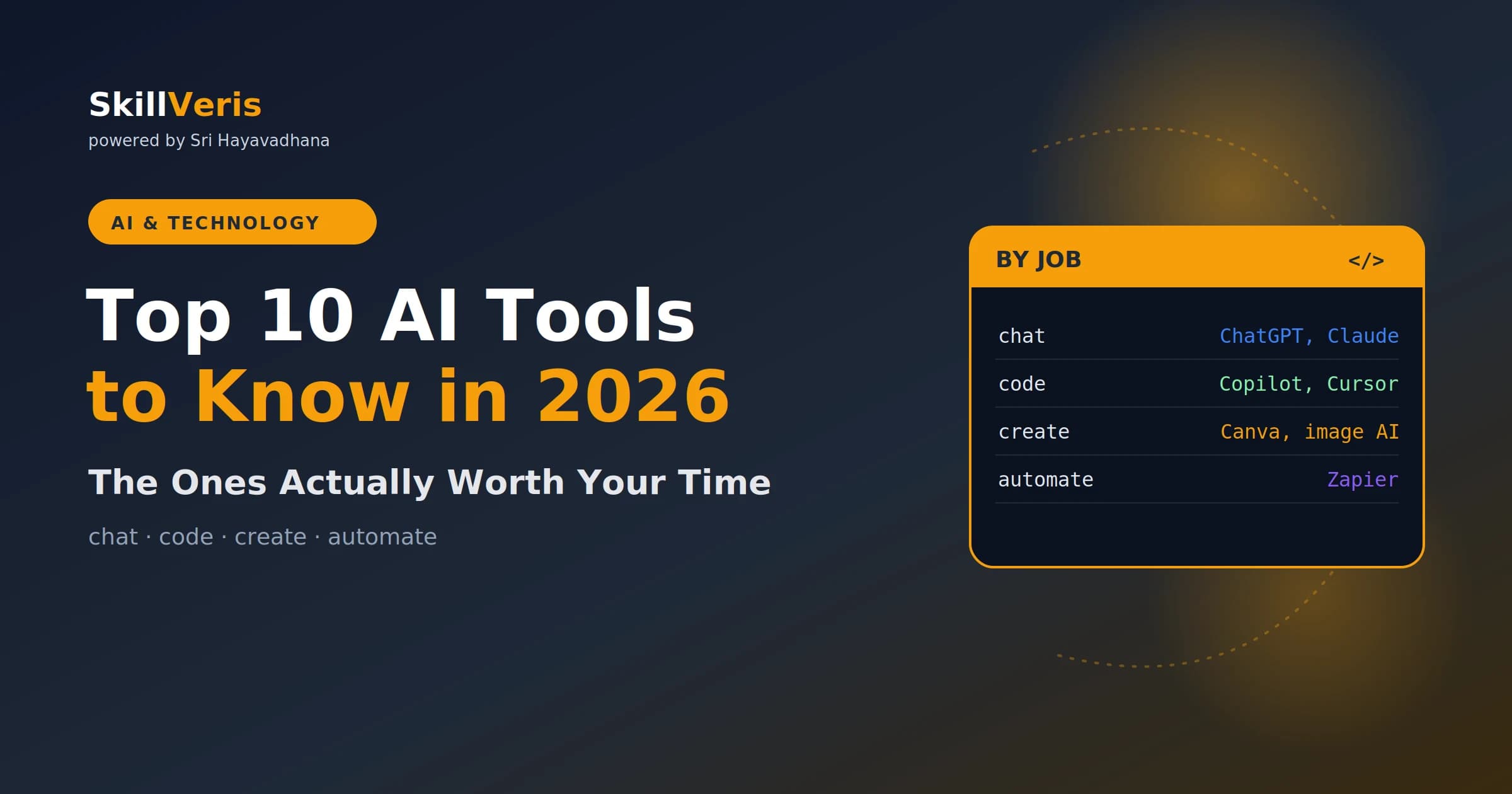
AI tools have moved from novelty to necessity — professionals who use them work 2–3× faster.
In this guide, you'll learn:
- Claude, ChatGPT, and Gemini each have distinct strengths; the best professionals use all three.
- AI coding assistants like GitHub Copilot now write up to 46% of code at companies that adopt them.
- AI image generation is production-ready for marketing assets, social content, and prototyping.
- The biggest risk is over-relying on a single AI tool — diversity of tools = resilience.
1The AI Tool Revolution of 2026
A few years ago, AI tools were demos. Today they are infrastructure. The question is no longer "should I use AI tools?" but "which AI tools should I use and how do I integrate them into my workflow?"
The pace of change has been staggering. In 2022, large language models were curiosities. By 2024, they were writing emails and summaries. By 2026, they are co-pilots for nearly every knowledge work task — writing, coding, research, design, analysis, and customer communication.
This guide cuts through the noise. We have tested dozens of tools and identified the ones that deliver real value across different use cases. We have also been honest about limitations — because knowing when not to use an AI tool is just as important as knowing when to use one.
2AI Writing and Research Tools
AI writing tools have matured enormously. The early versions would produce plausible-sounding nonsense. Today's best tools understand context, maintain voice consistency, and can research topics across the web in real time.
Claude (from Anthropic) excels at long-form writing, nuanced reasoning, and following complex instructions. It is particularly strong at maintaining consistent tone across a long document — essential for blog posts, reports, and technical documentation. ChatGPT-4o is faster for shorter tasks and has the deepest ecosystem of plugins and integrations. Gemini Ultra has the advantage of deep Google Search integration, making it excellent for research tasks where freshness matters.
The professional move is to treat these tools as intelligent first-draft generators. You bring the ideas, expertise, and editorial judgment. The AI handles research, structure, and the slog of initial drafting. This collaboration typically cuts content production time by 60–70% without sacrificing quality — sometimes improving it.
- Claude — best for: long-form content, reasoning, complex instructions
- ChatGPT-4o — best for: speed, versatility, plugin integrations
- Gemini Ultra — best for: real-time research, Google Workspace integration
- Perplexity AI — best for: cited research and source verification
- Notion AI — best for: in-context writing within your existing notes
3AI Coding Assistants
AI coding tools are, arguably, the most transformative category on this list. GitHub Copilot — which now powers the "Copilot" branding across Microsoft products — has become the de facto standard. In studies of developer teams, Copilot users complete tasks 55% faster than those without it, and report higher job satisfaction because they spend less time on boilerplate.
But Copilot is not the only game in town. Cursor (which embeds Claude) has rapidly become the favourite of AI-forward engineering teams. It understands your entire codebase, not just the file you have open — which allows it to make suggestions that are architecturally coherent rather than locally correct but globally broken.
For learners specifically, AI coding assistants serve a dual purpose. They make you more productive immediately, and they expose you to patterns and approaches you would not have discovered on your own. Treat every suggestion as a mini-lesson — read the code, understand why it works, then modify it.
⚠️Important Caution
AI coding assistants confidently produce incorrect code. Always review AI-generated code before running it in production. Use them to accelerate learning and eliminate boilerplate — not to replace understanding.
4AI for Design and Image Creation
Midjourney v7, Adobe Firefly 3, and Stable Diffusion XL have turned AI image generation into a professional tool. Marketing teams are generating social media assets, ad creatives, and product mockups with AI — cutting asset production time from days to minutes.
For UI/UX designers, tools like Galileo AI and Figma's AI features are particularly relevant. They can generate design mockups from text descriptions, suggest component variations, and auto-apply design systems at scale. These are genuine workflow accelerators, not just toys.
The practical reality in 2026 is that "AI-generated" no longer carries a stigma in most creative contexts. What matters is the output quality and how well it serves the brief. The professionals who master AI creative tools are producing more and billing more than those who ignore them.
5AI Productivity and Automation Tools
Beyond the headline creative tools, AI has quietly transformed dozens of everyday productivity tasks. Otter.ai and Fireflies transcribe and summarise meetings, turning hour-long calls into actionable bullet lists in minutes. Zapier's AI tools connect apps and automate workflows with natural language instructions rather than complex logic builders.
For data and analysis, Microsoft Copilot in Excel and Google's Duet AI in Sheets allow non-technical users to write complex formulas, build pivot tables, and generate charts from natural language prompts. This democratises data analysis in a way that Python and SQL never quite managed for mainstream business users.
Email and calendar management have also been transformed. AI tools like Superhuman and SaneBox learn your priorities and surface what matters, while AI drafting features in Gmail and Outlook handle routine correspondence automatically. The cumulative effect on a knowledge worker's day is significant — reclaiming 60–90 minutes from administrative work.
6How to Build Your Personal AI Stack
The professionals getting the most value from AI tools in 2026 are not using one tool for everything. They have built a deliberate "AI stack" — a set of specialised tools, each doing what it is best at, integrated into a coherent workflow.
Start by auditing where you spend your time. What tasks take longer than they should? What work do you produce that follows predictable patterns? What research do you do repeatedly? For each category, there is almost certainly an AI tool that can help — and the market is adding new options every month.
The best advice: pick one AI tool, learn it deeply for 30 days, and measure the impact. Then add one more. Gradual, deliberate adoption beats enthusiastic tool-hopping every time. Your goal is to make AI an invisible part of how you work — not a complicated system that adds cognitive overhead.
💡Start Here
If you are completely new to AI tools, start with Claude or ChatGPT for writing tasks. Spend two weeks using it for every email, summary, and draft you write. Once it feels natural, add a coding assistant if you write code, or an image tool if you create visuals.
Related Reading
Get The Print Version
Download a PDF of this article for offline reading.
About the Publisher
SkillVeris Team
AI Research Team
Our AI team covers the latest in machine learning, generative AI, and emerging tech — clearly and accurately.
View all postsRelated Posts
Never miss an update
Get the latest tutorials and guides delivered to your inbox.
No spam. Unsubscribe anytime.