Vector Databases Explained: How AI Remembers
SkillVeris Team
AI Research Team
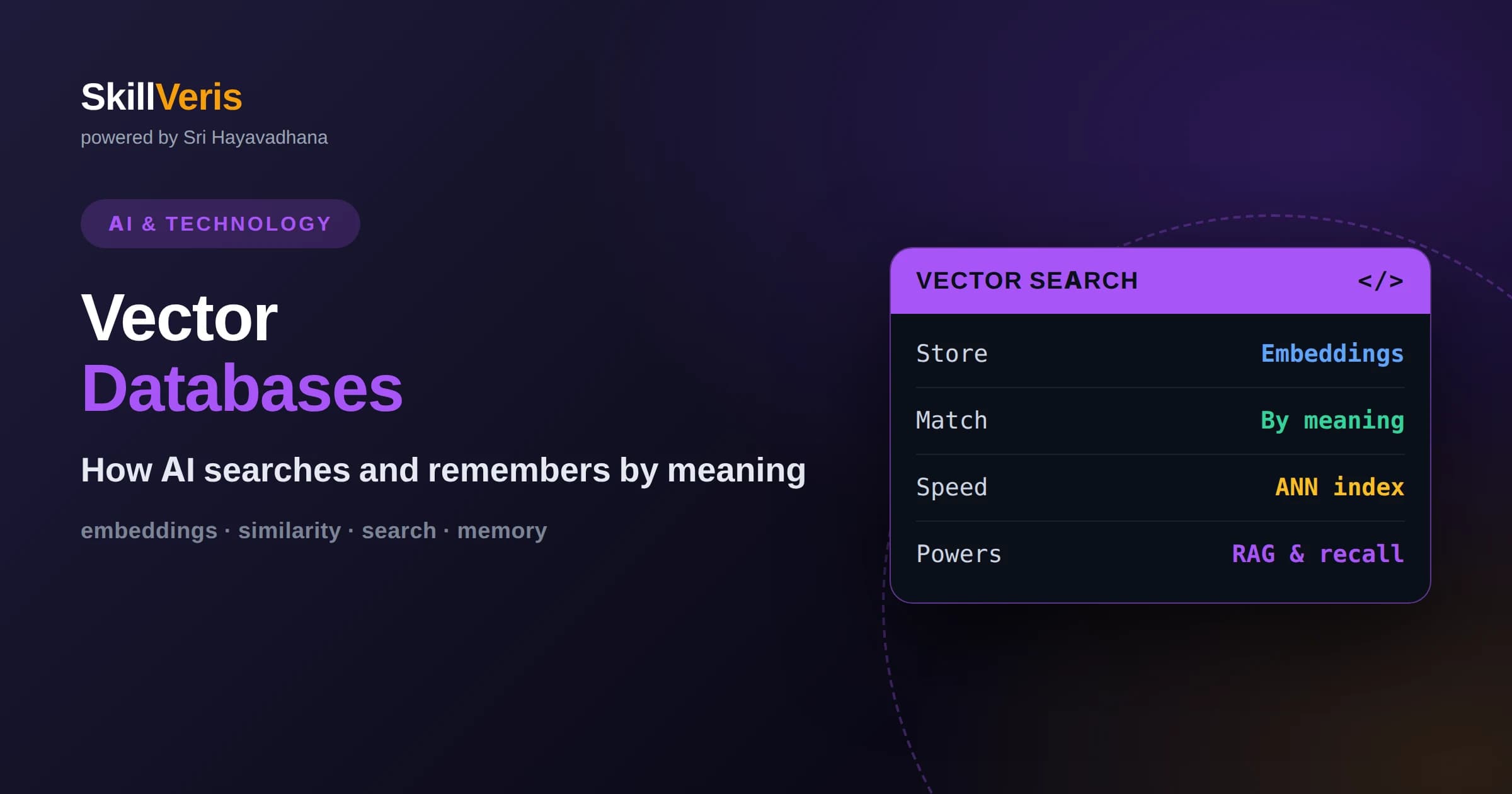
Vector databases store embeddings and search by similarity, so they find items by meaning rather than exact keyword matches.
In this guide, you'll learn:
- Approximate nearest neighbor algorithms make similarity search fast even across millions of vectors.
- They give AI applications a form of long-term, searchable memory that powers RAG, recommendations, and semantic search.
- Choosing good embeddings, chunking, and metadata filtering matters as much as the database itself.
1What Is a Vector Database?
A vector database is a system designed to store data as numerical vectors called embeddings and to find the items most similar in meaning to a query. Instead of matching exact words, it compares the mathematical positions of items in a high-dimensional space and returns the nearest ones. This is what lets AI applications search, recommend, and recall information by meaning rather than by literal keywords.
The core idea is that meaning can be represented as location. When text, images, or other data are converted into embeddings, similar items end up close together and dissimilar items end up far apart. A vector database specializes in storing many of these vectors and answering the question, which stored items are closest to this one, quickly and at scale.
This capability is often described as giving AI a memory. A model on its own forgets everything between conversations, but a vector database can hold a searchable store of knowledge that the model queries whenever it needs to recall relevant information. That combination is the backbone of many practical AI systems today.
The name vector database simply reflects what it stores and how it works. Vectors are the embeddings, and database signals that it is built to store, index, and query many of them efficiently and reliably. Some are dedicated products; others are search capabilities added to databases you may already use. Either way, the defining feature is fast similarity search over embeddings at scale.
2Embeddings: The Fuel for Vector Search
Everything a vector database does depends on embeddings, which are lists of numbers produced by a model that capture the meaning of a piece of data. A sentence, a paragraph, a product description, or an image can all be turned into an embedding. Items with similar meaning receive similar vectors, which is what makes similarity search meaningful.
Because embeddings encode meaning as geometry, two paragraphs that say the same thing in different words land near each other even if they share no keywords. This is the crucial advantage over traditional text search. The quality of your embeddings largely determines the quality of your results, so choosing a good embedding model for your data is an important early decision.
3Why Keyword Search Falls Short
Traditional databases and search engines match on exact terms or patterns. If a user searches for a phrase that does not appear verbatim in your documents, keyword search may miss the relevant result even when it clearly answers the question. Language is full of synonyms and paraphrases, and literal matching cannot bridge that gap on its own.
Vector search solves this by comparing meaning instead of spelling. A query about resetting a password can match a document titled account recovery even without shared words. This semantic matching is why vector databases became essential for modern AI features, where users express intent in natural, varied language rather than precise keywords.
This does not mean keyword search is obsolete. For exact identifiers, product codes, or names, literal matching is precise and fast, and many strong systems blend both approaches, combining keyword and vector search to get the best of each. Understanding when meaning matters and when exactness matters lets you design search that feels genuinely intelligent to users.
4How Similarity Is Measured
To find similar items, a vector database needs a way to measure closeness between vectors. Common measures include cosine similarity, which compares the angle between two vectors, and distance measures that compare how far apart they are. The right choice depends on how your embeddings were produced, and using the measure the embedding model expects gives the best results.
Conceptually, all these measures answer the same question: how alike are these two points in the space of meaning. When you send a query, it is embedded into the same space, and the database ranks stored items by this similarity score. The top results are the items whose meaning most closely matches the query.
You usually specify how many results you want, and the database returns that many nearest neighbors ranked by score. Those scores are also useful signals in themselves, since a very low top score can indicate that nothing in your store is truly relevant. Paying attention to the scores, not just the ranking, helps you decide when to trust a result and when to fall back gracefully.
5Approximate Nearest Neighbor Search
Comparing a query against every stored vector is accurate but slow when you have millions of items. To stay fast, vector databases use approximate nearest neighbor algorithms. These build clever index structures that let the database find very close matches without exhaustively checking every vector, trading a tiny amount of accuracy for a huge gain in speed.
One widely used family organizes vectors into navigable graphs so the search can hop toward the most similar region quickly. The practical takeaway is that vector databases are engineered to return relevant results in milliseconds even over enormous collections. This performance is what makes real-time AI features possible rather than merely theoretical.
6Indexing and Its Trade-Offs
Indexes are what make approximate search fast, but they involve trade-offs among speed, accuracy, and memory. Tighter indexes can return more accurate results at the cost of more computation or memory, while looser settings run faster but may miss some close matches. Most vector databases expose settings that let you tune this balance for your needs.
You do not need to master every parameter to get started, but it helps to know these dials exist. As your data grows or your accuracy requirements tighten, understanding that indexing is a tunable trade-off lets you improve results deliberately rather than hoping defaults are perfect for your particular workload.
7Metadata and Filtering
Real applications rarely want similarity alone. You often need to combine meaning-based search with structured filters, such as only documents from a certain category, author, or date range. Vector databases let you attach metadata to each vector and filter on it while searching, so you get results that are both relevant and constrained to the right subset.
This blend of semantic search and metadata filtering is what makes vector databases practical in production. You might retrieve the most relevant support articles but restrict them to a specific product version, or find similar products but only those in stock. Designing useful metadata alongside your embeddings is a key part of building good systems.
8Chunking: Preparing Data for Storage
Before you store documents, you usually split them into chunks, because embedding a whole long document into a single vector loses detail. Well-sized chunks capture focused pieces of meaning, which improves retrieval precision. Chunks that are too large blur multiple topics together, while chunks that are too small lose the context needed to be useful.
There is no single perfect chunk size; it depends on your content and use case. The important idea is that how you break up and prepare your data strongly affects what the vector database can retrieve. Investing time in a sensible chunking strategy often improves results more than swapping the database itself.
9The Link to Retrieval-Augmented Generation
Vector databases are the memory layer behind retrieval-augmented generation. In a RAG system, your documents are chunked, embedded, and stored in a vector database. When a user asks a question, the question is embedded, the database returns the most relevant chunks, and those chunks are handed to a language model so it can answer with grounded, current information.
This partnership is why vector databases surged in importance alongside large language models. The model provides reasoning and fluency, while the vector database provides accurate, up-to-date recall. Together they let AI applications answer questions about your specific data, something a standalone model cannot reliably do.
10Adding, Updating, and Deleting Vectors
A practical strength of vector databases is that they let you manage your knowledge over time. You can add new vectors as fresh content arrives, update vectors when documents change, and remove vectors for content that is no longer relevant. Because the model behind your application does not need retraining, your searchable knowledge stays current with simple data operations.
This live updatability is what makes vector databases suitable for real products. Documentation gets revised, catalogs change, and policies are updated, and the vector store reflects all of it as soon as you re-embed and re-index the affected items. Planning how and when content is refreshed is an important part of operating a healthy system.
Keeping the store tidy matters for quality too. Stale or duplicate vectors can surface as misleading results, so periodic cleanup and consistent embedding practices help retrieval stay accurate. Treating the vector database as living data, not a one-time load, keeps your AI features reliable.
11Measuring Retrieval Quality
It is not enough to store vectors; you need to know whether searches return the right things. A simple way to evaluate is to gather realistic queries, run them, and check whether the results that come back are genuinely relevant. If they are not, the fix might be better embeddings, smarter chunking, or added metadata filters rather than a different database.
Retrieval quality directly shapes the quality of any system built on top, especially retrieval-augmented generation. Poor retrieval feeds a model irrelevant context and produces weak answers, while good retrieval sets it up to succeed. Building the habit of measuring and improving retrieval is one of the most valuable skills in this area.
12Beyond RAG: Other Uses
Vector search powers more than question answering. Recommendation systems use it to find items similar to what a user liked. Semantic search improves site and app search by matching intent. Deduplication and clustering group similar records, and image or audio search finds media by content rather than filename.
Because embeddings can represent almost any kind of data, the same vector database can serve many of these use cases. Recognizing that similarity search is a general capability, not a single-purpose tool, helps you spot new opportunities to apply it across a product.
Anomaly detection is another elegant application: items whose embeddings sit far from every cluster may be unusual or suspicious, which is useful for spotting outliers. Once you start seeing problems in terms of nearness and distance in meaning space, opportunities for vector search appear in places you might not have expected.
13Choosing and Running a Vector Store
Options range from dedicated vector databases to vector search features added to databases you may already use. For learning and small projects, a lightweight local library is often enough. As needs grow, managed services handle scaling, reliability, and operations so you can focus on your application rather than infrastructure.
When choosing, weigh factors like scale, filtering needs, ease of use, and whether you prefer a managed service or self-hosting. For beginners, starting simple and upgrading later is wise. The concepts of embeddings, similarity, and indexing transfer across tools, so time spent understanding them is never wasted.
It is worth remembering that the database is only one piece of the puzzle. The embedding model, your chunking strategy, and your metadata design often influence results more than which specific store you pick. Getting those fundamentals right first means that whatever tool you choose, or later switch to, has the best possible chance of returning relevant results.
14Give Your AI a Memory
The best way to understand vector databases is to build a tiny one in action. Embed a handful of sentences, store them, then query with a paraphrase and watch the system return the right match despite different wording. That small demonstration makes the idea of searching by meaning concrete and memorable.
On SkillVeris you can follow hands-on lessons that guide you from embeddings to a working similarity search and on to a complete retrieval pipeline. Building these systems yourself is how the abstract notion of AI memory turns into a practical skill you can apply to real projects.
Related Reading
Get The Print Version
Download a PDF of this article for offline reading.
About the Publisher
SkillVeris Team
AI Research Team
Our AI team covers the latest in machine learning, generative AI, and emerging tech — clearly and accurately.
View all postsRelated Posts




Never miss an update
Get the latest tutorials and guides delivered to your inbox.
No spam. Unsubscribe anytime.