The Data Analyst Skill Stack: SQL, Spreadsheets, Python, BI
SkillVeris Team
Data Science Team
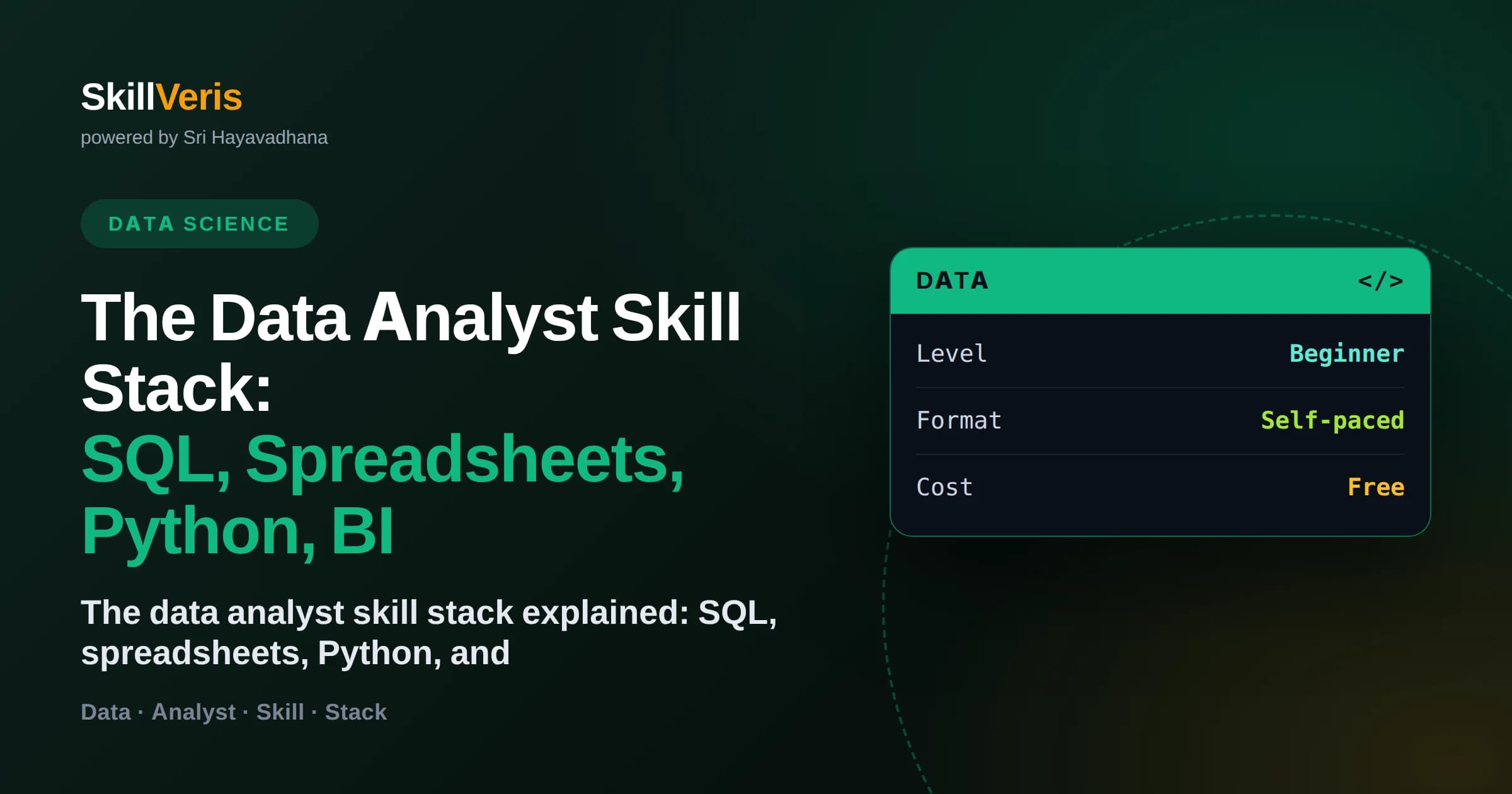
The core data analyst skill stack has four pillars: spreadsheets, SQL, Python, and business-intelligence tools.
In this guide, you'll learn:
- Each pillar handles a different job, and knowing when to reach for which is a skill in itself.
- SQL is the load-bearing pillar and appears in nearly every analyst job description.
- Spreadsheets remain the fastest tool for quick, exploratory analysis despite being the oldest.
- Python unlocks automation and scale once your data outgrows spreadsheets.
1The Four Pillars of the Analyst Skill Stack
The data analyst skill stack rests on four pillars: spreadsheets for quick exploration, SQL for querying databases, Python for automation and scale, and business-intelligence tools for dashboards and reporting. Together they cover the full journey from raw data to a decision, and a capable analyst knows which tool fits each situation.
No single pillar does everything well, which is why the stack exists. Spreadsheets are unbeatable for a fast look, SQL for pulling exactly the data you need, Python for repeatable heavy lifting, and BI tools for communicating to others. Mastering the stack means mastering the handoffs between them.
This guide walks through each pillar, explaining what it is best at, when to reach for it, and how to practise it for free.
2Pillar One: Spreadsheets
Spreadsheets are the oldest pillar and still the most reached-for. For a quick summary, an ad-hoc calculation, or sharing a small table with a colleague, nothing is faster. Free tools like Google Sheets and LibreOffice Calc give you formulas, pivot tables, and charts with zero setup.
Their strength is speed and accessibility; their limit is scale and reproducibility. A spreadsheet struggles past hundreds of thousands of rows and does not easily rerun the same analysis on new data. Use them for exploration and one-off work, and hand off to Python or SQL when the job grows.
- Best for: quick summaries, small datasets, and sharing with non-technical colleagues.
- Key skills: lookups, pivot tables, conditional logic, and charting.
- Free practice: recreate a report you have seen using a public dataset in Google Sheets.
3Pillar Two: SQL
SQL is the load-bearing pillar of the stack. Company data lives in relational databases, and SQL is how you retrieve, filter, and summarise it. It appears in almost every analyst job posting, which is why it deserves the most practice time when you are learning.
The pillar spans from simple SELECT statements to JOINs across many tables and window functions for running totals and rankings. Its power is precision: you ask for exactly the slice of data you need and get it back ready to analyse. Free browser sandboxes let you query real sample databases without any installation.
🔑If you master one pillar first, make it SQL
SQL is the most requested analyst skill and the gateway to the data every other pillar works on. Strong SQL alone can get you interviews.
4Pillar Three: Python
Python, primarily through the pandas library, is the automation and scale pillar. When a dataset is too large or messy for a spreadsheet, or when you need to run the same analysis every week, Python turns manual effort into a repeatable script. It also connects to the other pillars, pulling from SQL and feeding into visualisations.
For analysts, the useful Python is a focused subset: reading files into DataFrames, cleaning and reshaping data, grouping and aggregating, merging tables, and plotting. You can skip general software engineering. Free hosted notebooks mean you can start writing analysis code in your browser today.
- Best for: large or messy datasets, repeatable analyses, and automation.
- Key skills: pandas for data manipulation and a charting library for visuals.
- Free practice: reproduce a spreadsheet analysis in pandas, then extend it beyond what the sheet could handle.
5Pillar Four: Business Intelligence Tools
The BI pillar is where analysis becomes communication. Tools like Tableau Public and the free tier of Power BI let you build interactive dashboards that stakeholders explore themselves, without writing a single query. This pillar is how your insight reaches the people who make decisions.
Good BI work is about clarity and focus: the right chart for each question, sensible labels, and filters that let users answer their own follow-ups. A clean dashboard is also one of the strongest portfolio pieces you can build, because it shows both technical and communication skill.
6How the Pillars Work Together
In a real workflow the pillars form a pipeline. You might use SQL to pull the relevant data, Python to clean and combine it, a spreadsheet to sanity-check a slice, and a BI tool to present the final result. The art is choosing the shortest path that gets a trustworthy answer to the person who needs it.
Knowing when not to reach for a heavy tool is part of the skill. If a spreadsheet answers the question in ten minutes, use it. If the same report is needed monthly, invest in a Python script. Matching tool to task is what distinguishes an efficient analyst.
💡Choose the lightest tool that works
Do not automate a one-off in Python or build a dashboard for a number you need once. Efficiency comes from matching the tool to the frequency and scale of the task.
7The Order to Learn the Stack
Learn the pillars in an order that builds naturally: spreadsheets first for data intuition, SQL next and most heavily, then Python once querying is comfortable, and finally a BI tool to communicate. Weaving small projects through the process cements each pillar as you go.
You do not need equal depth in all four to be hired. Deep SQL, solid spreadsheets, working Python, and competent dashboards make a strong, employable profile. You can deepen any pillar further once you are working and see what your role demands most.
8Frequently Asked Questions
What are the core skills in the data analyst skill stack? The four pillars are spreadsheets, SQL, Python, and business-intelligence tools. Together they cover exploring, querying, automating, and communicating with data.
Which skill in the stack is most important? SQL is the most important and most requested. It is how analysts access the data that every other pillar then works on, so it deserves the most practice.
Do I still need spreadsheets if I know Python? Yes. Spreadsheets remain the fastest tool for quick, small, or ad-hoc analysis and for sharing with non-technical colleagues, so they stay useful even for strong Python users.
How much Python does a data analyst need? A focused subset: pandas for cleaning, grouping, and merging data, plus a charting library. You can skip general software engineering and still be highly effective.
Which BI tool should I learn, Tableau or Power BI? Either works, and both have free options. The concepts transfer between them, so pick one, learn to build clean dashboards, and you can adapt to the other quickly.
Can I learn the whole stack for free? Yes. Every pillar has capable free tools and free learning resources, so you can build the entire skill stack without spending money.
9Build the Stack One Pillar at a Time
The data analyst skill stack is not four things to learn in isolation but one connected toolkit. As you build each pillar, you gain not just a new tool but a better sense of which tool to reach for, and that judgement is what employers value most. Start with spreadsheets, invest heavily in SQL, and add Python and BI as you grow.
You can learn every pillar for free on SkillVeris, where the courses and study notes cover spreadsheets, SQL, Python for analysis, and dashboards in a sensible order. Pick the pillar you are weakest in, practise it on a dataset you care about, and watch the whole stack come together.
Related Reading
Get The Print Version
Download a PDF of this article for offline reading.
About the Publisher
SkillVeris Team
Data Science Team
Our data team shares real-world analytics, ML, and SQL insights grounded in industry practice.
View all postsRelated Posts
Never miss an update
Get the latest tutorials and guides delivered to your inbox.
No spam. Unsubscribe anytime.