#Linux
9 articles tagged with #Linux
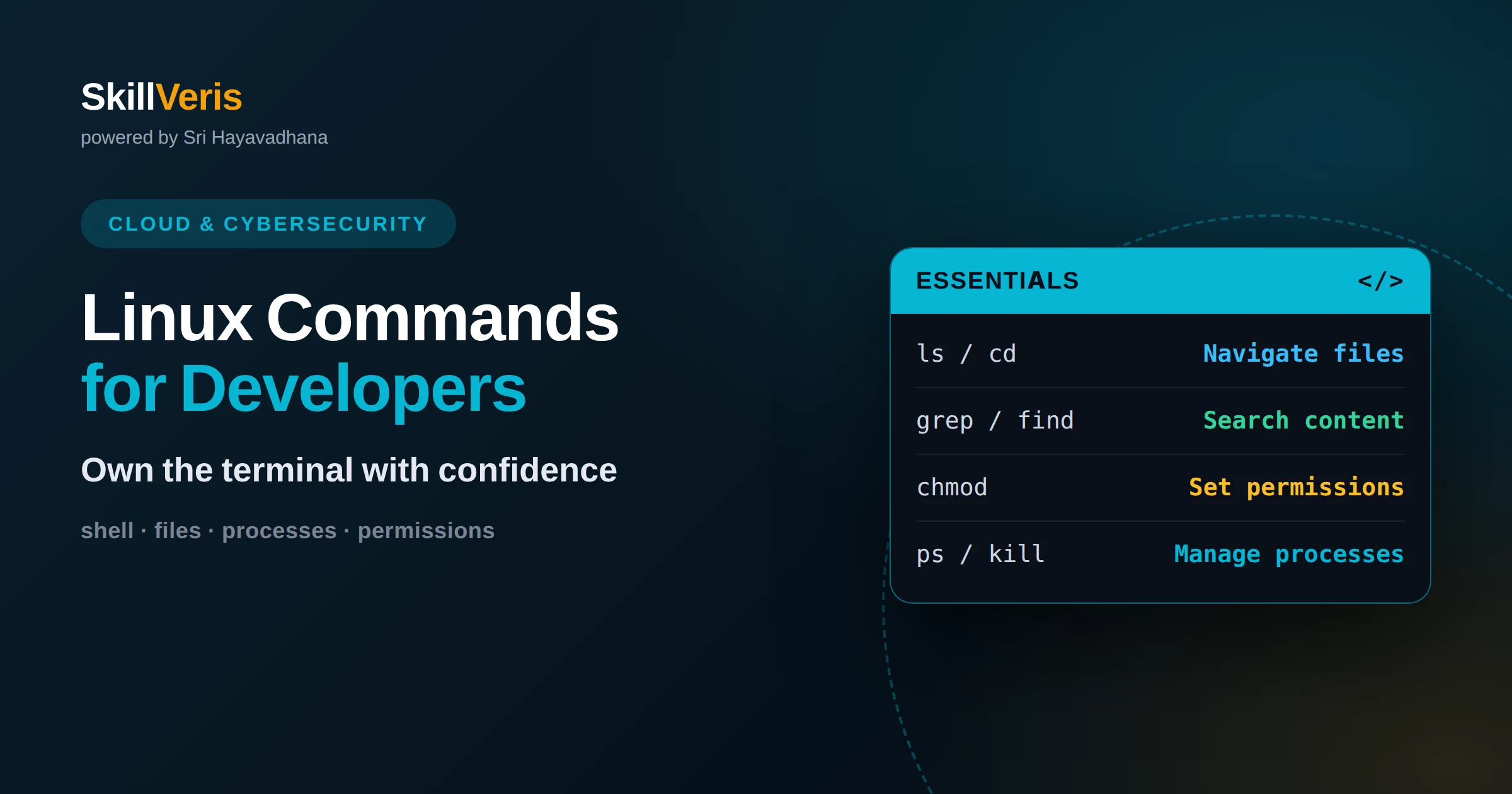
Linux Commands Every Developer Should Know
Master the essential Linux commands for navigating files, managing processes, editing text, and troubleshooting servers with confidence at the terminal.
What Is Linux? The Operating System Explained
Linux is a free, open-source operating system kernel that powers everything from smartphones to most of the world's servers. This guide explains what Linux is, how distributions differ, and why developers rely on it.
What Is Shell Scripting? Automating the Command Line
Shell scripting means writing a sequence of command-line instructions in a file so they can run automatically instead of being typed one at a time. This guide explains what a sh script does, why it matters, and how to write your first one.
Working in the Linux Shell: Files, Processes, and Permissions
The Linux shell makes sense once you hold three models in your head: a single filesystem tree, a process tree where every process has a parent, and permission bits checked at open time. This guide builds those models and shows how they explain the errors you actually hit.
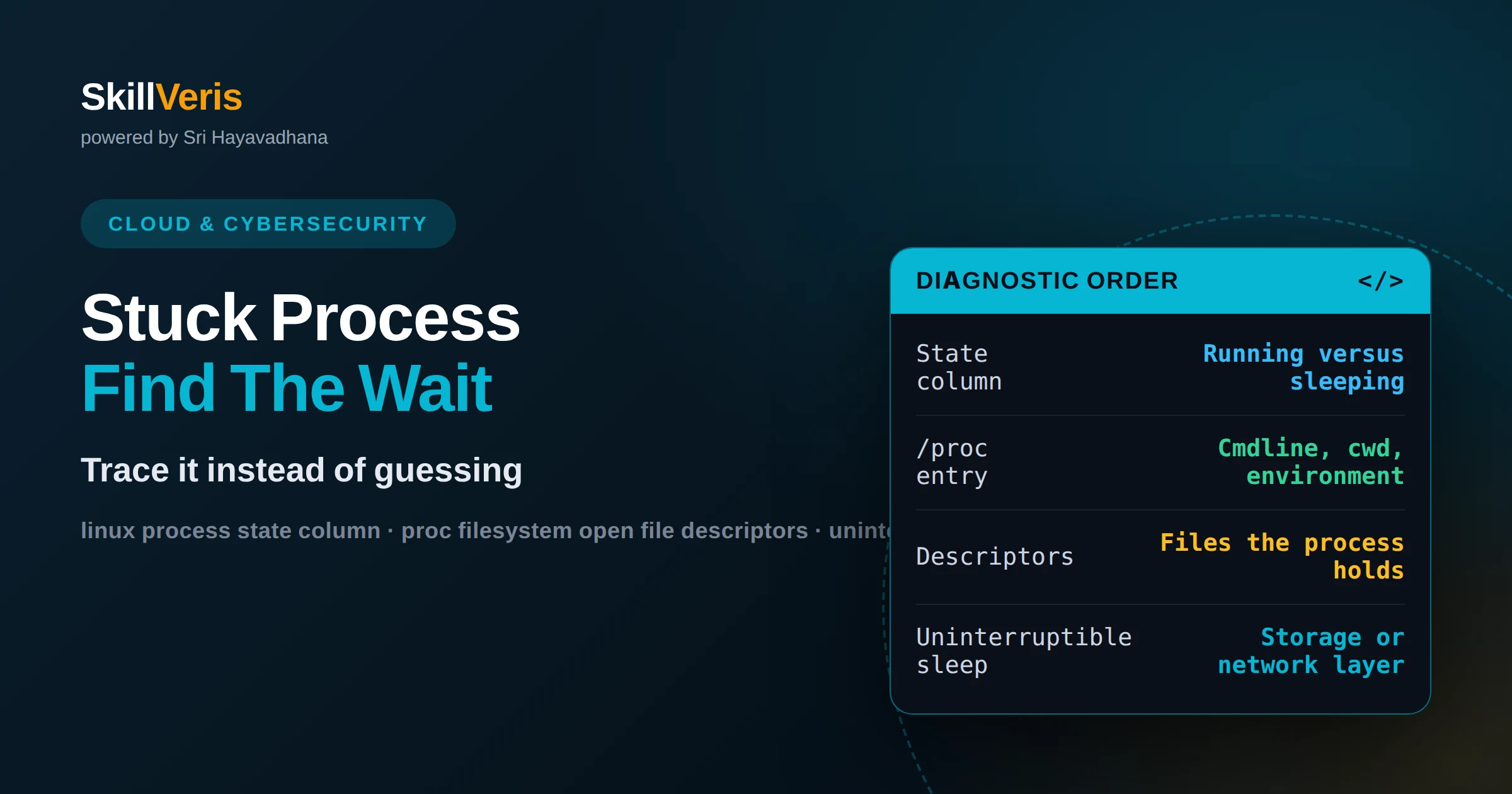
How to find out what a Linux process is doing
Diagnose a stuck or busy process step by step: reading process state, open file descriptors, working directory, and what a blocked process is waiting on.
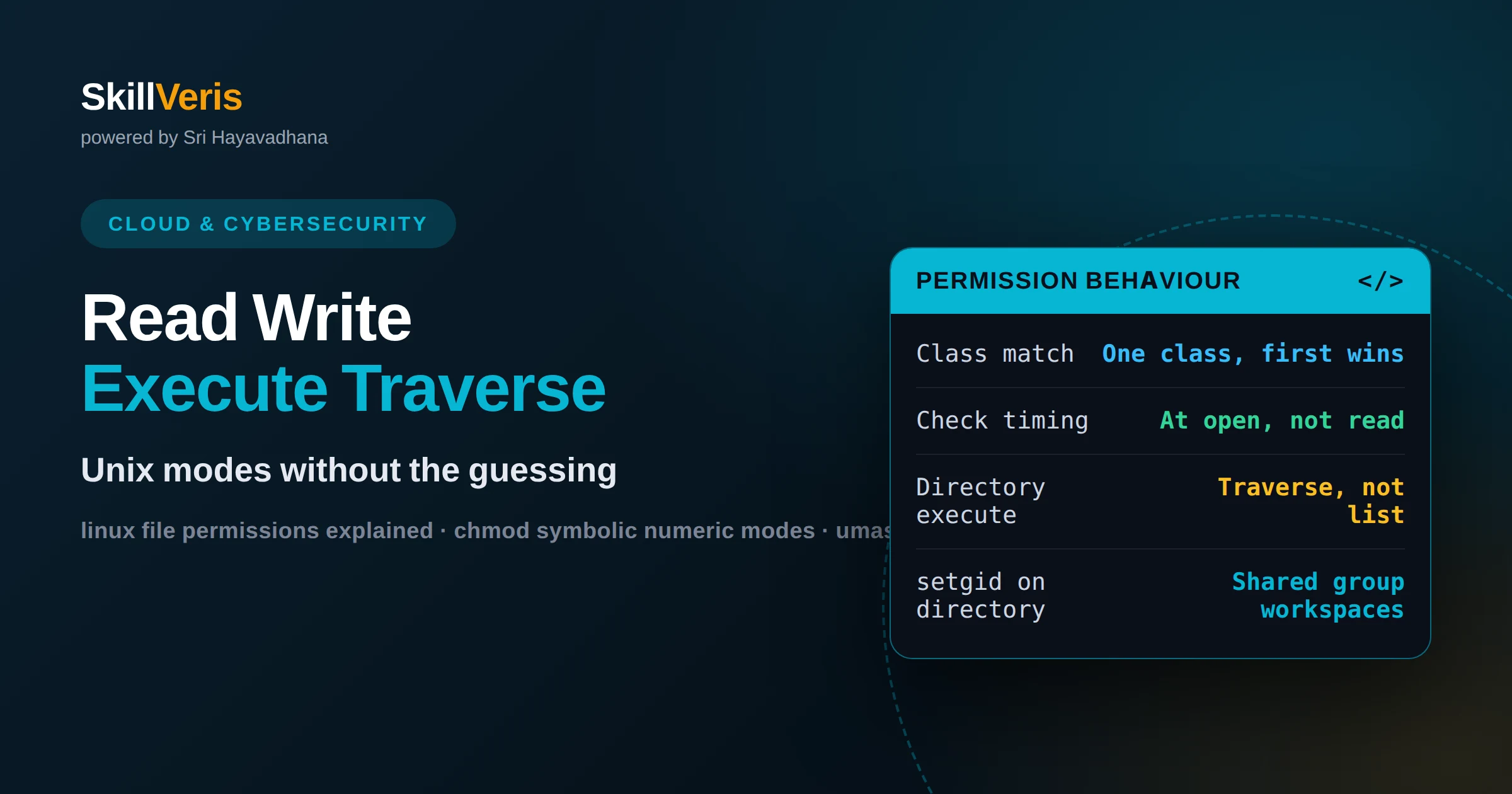
Linux file permissions and ownership explained
Read and set Unix permissions with confidence: the three classes, what execute means on a directory, umask defaults, and setuid, setgid and sticky bits.
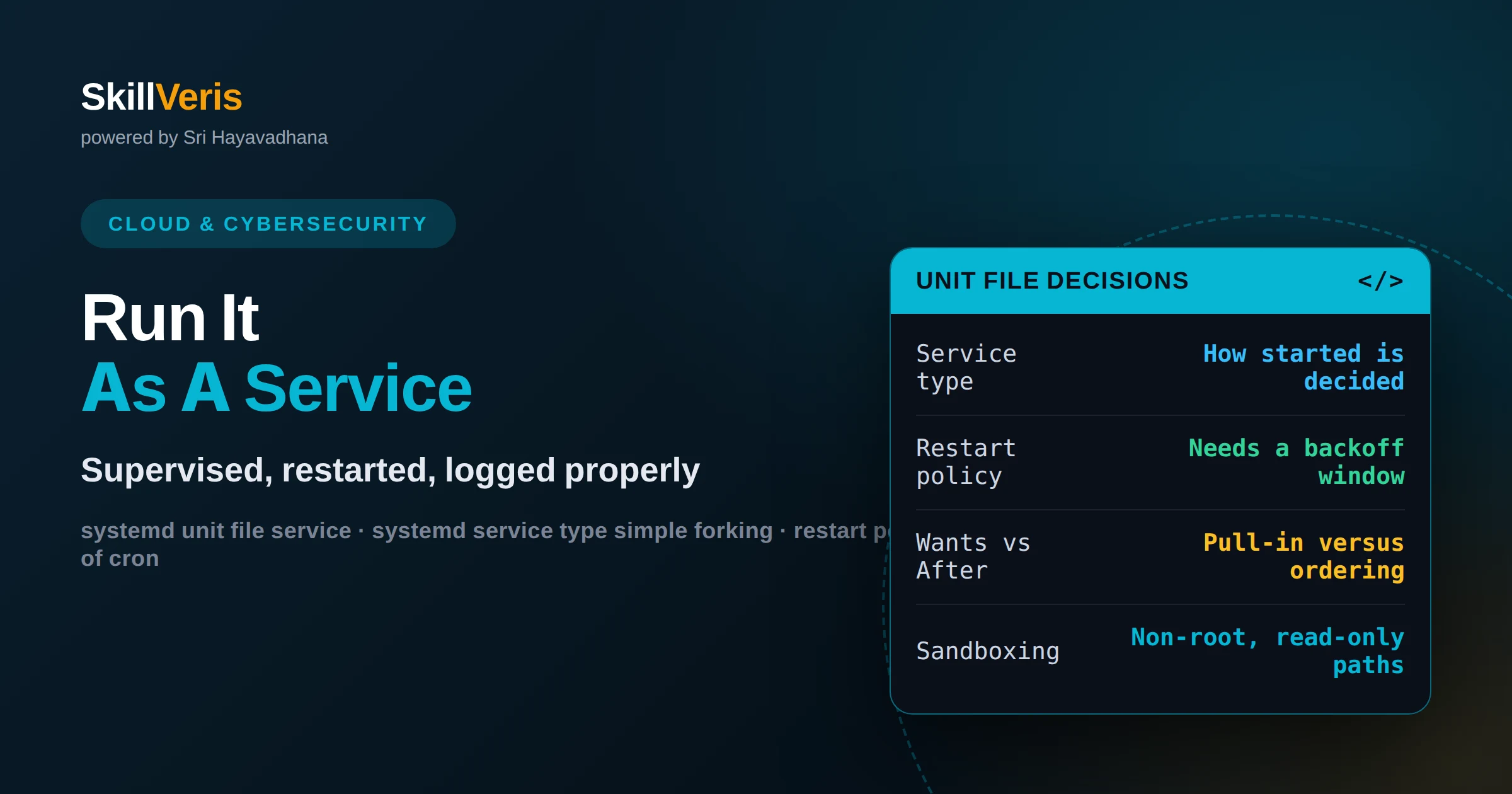
Managing Linux services with systemd units
Run your app as a proper Linux service: writing a unit file, choosing the service type and restart policy, ordering dependencies and reading its logs.
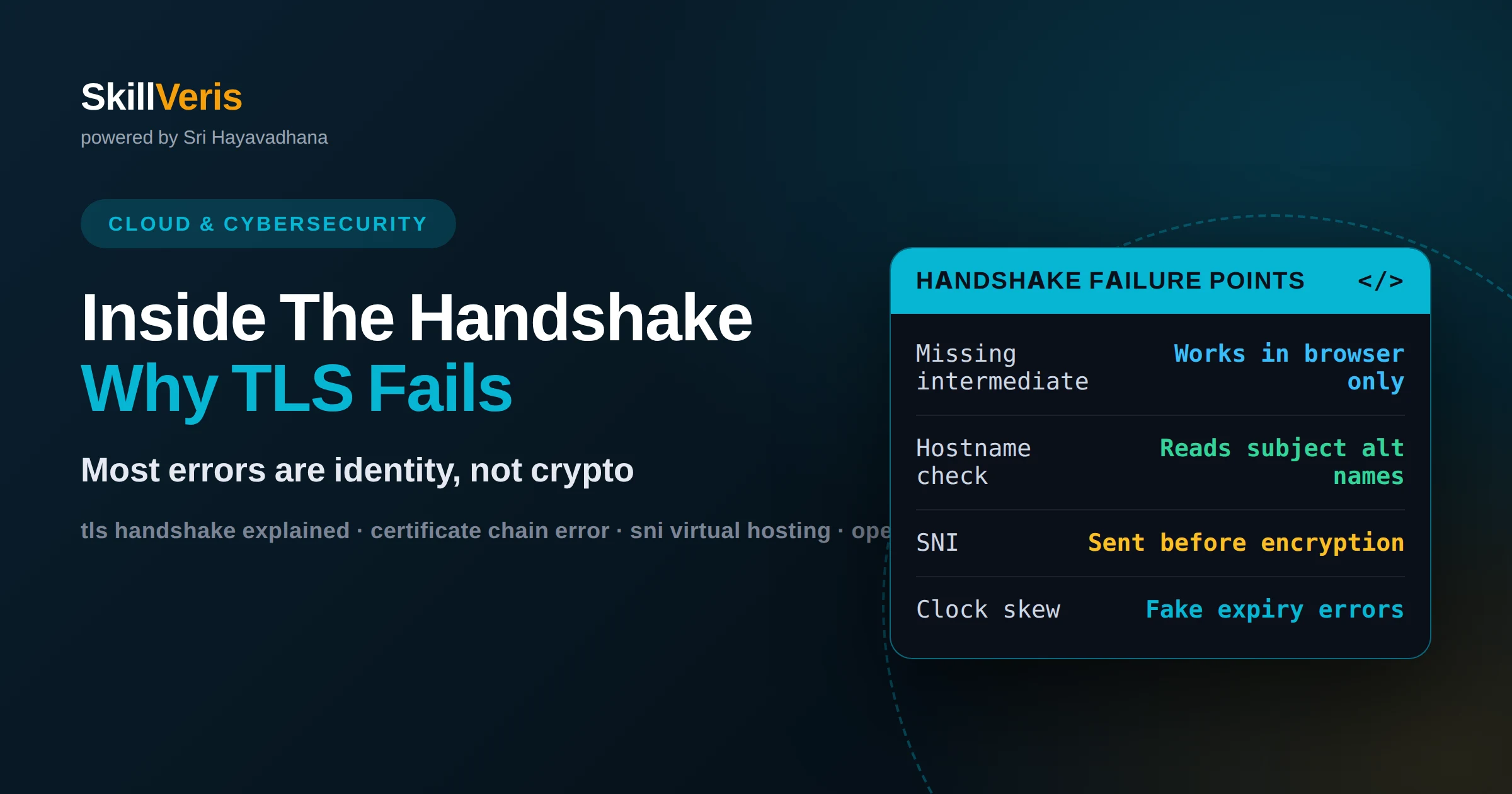
What happens during a TLS handshake
Understand and fix TLS errors: the handshake steps, how certificate chains are validated, what SNI does, and how to diagnose failures from the command line.
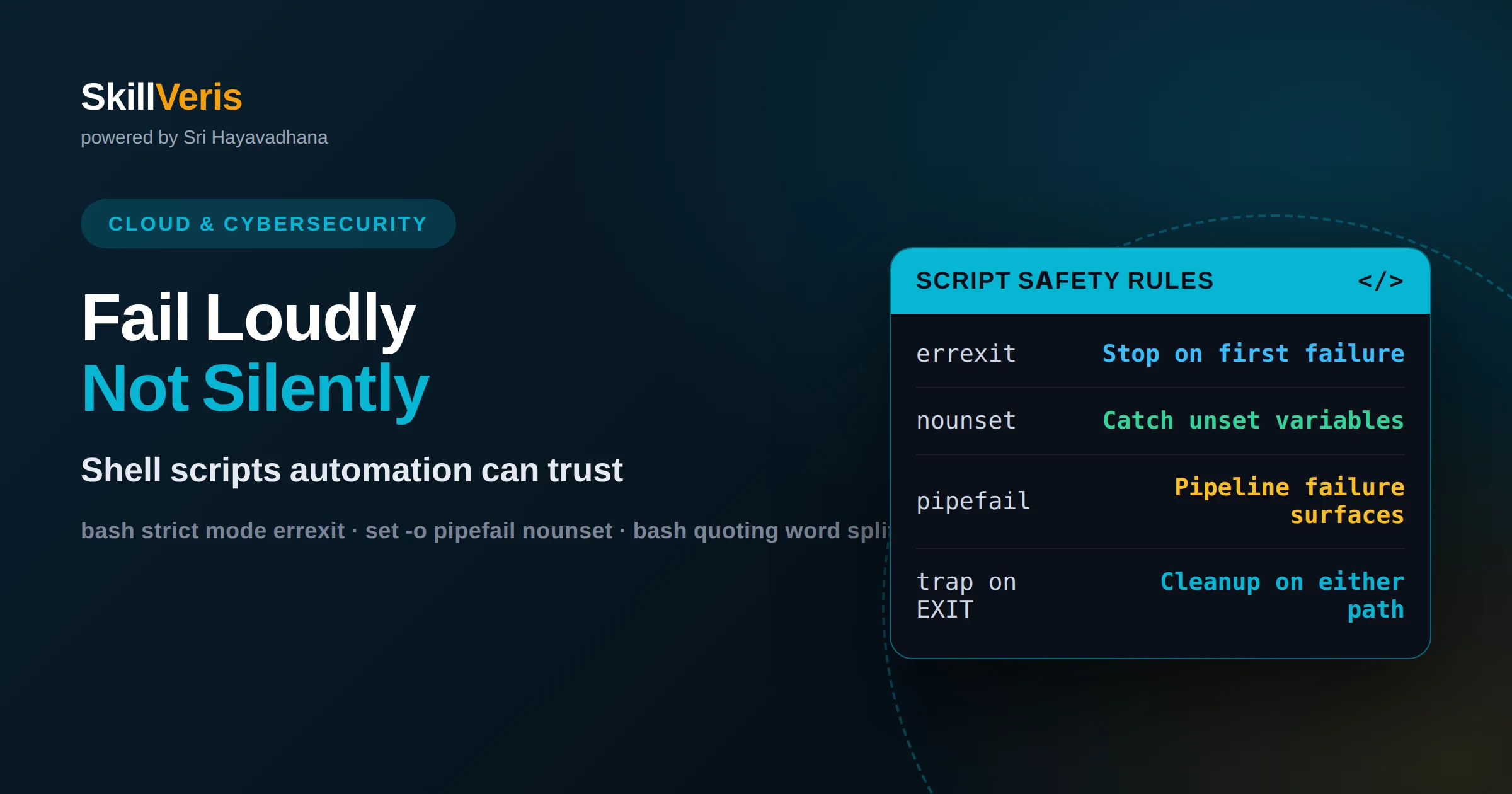
How to write bash scripts that fail safely
Make shell scripts fail loudly instead of silently: strict mode, quoting rules, safe temp files, traps for cleanup and testable script structure.