Tableau Certification: Paths and Free Prep Resources
SkillVeris Team
Learning Team
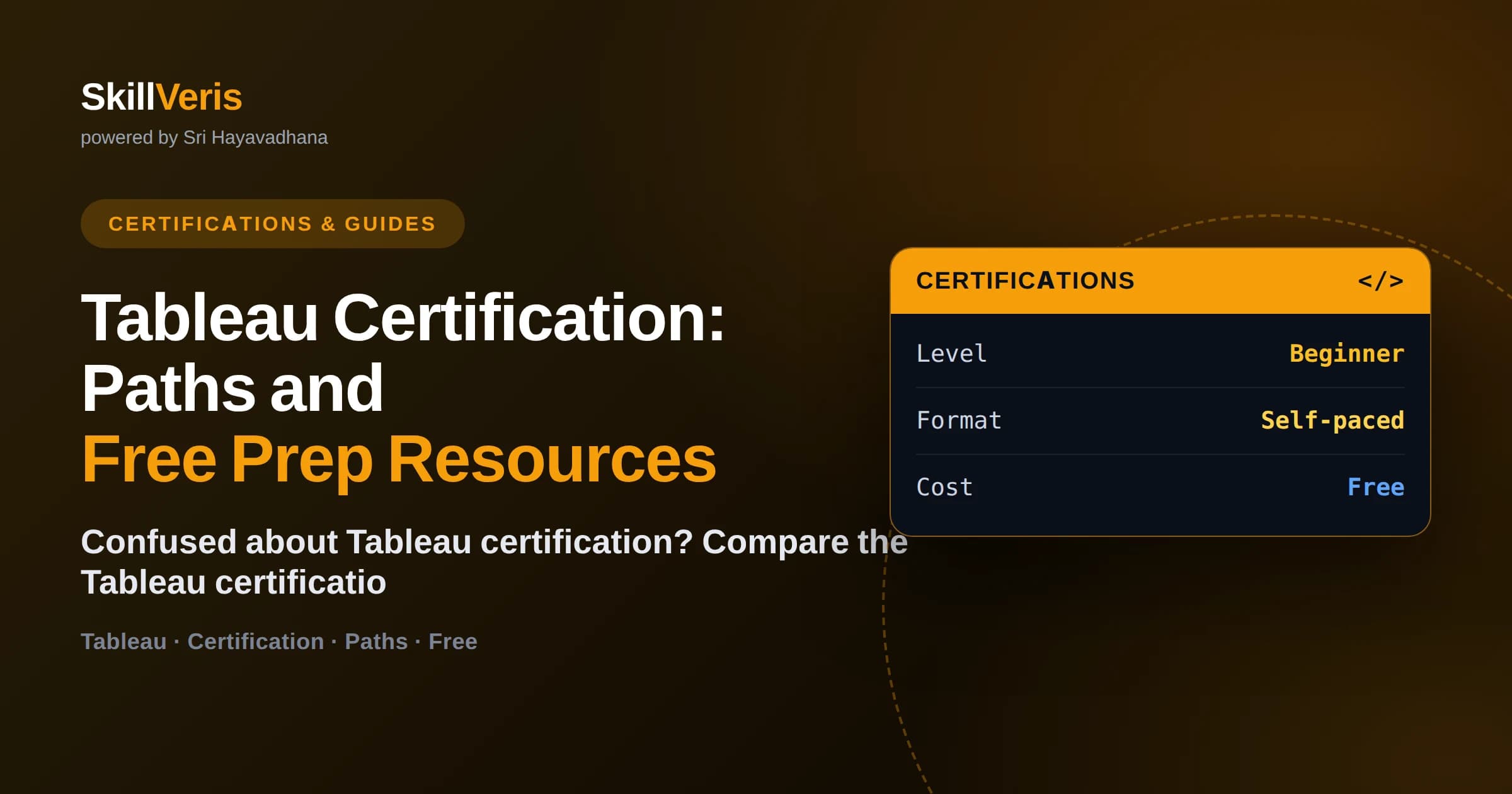
Tableau offers tiered certifications from the entry-level Data Analyst credential up to Certified Consultant and Architect levels.
In this guide, you'll learn:
- The Tableau Certified Data Analyst is the right starting point for most beginners entering analytics roles.
- Certifications validate connecting to data, building visualizations, dashboards, calculations, and sharing insights.
- Tableau Public and the free Desktop trial let you practice every exam skill without paying for software.
- Understanding when to use each chart type and Tableau's level of detail expressions is central to passing.
1Tableau Certification: Paths and Free Prep Resources
Tableau offers a tiered set of certifications, and for most people entering analytics the right starting point is the Tableau Certified Data Analyst credential, which validates that you can connect to data, explore it, build visualizations and dashboards, and share insights. Higher tiers like Certified Consultant and Architect target experienced professionals and are worth pursuing later.
The good news is that you can prepare for a Tableau certification almost entirely for free. Tableau Public is a free product, the Desktop application offers a trial, and public datasets are everywhere — so the only real cost is the exam fee once you are ready.
This guide maps out the Tableau certification paths, helps you choose the right one for your stage, explains the skills each exam tests, and lays out a free prep path with the resources and practice approach that actually get people through.
2The Tableau Certification Paths
Tableau's certifications are tiered by experience and role. Knowing the ladder helps you pick the rung that matches where you are, rather than over- or under-shooting.
The credentials progress from foundational knowledge up to specialist and architect-level expertise. Most beginners belong at the bottom two rungs.
- Tableau Certified Data Analyst — the core credential for analysts who connect to, prepare, analyze, and visualize data. The best starting point.
- Foundational/Consultant and Architect tiers — advanced credentials for professionals who design, deploy, or govern Tableau at scale.
- Specialist-level entry credentials — lighter, foundational options that confirm core product knowledge for those very new to the tool.
🔑Which one to start with
If your goal is an analyst or BI role, aim for the Tableau Certified Data Analyst. It is recognized by employers and covers the full workflow from data connection to sharing insights. Save the consultant and architect tiers for later in your career.
3What the Data Analyst Exam Tests
The Tableau Certified Data Analyst exam covers the end-to-end workflow of a working analyst. It is practical and scenario-based, so knowing the buttons is not enough — you need to know when and why to use each feature.
Broadly, the exam spans connecting to and preparing data, exploring and analyzing it, creating content like charts and dashboards, and sharing and managing that content. Within those, calculations and the right choice of visualization tend to be where candidates most need practice.
- Connecting to data sources, joining and blending data, and basic data preparation.
- Building the right visualization for a question — bar, line, scatter, map, and more.
- Writing calculations, including aggregate, table, and level-of-detail expressions.
- Designing interactive dashboards with filters, actions, parameters, and tooltips.
- Publishing and sharing content and understanding permissions on Tableau's platforms.
4Key Concepts You Must Master
A few Tableau-specific concepts trip people up more than any others, and the exam leans on them. Getting comfortable with these early makes the rest of your preparation smoother.
The most important is understanding how Tableau aggregates data and how level of detail expressions let you control that. Alongside that, the distinction between dimensions and measures, and between discrete and continuous fields, underpins nearly everything you build.
The concepts worth extra practice
Spend deliberate time on these because they show up throughout the exam and in real analyst work.
Dimensions vs measures, and discrete (blue) vs continuous (green) fields.
How Tableau aggregates measures, and how level-of-detail (LOD) expressions like FIXED override the default granularity.
Choosing the correct chart type for the analytical question rather than defaulting to a favorite.
Calculated fields and table calculations such as running totals and percent of total.
Dashboard interactivity: filter actions, highlight actions, parameters, and set actions.5Free Tools for Practice
You do not need a paid license to build the skills a Tableau certification tests. Tableau Public is completely free and lets you create and publish visualizations, so you can practice charting, dashboards, and many calculations at no cost. The full Desktop application offers a trial period for features Public does not include.
Pair the software with free public datasets — government open-data portals, sports statistics, sample superstore data, and countless others — and you have everything needed to rehearse the entire analyst workflow. Publishing your practice work to Tableau Public also builds a visible portfolio that helps you get hired, so the practice does double duty.
💡Your practice is your portfolio
Every dashboard you build to study can be published to Tableau Public. By the time you sit the exam, you will have a gallery of work that proves your skills to employers, not just a certificate.
6A Free Step-by-Step Prep Path
Structure beats scattered tutorials. The plan below sequences the exam's skills so each week builds on the last, using only free tools and datasets, and produces published work along the way.
- Week 1: Learn the Tableau interface, connect to a dataset, and master dimensions, measures, and field types.
- Week 2: Build the core chart types and learn which question each one answers best.
- Week 3: Practice calculated fields, table calculations, and level-of-detail expressions.
- Week 4: Design interactive dashboards with filters, actions, and parameters.
- Week 5: Study publishing and permissions, then take timed practice exams until you pass reliably.
7Study Tips That Make the Difference
The single biggest predictor of passing is hands-on repetition. Watching someone build a dashboard teaches you almost nothing durable; building one yourself, then rebuilding it from scratch, teaches you everything. Treat every concept as a task to perform, not a fact to memorize.
Also study the way the exam asks questions. Tableau exams are scenario-driven — they describe a goal and ask which approach achieves it. Practice reading a business question and immediately deciding on the chart type, calculation, or dashboard action that answers it. That translation skill is exactly what both the exam and the job require.
8Frequently Asked Questions
Which Tableau certification should a beginner get? Beginners aiming for analyst roles should target the Tableau Certified Data Analyst credential. It covers the full workflow from connecting to data through sharing insights and is well recognized by employers.
Can I prepare for a Tableau certification for free? Yes. Tableau Public is free, the Desktop app offers a trial, and public datasets are abundant. You can practice every exam skill at no cost — only the exam fee itself requires payment.
How long does it take to prepare for a Tableau exam? Most people need four to eight weeks of consistent, hands-on practice. If you already build dashboards regularly, focused review of a few weeks may be enough.
What is the hardest part of the Tableau Data Analyst exam? Calculations — especially level-of-detail expressions — and choosing the correct chart type for a scenario tend to challenge candidates most. Deliberate practice on these pays off.
Do I need Tableau Desktop to practice? Not for most skills. Tableau Public, which is free, covers charting, dashboards, and many calculations. Use the Desktop trial for the features Public does not include.
Is a Tableau certification worth it? It can be, especially for career-changers who need a recognized signal. Paired with a portfolio of published dashboards, it strengthens applications for analyst and BI roles.
9Choose Your Path and Start Building
Earning a Tableau certification comes down to picking the right rung — the Data Analyst credential for most beginners — and then practicing the real analyst workflow until it feels natural. Because Tableau Public and public datasets are free, cost is no barrier; the only investment that matters is consistent hands-on time.
You can learn Tableau, data visualization, and the analytics thinking behind them for free on SkillVeris, with courses and study notes that align to what the exams test. Download the free tools, follow the prep path, publish your practice work, and sit the exam once your timed scores are consistently strong.
Get The Print Version
Download a PDF of this article for offline reading.
About the Publisher
SkillVeris Team
Learning Team
Our learning specialists map the fastest paths to industry-recognised certifications.
View all postsRelated Posts

Never miss an update
Get the latest tutorials and guides delivered to your inbox.
No spam. Unsubscribe anytime.