Multimodal AI Explained: Text, Images, and Beyond
SkillVeris Team
AI Research Team
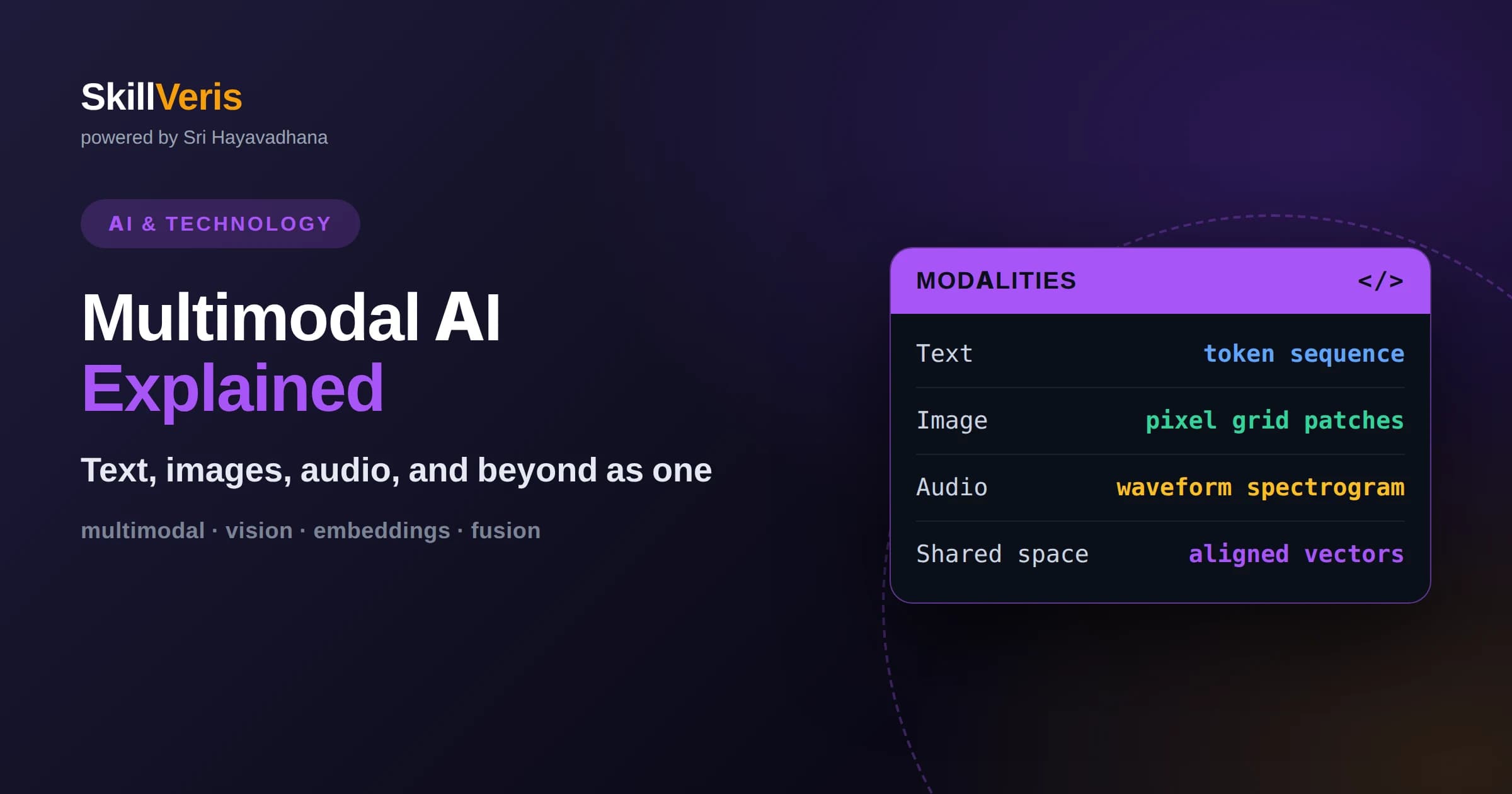
Multimodal AI understands and generates across multiple data types, letting a single model reason about text, images, audio, and more together.
In this guide, you'll learn:
- The key trick is encoding each modality into a shared representation space so the model can relate a word to a picture or a sound.
- Applications range from describing images and answering questions about charts to voice assistants and video understanding.
- Multimodal systems inherit familiar risks like bias and hallucination, plus new ones such as misreading images, so evaluation must cover every modality.
1What Multimodal AI Actually Means
Multimodal AI refers to systems that can process and relate more than one type of data, such as text, images, audio, and video, within a single model or tightly integrated pipeline. Where a text-only model reads and writes words, a multimodal model can look at a photo and describe it, read a chart and answer questions about it, or listen to speech and respond. The defining trait is connecting information across modalities rather than handling each in isolation.
A modality is simply a kind of data with its own structure. Text is a sequence of tokens, an image is a grid of pixels, audio is a waveform over time. Each carries meaning differently, so the central challenge of multimodal AI is teaching one system to represent these different forms in a way that lets it compare and combine them.
This matters because the real world is inherently multimodal. People understand a scene by combining what they see, hear, and read simultaneously. AI that can do the same becomes far more useful for tasks like understanding a document full of diagrams, guiding someone through a physical repair, or interpreting a medical image alongside written notes.
3Encoders and How Modalities Fuse
Each modality typically has a specialized encoder suited to its structure. Images are often processed by vision transformers that split a picture into patches and treat those patches somewhat like tokens. Audio may be converted into a spectrogram and encoded similarly. Text uses a standard language encoder. These encoders translate very different inputs into the same kind of vector.
Fusion is how the encoded modalities are combined. In early fusion, representations are merged near the start so the model reasons jointly from the beginning. In late fusion, each modality is processed largely separately and combined near the end. Many modern systems use a hybrid, projecting non-text inputs into a form a language model can attend to alongside words.
The popular pattern today is to attach a vision encoder to a language model through a small connecting layer, so the language model can attend to image features while generating text. This lets teams reuse a powerful language model and teach it to see, rather than training a giant multimodal model from scratch.
4How Multimodal Models Are Trained
Training usually starts with contrastive learning on paired data, where the model learns to pull matching pairs together in the embedding space and push mismatched pairs apart. Given many images and captions, it learns to recognize which caption belongs to which image, which forces the encoders to capture shared meaning across modalities.
After this alignment stage, models are often fine-tuned to follow instructions, so they can answer questions about an image, summarize a chart, or describe a scene on request. This step uses examples of prompts paired with the desired multimodal responses, teaching the model to be helpful rather than just to match pairs.
The data pipeline is a major part of the work. Paired data can be noisy, biased, or unevenly distributed across topics, and those flaws propagate into the model. Careful curation, filtering, and balancing of training pairs often matters as much as architectural choices for the final quality.
5Vision-Language Models in Practice
The most common multimodal systems today are vision-language models that take an image and text together and produce text. You can show one a photo and ask what is happening, hand it a screenshot and ask it to extract the table, or give it a diagram and ask it to explain the flow. This single capability unlocks a wide range of practical tools.
These models are strong at describing scenes, reading text within images, and answering high-level questions, but they can struggle with precise spatial reasoning, counting many objects, or fine details in cluttered images. Knowing these limits helps you design tasks that play to their strengths and avoid quiet failures.
A practical tip is to be explicit about what you want the model to look at. Asking it to focus on the top-right region, or to read the axis labels before answering, often produces more accurate results than a vague question, much like giving a person clear instructions before showing them a picture.
6Beyond Images: Audio, Video, and More
Multimodal AI extends well past pictures. Audio models transcribe speech, identify sounds, and increasingly hold spoken conversations, treating sound as another stream to encode into the shared space. This powers voice assistants that understand tone and context rather than just words.
Video adds the dimension of time, requiring the model to understand not only what appears in each frame but how things change and relate across frames. This is harder and more compute-intensive, since a short clip contains many frames, but it enables tasks like summarizing a lecture, finding a moment in footage, or understanding an action.
The frontier keeps widening to include sensor data, three-dimensional scenes, and other signals. The underlying recipe stays the same: encode each new modality into a compatible representation and teach the model to relate it to the others. Once you understand the shared-space idea, each new modality is a variation on a familiar theme.
7Generating Across Modalities
Multimodal AI is not only about understanding; it also generates across modalities. Text-to-image systems produce pictures from descriptions, text-to-audio systems create speech or music, and combined systems can take an image and a prompt to produce an edited image. Generation and understanding often share the same underlying representations.
Generation typically uses different machinery from understanding, such as diffusion processes for images, but it still relies on aligning modalities so a text prompt can steer the output. The tighter the alignment between what the prompt means and what the generator produces, the more faithful the results.
Combining understanding and generation leads to genuinely interactive tools, such as describing a change you want to a picture and getting a revised version, or asking an assistant to both explain a chart and redraw it. These loops feel natural precisely because the system reasons across modalities the way people do.
8Real-World Applications
Practical uses are already widespread. Accessibility tools describe images for people with visual impairments and caption audio for those who are deaf or hard of hearing. Productivity tools read screenshots, summarize documents full of figures, and turn whiteboard photos into structured notes. Support tools let users show a problem rather than describe it in words.
In specialized fields, multimodal models assist by pairing images with text, for example reviewing a diagram alongside its documentation or helping interpret a scan next to written history, always as an aid to a qualified human rather than a replacement. The combination of modalities often reveals context that either alone would miss.
In everyday products, multimodal features show up as visual search, voice interfaces, and assistants you can talk to while sharing your screen. As the capability spreads, interacting with software by showing and speaking, not only typing, is becoming normal.
9Limitations and Risks
Multimodal models inherit the weaknesses of language models, including hallucination, where the system states something confidently that is not supported by the input. In a multimodal setting this can mean describing objects that are not in an image or misreading a value on a chart, so outputs still require verification for anything important.
They also add modality-specific failure modes. Vision systems can be fooled by unusual angles, poor lighting, or adversarial patterns, and audio systems can mishear accents or noisy recordings. Bias in training pairs can cause the model to describe similar scenes differently depending on who or what is depicted.
Because errors can enter through any modality, evaluation must cover all of them. Testing only text quality misses visual and audio mistakes entirely. Responsible deployment means probing each modality, understanding where the system is unreliable, and keeping humans in the loop for consequential decisions.
10How to Evaluate Multimodal Systems
Good evaluation starts with tasks that mirror real use, not just generic benchmarks. If your application reads invoices, test on real invoices with tricky layouts, not tidy examples. Coverage should include the messy inputs your users will actually provide, because that is where multimodal systems most often stumble.
Measure grounding explicitly by checking whether the model's statements are actually supported by the input image or audio. A useful method is to ask the model to point to the evidence, then verify it. This surfaces confident but unsupported claims that a surface-level correctness check would miss.
Finally, track performance across subgroups and conditions, such as different lighting, accents, or document styles, to catch uneven quality. A model that works well on average can still fail badly for certain inputs, and only segmented evaluation reveals it.
11Getting Started With Multimodal AI
You do not need to train models to build with multimodal AI. Many providers expose vision and audio capabilities through the same interface you already use for text, so you can send an image plus a question and get an answer. Starting from these hosted capabilities lets you focus on your application rather than on model internals.
Begin with a narrow, well-defined task such as extracting fields from a specific document type or describing product photos. Narrow tasks are easier to evaluate and improve, and they teach you the practical behavior of these models before you attempt something open-ended.
As you build, keep the shared-representation mental model in mind: everything is being encoded into vectors and compared. That intuition explains both the impressive capabilities and the surprising failures, and it makes the whole field far less mysterious.
12When You Actually Need Multimodal
Multimodal capability is powerful, but it is not always the right tool, and reaching for it when a text-only approach would do adds cost and complexity for no benefit. Ask first whether the information you need genuinely lives in an image, audio, or video, or whether it could be captured as text upstream. Often a simpler pipeline wins.
When the source truly is visual or auditory, multimodal shines, because converting it to text first would lose meaning or require brittle intermediate steps. Reading a handwritten form, interpreting a chart's layout, or understanding tone in speech are cases where the model needs to perceive the raw signal directly rather than a lossy transcription.
A useful design habit is to keep each modality's contribution explicit, so you can reason about where an answer came from and test that part in isolation. Treating multimodal as a deliberate choice rather than a default keeps your systems understandable, cheaper to run, and easier to debug when something goes wrong.
13Practice and Build on SkillVeris
The fastest way to understand multimodal AI is to use it on a problem you care about, then observe where it shines and where it slips. Try describing images, summarizing a chart, or building a small tool that answers questions about a document, and pay attention to how you phrase requests.
As your projects grow, apply the discipline from this article: ground outputs in the actual input, evaluate every modality, and keep a human in the loop for anything consequential. These habits separate reliable multimodal applications from impressive demos that fail in the field.
On SkillVeris you can work through hands-on lessons that take you from calling a vision-language model to building and evaluating your own multimodal features, learning by doing rather than only reading. Start small, iterate, and let real feedback guide what you build next.
Related Reading
Get The Print Version
Download a PDF of this article for offline reading.
About the Publisher
SkillVeris Team
AI Research Team
Our AI team covers the latest in machine learning, generative AI, and emerging tech — clearly and accurately.
View all postsRelated Posts




Never miss an update
Get the latest tutorials and guides delivered to your inbox.
No spam. Unsubscribe anytime.