Model Context Protocol (MCP) Explained
SkillVeris Team
AI Research Team
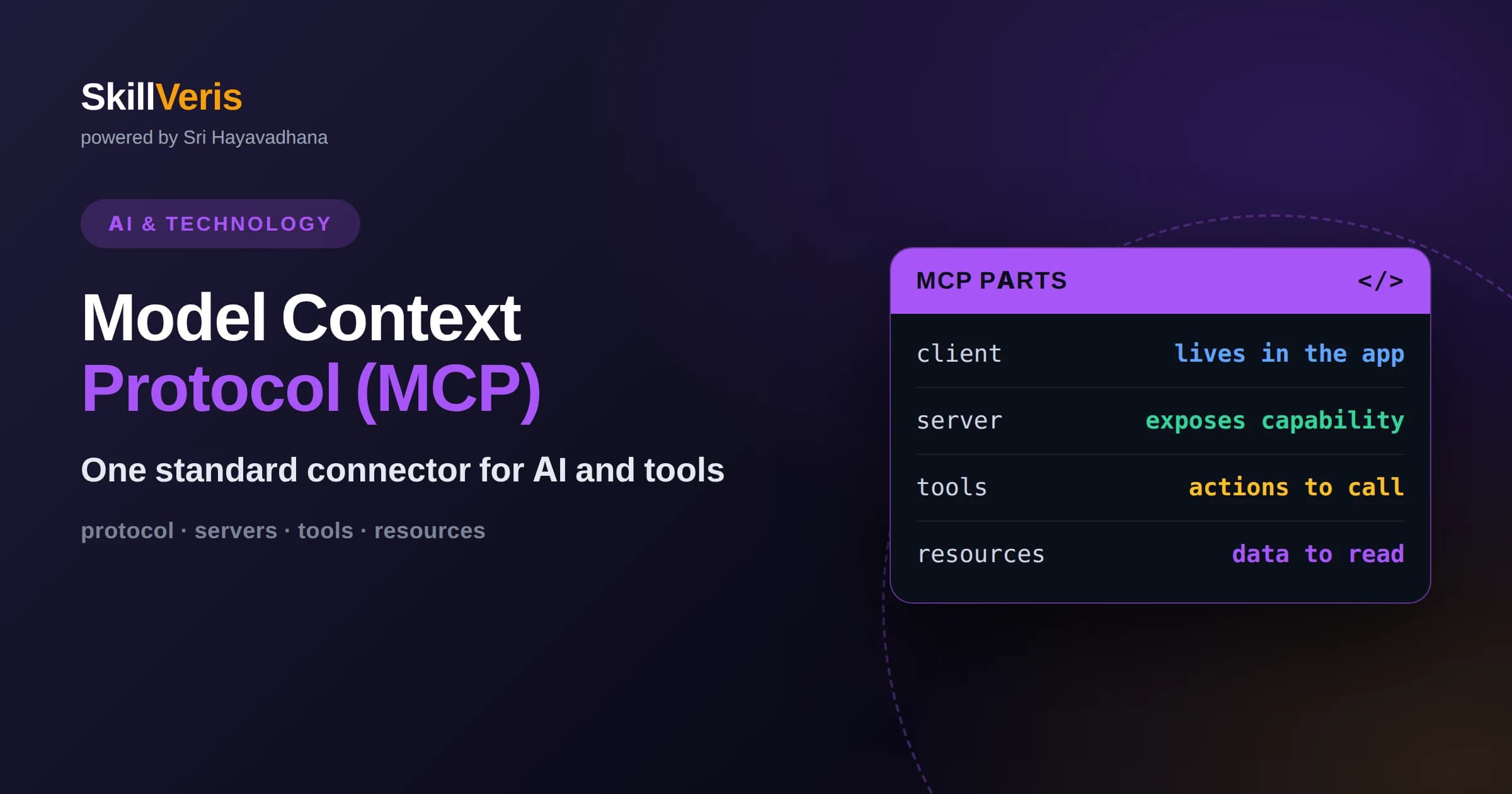
MCP is an open standard that gives AI applications one consistent way to connect to external tools, data, and prompts.
In this guide, you'll learn:
- It follows a client-server model: the AI application runs a client that talks to independent servers exposing capabilities.
- MCP servers offer three main things: tools the model can call, resources it can read, and reusable prompts.
- By standardizing the interface, MCP turns a messy web of custom integrations into a reusable ecosystem of interchangeable servers.
1What the Model Context Protocol Is
The Model Context Protocol, or MCP, is an open standard that defines a common way for AI applications to connect to external tools and data sources. Instead of every assistant inventing its own method for reaching a calendar, a database, or a file system, MCP provides a single shared interface that any tool provider and any AI application can implement. Once both sides speak MCP, they can work together without custom glue code.
The problem MCP solves is often compared to the tangle that existed before universal connectors in hardware. Before a common standard, every device needed its own special cable. MCP plays a similar unifying role for AI: it is the standard connector between models and the outside world. Build a server once, and any MCP-aware application can use it.
Crucially, MCP is open and not tied to a single company's model. This means a tool exposed through an MCP server can serve many different AI applications, and an AI application can draw on many independently built servers. That interoperability is the whole point of the standard.
2The Problem MCP Was Built to Solve
As AI assistants became more capable, developers wanted to connect them to real systems: company wikis, ticketing tools, code repositories, and more. But each connection was a bespoke project. Connecting one assistant to five tools meant writing five integrations, and connecting a second assistant meant writing them all again. The effort multiplied painfully.
MCP replaces that many-to-many mess with a clean standard in the middle. A tool provider builds one MCP server for their system. An AI application builds one MCP client. Now any client can talk to any server. The number of integrations you write drops from a multiplication to a simple sum, and the whole community benefits from servers others have already built.
3The Client-Server Architecture
MCP is built on a client-server design. The AI application, such as a desktop assistant or an agent, acts as the host and runs one or more MCP clients. Each client maintains a connection to an MCP server, which is a separate program that exposes some capability, like access to a database or a set of file operations.
This separation is deliberate and powerful. The server knows nothing about which AI model is on the other end; it simply offers its capabilities through the standard protocol. The client knows nothing about the server's internal implementation; it just discovers what the server offers and relays that to the model. Each side can be built, updated, and secured independently.
Because servers are independent processes, they can run locally on your own machine or remotely over a network. A local server might expose your file system, while a remote one might expose a company service. The AI application connects to whichever it needs, mixing local and remote capabilities in one session.
4Tools, Resources, and Prompts
An MCP server can expose three kinds of capability, and understanding them is the heart of understanding the protocol. The first is tools: actions the model can invoke, like searching records, creating a file, or sending a message. Tools are how the model takes action through MCP, and they work much like function calling.
The second is resources: pieces of data the model can read, such as the contents of a document, a database row, or a log file. Resources give the model information to reason over. Where a tool does something, a resource provides something. An AI application can pull a resource into the model's context so its answer is grounded in that data.
The third is prompts: reusable, parameterized message templates that a server offers to help users accomplish common tasks. A server for a code tool might provide a prompt template for reviewing a pull request. These templates package expertise so users do not have to craft the perfect instruction themselves. Together, tools, resources, and prompts cover acting, reading, and guiding.
5How an MCP Session Flows
When an AI application starts, it connects its client to the servers it is configured to use. The client and server first exchange information about what they support, a handshake that establishes the connection. The client then asks the server what it offers, and the server responds with its list of tools, resources, and prompts.
During a conversation, when the model decides it needs a capability, the application routes that request through the appropriate client to the server. The server executes the request, whether that means running a tool or fetching a resource, and returns the result. The application feeds that result back to the model, which continues its reasoning. The loop resembles function calling, but the standardized protocol is what lets any server plug in.
This discovery step is important. Because the client asks the server what it can do at connection time, capabilities are not hard-coded into the application. Add a new tool to a server, and connected applications can use it without being rebuilt. The system stays flexible as servers evolve.
6How MCP Relates to Function Calling
MCP and function calling are closely related, and it helps to see how. Function calling is the underlying model capability: the model can request a named tool with arguments. MCP is a standard for where those tools come from and how they are described and delivered. You can think of MCP as a supply chain that feeds tools into the function-calling mechanism in a consistent, reusable way.
Without MCP, every developer defines their tools directly inside their own application, in their own format. With MCP, tools live in shareable servers described in a common way. When the model requests one, the application knows exactly how to reach it because the protocol standardizes the contract. MCP does not replace function calling; it organizes and scales it.
7Why Standardization Pays Off
The biggest benefit of MCP is reuse. A server built for a popular service can be shared, so thousands of developers do not each rebuild the same integration. This has given rise to a growing ecosystem of ready-made servers for common tools, letting builders assemble capable assistants by connecting existing pieces rather than writing everything from scratch.
Standardization also improves maintainability. When a service changes, only its server needs updating, and every application using it inherits the fix. And because the interface is consistent, developers can reason about any MCP connection using the same mental model, which lowers the learning curve as they add new capabilities.
8Security and Trust Considerations
Connecting an AI model to real tools and data raises real security questions, and MCP does not remove the need for care. Because a server can execute actions, you should only connect servers you trust, just as you would only install software from sources you trust. A malicious or careless server could expose data or take unwanted actions.
Good practice includes controlling what each server is allowed to access, requiring authentication for servers that reach sensitive systems, and reviewing what tools a server exposes before connecting it. The protocol provides the structure, but the responsibility for granting the right permissions and vetting servers stays with the people deploying them. Treat an MCP connection as a trust relationship, not a plug-and-forget convenience.
9How Clients and Servers Communicate
MCP defines not just what messages mean but how they travel. A local server running on your own machine typically communicates with the client through standard input and output streams, a simple and secure channel for programs on the same computer. A remote server communicates over the network using web-based transport, allowing the client to reach it across the internet.
This flexibility means the same conceptual capabilities can be delivered whether the server sits beside the application or lives in the cloud. Developers pick the transport that fits their deployment, and the higher-level protocol, the tools, resources, and prompts, stays the same regardless. That separation of transport from meaning is part of what makes MCP adaptable.
10When to Reach for MCP
MCP shines when you want an AI application to draw on many tools, especially tools that others might also want to use, or when you expect your set of integrations to grow over time. Building against a standard pays off as the number of connections increases and as you benefit from servers the community has already built.
For a tiny, self-contained project with a single custom tool, defining that tool directly may be simpler than adopting the full protocol. The value of MCP grows with scale and with the desire for interoperability. As assistants become more agentic and more connected, that value is becoming central to how modern AI systems are built.
11Hosts, Clients, and Agents
It helps to be precise about the roles in an MCP setup. The host is the AI application the user interacts with, such as a desktop assistant or a coding tool. Inside the host run one or more clients, each managing a single connection to a single server. This one-client-per-server arrangement keeps connections isolated, so a problem with one server does not disturb the others.
This structure scales gracefully as an assistant grows more capable. A sophisticated agent might connect to a file server, a database server, and a web-search server at once, each through its own client. The model sees a unified set of capabilities, while behind the scenes the host cleanly manages several independent connections. The complexity of many integrations is tamed by the uniformity of the protocol.
Because the host mediates every interaction, it is also the natural place to enforce policy. It can decide which servers to trust, which tool calls to allow automatically, and which to pause for human approval. The protocol enables the connections; the host governs how they are used.
12A Growing Ecosystem
One of the strongest signs of MCP's value is the ecosystem forming around it. Providers of popular services have built servers so their tools can plug into any compatible assistant, and communities share servers for all manner of systems. This means a developer building an assistant can often connect an existing server rather than writing an integration from scratch.
This network effect compounds. Each new server makes the whole ecosystem more valuable, because it becomes available to every MCP-aware application at once. As more tools speak the standard, building capable, connected assistants gets easier, which is exactly the kind of virtuous cycle that open standards are designed to create.
For a developer, the practical upshot is leverage. Rather than reinventing an integration that someone has already built and tested, you can connect to it and focus your effort on what makes your application distinctive. And when you do build a server for a system others use, sharing it lets the whole community benefit, which is how healthy open ecosystems sustain themselves over time.
13Learn It by Building
The clearest way to understand MCP is to build a small server that exposes one tool and one resource, then connect an application to it. Watching the client discover your capabilities and route the model's requests to your server makes the abstract protocol tangible in a way that reading alone cannot.
On SkillVeris you can work through practical lessons that guide you from your first MCP server to connecting multiple servers into a single capable assistant. Building even a minimal server teaches you how the pieces fit, and from there the wider ecosystem opens up quickly.
Related Reading
Get The Print Version
Download a PDF of this article for offline reading.
About the Publisher
SkillVeris Team
AI Research Team
Our AI team covers the latest in machine learning, generative AI, and emerging tech — clearly and accurately.
View all postsRelated Posts




Never miss an update
Get the latest tutorials and guides delivered to your inbox.
No spam. Unsubscribe anytime.