Hugging Face Transformers Explained
SkillVeris Team
AI Research Team
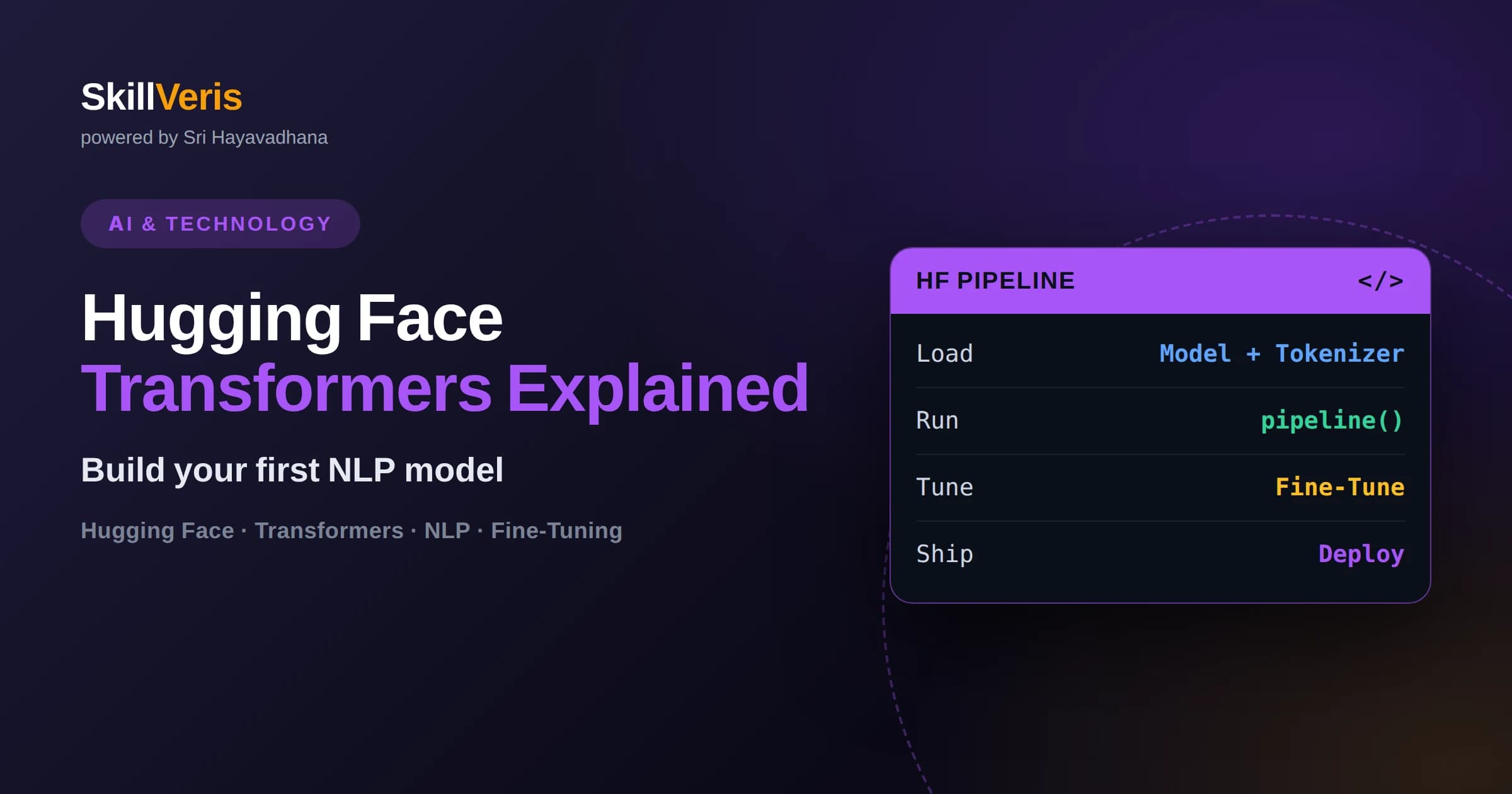
The transformers library gives you access to thousands of pretrained models through a single, consistent Python API.
In this guide, you'll learn:
- The pipeline() function can run sentiment analysis, summarization, translation, and more in as little as two lines of code.
- The Hugging Face Hub hosts models, datasets, and model cards that document a model's intended use and limitations.
- Tokenizers convert raw text into numerical IDs that transformer models can process, using subword splitting to handle unknown words.
- Fine-tuning adapts a pretrained model to your own data, usually requiring far less data and compute than training from scratch.
1What Is Hugging Face Transformers and Why Does It Matter?
Hugging Face Transformers is an open-source Python library that lets you download, run, and fine-tune state-of-the-art natural language processing models with just a few lines of code, instead of building neural networks from scratch.
Before this library existed, using a model like BERT or GPT-2 meant reading academic papers, reimplementing architectures, and hunting for compatible pretrained weights scattered across research labs' GitHub repos. Hugging Face standardized all of that behind one interface: load a model, load its matching tokenizer, and run inference or training with the same handful of method calls regardless of which architecture sits underneath.
That standardization is why the library became the default starting point for NLP work in industry and research alike. Whether you want to classify support tickets, summarize documents, build a chatbot, or fine-tune a model on your company's own text, transformers gives you a working baseline in minutes and a clear upgrade path when you need more control.
2What Are the Hugging Face Hub, Model Cards, and Datasets?
The Hugging Face Hub is a hosted platform, similar in spirit to a code repository, where anyone can publish and download machine learning models, datasets, and small interactive demos called Spaces.
Every model on the Hub ships with a model card, a README-style document describing what the model was trained on, what tasks it performs well, known biases or limitations, and example code to run it. Reading the model card before you use a model is not optional busywork; it is the fastest way to avoid picking a model that was trained for the wrong language, domain, or task and quietly gives you poor results.
The Hub's datasets section works the same way: thousands of ready-to-use text datasets for classification, translation, question answering, and more, each with a loading script so you can pull it into memory with a single function call rather than writing your own parser.
- Model cards document intended use, training data, and limitations
- Datasets load with a single function call via the datasets library
- Spaces let you try a model in the browser before writing any code
- Filters on the Hub let you sort models by task, language, and license
3How Does the pipeline() API Get You Running in Minutes?
The pipeline() function is a high-level shortcut that bundles a pretrained model, its tokenizer, and its output formatting into one callable object, so you can run inference in two or three lines without touching any lower-level details.
For example, sentiment analysis is a pipeline("sentiment-analysis") call followed by passing in a string; summarization, named entity recognition, translation, question answering, and text generation all follow the identical pattern, just with a different task name. Under the hood, pipeline() picks a sensible default model for the task if you don't specify one, downloads it the first time you run it, and caches it locally for every subsequent call.
This is the right entry point for anyone learning the transformers library in Python, because it separates "does this task work at all" from "how does this actually function internally." You get a working NLP model on your own text before you've learned a single detail about attention layers or tokenization, which keeps momentum high while you learn the rest.
4How Do Tokenizers and the Transformer Architecture Actually Work?
Tokenizers convert raw text into the numerical token IDs a transformer model can actually process, typically by splitting words into subword pieces so the model can handle rare or unseen words without a bloated vocabulary.
A word like "unbelievable" might be split into pieces such as "un", "believ", and "able," each mapped to a fixed integer ID from the model's vocabulary. This subword approach is why transformer models rarely produce a true "unknown word" error even on typos, slang, or technical jargon: they fall back to smaller and smaller pieces until they hit something in the vocabulary.
The transformer architecture itself, introduced in the 2017 paper "Attention Is All You Need," processes those tokens through a mechanism called self-attention, which lets the model weigh how relevant every other word in the input is to understanding each individual word, in parallel across the whole sequence. That parallelism, as opposed to reading text one word at a time like older recurrent models, is the core reason transformers train faster and capture long-range context better, and it's why the architecture now underlies almost every major language model in production.
5How Do You Fine-Tune a Pretrained Model on Your Own Data?
Fine-tuning means taking a model that already understands general language patterns and continuing its training on your own labeled examples so it specializes in your specific task, which needs far less data and compute than training a model from zero.
At a conceptual level, the workflow has four stages: load a pretrained model and its matching tokenizer, prepare your dataset by tokenizing your text and attaching your labels, configure training settings such as learning rate and number of epochs, and hand it all to a training loop, either a custom PyTorch loop or the library's built-in Trainer class, which handles batching, evaluation, and checkpoint saving for you.
Because the pretrained model already "knows" grammar, common word relationships, and general world knowledge from its original training, fine-tuning only has to teach it the narrower mapping from your inputs to your outputs, such as which support tickets are urgent or which product reviews are negative. This is why fine-tuning a base model on a few thousand labeled examples can outperform training a new model from scratch on the same data by a wide margin.
6When Should You Use Hugging Face Instead of Training a Model From Scratch?
Use Hugging Face for the overwhelming majority of NLP projects, and reserve training from scratch for the rare case where you have a genuinely novel architecture idea or a massive, unique dataset that no existing pretrained model reflects.
Training a transformer model from scratch requires enormous amounts of text data and computing power that most teams and individual learners simply don't have access to, and even then the result often underperforms a well-chosen pretrained model that has already absorbed patterns from a much larger and more diverse training corpus. Fine-tuning or even using a pretrained model with no fine-tuning at all gets you most of the way there for a fraction of the cost.
The practical decision tree is simple: start with pipeline() and an off-the-shelf model to see if it already solves your problem, move to fine-tuning if the off-the-shelf result is close but not accurate enough for your domain, and only consider training from scratch if you've exhausted both of those options and still fall short. If you want a structured, hands-on path through this whole progression, SkillVeris's Hugging Face Transformers course walks through each stage with guided exercises.
7Frequently Asked Questions
Q: Do I need a GPU to use Hugging Face Transformers? A: No, smaller pretrained models run fine on a CPU for inference and experimentation, though fine-tuning larger models is much faster with a GPU and may be impractical without one.
Q: Is the transformers library free to use? A: Yes, the library itself is open source and free, though some individual models on the Hub carry their own licenses that may restrict commercial use, so always check the model card.
Q: What's the difference between transformers and PyTorch or TensorFlow? A: PyTorch and TensorFlow are general-purpose deep learning frameworks, while transformers is a higher-level library built on top of them that specifically packages pretrained NLP (and increasingly vision and audio) models for easy use.
Q: How much data do I need to fine-tune a model? A: There's no fixed number, but many practical fine-tuning tasks show meaningful improvement with just a few hundred to a few thousand quality labeled examples, especially for straightforward classification tasks.
Q: Can I use Hugging Face Transformers for languages other than English? A: Yes, the Hub hosts multilingual models and models pretrained specifically on dozens of individual languages, searchable by language filter.
Q: What's the fastest way to try a model before writing any code? A: Many models have an associated Space on the Hugging Face Hub, a browser-based demo where you can test the model on your own input with no setup at all.
Related Reading
Get The Print Version
Download a PDF of this article for offline reading.
About the Publisher
SkillVeris Team
AI Research Team
Our AI team covers the latest in machine learning, generative AI, and emerging tech — clearly and accurately.
View all postsRelated Posts




Never miss an update
Get the latest tutorials and guides delivered to your inbox.
No spam. Unsubscribe anytime.