Function Calling and Tool Use in LLMs
SkillVeris Team
AI Research Team
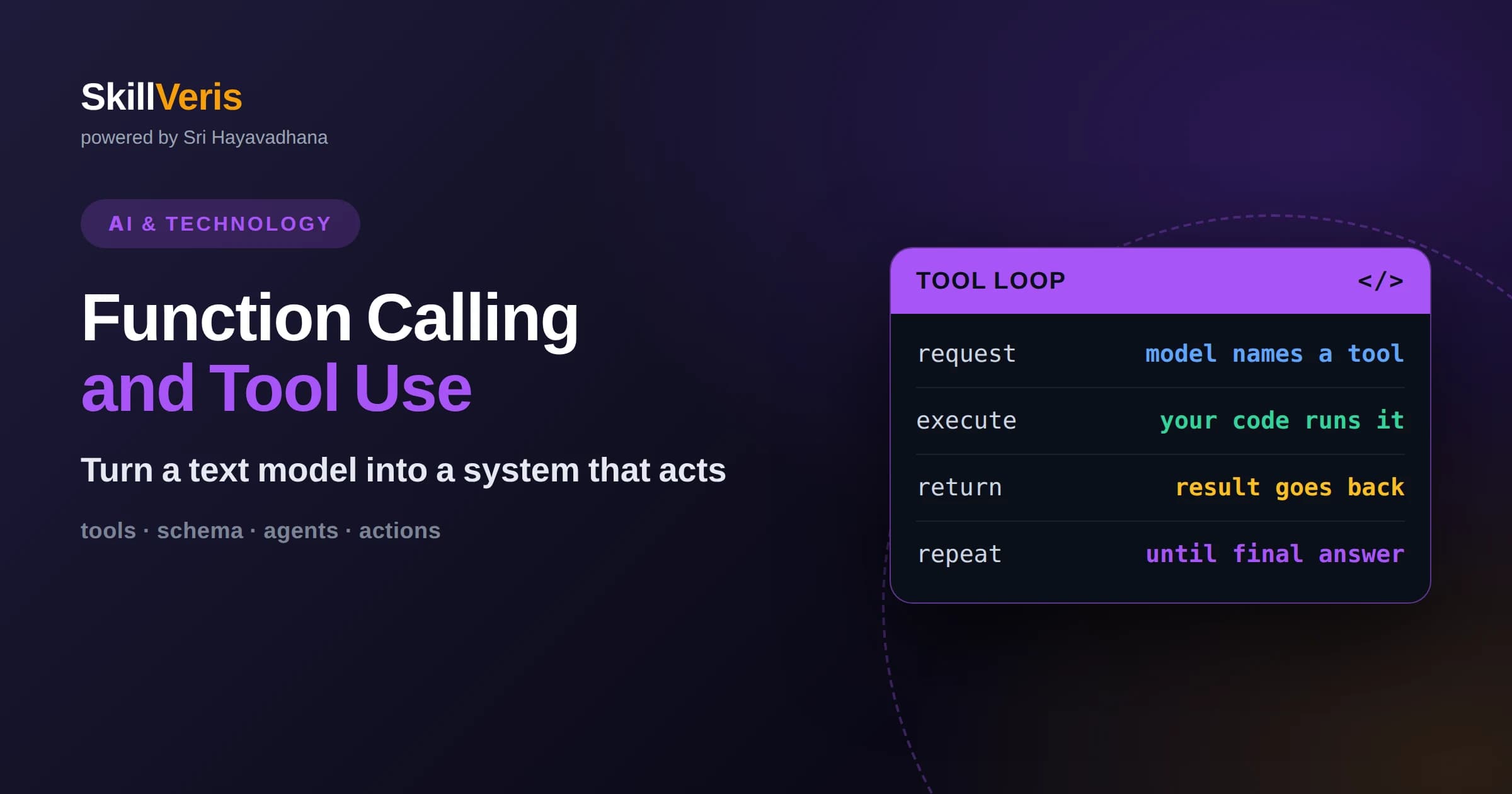
Function calling lets an LLM output a structured request to run a named tool, while your own code actually executes it and returns the result.
In this guide, you'll learn:
- The model never runs anything itself; it decides which tool fits, fills in the arguments, and waits for you to hand back the output.
- Well-written tool descriptions and JSON schemas matter more than the prompt, because they are how the model learns when and how to call each function.
- A tool-use loop repeats request, execute, and return until the model has enough information to answer in plain language.
1What Function Calling Actually Means
Function calling is a feature that lets a language model ask your application to run a specific piece of code, such as fetching the weather, querying a database, or sending an email, by returning a structured description of the call instead of plain prose. The model does not execute anything on its own. It emits the name of a tool and a set of arguments, your code runs that tool, and you feed the result back so the model can continue reasoning. This single mechanism is what turns a model that only writes text into one that can take useful action in the real world.
The key mental shift is that the model becomes a decision-maker rather than a doer. When a user asks what the weather is in a city, the model cannot look out a window. What it can do is recognize that a get_weather tool exists, decide that this question calls for it, and produce a clean request naming the city. Your program owns the actual capability. The model owns the judgment about when to use it.
This division of labor is deliberate and important for safety. Because the model only proposes calls, you keep full control over what really happens. You can validate arguments, require a human to approve sensitive actions, log every request, or refuse a call outright. The model suggests; your system decides.
2Why Tool Use Changes What Models Can Do
On its own, a language model is frozen at the moment its training ended. It cannot know today's stock price, your customer's order history, or the contents of a file it has never seen. Function calling breaks that limitation by giving the model a way to reach live systems. The intelligence stays in the model, but the facts and the actions come from tools you connect.
This is also how models move from answering questions to completing tasks. A support assistant that can look up an account, check a shipment, and issue a refund is far more valid than one that can only describe how refunds generally work. Each tool you add expands the space of things the assistant can genuinely accomplish rather than merely talk about.
3The Anatomy of a Tool Definition
A tool definition has three essential parts: a name, a description, and an input schema. The name is a short identifier like search_products. The description is a plain-language explanation of what the tool does and, crucially, when it should be used. The input schema is a structured specification, almost always written in JSON Schema, that lists the arguments the tool accepts, their types, and which ones are required.
The description carries more weight than beginners expect. The model reads it to decide whether a given user request warrants calling this tool at all. A vague description like handles data leaves the model guessing. A precise one such as Call this to look up current inventory when the user asks whether an item is in stock tells the model exactly when to reach for it. Being prescriptive about the trigger condition, not just the capability, measurably improves how reliably the model calls the right tool.
The input schema does two jobs. It tells the model what shape the arguments must take, and it lets your code validate what comes back. If a parameter must be one of a fixed set of values, expressing that as an enumeration in the schema steers the model toward valid output. Good schemas reduce errors before they ever reach your execution code.
4How the Tool-Use Loop Works
A single tool call rarely finishes the job, so function calling usually runs as a loop. You send the user's message along with the list of available tools. The model responds either with a final answer or with one or more tool requests. If it requests a tool, your code executes it, packages the result, and sends it back. The model reads the result and either answers or requests another tool. This continues until the model is satisfied.
Consider a travel question that asks for both the weather and flight options for a city. The model might request the weather tool first. You run it, return the forecast, and the model then requests a flight-search tool. You return those results, and only now does the model write a natural-language summary combining both. Each turn adds a piece of grounded information the model did not have before.
Because this loop can in principle run forever if something goes wrong, mature implementations set a maximum number of iterations. If the model keeps requesting tools past a sensible limit, you stop and return what you have. This guards against runaway loops caused by a misbehaving tool or an ambiguous task.
5Parallel and Sequential Calls
Modern models can request several tools at once when the tasks are independent. If a user asks for the weather in three cities, the model may emit three weather requests in a single turn. Your code can run them concurrently and return all three results together. This is faster than forcing one call after another and mirrors how a person would naturally parallelize independent errands.
Sequential calls happen when one result feeds the next. Looking up a customer by email, then using their account ID to fetch their orders, is inherently ordered because the second call needs the first call's output. Good tool design keeps independent work parallel and only chains calls when there is a real dependency, which keeps latency low.
6Handling Errors Gracefully
Tools fail. A database times out, a city name is misspelled, an API returns nothing. When this happens, the best practice is to return the error back to the model as a result marked as an error, along with a clear message explaining what went wrong. The model is remarkably good at recovering: told that a location was not found, it may ask the user to clarify or try a corrected spelling.
Swallowing errors silently is worse than surfacing them. If a tool fails and you return empty output as if it succeeded, the model may confidently state something false. Returning an honest error lets the model adjust its plan, which is exactly the resilience you want in a system that takes real actions.
7Designing Tools the Model Can Use Well
The single biggest lever on quality is the clarity of your tool descriptions and schemas. Treat them as the model's user manual. Name tools by what they do, describe precisely when to use each one, and document every parameter. Vague or overlapping tools confuse the model into picking the wrong one or filling arguments incorrectly.
Keeping the tool set focused also helps. A model presented with dozens of near-duplicate tools spends effort deciding among them and makes more mistakes. Fewer, well-scoped tools are easier for the model to choose correctly. When you genuinely need a large library of tools, techniques exist to let the model search for relevant tools on demand rather than loading every definition at once.
Finally, decide which actions deserve to be their own dedicated tool versus which can be handled by a general capability. Actions that need approval, auditing, or special handling, like sending money or deleting records, benefit from being distinct tools so your system can gate them individually.
8Security and Human Oversight
Because the model can request actions with real consequences, you should never execute sensitive tool calls blindly. Validate the arguments the model produces, since it can occasionally hallucinate a value or misread intent. For irreversible or high-impact actions, insert a human approval step where a person confirms before your code proceeds.
Think of the model's requests as suggestions from a capable but fallible assistant. You would not let a new employee wire funds without a check, and the same caution applies here. The architecture of function calling, where the model proposes and your code disposes, exists precisely so you can enforce these guardrails.
9The Link to Structured Output
Function calling and structured output are close cousins. Both rely on the model producing output that conforms to a schema rather than free-form prose. In fact, one common trick for getting reliable structured data out of a model is to define a tool whose only purpose is to capture that data in a fixed shape. The model calls the tool, and you read the validated arguments.
Understanding this connection helps you see function calling as one instance of a broader idea: constraining the model to emit machine-readable structure. Whenever you need a model's output to slot cleanly into code, schemas are the mechanism, whether the goal is calling a tool or simply extracting fields.
10Common Pitfalls to Avoid
A frequent mistake is parsing tool arguments by matching raw strings instead of properly decoding the JSON the model produces. Models may escape characters in ways you do not expect, so always parse arguments with a real JSON parser. Another pitfall is under-describing tools, which leads the model to call them at the wrong times or skip them entirely.
Teams also sometimes forget to send tool results back in the exact format the interface expects, breaking the loop. And overly aggressive prompt language telling the model it absolutely must use a tool can cause it to overtrigger, reaching for tools even when a direct answer would do. Clear, calm descriptions usually work better than forceful commands.
11When to Reach for Function Calling
Not every task needs tools. If the model can answer from its own knowledge, adding tools only introduces latency and complexity. Reach for function calling when the task requires live data the model cannot know, when it must take an action in an external system, or when you need reliable structured output.
The decision is really about whether the value of grounding the model in real systems outweighs the added moving parts. For customer support, research assistants, data pipelines, and automation, the answer is usually yes. For a simple explanation or a creative draft, plain generation is enough.
12From Single Tools to Agents
Function calling is the foundation that agentic systems are built on. An agent is essentially a model running in a tool-use loop with enough tools to pursue a goal over many steps, deciding for itself which action to take next. The same request, execute, and return cycle that powers a single weather lookup, extended over many turns and many tools, becomes an assistant that can research a topic, gather data, and assemble a result with little human intervention.
This is why mastering function calling pays off beyond any one feature. Once you understand how a model proposes actions and how your code executes and returns them, you hold the core mechanic behind autonomous agents. The difference between a simple assistant and a sophisticated agent is largely a matter of how many tools you provide, how well you describe them, and how you manage the loop and its context over long runs.
As tasks grow more open-ended, other concerns enter, such as keeping the conversation from outgrowing the model's memory and deciding when the agent should stop. But all of it rests on the humble tool call. Get that foundation right and the more advanced patterns become natural extensions rather than mysteries.
13Put It Into Practice
The fastest way to understand function calling is to build a small loop yourself: define one tool, let the model request it, execute it, and return the result. Watching the model decide when to call your tool, and seeing how description quality changes its behavior, teaches more than any diagram.
On SkillVeris, you can work through hands-on lessons that walk you from a single tool to a full agentic loop, with exercises that let you experiment with schemas, error handling, and multi-tool tasks. Start small, iterate on your tool definitions, and you will quickly develop the instinct for designing tools a model can use well.
Related Reading
Get The Print Version
Download a PDF of this article for offline reading.
About the Publisher
SkillVeris Team
AI Research Team
Our AI team covers the latest in machine learning, generative AI, and emerging tech — clearly and accurately.
View all postsRelated Posts




Never miss an update
Get the latest tutorials and guides delivered to your inbox.
No spam. Unsubscribe anytime.