Embeddings Explained: How AI Understands Meaning
SkillVeris Team
AI Research Team
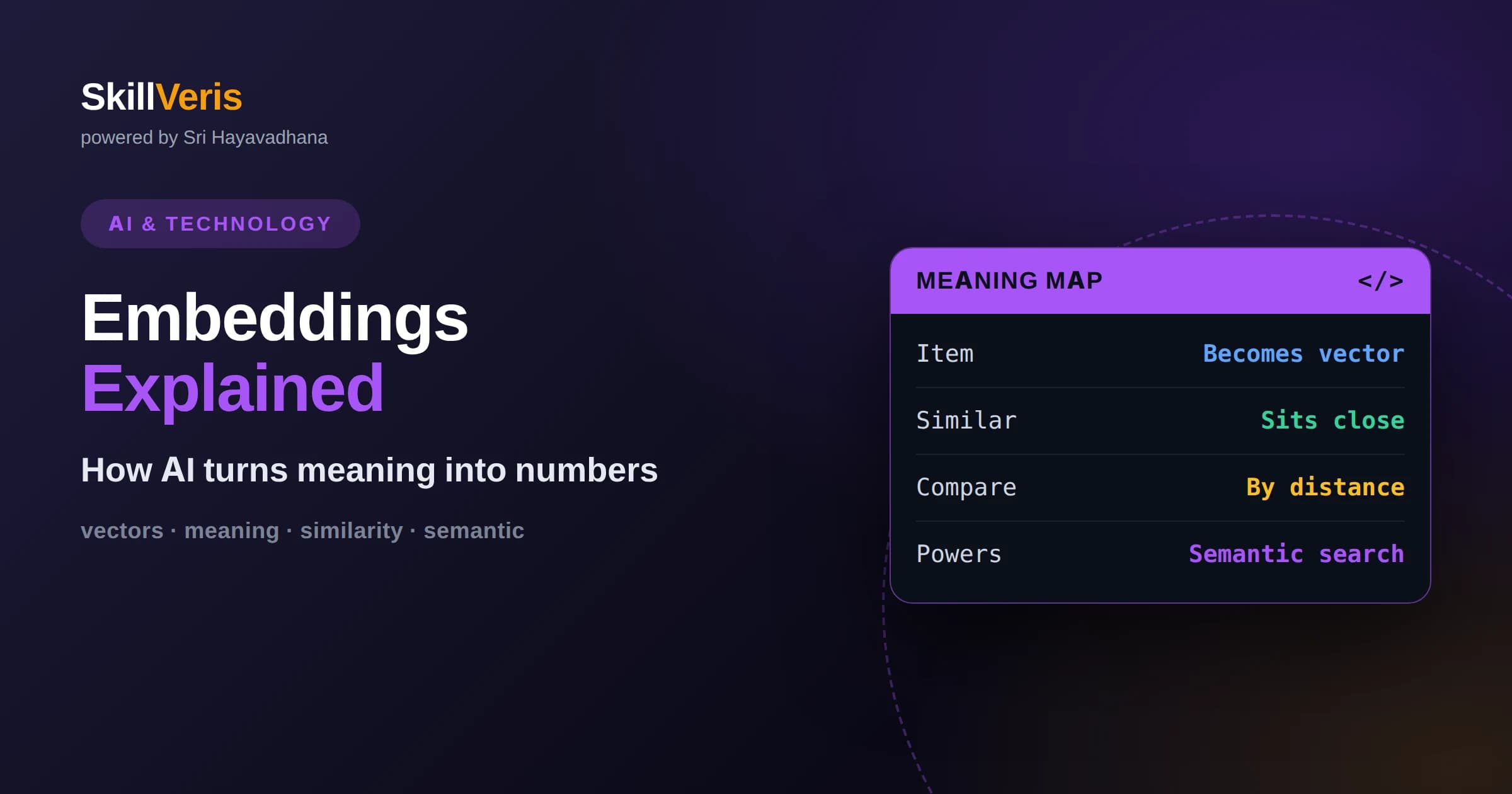
An embedding is a list of numbers that places a piece of data in a space where similar meanings are close together.
In this guide, you'll learn:
- Embeddings let AI measure meaning as distance, powering semantic search, recommendations, and retrieval.
- The same technique works across text, images, and audio, enabling systems that connect different kinds of data.
- Good embeddings depend on choosing the right model and preparing your data thoughtfully.
1What Are Embeddings?
An embedding is a list of numbers that represents a piece of data, such as a word, sentence, or image, in a way that captures its meaning. In this numerical space, items with similar meaning sit close together and unrelated items sit far apart. That simple property is what lets AI compare, search, and reason about meaning using ordinary math.
The key insight is that meaning becomes geometry. Once a sentence is an embedding, questions like how similar are these two sentences become questions about how close two points are. This turns fuzzy human notions of relatedness into precise, computable distances, which is exactly what machines need to work with language and other unstructured data.
Embeddings are produced by models trained to place related things nearby. During training, the model learns to arrange data so that useful relationships show up as proximity. The result is a representation where the position of an item encodes rich information about what it means, not just how it is spelled.
The word embedding captures the idea nicely: a piece of data is embedded into a space of meaning, given coordinates that reflect how it relates to everything else. Those coordinates are not arbitrary; they are the model's compressed understanding of the item, expressed as numbers. Once you see embeddings as learned coordinates of meaning, the many things you can do with them start to make intuitive sense.
2Why AI Needs Numbers
Computers cannot directly compare the meaning of words as symbols. The strings cat and kitten share few letters, yet they are closely related in meaning, while cat and cot look similar but mean very different things. Spelling is a poor guide to meaning, so a better representation is needed.
Embeddings solve this by giving each item a position based on meaning rather than letters. In embedding space, cat and kitten land near each other because they are used in similar ways, while cat and cot stay apart. By converting language into this numeric form, AI can finally reason about meaning in a consistent, measurable way.
This numeric form is also what lets meaning flow into every other part of a machine learning system. Once text is a vector, it can be compared, searched, clustered, and fed into further models using the same mathematical tools that already power the rest of computing. Embeddings are, in effect, the bridge between messy human language and the precise world of numbers.
3Picturing the Vector Space
It helps to imagine embeddings as points on a map, even though real embeddings live in hundreds or thousands of dimensions rather than two. On this map, neighborhoods correspond to themes. Words about food cluster in one region, words about weather in another, and the distance between points reflects how related their meanings are.
High-dimensional space sounds intimidating, but the intuition carries over from the two-dimensional picture. More dimensions simply give the model more room to capture subtle distinctions. You do not need to visualize all those dimensions to use embeddings well; the mental image of a map where closeness means similarity is enough to reason about them.
There are even tools that squeeze high-dimensional embeddings down to two or three dimensions so you can plot them and literally see the clusters form. Those visualizations are approximations, but they are a wonderful way to build intuition, because you can watch related items gather into neighborhoods. Seeing meaning laid out as a map makes the abstract idea of embedding space feel concrete.
4How Embeddings Are Created
Embeddings come from models trained on large amounts of data. As the model learns to perform a task, such as predicting missing words or matching related items, it is forced to organize its internal representation so that meaning is captured. The vectors it produces for each input are the embeddings we use.
A guiding principle is that meaning comes from context. Words that appear in similar contexts tend to have similar meanings, so a model that learns from context naturally places such words nearby. Modern embedding models extend this idea to whole sentences and beyond, producing a single vector that summarizes the meaning of a larger piece of text.
You rarely train embedding models yourself when starting out. Instead, you use a pretrained model that turns your text into vectors on demand. Choosing a model suited to your language and domain is usually more important than any manual tuning, because the model's training determines how well meaning is captured.
5Measuring Semantic Similarity
Once two items are embeddings, you can measure how similar they are by comparing their vectors. A common approach looks at the angle between them, treating vectors pointing in nearly the same direction as very similar. The output is a score you can rank, so you can find the most related items to any query.
This ability to score similarity underpins many features. Search becomes finding the stored items closest to a query embedding. Grouping becomes clustering nearby vectors. Recommendation becomes locating items near ones a user liked. All of these reduce to comparing positions in embedding space, which is why embeddings are so broadly useful.
6Embeddings for Text
Text embeddings are the most common starting point. You can embed single words, but modern applications usually embed sentences, paragraphs, or documents to capture fuller meaning. A search system, for example, embeds each document once and stores the vectors, then embeds each incoming query to find the closest documents.
The strength of text embeddings is handling paraphrase and synonymy. A query and a document can match in meaning even without shared words, which keyword search cannot achieve. This makes text embeddings the foundation of semantic search and of retrieval systems that feed relevant context to language models.
Text embeddings also power quieter but valuable features like grouping similar support tickets, detecting near-duplicate content, and organizing large collections by theme. Any time you need to know how alike two pieces of text are, embeddings give you a fast, principled answer. That versatility is why they have become a standard building block in modern applications.
7Embeddings Beyond Text
Embeddings are not limited to language. Images can be embedded so that visually or semantically similar pictures sit close together, enabling search by image content. Audio, video, and other data types can be embedded the same way. The unifying idea is turning any data into a vector that captures its meaning.
Some models even place different data types into a shared space, so a text description and a matching image end up near each other. This is what allows searching for images using words, or matching captions to pictures. Recognizing that embeddings generalize across data types opens the door to powerful cross-modal applications.
8Embeddings, Search, and RAG
Embeddings are the engine behind semantic search and retrieval-augmented generation. In these systems, your content is embedded and stored in a vector index. A user's query is embedded too, and the system retrieves the most similar stored items to answer the question or to hand relevant context to a language model.
This pipeline is why embeddings matter so much for building AI features on your own data. The language model supplies reasoning and fluency, but embeddings are what let the system find the right information in the first place. Without good embeddings, retrieval returns irrelevant results and the whole system degrades.
9What Makes Embeddings Good
The usefulness of embeddings depends on the model that produces them and on how you prepare your data. A model trained on data similar to yours will capture the distinctions you care about, while a mismatched model may blur them. Matching the embedding model to your domain and language is one of the most impactful choices you make.
Data preparation matters too. Cleaning text, splitting long documents into focused chunks, and being consistent about what you embed all improve results. Because embeddings are the raw material for search and retrieval, small improvements here ripple through every feature that relies on them.
10Dimensions and Vector Size
Every embedding model produces vectors of a fixed length, often several hundred to a few thousand numbers. This length is called the dimensionality, and it represents how much room the model has to encode meaning. Larger vectors can capture more nuance but cost more to store and compare, so there is a practical trade-off between richness and efficiency.
You generally do not choose the dimensionality yourself; it is set by the embedding model you use. What matters is consistency: every vector you compare must come from the same model and therefore share the same dimensions and the same space. Mixing vectors of different sizes or from different models produces meaningless comparisons.
Understanding that dimensionality is a property of the model, not a knob you casually turn, helps you reason about storage and speed. If you need smaller, faster vectors, that is a reason to pick a different embedding model, not to trim vectors after the fact.
11Connecting Different Kinds of Data
One of the most exciting properties of embeddings is that some models place different data types into a single shared space. When text and images are embedded together this way, a caption and the picture it describes land near each other. This is what makes it possible to search a photo library using words or to find images that match a description.
This shared-space idea generalizes further, connecting audio, text, and other modalities so that related content across formats sits together. For a beginner, the key takeaway is that embeddings are a universal way to represent meaning, and that universality is what enables the cross-modal features increasingly common in modern applications.
12Common Pitfalls to Avoid
A frequent mistake is comparing embeddings that came from different models, which live in different spaces and cannot be meaningfully compared. Always embed both your stored data and your queries with the same model. Another pitfall is embedding overly long text into a single vector, which dilutes meaning and hurts retrieval.
It also helps to remember that embeddings capture how a model was trained to see meaning, including any gaps or biases in that training. They are powerful but not perfect. Treating similarity scores as helpful signals rather than absolute truth, and testing on real queries, keeps expectations grounded.
13Getting Hands-On With Embeddings
Embeddings become intuitive the moment you experiment with them. Embed a few sentences, compute the similarity between pairs, and confirm that sentences with related meaning score higher than unrelated ones. Then try a paraphrase and watch it match despite different words. These tiny tests reveal exactly what embeddings do.
From there you can build a small semantic search over your own notes or documents, which is a satisfying and genuinely useful first project. Seeing meaning-based search work on your own data cements the concept far better than any diagram.
A good next experiment is to cluster a set of embeddings and inspect the groups that emerge, or to plot them in two dimensions and look for neighborhoods. These small explorations reveal how the model organizes meaning and often surprise you with the relationships it captures. Curiosity-driven tinkering like this is one of the fastest ways to develop real intuition.
14Keep Building Your Understanding
Embeddings sit at the center of modern AI applications, so time invested here pays off across search, recommendations, and retrieval systems. Once you grasp that meaning can be represented as position and compared as distance, a large part of how AI handles unstructured data becomes clear.
On SkillVeris you can follow guided, hands-on lessons that take you from your first embedding to a full semantic search project, building intuition step by step. Learning by doing is the surest path to turning the idea of embeddings into a practical, reusable skill.
Related Reading
Get The Print Version
Download a PDF of this article for offline reading.
About the Publisher
SkillVeris Team
AI Research Team
Our AI team covers the latest in machine learning, generative AI, and emerging tech — clearly and accurately.
View all postsRelated Posts




Never miss an update
Get the latest tutorials and guides delivered to your inbox.
No spam. Unsubscribe anytime.