Certified Kubernetes Application Developer (CKAD) Guide
SkillVeris Team
Learning Team
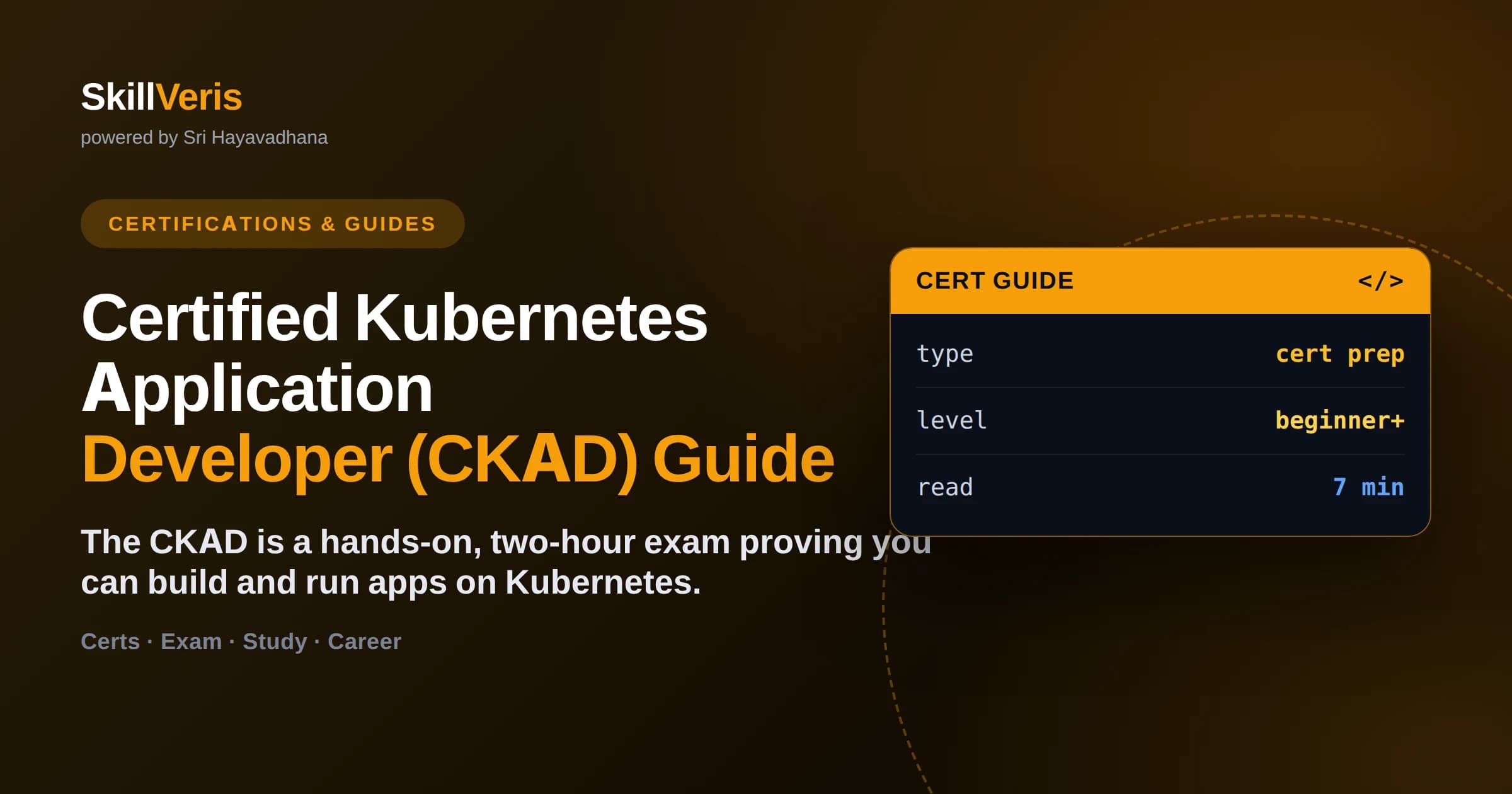
The CKAD is a performance-based, two-hour exam that tests whether you can design, build, and configure applications on a live Kubernetes cluster from a terminal.
In this guide, you'll learn:
- Unlike multiple-choice certs, every task is solved by running real kubectl commands and editing real YAML against graded clusters.
- The exam is open-book: you may use the official Kubernetes documentation the entire time.
- Speed matters more than perfection — mastering kubectl shortcuts and imperative commands is the single biggest score booster.
- Core domains include application design, deployment, observability, configuration, and multi-container patterns.
1What Is the CKAD?
The Certified Kubernetes Application Developer (CKAD) is a hands-on exam that certifies you can design, build, configure, and deploy applications on Kubernetes. It is administered by the Cloud Native Computing Foundation (CNCF) together with the Linux Foundation, and it is entirely practical — there are no multiple-choice questions.
Instead of answering trivia, you solve real tasks on live clusters in a browser-based terminal. If you can create a Deployment, expose it with a Service, inject configuration with a ConfigMap, and debug a crashing Pod, you are doing exactly what the exam asks.
2Who Should Take It
The CKAD targets developers who deploy and operate applications on Kubernetes, rather than the administrators who run the cluster itself. If you write services that ship as containers, this is the credential that proves you can run them in production.
- Backend and full-stack developers moving workloads onto Kubernetes.
- DevOps and platform engineers who package and deploy applications.
- Site reliability engineers who debug and observe running workloads.
- Anyone preparing for the broader Kubernetes ecosystem before tackling the administrator (CKA) exam.
💡CKAD vs CKA
CKAD is for people who run apps on Kubernetes; CKA (Certified Kubernetes Administrator) is for people who run the cluster. Start with CKAD if your day job is shipping services, not managing nodes.
3Exam Format and Domains
The CKAD is a two-hour, performance-based exam taken remotely with a live proctor. You are dropped into a set of clusters and given a list of tasks, each worth a percentage of the total score. The passing bar is published on the exam's official page and is typically in the mid-60s percent range.
- Application Design and Build — multi-container Pods, init containers, volumes, and images.
- Application Deployment — Deployments, rolling updates, rollbacks, and Helm basics.
- Application Observability and Maintenance — probes, logging, and debugging.
- Application Environment, Configuration, and Security — ConfigMaps, Secrets, SecurityContexts, and ServiceAccounts.
- Services and Networking — Services, NetworkPolicies, and Ingress.
Open-Book, With Limits
You may open one additional browser tab to the official Kubernetes documentation at kubernetes.io during the exam. You cannot use Google, blogs, or personal notes — so knowing where answers live in the official docs is a real skill worth practising.
4Why Speed Is the Real Skill
The CKAD gives you roughly a task every seven or eight minutes, so writing YAML by hand from scratch is too slow. The winning strategy is to generate manifests imperatively with kubectl and then edit only what you need.
Set up a few shell aliases at the start of the exam and lean on --dry-run to produce boilerplate instantly. These habits routinely save candidates several minutes per question.
- alias k=kubectl # save keystrokes on every command
- export do='--dry-run=client -o yaml' # generate manifests fast
- k create deploy web --image=nginx $do > web.yaml # scaffold then edit
- k run tmp --image=busybox --rm -it -- sh # throwaway debug pod
- k explain pod.spec.containers # field reference without leaving the terminal
🔑The One-Line Rule
If a task can be done with a single kubectl command, do not open an editor. Every YAML file you avoid writing by hand is a minute you get back for harder questions.
5A Practical Study Plan
Most candidates who already use Kubectl daily need a few focused weeks; newcomers should plan for two to three months of steady practice. The key is time on a real cluster, not passive reading.
Set Up a Practice Cluster
Spin up a local cluster with minikube, kind, or k3d so you can break and rebuild things freely. Practising against a cluster you own removes the fear of typing the wrong command.
minikube start  # single-node cluster on your laptop
kind create cluster  # Kubernetes in Docker, great for CI too
k3d cluster create dev  # lightweight, fast to tear down
Drill the Common Tasks
Practise the same operations until they are muscle memory: create and scale Deployments, roll updates back, mount ConfigMaps and Secrets, add liveness and readiness probes, and debug a Pod stuck in CrashLoopBackOff.
7Common Mistakes to Avoid
Most CKAD failures come from time management and small process slips, not from lacking Kubernetes knowledge.
- Ignoring the namespace — many tasks specify a namespace, and answers created in the wrong one score zero. Always set the context first.
- Writing YAML by hand when an imperative command would do — this drains your time budget.
- Not verifying your work — run kubectl get and kubectl describe to confirm the object actually reached a Ready state.
- Getting stuck on one hard task — flag it, move on, and return if time allows.
- Forgetting to switch clusters — each task tells you which cluster context to use; skipping that line breaks the answer.
⚠️Watch Out
Every task begins with a kubectl config use-context line. Run it before you do anything else — solving the task perfectly on the wrong cluster earns no points.
8Cost, Retakes, and Validity
The CKAD is purchased through the Linux Foundation's training site, and the price is listed there — it typically includes one free retake, which is a genuine safety net for a hands-on exam. Check the official page for current pricing, as it changes and regional discounts sometimes apply.
The certification is valid for two years. Your exam registration usually comes with access to a browser-based practice environment, which is the closest thing to the real testing interface you can get.
9Key Takeaways
The CKAD rewards hands-on fluency over memorization — treat preparation as practice, not study.
- The CKAD is a two-hour, all-practical exam run by the CNCF and Linux Foundation.
- It tests real application tasks: designing, deploying, configuring, and debugging on live clusters.
- Speed via kubectl aliases and imperative commands is the biggest score lever.
- The exam is open-book against kubernetes.io — practise navigating those docs.
- The credential is valid for two years and usually includes a free retake.
10Frequently Asked Questions
Q: How hard is the CKAD? A: The concepts are approachable, but the time pressure is intense — you solve many tasks in two hours. Candidates who practise imperative kubectl commands until they are automatic tend to find it very manageable; those who rely on hand-writing YAML often run out of time.
Q: Do I need coding experience to take the CKAD? A: You do not need to be a strong programmer, but you should be comfortable in a Linux terminal, with YAML, and with basic container concepts. The exam is about operating applications on Kubernetes, not writing application code.
Q: Is the CKAD open-book? A: Yes. You can access the official Kubernetes documentation at kubernetes.io in one extra browser tab during the exam. You cannot use search engines, blogs, or your own notes, so learn where things live in the official docs.
Q: How long is the CKAD valid? A: The certification is valid for two years from the date you pass. After that you retake the current version of the exam to renew, which keeps the credential aligned with recent Kubernetes releases.
Related Reading
Get The Print Version
Download a PDF of this article for offline reading.
About the Publisher
SkillVeris Team
Learning Team
Our learning specialists map the fastest paths to industry-recognised certifications.
View all postsRelated Posts
Never miss an update
Get the latest tutorials and guides delivered to your inbox.
No spam. Unsubscribe anytime.