Build a REST API With Django REST Framework
SkillVeris Team
Engineering Team
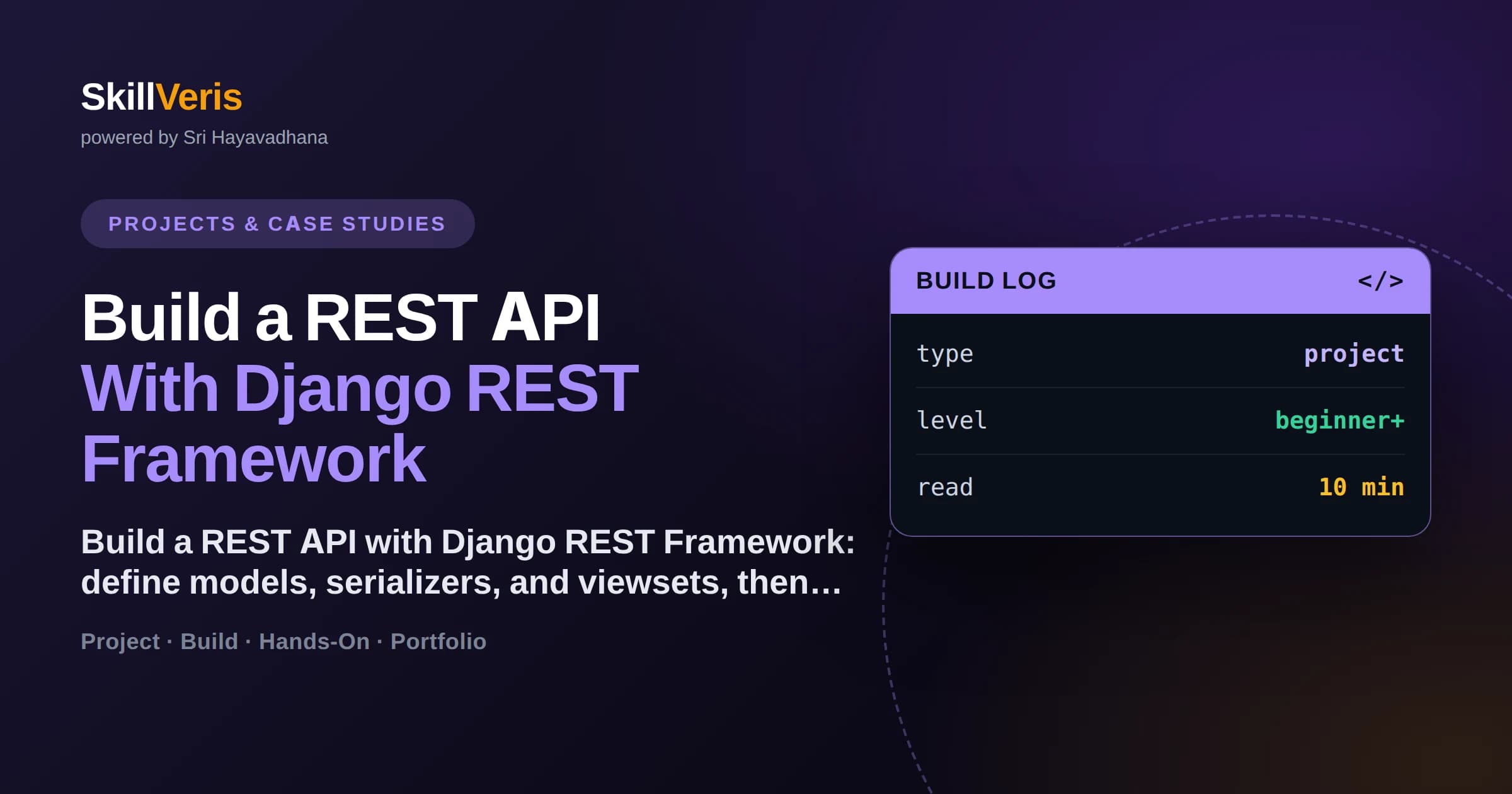
Django REST Framework (DRF) turns Django models into full REST APIs with serializers, viewsets, and routers doing most of the work.
In this guide, you'll learn:
- A serializer converts model instances to and from JSON and validates incoming data.
- A ModelViewSet gives you list, create, retrieve, update, and delete endpoints from a few lines.
- Routers automatically generate the URL patterns for a viewset's endpoints.
- DRF ships authentication, permissions, pagination, and a browsable API out of the box.
1What You Are Building
A REST API exposes your application's data over HTTP so other programs — web front-ends, mobile apps, other services — can create, read, update, and delete records. Django REST Framework (DRF) is the standard toolkit for building one on top of Django, converting your models into JSON endpoints with minimal code.
It is a strong project for learning backend development because it teaches REST conventions, serialization, and how requests flow through a framework, while DRF handles the heavy lifting of routing, validation, and content negotiation. You will go from a Django model to a working, browsable API in a single sitting.
2REST in a Nutshell
REST is a style for designing web APIs around resources and standard HTTP methods. Each resource — say, a task or a book — has a URL, and the HTTP verb you use expresses the action. This convention makes APIs predictable across the whole industry.
Getting the verbs right is most of good API design. Once you internalize which method maps to which action, DRF's viewsets map cleanly onto them for you.
- GET /books — list all books; GET /books/1 — retrieve one.
- POST /books — create a new book from the request body.
- PUT/PATCH /books/1 — update an existing book.
- DELETE /books/1 — remove a book.
- Status codes communicate outcome: 200 OK, 201 Created, 404 Not Found.
3Setting Up DRF
Install Django and DRF into a virtual environment, create a project and an app, and add 'rest_framework' to INSTALLED_APPS. From there you define a model as you would in any Django project — the API is built on top of your existing models.
Run migrations to create the database tables. With the model in place, the DRF-specific work is just three pieces: a serializer, a viewset, and a router registration.
- pip install django djangorestframework
- django-admin startproject config . && python manage.py startapp api
- # add 'rest_framework' and 'api' to INSTALLED_APPS
- python manage.py makemigrations && python manage.py migrate
4Writing Serializers
A serializer is the bridge between your Django models and JSON. It converts model instances into JSON for responses and validates and converts incoming JSON into model data for requests. A ModelSerializer generates its fields automatically from the model, so you write very little.
Serializers are also where validation lives. DRF runs field-level and object-level validation before your view ever saves anything, so malformed data is rejected with clear error messages and correct status codes.
💡Pro Tip
List fields explicitly rather than using fields = '__all__'. Being explicit prevents accidentally exposing sensitive columns when you add them to the model later.
A ModelSerializer
Point it at the model and list the fields; DRF infers the types.
from rest_framework import serializers
from .models import Book
class BookSerializer(serializers.ModelSerializer):
    class Meta:
        model = Book
fields = ['id', 'title', 'author', 'published']5Viewsets and Routers
A viewset bundles the logic for a set of related endpoints. A ModelViewSet gives you list, create, retrieve, update, and destroy actions by pairing a queryset with a serializer — the full CRUD surface from a handful of lines. You rarely write the individual view methods yourself.
Routers then generate the URL patterns for you. You register a viewset with a router under a prefix, and DRF wires up all the resource URLs automatically, keeping your urls.py tiny and consistent.
Viewset and Router
The viewset supplies the behavior; the router supplies the URLs.
class BookViewSet(viewsets.ModelViewSet):
    queryset = Book.objects.all()
    serializer_class = BookSerializer
# urls.py
router = DefaultRouter()
router.register('books', BookViewSet)
urlpatterns = [path('', include(router.urls))]6Authentication and Permissions
An open API is rarely what you want. DRF provides pluggable authentication (session, token, or JWT via a package) and a permissions system that decides who may do what. You set defaults in settings and override them per viewset when needed.
A common pattern is to allow anyone to read but require authentication to write. DRF's built-in permission classes express exactly that, so you rarely write authorization logic by hand.
- Choose an authentication scheme: token or JWT for APIs, session for browsers.
- Set DEFAULT_PERMISSION_CLASSES in settings as a baseline.
- Use IsAuthenticatedOrReadOnly to allow public reads, authenticated writes.
- Override permission_classes on a viewset for finer control.
- Never expose write endpoints without authentication in production.
⚠️Watch Out
By default a ModelViewSet allows anyone to create and delete records. Always configure permissions before deploying, or you are handing the public full write access to your database.
7Pagination and the Browsable API
Returning thousands of records in one response is slow and wasteful. DRF's pagination splits list responses into pages with next and previous links; enable it globally by setting a default pagination class and page size in settings.
DRF also gives you a browsable API for free: visit any endpoint in a browser and you get an interactive HTML interface to explore and test it. It is superb for development and for sharing your API with teammates without extra tooling.
- Set DEFAULT_PAGINATION_CLASS and PAGE_SIZE in settings for automatic paging.
- Paginated responses include count, next, and previous fields.
- Add filtering with django-filter to let clients narrow results.
- The browsable API renders forms for POST and PUT during development.
- Disable or restrict the browsable renderer in production if you prefer JSON-only.
8Best Practices
A few habits keep your DRF API secure, clear, and maintainable.
- List serializer fields explicitly instead of using '__all__'.
- Configure authentication and permissions before deploying anything.
- Return correct status codes — 201 for creation, 400 for validation errors.
- Enable pagination so list endpoints never dump the whole table.
- Version your API (for example, /api/v1/) so you can evolve it without breaking clients.
9Key Takeaways
DRF lets you build a production-shaped API with very little code.
- DRF builds REST APIs on Django models via serializers, viewsets, and routers.
- A ModelSerializer handles JSON conversion and validation automatically.
- A ModelViewSet plus a router gives you full CRUD endpoints in a few lines.
- Configure authentication and permissions before you deploy.
- Enable pagination and use the browsable API to develop and test quickly.
10Frequently Asked Questions
Q: What is the difference between a serializer and a viewset? A: A serializer converts between model instances and JSON and validates data. A viewset bundles the endpoint logic — list, create, retrieve, update, delete — for a resource. The viewset uses the serializer to render and parse the data it handles.
Q: Do I have to write URL patterns by hand? A: No. Register a viewset with a DRF router and it generates all the resource URLs automatically, keeping your urls.py minimal and consistent across endpoints.
Q: How do I secure my API? A: Configure an authentication scheme (token or JWT for APIs) and set permission classes. A common setup is IsAuthenticatedOrReadOnly, allowing public reads but requiring login to write. Never ship write endpoints without permissions.
Q: Why should I avoid fields = '__all__' in serializers? A: Because when you later add sensitive columns to the model, '__all__' exposes them automatically. Listing fields explicitly keeps you in control of exactly what the API returns and accepts.
Related Reading
Get The Print Version
Download a PDF of this article for offline reading.
About the Publisher
SkillVeris Team
Engineering Team
Our engineering team documents real build journeys so you can learn by doing, not just reading.
View all postsRelated Posts
Never miss an update
Get the latest tutorials and guides delivered to your inbox.
No spam. Unsubscribe anytime.