TypeScript for Beginners: Why and How
SkillVeris Team
Engineering Team
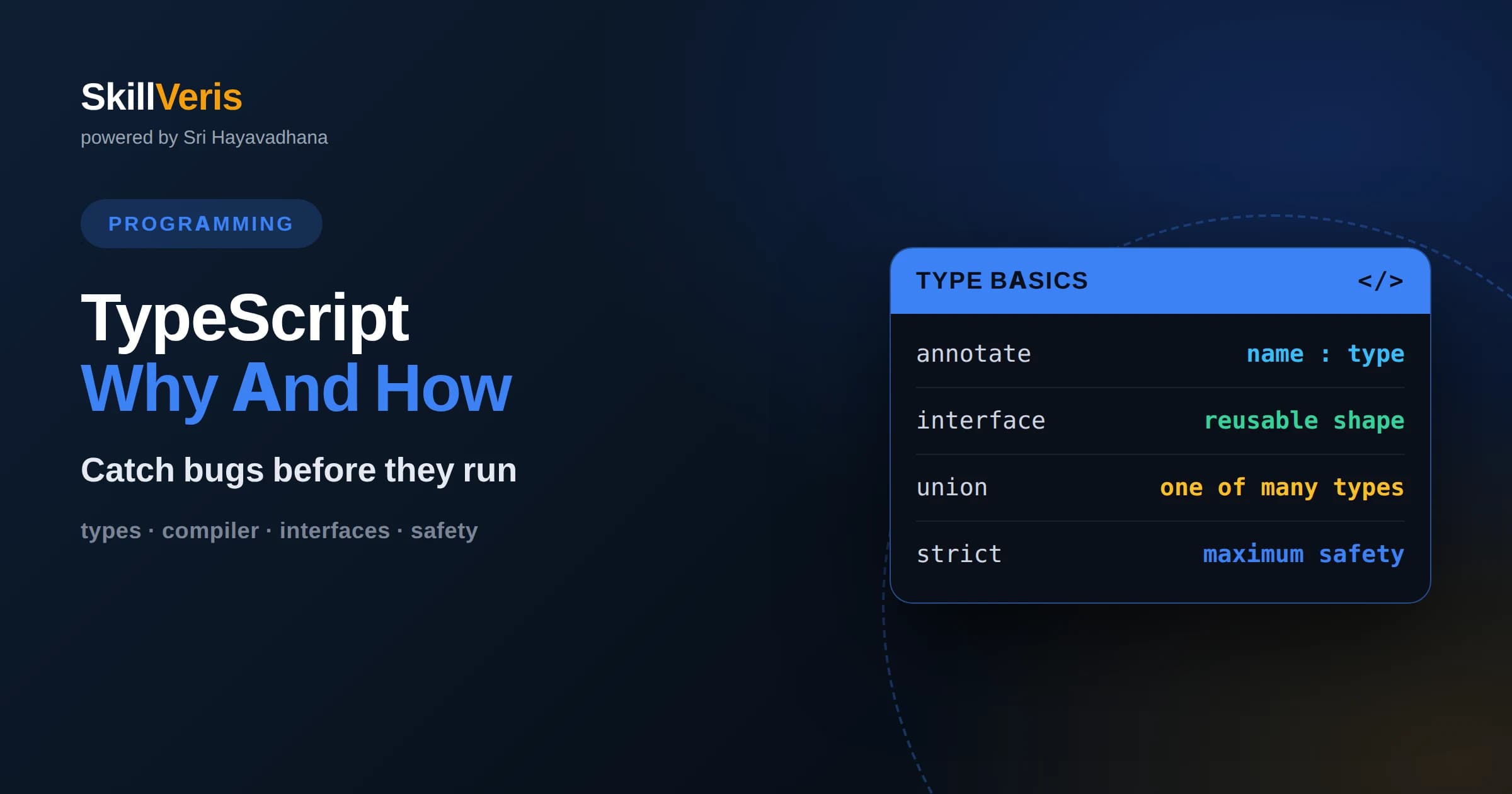
TypeScript is JavaScript with a type system that catches many bugs before your code ever runs.
In this guide, you'll learn:
- It compiles down to plain JavaScript, so it runs everywhere JavaScript runs.
- Type annotations act as living documentation and power powerful editor autocomplete.
- You can adopt TypeScript gradually, adding types to an existing JavaScript project file by file.
1What Is TypeScript
TypeScript is a superset of JavaScript that adds a static type system, letting you describe the shapes of your data and catch mismatches while you write code rather than after it ships. Every valid JavaScript program is already valid TypeScript, so you can think of TypeScript as JavaScript plus optional types and a compiler that checks them. When you build the project, TypeScript strips the types away and produces plain JavaScript that runs anywhere.
The central idea is that many bugs come from using data in the wrong way: passing a string where a number is expected, reading a property that does not exist, or forgetting that a value might be missing. A type system encodes your intentions so the compiler can flag these mistakes immediately, often highlighting them in your editor as you type, long before a user ever encounters them.
TypeScript was created to bring the safety and tooling of typed languages to the enormous JavaScript ecosystem without abandoning it. Because it compiles to ordinary JavaScript, you keep every library, framework, and runtime you already use while gaining a safety net. That combination of familiarity and safety is why it has become a standard choice for serious projects.
2Why Add Types
JavaScript is dynamically typed, meaning a variable can hold any kind of value and the type is only known while the program runs. This flexibility is convenient for small scripts but becomes risky as projects grow, because a mistake in how data is used may not surface until that exact line executes, possibly in production in front of a user. Types move that discovery earlier, to the moment you write the code.
Beyond catching bugs, types serve as documentation that never goes stale. When a function declares that it takes a user object with a name and an age, anyone reading or calling it immediately understands the expected input without digging through the implementation. This clarity is invaluable on teams, where people constantly use code they did not write and cannot afford to guess about.
Types also unlock dramatically better tooling. Because the editor knows the shape of your data, it can offer precise autocomplete, catch typos instantly, and safely rename symbols across an entire codebase. These productivity gains often surprise newcomers, who find that the type system helps them write code faster despite the extra annotations.
3Basic Types
TypeScript starts with the primitive types you already know from JavaScript: string, number, and boolean, plus null and undefined for absent values. You annotate a variable by writing a colon and the type after its name, telling the compiler what kind of value it should hold. From then on, assigning the wrong kind of value produces an error you can fix immediately.
Arrays and objects get types too. You can declare an array of numbers or an array of strings, and the compiler will complain if you push the wrong kind of item. For objects, you describe the expected properties and their types, so reading a misspelled property name or forgetting a required field becomes a compile-time error rather than a runtime surprise.
TypeScript is also smart enough to infer many types without explicit annotations. If you assign a number to a variable, it knows the variable is a number and will guard it accordingly. This inference means you often get the benefits of types without writing them everywhere, letting you annotate only where clarity or safety genuinely helps.
4Interfaces And Type Aliases
As data structures grow, you want to name their shapes so you can reuse them. TypeScript offers interfaces and type aliases for exactly this. An interface describes the properties an object must have, giving that shape a reusable name like User or Product. Anywhere you expect that shape, you refer to the name, and the compiler enforces that objects match it.
Type aliases do something similar and can also name more complex constructions, such as a value that may be one of several types. Both features let you define your data model once and reference it throughout the codebase, so a change to the shape propagates everywhere and any code that no longer matches is flagged instantly. This is a major source of TypeScript's confidence during refactoring.
Naming your shapes also improves communication. A function that accepts a User rather than a nameless object with a handful of fields is easier to read and reason about. These named types become a shared vocabulary for the whole team, describing the domain in the language of the code itself.
5Union And Optional Types
Real data is often messy: a value might be a string or a number, or a property might sometimes be absent. TypeScript handles this honestly with union types, which say a value may be one of several types, and optional properties, which mark a field that may or may not be present. Instead of pretending data is always neat, you describe its real possibilities.
The powerful part is that the compiler then forces you to handle every case. If a value might be a string or null, TypeScript will not let you use it as a string until you have checked that it is not null. This narrowing, where the compiler tracks what you have proven about a value, eliminates a huge class of errors like calling a method on something that turned out to be missing.
This discipline feels strict at first but quickly becomes a comfort. By making the possibility of missing or varied data explicit, TypeScript ensures you never accidentally forget the empty case, which is one of the most common sources of crashes in untyped JavaScript.
6Functions With Types
Functions are where types pay off most, because they define the contract between the caller and the implementation. You annotate each parameter with its expected type and declare what the function returns. Now anyone calling the function gets an error if they pass the wrong arguments, and the function itself gets an error if it returns the wrong kind of value.
This two-sided checking catches mismatches at the boundary where they matter. If a function promises to return a number but a code path accidentally returns undefined, the compiler points it out. If a caller forgets an argument or swaps two of them, the editor flags it before the code runs. These guarantees make functions safe to use without reading their internals.
Return type inference means you often do not need to annotate the return value explicitly, since TypeScript figures it out from the code. Still, writing the return type on important functions is a good habit, because it states your intent clearly and catches the case where the implementation drifts away from what you meant to return.
7The Compiler And Tooling
TypeScript code does not run directly; it is compiled, or transpiled, into plain JavaScript first. The TypeScript compiler reads your typed code, checks it for type errors, and emits equivalent JavaScript with the type annotations removed. That output runs in any browser or server that runs JavaScript, so your users never know types were involved.
A configuration file controls how strict the compiler is and what JavaScript version it targets. Turning on strict mode enables the full power of the type system, catching subtle issues like values that might be null. Beginners sometimes find strict mode demanding, but it delivers the greatest safety, and starting strict on new projects avoids painful tightening later.
The compiler integrates deeply with editors, which run the same type checking continuously as you write. This is why you see red underlines and precise autocomplete in real time. That tight feedback loop, where mistakes appear instantly rather than at build time, is one of the most enjoyable parts of working in TypeScript.
8Gradual Adoption
One of TypeScript's most practical strengths is that you do not have to convert everything at once. Because it is a superset of JavaScript, you can rename a file, add types to the parts you care about most, and leave the rest loosely typed for now. Over time you tighten more files, and the type coverage grows without ever halting the project.
TypeScript provides an escape hatch called the any type, which turns off checking for a particular value. Used sparingly, it lets you migrate gradually or interoperate with untyped code. Used carelessly, it defeats the purpose, so the goal over time is to replace any with real types wherever you can, shrinking the untyped surface as understanding grows.
This incremental path is why large existing JavaScript codebases can adopt TypeScript without a risky rewrite. Teams add types where bugs hurt most, gain confidence, and expand coverage steadily. Knowing that adoption can be gradual removes the biggest fear beginners have about starting.
9Working With Libraries
Most popular JavaScript libraries ship with type definitions, either bundled or available as separate packages, so you get autocomplete and checking for third-party code too. When you call a library function, the editor knows its parameters and return types, guiding you correctly and warning you about misuse. This makes exploring unfamiliar libraries far less error-prone.
For the rare library without types, the community often maintains definition files that describe its shape, and you can also write minimal declarations yourself. In the worst case, you can treat an untyped library as any and proceed, though you lose the safety net for that part. Understanding these options keeps you unblocked no matter what dependency you encounter.
Well-typed libraries turn documentation-reading into something the editor does for you. Instead of switching to a website to learn a function's arguments, you see them inline as you type, which speeds up development and reduces the mistakes that come from guessing at an interface.
10Common Mistakes
The most common beginner mistake is reaching for the any type to silence errors instead of understanding them. While any makes the red underline disappear, it also throws away the protection you adopted TypeScript to gain. When you hit a confusing type error, the better move is to understand what the compiler is telling you, because it is usually pointing at a real problem.
Another pitfall is over-annotating, writing explicit types everywhere even when inference would do the job cleanly. Excessive annotations add noise and can drift out of sync with the code. A good balance is to annotate function boundaries and important data shapes while letting inference handle obvious local variables.
Finally, some beginners fight the compiler when their data genuinely might be missing, using tricks to bypass null checks rather than handling the empty case. Those checks exist to prevent real crashes, so the healthy response is to handle the possibility honestly. Working with the type system rather than against it is the mindset that makes TypeScript enjoyable.
11When To Use TypeScript
TypeScript shines as projects and teams grow. A quick throwaway script may not need types, but any codebase that will be maintained over time, touched by multiple people, or refactored repeatedly benefits enormously from the safety and documentation types provide. The larger and longer-lived the project, the greater the payoff.
It is also valuable for public libraries, where clear types make your code easier and safer for others to use, and for applications with complex data, where the shapes of information are easy to get wrong. In these settings the upfront cost of writing types is repaid many times over in bugs avoided and confidence gained during changes.
For pure learning or tiny experiments, plain JavaScript may be faster to write, and that is a legitimate choice. But because adoption is gradual and the tooling benefits appear immediately, many developers find themselves reaching for TypeScript even on small projects once they experience how much smoother the editing feels.
12Start Writing TypeScript
The best way to learn TypeScript is to take a small piece of JavaScript you already understand and add types to it, then watch the compiler catch mistakes you did not know were there. Define an interface for your data, annotate your functions, turn on strict mode, and feel how the editor guides you. The moment a type error catches a real bug, the value clicks.
SkillVeris offers step-by-step lessons that carry you from your first annotation to typed functions, interfaces, unions, and real-world library use, with exercises that reward clean, honest types. Each concept here maps to a task you can run and refine. Convert a small project, lean into the compiler's feedback, and let that tight loop turn types from a chore into a tool you rely on.
Related Reading
Get The Print Version
Download a PDF of this article for offline reading.
About the Publisher
SkillVeris Team
Engineering Team
Our engineering writers turn abstract code concepts into hands-on, project-driven learning experiences.
View all postsRelated Posts




Never miss an update
Get the latest tutorials and guides delivered to your inbox.
No spam. Unsubscribe anytime.