Trees in Programming: A Complete Beginner's Guide
SkillVeris Team
Engineering Team
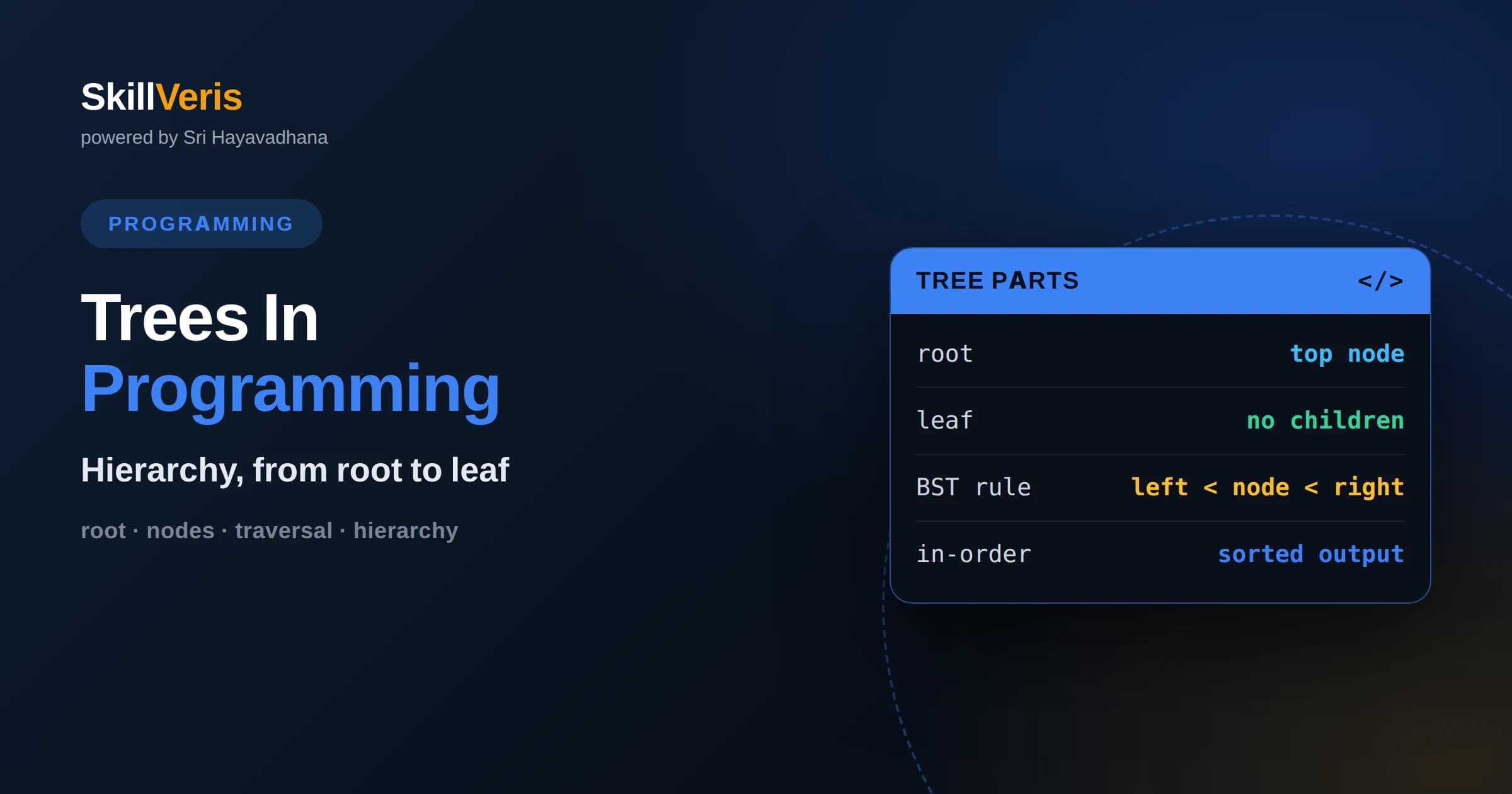
A tree organizes data hierarchically with a single root node and parent-child links, and unlike graphs it has no cycles.
In this guide, you'll learn:
- Binary trees limit each node to two children, and binary search trees keep values ordered for fast lookups, insertions, and deletions.
- Traversal orders, in-order, pre-order, post-order, and level-order, determine the sequence in which you visit nodes and serve different purposes.
- Balanced trees keep operations efficient, while unbalanced trees can degrade to the performance of a plain linked list.
1What Is A Tree
A tree is a hierarchical data structure made of nodes connected by edges, starting from a single top node called the root and branching downward without ever forming a loop. Each node holds a value and links to zero or more child nodes, and every node except the root has exactly one parent. This structure mirrors many real-world hierarchies, from family trees to file systems to organization charts.
Trees are distinguished from graphs by two constraints: they have exactly one root and they contain no cycles. Following parent links from any node always leads back to the root along a single unique path. This acyclic, single-parent nature is what makes trees so predictable and easy to reason about.
Because of their hierarchy, trees are ideal whenever data has a natural parent-child or containment relationship. They also power efficient searching and sorting when arranged carefully, which is why they appear throughout databases, compilers, and user interfaces.
2Essential Tree Terminology
Learning a few terms makes everything else clearer. The root is the topmost node with no parent. A leaf is a node with no children, sitting at the bottom of a branch. An internal node has at least one child. The parent of a node is the one directly above it, and its children are the nodes directly below.
The depth of a node is the number of edges from the root down to that node, while the height of a tree is the longest path from the root to any leaf. A subtree is any node together with all of its descendants. These terms come up constantly, so getting comfortable with them early pays off across every tree topic you will study.
Two more terms worth knowing are siblings, which are nodes that share the same parent, and ancestors and descendants, which describe the nodes above and below a given node along the path to the root. Together this vocabulary lets you describe positions and relationships precisely, which matters when you write algorithms that navigate a tree and need to reason clearly about which node they are working with.
3Why Trees Matter
Trees strike a valuable balance between the fast lookup of arrays and the flexible insertion of linked lists. When kept balanced, they let you search, insert, and delete in time proportional to their height, which grows logarithmically with the number of elements. That efficiency makes them a backbone of high-performance software.
Beyond raw performance, trees model hierarchy directly. A file system is a tree of folders and files. A web page is a tree of nested elements. A program's syntax is parsed into a tree that compilers walk to generate code. Recognizing the tree structure hidden inside a problem often unlocks an elegant solution.
Trees also connect naturally to recursion, one of the most important ideas in programming. Because a tree is defined in terms of smaller trees, algorithms on trees tend to call themselves on subtrees and combine the results. Learning trees therefore strengthens your recursive thinking, a skill that transfers to many other areas of computer science well beyond data structures.
4Binary Trees
A binary tree is a tree in which each node has at most two children, conventionally called the left child and the right child. This simple restriction makes binary trees especially easy to implement and reason about, and it forms the basis for many more specialized tree types. Each node typically stores a value and two references, one to each child, which may be empty.
Binary trees come in several shapes. A full binary tree has every node with either zero or two children. A complete binary tree is filled level by level from left to right. A perfect binary tree has all leaves at the same depth. These distinctions matter because certain algorithms and storage tricks rely on specific shapes, such as representing a complete tree compactly inside an array.
5Binary Search Trees
A binary search tree adds an ordering rule to the binary tree: for any node, all values in its left subtree are smaller and all values in its right subtree are larger. This invariant lets you search for a value by comparing it to the current node and moving left or right, discarding half the remaining tree at each step much like binary search on an array.
This ordering makes search, insertion, and deletion efficient when the tree is balanced. To find a value you follow the comparisons down to it or to an empty spot. To insert, you search for where the value belongs and attach a new leaf there. Deletion is a little trickier, especially when removing a node with two children, but it follows systematic rules that preserve the ordering.
The catch is that a binary search tree only stays fast if it stays balanced. If you insert already-sorted values one after another, the tree degenerates into a long chain resembling a linked list, and search time degrades from logarithmic back to linear. This weakness motivates self-balancing trees.
6Balanced Trees
Self-balancing trees automatically restructure themselves during insertions and deletions to keep their height small. Types such as AVL trees and red-black trees enforce balancing rules through rotations, local rearrangements that preserve the ordering while flattening tall branches. The result is a guarantee that operations stay logarithmic regardless of insertion order.
You rarely need to implement these from scratch as a beginner, since most standard libraries provide balanced tree structures under the hood for ordered maps and sets. But understanding why balance matters, and how an unbalanced tree loses its advantage, helps you appreciate what those library structures do for you and when to reach for them.
7Traversing A Tree
Traversal means visiting every node in a defined order. For binary trees there are four common orders. In-order traversal visits the left subtree, then the node, then the right subtree, and on a binary search tree this produces the values in sorted order, which is a beautiful and useful property.
Pre-order traversal visits the node first, then its subtrees, which is handy for copying a tree or serializing its structure. Post-order traversal visits the subtrees before the node, which suits deleting a tree or evaluating expression trees where children must be resolved first. These three are naturally recursive, following the tree's own structure.
Level-order traversal, also called breadth-first, visits nodes level by level from top to bottom using a queue. It is the traversal to use when you care about the tree's layers, such as printing it by rows or finding the shallowest node meeting some condition.
Choosing the right traversal is often the key to solving a tree problem cleanly. If a question is about sorted order, in-order is your friend. If it is about processing parents before children, pre-order fits. If children must be handled first, post-order is right. And if the answer depends on distance from the root, level-order is the natural choice. Matching the traversal to the problem turns many tree questions into short, clear solutions.
8Implementing Trees In Code
A tree node is usually a small structure holding a value and references to its children. For a binary tree that means a value plus a left reference and a right reference, each of which is either another node or empty. Building a tree is a matter of linking these nodes together, and most tree operations are naturally expressed with recursion because a subtree is itself a tree.
Recursion fits trees so well because the definition is recursive: a tree is a root plus a set of smaller trees. A function that processes a node typically calls itself on the children and combines the results. Keeping this recursive mindset makes traversal, searching, and structural operations feel straightforward rather than intimidating.
Common recursive operations include counting the nodes in a tree, measuring its height, searching for a value, and checking whether two trees are identical. Each follows the same shape: handle the empty case, recurse on the children, and combine. Once you internalize that pattern, writing a new tree operation becomes a matter of deciding what to do at a single node and how to merge the results from below.
9Other Useful Tree Types
Beyond binary search trees, many specialized trees solve particular problems. A heap is a tree that keeps the smallest or largest value at the root, powering priority queues and efficient sorting. A trie stores strings by sharing common prefixes, making it excellent for autocomplete and dictionary lookups.
B-trees and their variants keep large amounts of sorted data on disk efficiently and are the backbone of databases and file systems. You do not need to master all of these at once, but knowing they exist helps you recognize that a tree can be tuned for many different goals beyond simple ordered storage.
10Common Mistakes To Avoid
A frequent beginner error is neglecting the empty-node case in recursive functions, which causes crashes when a function tries to read the value of a node that does not exist. Always handle the empty branch as your base case before touching children. Another is confusing depth and height, which leads to off-by-one errors in calculations.
With binary search trees, forgetting that inserting sorted data creates a degenerate chain can produce mysteriously slow performance. And when deleting nodes, mishandling the two-children case can silently break the ordering invariant. Testing your tree operations on small, hand-traceable examples catches these issues before they hide inside larger programs.
11Trees In The Real World
Trees are everywhere in software you use daily. The document object model that browsers build from a web page is a tree, and manipulating it is how interactive pages work. Databases use tree indexes to find rows quickly. Compilers parse source code into abstract syntax trees before generating executable output.
Even file storage relies on trees, with directories containing files and other directories in a strict hierarchy. Recognizing these trees helps you understand the systems you build on and gives you a vocabulary for reasoning about hierarchical data wherever it appears.
Trees appear in artificial intelligence too, where decision trees classify data by asking a sequence of questions, and game-playing programs explore trees of possible moves to choose the best one. The same core structure adapts to wildly different domains, which is a testament to how fundamental the tree idea is across computing.
12Practice On SkillVeris
Trees reward hands-on practice more than passive reading. Building a binary search tree, inserting values, and then printing an in-order traversal to see them come out sorted is a satisfying moment that makes the whole concept click. From there, implementing each traversal and experimenting with balance deepens your understanding quickly.
SkillVeris provides interactive tree exercises where you can watch insertions, deletions, and traversals unfold visually, then test yourself on the tricky cases. Work through binary trees and binary search trees first, implement the traversals yourself, and you will have a solid foundation for the advanced structures that build on trees.
Related Reading
Get The Print Version
Download a PDF of this article for offline reading.
About the Publisher
SkillVeris Team
Engineering Team
Our engineering writers turn abstract code concepts into hands-on, project-driven learning experiences.
View all postsRelated Posts




Never miss an update
Get the latest tutorials and guides delivered to your inbox.
No spam. Unsubscribe anytime.