REST APIs Explained: How the Web Talks
SkillVeris Team
Engineering Team
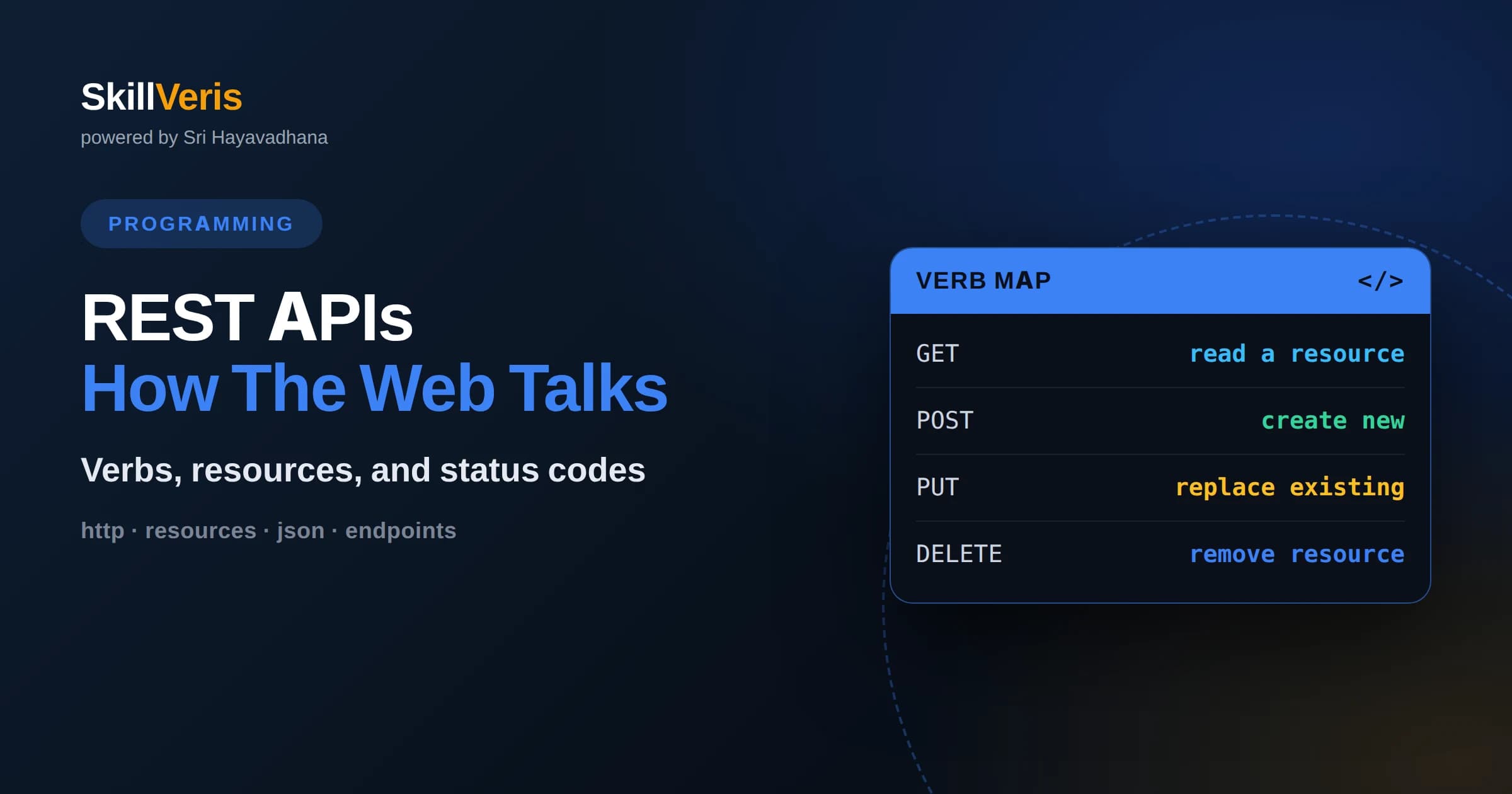
REST is an architectural style that treats data as resources addressed by URLs and manipulated with standard HTTP verbs like GET, POST, PUT, and DELETE.
In this guide, you'll learn:
- Every REST interaction is stateless, meaning each request carries all the information the server needs and no client session is stored between calls.
- Status codes, headers, and JSON bodies together form a predictable contract that lets any client talk to any compliant server.
- Understanding REST is the foundation for consuming third-party services, building your own backends, and connecting frontends to data.
1What Is a REST API
A REST API is a set of conventions that lets one program request and change data on another program over HTTP, using web addresses to name things and a small vocabulary of verbs to act on them. When your weather app shows today's forecast, it quietly sends an HTTP request to a REST API, receives a structured response, and renders the result. REST, short for Representational State Transfer, is not a technology you install but a style of designing these conversations so they are predictable and easy to reason about.
The core idea is that everything the API exposes is a resource: a user, an order, a photo, a list of products. Each resource has a stable address called a URL, and you interact with it by sending a request that includes a verb describing your intent. The server responds with a representation of that resource, usually as JSON, plus a status code that says how things went. Because both sides agree on this format, a mobile app, a website, and a background script can all talk to the same API without any custom wiring.
REST became dominant because it reuses the plumbing of the web itself. The same HTTP that delivers web pages carries API traffic, so the caching, security, and tooling built for browsers apply directly. This reuse is why REST feels natural to anyone who has typed a web address: an API endpoint is just another URL, and calling it is just another HTTP request.
2Resources And URLs
In REST, a resource is any piece of information worth naming, and its URL is that name. A well-designed API uses nouns, not verbs, in its paths. For example, a collection of users lives at /users, and a single user lives at /users/42 where 42 identifies that person. You do not put actions in the path; the HTTP verb supplies the action. This separation keeps the address focused on what the thing is rather than what you plan to do with it.
URLs often nest to express relationships. The orders belonging to user 42 might sit at /users/42/orders, and a specific order at /users/42/orders/7. This hierarchy reads almost like a sentence and helps both humans and machines understand structure without extra documentation. Query parameters, the part after a question mark, refine requests without changing the resource itself, so /products?category=books&sort=price filters and orders the same underlying collection.
Consistency matters more than cleverness. If one part of your API pluralizes collections and another does not, callers will constantly guess wrong. Picking clear, uniform naming rules and applying them everywhere is one of the highest-value habits in API design.
3HTTP Verbs And CRUD
REST maps a handful of HTTP verbs onto the four fundamental data operations often summarized as CRUD: create, read, update, and delete. GET reads a resource without changing it. POST creates a new resource, usually inside a collection. PUT replaces an existing resource, and PATCH updates part of it. DELETE removes it. Because these verbs have agreed meanings, a developer can predict what an endpoint does before reading a single line of documentation.
Two properties guide correct verb use. GET is safe, meaning it should never modify data, so browsers and caches feel free to repeat it. GET, PUT, and DELETE are also idempotent, meaning calling them many times leaves the system in the same state as calling them once. POST is neither safe nor idempotent, which is why refreshing a page after submitting a form can accidentally create a duplicate. Respecting these expectations keeps clients, proxies, and caches from causing surprises.
Choosing the right verb is not pedantry; it is what lets generic tools work. Monitoring systems, retry logic, and API gateways all lean on these conventions. An endpoint that deletes data through a GET request breaks that trust and invites accidental damage from a web crawler or a prefetching browser.
4Anatomy Of A Request
Every REST request has the same skeleton: a verb, a URL, a set of headers, and an optional body. The verb and URL say what you want and where. Headers carry metadata such as the format you accept, the authentication token proving who you are, and the content type of any data you send. The body, present mainly on POST, PUT, and PATCH, holds the actual payload, typically a JSON object describing the resource you want to create or change.
Headers are easy to overlook but do heavy lifting. The Authorization header commonly carries a bearer token that identifies the caller. The Content-Type header tells the server how to parse the body, while the Accept header tells the server which format the client wants back. Getting these wrong is a frequent source of confusing errors, such as a server rejecting a request because it received plain text where it expected JSON.
A concrete example helps. To create a user you might send POST to /users with a Content-Type of application/json and a body containing a name and email. The server reads the body, validates it, stores a new record, and returns the created resource along with its freshly assigned identifier so the client knows where to find it next time.
5Anatomy Of A Response
A REST response mirrors the request: a status code, headers, and usually a body. The status code is the first thing to read because it summarizes the outcome in a single number. The headers describe the response, including its content type, caching rules, and sometimes pagination hints. The body carries the representation of the resource, most often as a JSON object or array that the client can parse and use directly.
Good responses are self-describing. Rather than making the client guess, a thoughtful API returns exactly the fields documented, uses consistent naming, and includes helpful metadata like the total number of records when returning a page of results. When something goes wrong, a good API returns a structured error body explaining what failed and, ideally, how to fix it, instead of a bare status code with no context.
The response is where the contract between client and server becomes visible. If the shape of the JSON shifts unexpectedly, every consumer can break at once, which is why stable, versioned responses are so important in production systems.
6Status Codes That Matter
HTTP status codes fall into five ranges, and knowing the ranges is enough to navigate most situations. Codes in the 200s mean success, with 200 for a normal read and 201 for a resource that was just created. Codes in the 300s signal redirection. The 400s mean the client made a mistake, and the 500s mean the server did.
A few specific codes appear constantly. A 400 means the request was malformed. A 401 means you are not authenticated, while a 403 means you are authenticated but not allowed. A 404 means the resource does not exist. A 409 signals a conflict, such as trying to create something that already exists. On the server side, a 500 is a generic failure, and a 503 means the service is temporarily unavailable.
Returning the right code is part of being a good API citizen. Clients build retry and error-handling logic around these numbers, so a server that returns 200 with an error hidden in the body forces every caller to write brittle special cases. Using status codes honestly keeps that logic simple and reliable.
7Statelessness Explained
REST is stateless, which means the server keeps no memory of previous requests from a given client. Each request must carry everything the server needs to fulfill it, including any authentication token and all relevant parameters. There is no server-side session that quietly remembers you between calls the way a traditional login might.
Statelessness sounds like a limitation but is actually a superpower for scaling. Because any server can handle any request without shared memory, you can run many identical servers behind a load balancer and route traffic freely. If one server fails, another picks up the next request with no lost context. This is a big part of why REST APIs scale to millions of users so gracefully.
The tradeoff is that clients must resend context each time, which can mean slightly larger requests. Tokens, not sessions, carry identity, and any state that must persist, like a shopping cart, lives in the database as a resource rather than in server memory. Embracing this discipline is what keeps a REST system horizontally scalable.
8Authentication And Security
Most real APIs need to know who is calling and whether they are allowed. The most common approach today is token-based authentication, where a client first proves its identity and receives a token, then attaches that token to the Authorization header of every subsequent request. The server validates the token on each call, consistent with REST statelessness, without storing a session.
API keys are a simpler variant, often used for server-to-server access, where a long secret string identifies the calling application. More sophisticated systems use OAuth flows to let users grant limited access to their data without sharing passwords, which is how a third-party app can post on your behalf while you keep your credentials private.
Security is more than authentication. Every production API should run over HTTPS so tokens and data are encrypted in transit. It should validate all incoming data to prevent injection attacks, and it should apply rate limiting so a single client cannot overwhelm the service. Treating security as a first-class concern from the start is far cheaper than retrofitting it after a breach.
9Working With JSON
JSON, short for JavaScript Object Notation, is the lingua franca of REST APIs because it is compact, human-readable, and supported by every major language. A JSON object is a set of key-value pairs wrapped in braces, and values can be strings, numbers, booleans, null, arrays, or nested objects. This flexibility lets JSON represent almost any data structure an API needs to send.
When a client sends JSON, it serializes an in-memory object into text and sets the Content-Type header to application/json. When it receives JSON, it parses the text back into a native object. Most languages provide built-in tools for this, so the developer rarely writes serialization code by hand. The important discipline is agreeing on field names, types, and formats, especially for tricky values like dates, which are usually sent as standardized text strings.
JSON is forgiving, which is both a blessing and a trap. Because it does not enforce a schema by default, a typo in a field name or an unexpected null can slip through and cause a subtle bug downstream. Validating incoming JSON against an expected shape catches these problems early rather than deep inside business logic.
10Designing Good Endpoints
Good endpoint design is mostly about predictability. Use plural nouns for collections, keep hierarchies shallow enough to read easily, and let the HTTP verb express intent rather than inventing action words in the path. When you feel tempted to write something like /getUserOrders, step back and use GET on /users/42/orders instead, letting the verb and resource speak for themselves.
Pagination, filtering, and sorting belong in query parameters, not in the path, because they change how you view a collection without changing the collection itself. Returning large lists without pagination is a common performance mistake; a good API caps page size and tells the client how to fetch the next page. Consistent parameter names across endpoints reduce the mental load on everyone who uses your API.
Finally, plan for change. Versioning your API, often by putting a version marker at the start of the path, lets you evolve responses without breaking existing clients. Documenting each endpoint with its verbs, parameters, and example responses turns your API from a guessing game into a tool people enjoy using.
11Common Mistakes To Avoid
The most frequent beginner mistake is using the wrong verb, such as changing data with a GET request or using POST for everything. This breaks caching, confuses tooling, and can cause accidental duplicates. Learning the meaning of each verb and applying it consistently avoids a whole class of bugs before they start.
Another common trap is ignoring status codes, returning 200 for both success and failure and hiding the real outcome in the body. This forces every client to parse error messages instead of checking a number, and it defeats the automatic retry and monitoring logic that status codes are meant to drive. Returning honest codes is a small effort with large payoff.
Finally, many APIs leak internal details or fail to validate input. Exposing raw database errors helps attackers and confuses users, while skipping validation invites malformed or malicious data. Sanitizing inputs, returning clean error messages, and never trusting the client are habits that separate a hobby API from a production-ready one.
12REST Versus Alternatives
REST is the default choice for most web APIs, but it is not the only option. GraphQL lets clients ask for exactly the fields they want in a single request, which reduces over-fetching but adds complexity on the server and in caching. It shines when many different clients need different slices of the same data, such as a rich mobile app alongside a lean web view.
For high-performance service-to-service communication, gRPC uses a compact binary format and strict schemas, trading human readability for speed and efficiency. It is popular inside large systems where machines talk to machines and the extra tooling pays off. Real-time needs, like chat or live dashboards, often reach for WebSockets, which keep a connection open for continuous two-way messaging rather than one request at a time.
None of these replaces REST so much as complements it. REST remains the easiest to learn, the most widely supported, and the best fit for the common case of exposing resources over HTTP. Understanding it deeply gives you the vocabulary to evaluate when an alternative is genuinely worth the added complexity.
13Put It Into Practice
The fastest way to internalize REST is to call a real API and then build a small one yourself. Start by fetching data from a public API, inspecting the status code, headers, and JSON body, and noticing how the verb and URL shape the response. Then create, update, and delete a resource so the full CRUD cycle becomes muscle memory rather than theory.
On SkillVeris you can move step by step from consuming APIs to designing your own endpoints, with hands-on exercises that reinforce verbs, status codes, statelessness, and authentication. Each concept in this article maps to a practical task you can run, break, and fix, which is where real understanding forms. Pick a small project, wire it to an API, and let the feedback loop teach you the rest.
Related Reading
Get The Print Version
Download a PDF of this article for offline reading.
About the Publisher
SkillVeris Team
Engineering Team
Our engineering writers turn abstract code concepts into hands-on, project-driven learning experiences.
View all postsRelated Posts




Never miss an update
Get the latest tutorials and guides delivered to your inbox.
No spam. Unsubscribe anytime.