Regular Expressions Explained for Beginners
SkillVeris Team
Engineering Team
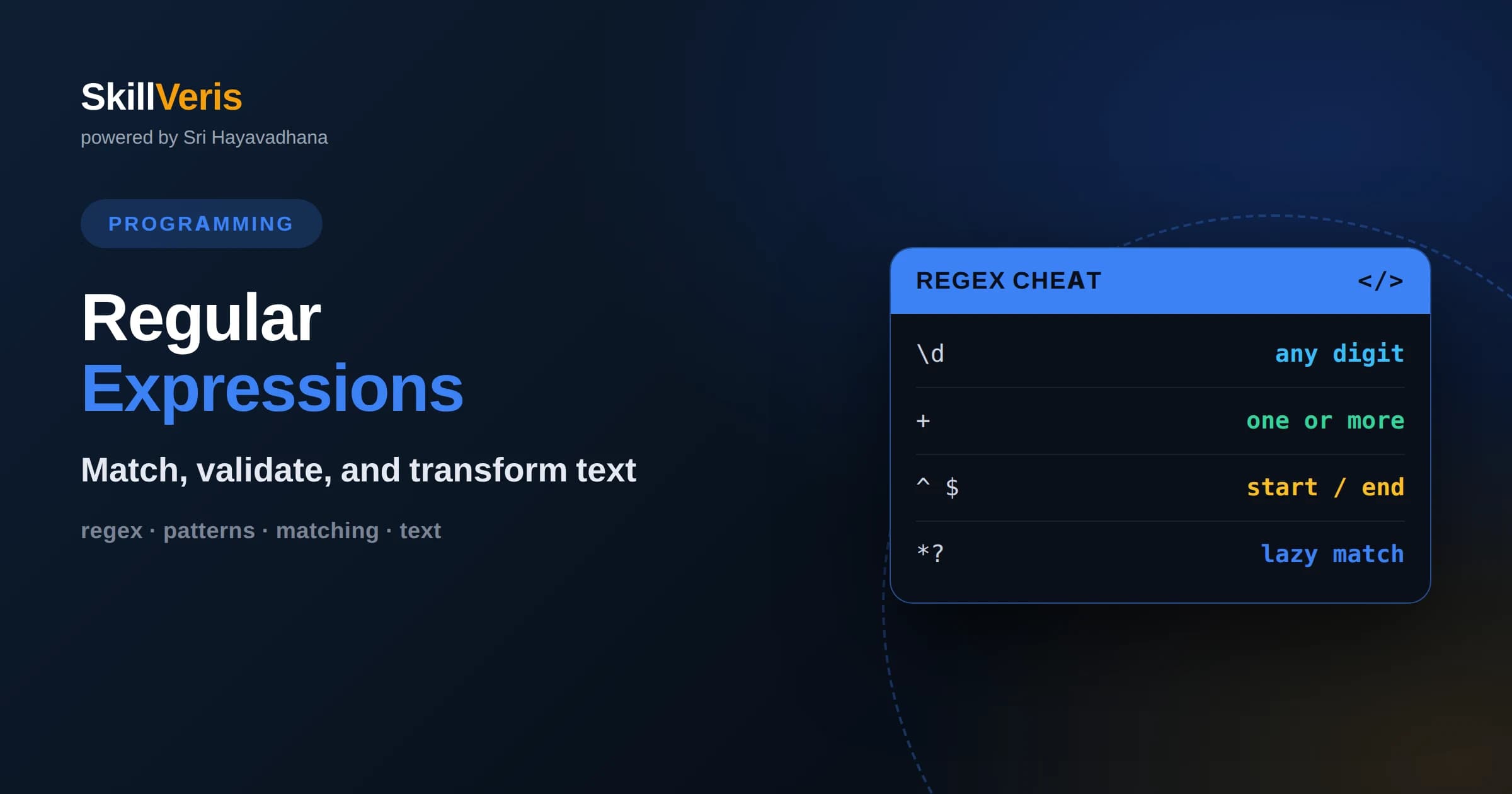
A regular expression is a small pattern language for describing text, letting you find, validate, and replace strings with a single concise expression.
In this guide, you'll learn:
- Master a handful of building blocks first: literals, character classes, quantifiers, anchors, and groups cover the vast majority of everyday needs.
- Greedy versus lazy quantifiers and unescaped special characters cause most beginner bugs, so learning those two ideas early saves hours of debugging.
- Regex is a tool, not a hammer for everything: reach for a real parser when you need to handle nested or deeply structured formats like HTML or JSON.
1What Is a Regular Expression?
A regular expression, usually shortened to regex or regexp, is a compact pattern that describes a set of strings. Instead of writing loops that inspect text character by character, you write one expression that says what valid text looks like, and the regex engine does the searching, matching, or replacing for you. If you have ever used a wildcard like star-dot-txt to list files, you have already met a simpler cousin of the same idea.
Regex shines whenever you need to answer questions about the shape of text. Does this string look like an email address? Does this line contain a date? Which parts of this log entry are the timestamp and which are the message? A well-written pattern answers all of these with a short, reusable expression that works the same way across many programming languages.
The trade-off is that regex is dense. A pattern that validates a phone number can look like a cat walked across the keyboard. The good news is that the syntax is built from a small number of predictable pieces. Once you learn those pieces, even intimidating patterns become readable, and you can build your own from scratch with confidence.
2Literals and Metacharacters
The simplest regex is just plain text. The pattern cat matches the letters c, a, t appearing in that order anywhere in the input. These ordinary characters are called literals because they stand for themselves. Searching for the word error in a log file is nothing more than a literal pattern.
Power comes from metacharacters, which are symbols with special meaning. The dot matches any single character. The backslash escapes a metacharacter so it behaves literally, so backslash-dot matches an actual period. Other important metacharacters include the caret, dollar sign, square brackets, parentheses, the pipe, and the quantifiers you will meet shortly.
Because these symbols are special, forgetting to escape them is a top beginner mistake. If you want to match a literal question mark, dollar sign, or parenthesis, you generally precede it with a backslash. Getting comfortable with which characters need escaping is one of the fastest ways to stop writing patterns that silently match the wrong thing.
3Character Classes and Shorthands
A character class, written with square brackets, matches any one character from a set. The pattern in brackets a, b, c matches a single a, b, or c. You can use ranges, so bracket a through z matches any lowercase letter, and bracket 0 through 9 matches any digit. A caret at the start of the class negates it, so bracket-caret-0-through-9 matches any character that is not a digit.
Because some classes are so common, regex provides shorthands. Backslash-d matches any digit, backslash-w matches a word character meaning letters, digits, and underscore, and backslash-s matches whitespace such as spaces, tabs, and newlines. Their uppercase versions mean the opposite: backslash-D is any non-digit, and backslash-W is any non-word character.
Character classes are where many practical patterns begin. A rough pattern for a hex color, for example, is a hash followed by six characters drawn from the class of digits and the letters a through f. Thinking in terms of what set of characters is allowed at each position is the core mental model for building any pattern.
4Quantifiers: How Many Times
Quantifiers control repetition. The star means zero or more of the preceding item, the plus means one or more, and the question mark means zero or one, effectively making it optional. So backslash-d-plus matches one or more digits, which is a simple way to grab a number of any length.
For precise counts, use curly braces. The pattern backslash-d then brace-3 matches exactly three digits, brace-2-comma-4 matches between two and four digits, and brace-2-comma matches two or more with no upper limit. This precision is essential for things like postal codes or fixed-width identifiers where length matters.
Quantifiers attach to whatever comes immediately before them, whether that is a single character, a character class, or a group in parentheses. A common slip is expecting a quantifier to apply to a whole word when it only applies to the last letter. Wrapping the intended text in a group makes your meaning explicit and prevents this confusion.
5Greedy Versus Lazy Matching
By default, quantifiers are greedy: they match as much text as possible while still allowing the overall pattern to succeed. This surprises beginners constantly. If you try to match content between two quotes using a dot-star, the engine happily swallows everything up to the last quote on the line, not the first, capturing far more than you intended.
The fix is a lazy quantifier, made by adding a question mark after the quantifier. Dot-star-question-mark matches as little as possible, stopping at the first opportunity. Swapping greedy for lazy is often the single change that turns a broken pattern into a correct one, so it is worth practicing until the behavior feels intuitive.
An even more robust approach is to avoid the dot altogether when you can. Instead of matching any character between quotes, match any character that is not a quote using a negated character class. This is both faster and less error-prone than relying on lazy matching, and it is a hallmark of experienced pattern writers.
6Anchors and Word Boundaries
Anchors do not match characters; they match positions. The caret anchors to the start of the string or line, and the dollar sign anchors to the end. Wrapping a pattern in caret and dollar forces it to match the entire input rather than just a piece of it, which is exactly what you want when validating that a whole field is well formed.
The word boundary, written backslash-b, matches the position between a word character and a non-word character. Searching for backslash-b then cat then backslash-b finds the word cat but ignores it inside category or concatenate. This is the difference between a naive search that produces false positives and a precise one that finds only what you mean.
Anchors are a frequent source of confusion because they are invisible in the output. When a validation pattern accepts input that clearly should be rejected, the cause is often a missing caret or dollar, letting the pattern match a valid substring inside an otherwise invalid string.
7Groups and Capturing
Parentheses create a group, which does two jobs at once. First, it lets a quantifier apply to several characters as a unit, so parentheses around ab followed by a plus matches ab, abab, and so on. Second, it captures the matched text so you can extract or reuse it after the match succeeds.
Captured groups are numbered from left to right and are the primary way you pull structured pieces out of text. Matching a date as three captured numbers separated by slashes lets you retrieve the year, month, and day individually. Many engines also support named groups, which attach a readable label to each capture and make patterns far easier to maintain.
When you only need grouping for a quantifier and do not care about capturing, use a non-capturing group written with a question mark and colon after the opening parenthesis. This keeps your capture numbers clean and can slightly improve performance, which matters in patterns with many groups.
8Alternation: Matching Alternatives
The pipe symbol means or, letting a pattern match one of several alternatives. The pattern cat-pipe-dog matches either cat or dog. Alternation is how you express a fixed list of acceptable values, such as a set of file extensions or the words true and false.
Precedence trips people up here. Alternation has very low priority, so caret then cat-pipe-dog then dollar does not mean a whole string of cat or dog; it means either the string starting cat or the string ending dog. To anchor the whole alternation, wrap it in a group: caret then a group of cat-pipe-dog then dollar. Grouping your alternatives is almost always what you actually want.
For long lists of single characters, prefer a character class over alternation because it is shorter and faster. Reserve the pipe for alternatives that are whole words or multi-character sequences, where a character class cannot express the choice.
9Practical Everyday Recipes
A few patterns come up so often they are worth internalizing. Grabbing all numbers from text is backslash-d-plus. Splitting on any run of whitespace uses backslash-s-plus. Trimming is often easier with dedicated string methods, but a regex that matches leading and trailing whitespace works everywhere.
For validation, remember to anchor. A simple integer validator is caret, optional minus sign, backslash-d-plus, dollar. A rough identifier check is caret, a letter or underscore, then zero or more word characters, dollar. These are not bulletproof, but they illustrate how anchors plus classes plus quantifiers combine into real-world checks.
Email and URL validation deserve a caution. Fully correct patterns for these formats are enormous and still imperfect. For most applications a permissive pattern that catches obvious mistakes, combined with an actual confirmation step like sending an email, is more reliable than chasing a perfect regex.
10Flags and Modifiers
Flags change how a whole pattern behaves. The case-insensitive flag, often written as i, makes letters match regardless of case, so you do not have to write both uppercase and lowercase in every class. The global flag, g in many languages, tells the engine to find all matches rather than stopping at the first.
The multiline flag changes what caret and dollar mean, anchoring them to the start and end of each line rather than the whole string. The dotall or single-line flag lets the dot match newline characters, which it normally does not. Knowing these flags exist prevents a lot of head-scratching when a pattern works on one line but fails across several.
How you set flags depends on the language. Some pass them as a separate argument, some append them after the pattern, and some use inline flag syntax inside the expression itself. The concepts are identical everywhere, so learning them once transfers across every tool you use.
11Performance and Common Pitfalls
Most patterns run instantly, but certain constructs can be dangerously slow. Nested quantifiers, such as a group containing a star that is itself quantified with a star, can cause catastrophic backtracking, where the engine explores an explosion of possibilities on input that fails to match. This can freeze a program on a surprisingly short string.
The defense is to write specific patterns. Prefer negated character classes over dot-star, avoid overlapping alternations, and anchor patterns so the engine can fail fast. When a pattern feels slow, simplifying it usually fixes the problem faster than any clever optimization.
The biggest conceptual pitfall is reaching for regex when you need a parser. Regular expressions cannot reliably handle arbitrarily nested structures like HTML, matched brackets, or full programming languages. When the format has nesting, use a dedicated library. Regex is superb for flat, line-oriented, or token-shaped text, and it is the wrong tool for deeply recursive data.
12How to Get Good at Regex
The fastest way to learn regex is to build patterns interactively and watch them match in real time. Online testers highlight what your pattern captures as you type, turning an abstract expression into immediate feedback. Start with tiny goals, such as matching a single digit, then grow the pattern one requirement at a time.
Read patterns as much as you write them. When you encounter a regex in a codebase, decompose it piece by piece: identify the anchors, the classes, the quantifiers, and the groups. This habit builds fluency far faster than memorizing patterns, because you learn to see structure instead of noise.
On SkillVeris you can practice regular expressions inside guided exercises that give you a target, let you experiment, and check your pattern against real input. Working through hands-on challenges, from simple validators to log parsing, turns the building blocks in this guide into a skill you can reach for instantly. Pick a small text-wrangling task in your own projects and try solving it with a pattern today.
Get The Print Version
Download a PDF of this article for offline reading.
About the Publisher
SkillVeris Team
Engineering Team
Our engineering writers turn abstract code concepts into hands-on, project-driven learning experiences.
View all postsRelated Posts




Never miss an update
Get the latest tutorials and guides delivered to your inbox.
No spam. Unsubscribe anytime.