Python for Beginners: A Complete 2026 Roadmap
SkillVeris Team
Engineering Team
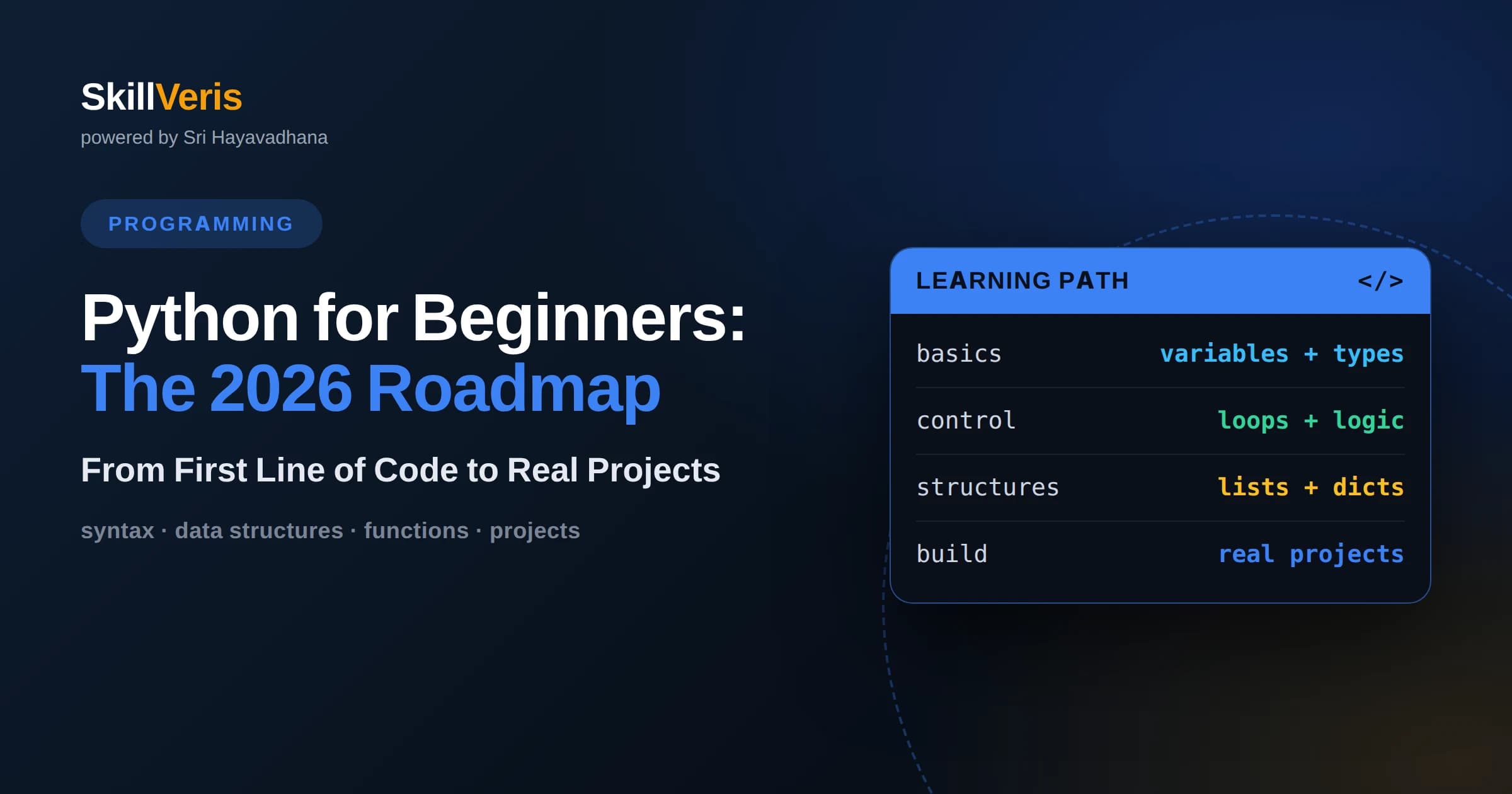
Python is the best first programming language for beginners in 2026 because its readable syntax, huge community, and use across web, data, automation, and AI let you build real projects within weeks.
In this guide, you'll learn:
- A reliable learning order is: install Python and an editor, learn core syntax and data structures, practice small automation scripts, then specialize in web, data, or AI.
- The single biggest predictor of success is consistent hands-on practice through projects, not passively watching tutorials or memorizing syntax.
- You do not need a computer science degree or advanced math to start; disciplined daily practice over three to six months is enough to reach job-ready fundamentals.
1What This Python Roadmap Covers
Python for beginners in 2026 comes down to a repeatable sequence: set up your tools, learn the core language, build small projects, and then choose a specialization such as web development, data analysis, or artificial intelligence. This roadmap walks you through that sequence in the order that keeps motivation high and confusion low, so you always know what to learn next and why it matters.
The goal is not to memorize every feature of the language. It is to become comfortable enough with the fundamentals that you can read code, break problems into steps, and build things that actually run. Once you can do that, every advanced topic becomes an extension of skills you already own rather than a wall you have to climb.
Treat the sections below as milestones rather than a strict calendar. Some people move through the basics in a few weeks, others take a couple of months around a full-time job. The order matters far more than the speed, and finishing each stage with a working project is what turns knowledge into skill.
2Why Python Is the Best First Language in 2026
Python remains the most beginner-friendly mainstream language because its syntax reads almost like plain English. A line such as for name in students: print(name) does roughly what it says, which means you spend your early energy learning how to think about problems rather than fighting punctuation and boilerplate. That gentle learning curve is a real advantage when everything is new.
The language is also unusually versatile. The same core skills carry over to web backends with frameworks like Django and Flask, to data analysis with pandas, to automation scripts that rename files or scrape web pages, and to machine learning and AI tooling. Learning Python does not lock you into one narrow career; it opens several doors at once.
Finally, Python has one of the largest communities and richest ecosystems of any language. When you hit an error, chances are thousands of people have hit it before and written about the fix. That safety net matters enormously for beginners, because being stuck for hours is the fastest way to lose momentum.
3Setting Up Your Environment
Start by installing the latest stable version of Python from the official python.org website, and make sure you tick the option that adds Python to your system path on Windows. You can confirm the install worked by opening a terminal and typing python --version, which should print the version number. This small step prevents a surprising amount of early frustration.
Next, choose an editor. Visual Studio Code is the most common choice for beginners because it is free, works on every operating system, and has an excellent Python extension that adds syntax highlighting, error hints, and a built-in terminal. Some learners prefer PyCharm Community Edition, which is heavier but more guided. Either is fine; do not spend days agonizing over the choice.
Learn how to run a script from the terminal early. Save a file called hello.py containing print('Hello, world') and run it with python hello.py. Understanding this run-and-see loop is more valuable than it looks, because programming is fundamentally about making a change, running the code, and observing what happens.
4Core Syntax and Fundamentals
The first block of real learning is the core syntax: variables, data types, and operators. You will work with numbers, strings of text, and booleans that are either True or False. Assigning a value looks like age = 30 or name = 'Ada', and Python figures out the type for you. Spend time here until reading and writing these basics feels automatic.
Next come the control structures that let programs make decisions and repeat work. An if statement runs code only when a condition holds, while for and while loops repeat actions. A simple example is if score >= 50: print('pass') else: print('retry'). These constructs are the grammar of programming, and almost every program you ever write is built from combinations of them.
Do not rush past error messages during this stage. When Python raises a NameError or a SyntaxError, read it slowly; it usually tells you the exact line and the kind of mistake. Learning to interpret errors calmly is a core skill that separates people who progress from people who give up.
5Essential Data Structures
Once syntax feels comfortable, focus on Python's built-in data structures: lists, dictionaries, tuples, and sets. A list holds an ordered collection, such as fruits = ['apple', 'banana', 'cherry'], and you can add, remove, and loop over its items. Lists are the workhorse structure you will reach for constantly.
Dictionaries store key-value pairs, which is perfect when you want to look something up by name rather than by position. A structure like prices = {'coffee': 3, 'tea': 2} lets you fetch prices['coffee'] instantly. Understanding when to use a list versus a dictionary is one of the most practical decisions a beginner learns to make.
Tuples are like lists that cannot be changed after creation, useful for fixed groups of values, and sets store unique items with no duplicates. You do not need to master every method on day one, but knowing what each structure is for lets you choose the right tool and write cleaner code.
6Functions and Code Organization
Functions let you package a piece of logic under a name and reuse it. Defining one looks like def greet(name): return 'Hello ' + name, and calling greet('Sam') runs that logic with a specific input. Functions are how you avoid repeating yourself and how you break big problems into small, testable pieces.
As your programs grow, learn about parameters, return values, and scope, which is the idea that variables created inside a function usually stay inside it. Getting comfortable with functions early pays off enormously, because every framework and library you will later use is built from functions and objects you call.
Once functions feel natural, split code across multiple files and import them. A file of helper functions can be reused with a line like import helpers. This is the beginning of thinking about structure and reuse, which is what separates a beginner script from maintainable software.
7A Gentle Introduction to Objects
Object-oriented programming sounds intimidating but starts simply. A class is a blueprint, and an object is a thing built from that blueprint. If you define class Dog with a method bark, you can create rex = Dog() and call rex.bark(). Classes bundle related data and behavior together, which keeps larger programs organized.
You will encounter objects constantly even before you write your own, because strings, lists, and files are all objects with methods you call using a dot, such as text.upper() or numbers.append(5). Recognizing this pattern demystifies a lot of code you read online.
Do not feel pressured to master inheritance and advanced design patterns at the beginner stage. Understanding what a class and an object are, and being able to write a small one, is enough foundation. Deeper object-oriented design becomes relevant once your projects grow past a few hundred lines.
8Building Your First Projects
Projects are where scattered knowledge fuses into real skill. Start small and finish what you begin. A good first project is a command-line to-do list that lets you add, view, and delete tasks, because it forces you to combine loops, lists, functions, and user input into one working program.
From there, try automation scripts that solve a mildly annoying real problem: renaming a folder of files, generating a simple report from a spreadsheet, or sending yourself a reminder. Automation is Python's superpower for beginners because the payoff is immediate and the scope stays manageable.
The key discipline is to build something that actually runs, even if it is ugly. A finished, imperfect project teaches you more than a beautiful tutorial you only watched. Each project should stretch you slightly beyond what you already know, so you are constantly learning by doing rather than by consuming.
9Choosing a Specialization
After the fundamentals, Python branches into several career paths, and choosing one gives your learning direction. If you like building things people interact with, web development with Flask or Django teaches you to serve pages and handle data. If you enjoy patterns and insights, data analysis with pandas and visualization libraries turns raw numbers into stories.
For those drawn to the current wave of artificial intelligence, machine learning libraries and AI tooling are a natural next step, though they build directly on the same fundamentals you already learned. Automation and scripting is another practical track, valuable in almost every office job even outside pure software roles.
You do not have to commit forever. Pick the path that excites you most right now, build two or three projects in it, and let genuine interest guide you. The core Python you learned transfers across all of these, so a change of direction later costs you very little.
10Common Beginner Mistakes to Avoid
The most common mistake is tutorial paralysis: watching endless videos without ever writing code yourself. Passive learning creates the illusion of progress while your hands stay untrained. The fix is a simple rule: for every hour of watching or reading, spend at least an hour typing and experimenting on your own.
Another trap is trying to learn everything at once. Beginners often jump between web frameworks, data science, and advanced topics before the basics are solid, which leaves them perpetually confused. Follow the roadmap order, finish each stage, and resist the urge to skip ahead to shiny topics.
Finally, many learners fear errors and copy solutions without understanding them. Errors are feedback, not failure, and reading them carefully is how you learn. When you fix a bug, take a moment to understand why the fix worked, so the lesson sticks for next time.
11Habits That Accelerate Learning
Consistency beats intensity. Thirty focused minutes every day will take you further than a single exhausting weekend marathon each month, because programming skill is built through repeated retrieval and practice. Schedule a small, regular slot and protect it, treating it like any other appointment.
Learn to use version control with Git early, even for solo projects. Committing your work builds a habit that every professional relies on and gives you a safety net to experiment freely. It also makes your growth visible, which is quietly motivating when progress feels slow.
Read other people's code and rewrite small examples in your own words. Explaining a concept out loud or in writing, sometimes called learning by teaching, exposes the gaps in your understanding faster than anything else. The goal is understanding you can reproduce, not code you merely recognize.
12Reaching Job-Ready Fundamentals
Employers hiring junior Python developers look for solid fundamentals, the ability to solve problems in code, and a small portfolio of projects you can talk about. You do not need to know every library; you need to demonstrate that you can learn, reason about a problem, and produce working software.
As you approach job readiness, add data structures and algorithms practice to your routine, because technical interviews frequently test how you think through problems like searching, sorting, and manipulating collections. Being able to explain your approach clearly matters as much as reaching the right answer.
A realistic timeline from zero to job-ready fundamentals is roughly three to six months of consistent practice, depending on your available time. That estimate assumes hands-on projects and regular problem solving rather than passive study, which is exactly what the earlier sections are designed to build.
13How to Practice and Learn on SkillVeris
SkillVeris is built around the idea that you learn faster when concepts are tied to something you already love, so its Python track explains each topic through the hobby of your choice, whether that is cricket, cooking, music, or gaming. Mapping abstract ideas like loops and functions onto a familiar activity makes them stick, which is exactly the answer-first, learn-by-doing approach this roadmap recommends.
Beyond the core Python course, you can move into data structures and algorithms material to sharpen problem solving, and interview-preparation resources that rehearse the kinds of questions junior developers face. Because everything is free and personalized, you can follow this roadmap end to end without juggling a dozen scattered tutorials.
The best way to use any platform, SkillVeris included, is to treat lessons as a launchpad for building. Learn a concept, then immediately apply it in a small project of your own. That loop of learn, build, and reflect is the throughline of this entire roadmap, and it is what turns a curious beginner into a confident Python developer.
Get The Print Version
Download a PDF of this article for offline reading.
About the Publisher
SkillVeris Team
Engineering Team
Our engineering writers turn abstract code concepts into hands-on, project-driven learning experiences.
View all postsRelated Posts




Never miss an update
Get the latest tutorials and guides delivered to your inbox.
No spam. Unsubscribe anytime.