Python Decorators Explained With Examples
SkillVeris Team
Engineering Team
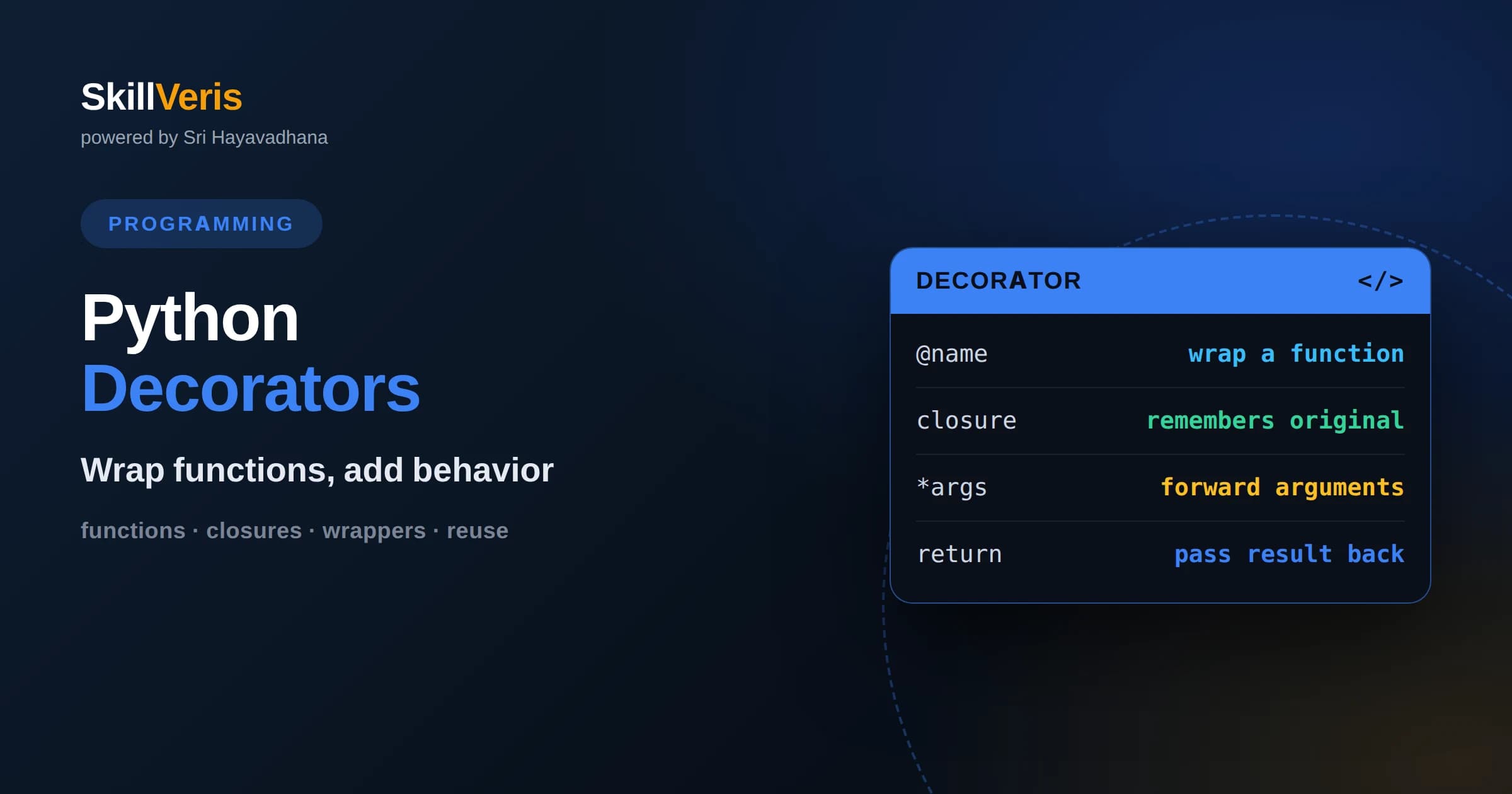
A decorator is a function that takes another function and returns an enhanced version of it.
In this guide, you'll learn:
- The at-symbol syntax is convenient shorthand for wrapping a function with a decorator.
- Decorators shine for cross-cutting concerns like logging, timing, caching, and access control.
- Understanding that functions are first-class objects in Python is the key to understanding decorators.
1What Is A Decorator
A Python decorator is a function that takes another function as input and returns a new function that usually adds some behavior around the original. It lets you extend or modify what a function does without editing the function's own code. You apply a decorator by writing its name with an at symbol on the line above a function definition, and from then on calling that function runs the wrapped, enhanced version.
The purpose is to handle concerns that would otherwise be repeated across many functions, such as logging every call, measuring how long a function takes, checking permissions, or caching results. Instead of pasting the same setup and teardown into every function, you write it once in a decorator and apply that decorator wherever it is needed. This keeps the core logic clean and the shared behavior in one place.
Decorators can look like magic at first, but they rest on a few simple ideas about how Python treats functions. Once those ideas are clear, the at-symbol syntax reveals itself as a tidy shorthand for something you could write by hand, and decorators become a natural, readable tool rather than a mysterious feature.
2Functions Are First-Class Objects
The foundation of decorators is that in Python, functions are first-class objects. This means a function is a value like any other: you can assign it to a variable, store it in a list, pass it as an argument to another function, and return it from a function. A function name without parentheses refers to the function itself, while adding parentheses calls it.
Because functions can be passed around, you can write a function whose job is to accept another function and do something with it. And because functions can be returned, you can write a function that builds and hands back a brand new function. Combine these two abilities and you have everything you need to wrap one function inside another, which is exactly what a decorator does.
Getting comfortable with this idea is the single biggest step toward understanding decorators. Practice passing functions as arguments and returning them from other functions until it feels ordinary, and the rest of decorators will follow almost automatically.
3Nested Functions And Closures
Decorators also rely on nested functions and closures. You can define a function inside another function, and the inner function has access to the variables of the outer one, including the function that was passed in. When the outer function returns the inner function, that inner function remembers the environment it was created in, a behavior called a closure.
This memory is what lets a decorator wrap a specific function. The outer decorator receives the original function, defines an inner wrapper that calls it while adding behavior, and returns that wrapper. The wrapper carries a reference to the original function inside its closure, so whenever the wrapper runs, it knows exactly which function to call in the middle.
Closures might sound abstract, but they are what make decorators reusable and self-contained. Each time you apply a decorator to a different function, a fresh closure captures that particular function, so the same decorator can wrap many functions independently without any interference between them.
4Writing Your First Decorator
A basic decorator is a function that accepts a function and returns a wrapper. Inside the wrapper you typically do something before calling the original function, then call it, then optionally do something after. For example, a logging decorator might print a message announcing the call, run the real function, and print another message when it finishes, all without the original function knowing.
To apply it, you place the decorator name with an at symbol on the line above the function you want to enhance. This syntax is exactly equivalent to defining the function normally and then reassigning its name to the result of passing it through the decorator. The at-symbol form is simply a cleaner way to express that same idea right where the function is defined.
Writing one simple decorator by hand demystifies the whole concept. Once you see that the wrapper is just an ordinary inner function that calls the original with a little extra behavior around it, decorators stop feeling special and start feeling like a convenient pattern you fully understand.
5Handling Arguments
Real functions take arguments, so a useful decorator must pass them through. The wrapper accepts flexible arguments, commonly written as args and keyword args, and forwards them to the original function unchanged. This way the same decorator works on functions with any number of parameters, from none to many, without needing to know their signatures in advance.
The wrapper should also return whatever the original function returns, so the decorated function behaves like the original from the caller's point of view. Forgetting to return the result is a common beginner bug that makes the decorated function silently produce nothing. A correct wrapper captures the return value, optionally acts on it, and hands it back.
By accepting and forwarding arbitrary arguments and returning the result, your decorator becomes truly general. This generality is what lets a single logging or timing decorator be applied across an entire codebase, regardless of what each individual function looks like.
6Preserving Function Metadata
When you wrap a function, the new wrapper replaces the original, which means the function's name, documentation string, and other metadata get hidden behind the wrapper's. Tools that inspect functions, generate documentation, or debug your code may then see the wrapper's generic name instead of the real one, which is confusing.
Python's standard library solves this with a helper that copies the original function's identity onto the wrapper. Applying this helper inside your decorator restores the original name and documentation, so from the outside the decorated function looks and identifies exactly like the original. This small step is considered a best practice for any decorator you intend to reuse.
Preserving metadata is easy to overlook because code works without it, but it pays off the moment you debug or document a decorated function. Making it a habit ensures your decorators are polite citizens that do not distort the identity of the functions they enhance.
7Practical Uses
Decorators earn their keep on cross-cutting concerns, behaviors that many functions need but that do not belong in any single function's core logic. Logging is a classic example: a decorator can record every call and its result without cluttering the functions themselves. Timing is another, measuring how long a function takes so you can find slow spots across a whole program.
Caching is a particularly satisfying use. A decorator can remember the results of previous calls and return the stored answer when the same inputs come again, saving expensive recomputation. Access control is another common case, where a decorator checks whether the current user is allowed to run a function before letting the call proceed.
Because these concerns recur throughout real applications, decorators become a favorite tool for keeping code both clean and consistent. The behavior lives in one well-tested place, and applying it is as simple as adding one line above a function definition.
8Decorators That Take Arguments
Sometimes you want to configure a decorator, such as a retry decorator that should attempt a call a certain number of times, or a cache with a size limit. This requires a decorator that itself takes arguments, which adds one more layer of nesting. You write a function that accepts the configuration and returns a decorator, which in turn returns the wrapper.
The extra layer can be confusing because there are now three nested functions: the outermost takes the settings, the middle takes the function, and the innermost is the wrapper that runs at call time. Reading it slowly from the outside in makes the structure clear, and the payoff is a flexible decorator you can tune each time you apply it.
This pattern shows the true power of first-class functions and closures working together. Each layer captures what it needs, so the final wrapper has access to both the configuration and the original function. Once you can read this three-layer form comfortably, you understand decorators thoroughly.
9Stacking Decorators
You can apply more than one decorator to a single function by stacking them, writing several at-symbol lines above the definition. Each decorator wraps the result of the one below it, so the order matters. The decorator closest to the function is applied first, and the ones above it wrap that result in turn, forming layers like an onion.
This layering lets you compose behaviors cleanly. You might combine a logging decorator, a timing decorator, and an access-control decorator on the same function, each adding its own concern. Because each decorator is independent and reusable, mixing and matching them is straightforward once you keep the application order in mind.
The main caution is to think about order deliberately. Whether logging happens inside or outside timing, for instance, changes what gets measured and recorded. Being intentional about the sequence prevents surprises and lets you get exactly the layered behavior you intend.
10Common Mistakes
The most frequent decorator bug is a wrapper that forgets to return the original function's result, causing the decorated function to silently return nothing. Always capture and return the result unless you have a deliberate reason not to. This single omission accounts for a large share of decorator confusion among beginners.
Another common mistake is not forwarding arguments correctly, so the decorator only works on functions with a specific signature. Accepting flexible arguments and passing them through keeps your decorator general and reusable. Similarly, forgetting to preserve the original function's metadata leads to confusing names and missing documentation later.
Finally, beginners sometimes reach for decorators when a simpler approach would do. Decorators are best for behavior that genuinely repeats across many functions. If only one function needs the extra logic, writing it directly is clearer. Reserving decorators for true cross-cutting concerns keeps your code both clean and honest.
11Built-In Decorators
Python and its standard library ship with useful decorators you will meet often. Some mark methods that belong to a class rather than an instance, others turn a method into something you access like a simple attribute, and still others provide ready-made caching so you do not have to write it yourself. Recognizing these when you see them helps you read real code.
Frameworks lean heavily on decorators too. Web frameworks commonly use them to connect a function to a URL, so a single decorator line declares that a function handles requests to a particular address. Testing tools use decorators to mark or configure tests. Encountering these in the wild reinforces how central the pattern is across the Python ecosystem.
Seeing decorators used throughout libraries and frameworks confirms that they are not an obscure trick but a mainstream tool. The same understanding you build writing your own decorators lets you read and use these built-in and framework decorators with confidence.
12Practice Writing Decorators
Decorators become intuitive only through writing them. Start by building a simple logging decorator, then extend it to forward arguments and return results, then preserve metadata, and finally try a decorator that takes its own arguments. Apply your decorators to a few different functions and stack a couple together to feel how the layers combine.
SkillVeris walks you through this progression with hands-on exercises that move from first-class functions and closures to real, reusable decorators for logging, timing, and caching. Each concept in this article maps to a task you can run and inspect. Write a decorator, apply it to your own functions, and let the immediate feedback turn the pattern from mysterious to obvious.
Related Reading
Get The Print Version
Download a PDF of this article for offline reading.
About the Publisher
SkillVeris Team
Engineering Team
Our engineering writers turn abstract code concepts into hands-on, project-driven learning experiences.
View all postsRelated Posts




Never miss an update
Get the latest tutorials and guides delivered to your inbox.
No spam. Unsubscribe anytime.