OWASP Top 10: The Most Common Web Vulnerabilities
SkillVeris Team
Cloud & Security Team
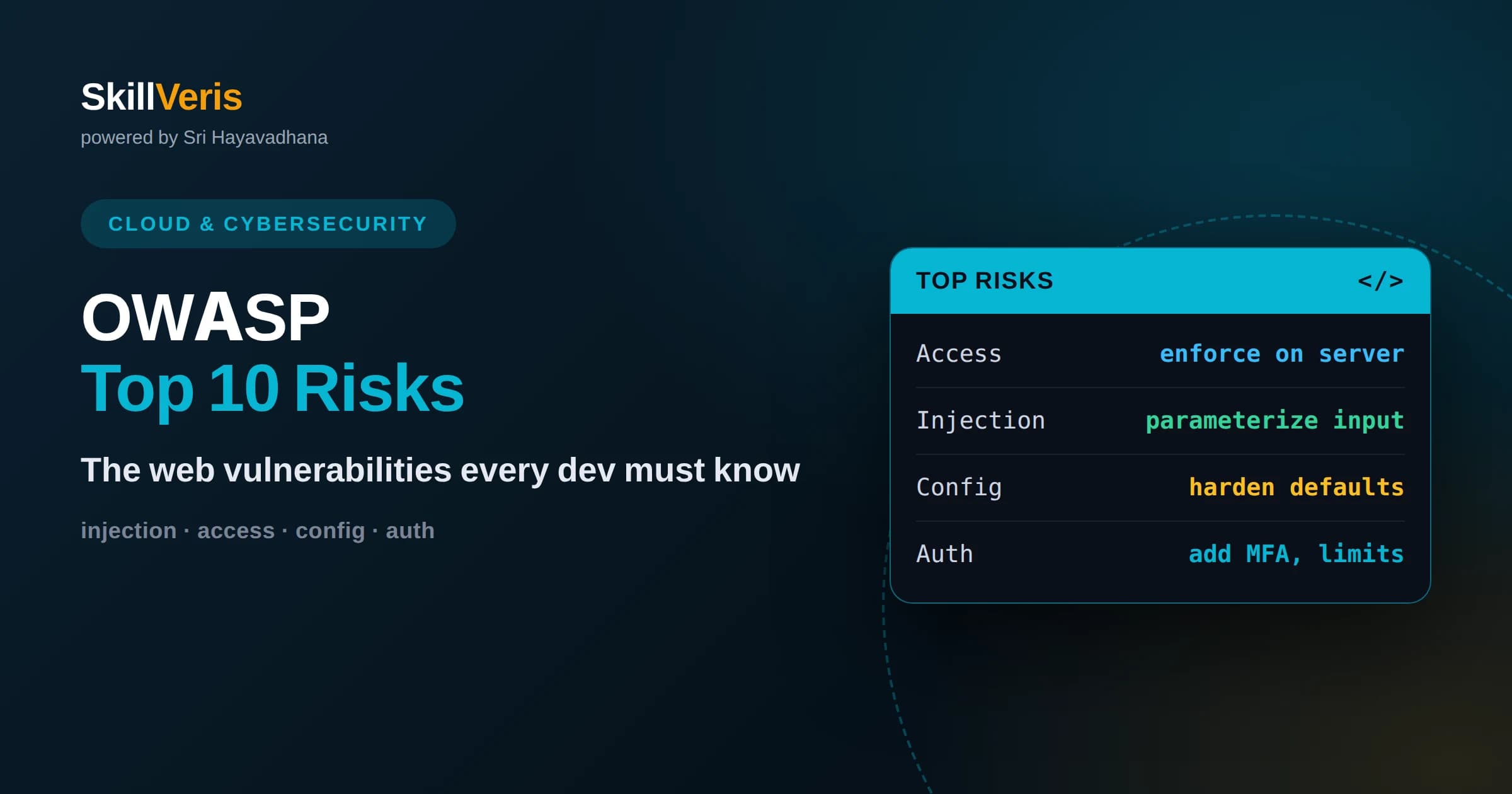
The OWASP Top 10 is a widely referenced list of the most critical web application security risks, updated periodically by security experts.
In this guide, you'll learn:
- Most breaches trace back to a handful of recurring mistakes like broken access control, injection, and misconfiguration rather than exotic attacks.
- Nearly every item on the list has a well-understood defense that developers can apply during design and coding, not just after the fact.
- Treating the list as a design checklist, not a post-launch audit, is the most effective way to build secure applications from the start.
1What the OWASP Top 10 Is
The OWASP Top 10 is a regularly updated list of the most critical security risks facing web applications, compiled by the Open Worldwide Application Security Project, a nonprofit community of security professionals. It is not a checklist of specific bugs but a ranking of broad categories of risk, based on how common and how damaging each one is across real-world applications.
Its value is focus. Web security can feel infinite, but in practice a small set of recurring weaknesses causes the majority of breaches. By naming and ranking these categories, the Top 10 gives developers a shared vocabulary and a prioritized starting point. If you defend against these ten categories well, you have addressed the risks most likely to hurt you.
This guide walks through the major categories in plain language: what each risk means, why it happens, and the practical defense. The goal is not to make you a penetration tester but to give you the awareness to avoid the mistakes that appear over and over in vulnerable applications.
2Broken Access Control
Broken access control means users can do things they should not be allowed to do, such as viewing another person's data, editing records they do not own, or reaching admin functions without permission. It consistently ranks at the top of the list because it is both extremely common and highly damaging, and because it is easy to implement authorization inconsistently across an application.
A typical example is an application that hides an admin button in the interface but does not actually check permissions on the server when the corresponding request arrives. An attacker who guesses or crafts the request reaches the function directly. Another is changing an identifier in a URL to access a record belonging to someone else, a flaw known as insecure direct object reference.
The defense is to enforce authorization on the server for every sensitive action, deny by default, and never rely on hiding options in the interface as a security measure. Check that the current user is actually permitted to act on the specific resource, not merely that they are logged in. Access control is a design decision that must be applied consistently everywhere.
3Cryptographic Failures
Cryptographic failures cover the mishandling of sensitive data, whether by not encrypting it at all, using weak or outdated algorithms, or managing keys poorly. When passwords, personal information, or financial data are exposed because they were stored or transmitted without proper protection, this is the category at fault.
Common mistakes include sending sensitive data over unencrypted connections, storing passwords in plain text or with weak hashing, and hardcoding secrets in source code. Each of these turns a minor breach into a catastrophic one, because the attacker gets readable, valuable data instead of protected data they cannot use.
The defenses are well established: encrypt sensitive data both in transit using TLS and at rest, hash passwords with a strong, purpose-built algorithm designed to be slow, and manage keys and secrets outside of source code. Classifying what data is actually sensitive is the first step, because you cannot protect what you have not identified.
4Injection
Injection happens when untrusted input is interpreted as a command rather than as data. SQL injection is the classic example, where user input is concatenated into a database query and an attacker crafts input that changes the query's meaning. Similar flaws exist wherever input is fed into an interpreter, including operating system commands and certain templating systems.
The root cause is mixing code and data. When user input is spliced directly into a query or command string, there is no clear boundary between the instructions your program intends and the input an attacker supplies. The attacker exploits this ambiguity to run their own commands, potentially reading, altering, or deleting data.
The reliable defense is to separate code from data using parameterized queries and prepared statements, which send the query structure and the user data to the database separately so input can never be interpreted as commands. Validating and escaping input adds defense in depth, but parameterization is the primary and most dependable fix.
5Insecure Design
Insecure design is a category that emphasizes flaws in the fundamental architecture rather than in the code that implements it. A perfectly coded feature can still be insecure if the design itself never accounted for abuse. Examples include workflows that lack rate limiting, password reset flows that can be gamed, or business logic that trusts the client too much.
The distinction matters because no amount of careful coding fixes a flawed design. If the plan permits an attacker to exploit legitimate features in unintended ways, the vulnerability is baked in before a single line is written. This category encourages thinking about security during design, not only during implementation.
The defense is to practice threat modeling: deliberately ask how each feature could be abused, what an attacker would want, and where trust boundaries lie. Building in controls like rate limits, sensible defaults, and clear separation of trusted and untrusted actions during design prevents whole classes of problems from ever existing.
6Security Misconfiguration
Security misconfiguration is the risk of insecure settings across the application stack: default passwords left unchanged, unnecessary features enabled, verbose error messages that leak internal details, or overly permissive access settings. It is extremely common because modern systems have many configurable parts, and insecure defaults slip through easily.
A frequent example is leaving detailed error pages or debugging endpoints enabled in production, giving attackers a map of the system's internals. Another is failing to change default administrative credentials, which attackers routinely try first. Cloud storage left open to the public is a well-known source of large data exposures in this category.
The defense is a repeatable, hardened configuration process: disable unused features, change all defaults, suppress detailed errors in production, and apply consistent secure settings across environments. Automating configuration so that development, testing, and production match reduces the chance that a dangerous setting reaches users.
7Vulnerable and Outdated Components
Modern applications are built largely from third-party libraries and frameworks, and each dependency can contain its own vulnerabilities. When you use a component with a known security flaw and never update it, you inherit that flaw. Attackers actively scan for applications running outdated versions of popular components because the exploits are already public.
The challenge is that dependencies pull in other dependencies, creating a deep tree that is easy to lose track of. A vulnerability deep in that tree can affect you even if you never chose that library directly. Many serious breaches have started with a single unpatched component that no one was watching.
The defense is to maintain an inventory of your dependencies, monitor them for known vulnerabilities using automated tools, and update promptly when fixes are released. Removing unused dependencies shrinks your attack surface, and pinning versions while still tracking security advisories keeps you both stable and safe.
8Identification and Authentication Failures
This category covers weaknesses in how applications verify who a user is. Permitting weak passwords, failing to protect against automated guessing, mishandling session tokens, or leaving sessions valid too long all fall here. When authentication is weak, an attacker can impersonate legitimate users and bypass every downstream control.
Common problems include allowing unlimited login attempts, which enables password guessing at scale, and poor session management such as tokens that do not expire or are exposed in URLs. Credential stuffing, where attackers try passwords leaked from other sites, succeeds whenever users reuse passwords and applications do not add extra protection.
The defenses include enforcing strong password practices, adding multi-factor authentication, limiting and slowing repeated login attempts, and managing sessions carefully with proper expiration and secure token handling. Wherever possible, rely on well-tested authentication libraries and providers rather than building these sensitive mechanisms from scratch.
9Integrity, Logging, and Monitoring Failures
Two related categories address trust and visibility. Software and data integrity failures occur when applications rely on updates, plugins, or data from sources without verifying them, allowing attackers to slip in malicious code through a compromised supply chain or an unverified update mechanism. Verifying signatures and using trusted sources defends against this.
Logging and monitoring failures are about not knowing you are under attack. Without adequate logging of security-relevant events and alerting on suspicious activity, breaches can continue undetected for long periods. Many organizations only discover incidents long after they begin, precisely because they were not watching for the warning signs.
The defenses are to verify the integrity of code and data you depend on, and to log important security events, monitor them, and alert on anomalies. Good logging turns an invisible ongoing breach into a detected and containable incident, dramatically reducing the damage an attacker can do.
10Server-Side Request Forgery
Server-side request forgery, or SSRF, occurs when an application fetches a resource from a URL supplied or influenced by the user, and an attacker abuses that to make the server request something it should not. Because the request originates from the server, it may reach internal systems that are not exposed to the outside world.
For example, a feature that fetches an image from a user-provided address might be tricked into requesting internal administrative endpoints or cloud metadata services, leaking sensitive information the attacker could never reach directly. The server's trusted position becomes the attacker's tool.
The defenses include validating and restricting which destinations the server is allowed to contact, avoiding fetching arbitrary user-supplied URLs, and isolating the systems that perform such requests. Treating any user-influenced URL as untrusted and constraining outbound requests prevents the server from being turned against its own network.
11Using the Top 10 as a Design Tool
The most effective way to use the OWASP Top 10 is as a design and review checklist woven into your normal workflow, not as an afterthought once an application is built. During design, ask how each category applies to the feature you are planning. During code review, look specifically for injection, access control, and configuration issues. During testing, probe the same categories.
A recurring theme across the list is that most vulnerabilities come from trusting input, users, or components too readily. Adopting a posture of deny by default, validate everything, and verify identity for every sensitive action addresses many categories simultaneously. Security is less about exotic techniques than about disciplined defaults applied consistently.
It also helps to remember that the categories overlap and reinforce one another. Strong authentication supports access control, good configuration prevents exposure, and dependency management closes doors attackers love. Thinking in terms of layered defenses means that even if one control fails, others still stand between an attacker and real harm.
Finally, keep the list current by revisiting it as your application grows and as the ranking itself is periodically revised by the security community. New features introduce new trust boundaries, new dependencies bring new risks, and a control that was sufficient a year ago may need strengthening today. Treating security as an ongoing practice rather than a one-time gate is what keeps these common vulnerabilities out over the long life of a real application.
12Build the Habit with Hands-On Practice
Reading about vulnerabilities builds awareness, but building secure applications is a skill that grows with practice. The most durable way to learn is to intentionally create a small vulnerable feature, exploit it yourself, and then fix it, so the connection between mistake, attack, and defense becomes concrete. Seeing an injection or access-control flaw succeed once makes you far less likely to write one.
On SkillVeris you can work through guided exercises that walk you through these vulnerability categories and their defenses in a hands-on way, reinforcing secure coding habits through practice rather than theory alone. Keep the Top 10 nearby as a checklist, apply it during design and review, and treat security as a routine part of writing software. With steady practice, avoiding these common vulnerabilities becomes second nature rather than an occasional afterthought.
Related Reading
Get The Print Version
Download a PDF of this article for offline reading.
About the Publisher
SkillVeris Team
Cloud & Security Team
Our cloud and security experts break down complex infrastructure topics into practical, beginner-friendly guides.
View all postsRelated Posts




Never miss an update
Get the latest tutorials and guides delivered to your inbox.
No spam. Unsubscribe anytime.