Networking Basics for Developers
SkillVeris Team
Cloud & Security Team
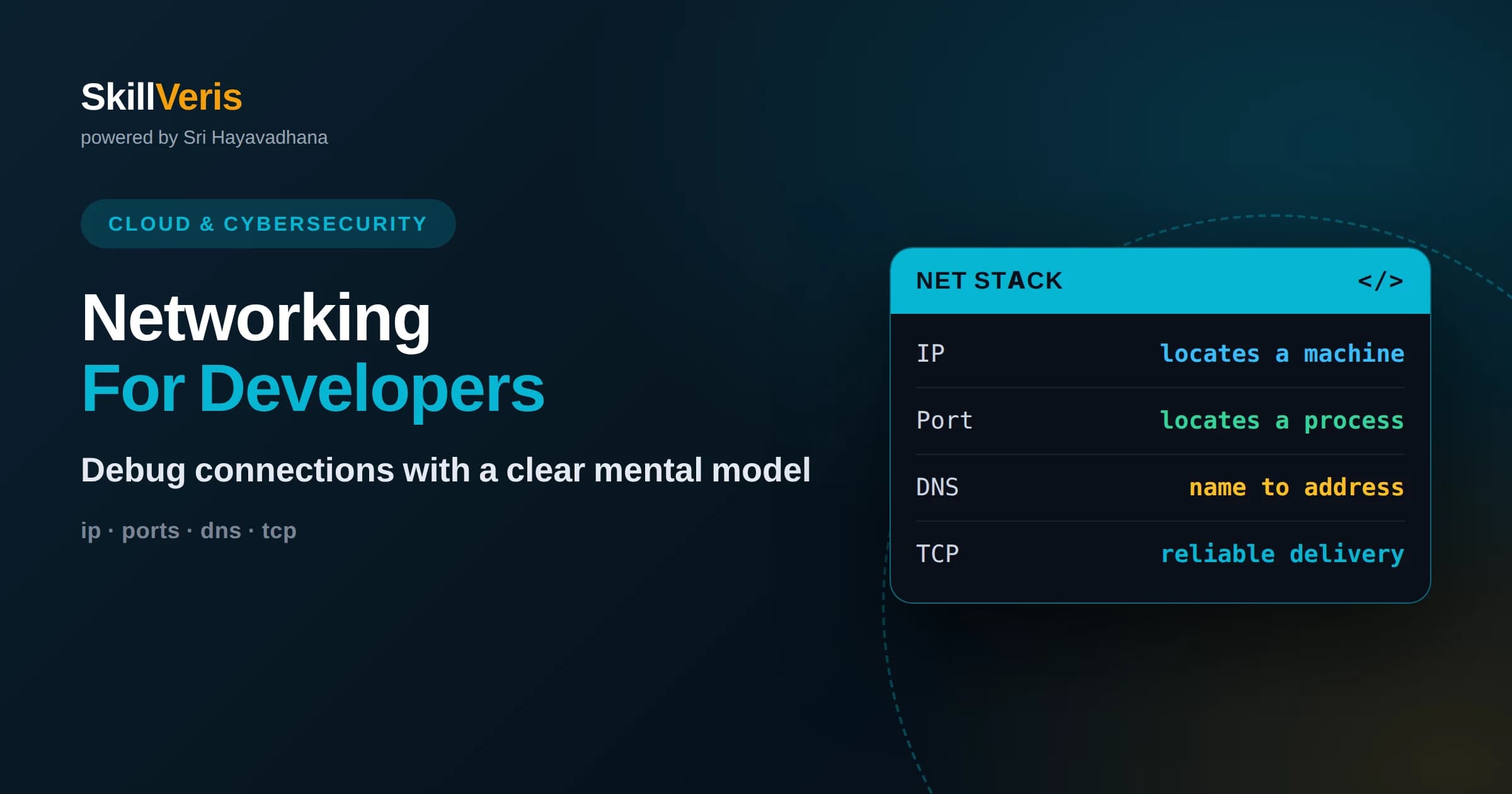
Every network request depends on a small stack of layers, and knowing which layer failed turns confusing errors into quick fixes.
In this guide, you'll learn:
- IP addresses locate machines, ports locate processes, and DNS translates human-friendly names into addresses your code can reach.
- TCP guarantees ordered, reliable delivery while UDP trades reliability for speed, and choosing between them shapes how your app behaves.
- A handful of command-line tools like ping, curl, dig, and netstat let you diagnose most connectivity problems without guessing.
1What Networking Basics Developers Actually Need
Networking for developers comes down to understanding how a request leaves your code, travels across machines, and returns as a response. You do not need to build routers or memorize every protocol; you need a working mental model of IP addresses, ports, DNS, TCP, and HTTP so you can reason about failures and build apps that behave predictably. Most day-to-day debugging is simply figuring out which of those pieces broke.
Think of the network as a delivery system. Your application writes a message, hands it to the operating system, and the operating system uses agreed-upon rules to route that message to the right computer and the right program running on it. When something goes wrong, it is almost always one of a few culprits: the name did not resolve, the address was unreachable, the port was closed, or the response never came back. This article gives you the vocabulary and the layered model to name each problem quickly.
The payoff is practical. Once you can picture the journey of a request, cryptic errors like connection refused, timeout, or name not resolved stop feeling random. You learn to ask targeted questions instead of retrying blindly, and you write code that handles slow or failed networks gracefully rather than assuming the internet is always fast and reliable.
2The Layered Model in Plain Language
Networks are organized into layers, and each layer has one job. The classic teaching model has seven layers, but developers can work comfortably with four: the link layer that moves bits over cables or radio, the internet layer that routes packets between machines using IP, the transport layer that manages connections using TCP or UDP, and the application layer where protocols like HTTP live. Each layer trusts the one below it to do its job.
The reason layering matters is separation of concerns. Your HTTP code does not worry about how packets are routed, and the routing layer does not care whether you are sending a web page or a video. When you debug, you can move down the stack: is the problem in my HTTP request, in the TCP connection, in the IP route, or in the physical link? Isolating the failing layer is the single most useful debugging skill in networking.
A helpful habit is to name the layer out loud when an error appears. A DNS failure is an application-adjacent problem. A refused connection is a transport-layer signal that nothing is listening. A timeout with no response often points to routing or firewalls lower down. Attaching errors to layers turns vague frustration into a checklist.
3IP Addresses: Locating Machines
An IP address is the unique number that identifies a machine on a network, the way a street address identifies a building. IPv4 addresses look like four numbers separated by dots, such as a private address in the range starting with 192.168, while IPv6 addresses are longer and written in hexadecimal to provide far more available addresses. Every request your code makes ultimately targets an IP address, even when you typed a domain name.
Addresses come in public and private flavors. Public addresses are reachable across the internet, while private addresses live inside home and office networks and are reused everywhere behind a technique called network address translation. This is why your laptop might see itself as 192.168.1.20 locally but appear as a completely different public address to the outside world. Understanding this split explains why a server reachable from your own machine may be invisible to the wider internet.
For local development, the special address 127.0.0.1, known as localhost, always points back to your own machine. Binding a server to localhost keeps it private to your computer, while binding to all interfaces exposes it to the network. Knowing the difference prevents both frustrating connection failures and accidental exposure of services you meant to keep private.
4Ports: Locating the Right Program
If an IP address finds the right machine, a port finds the right program on that machine. A port is just a number from 0 to 65535, and servers listen on specific ports so incoming traffic reaches the intended service. Web servers conventionally use port 80 for plain HTTP and 443 for HTTPS, while development servers often use higher numbers like 3000 or 8080 to avoid needing special permissions.
Ports explain a class of errors that confuses beginners. If you see connection refused, it usually means you reached the machine but nothing was listening on that port. If two programs try to claim the same port, one fails to start with an address already in use error. Recognizing these messages as port-level problems, rather than mysterious app crashes, saves enormous time.
Because a machine can run many services at once, ports let a single IP address host a database, a web server, and a cache simultaneously, each on its own number. When you configure a connection string or a firewall rule, you are almost always specifying an IP address plus a port together, because both are needed to reach a specific running process.
5DNS: Turning Names into Addresses
DNS, the Domain Name System, is the internet's phone book. It translates human-friendly names like example.com into the numeric IP addresses machines actually use. When you enter a URL, your computer first asks a DNS resolver to look up the address, then connects to that address. This lookup is invisible when it works and deeply confusing when it fails.
DNS results are cached at several levels to make the web fast, which is both a feature and a source of bugs. After you change where a domain points, old cached answers can linger for minutes or hours because of a value called time to live. This is why a site can appear updated on one device and stale on another. When debugging, always consider whether you are seeing a fresh answer or a cached one.
For developers, the tools dig and nslookup let you query DNS directly to see exactly what address a name resolves to. If a request fails with a name-not-resolved error, DNS is your first suspect, and checking the resolution manually tells you whether the problem is the name itself or something later in the connection.
6TCP and UDP: Two Ways to Send Data
At the transport layer you choose between two main protocols. TCP provides a reliable, ordered stream: it establishes a connection, confirms that data arrives, retransmits anything lost, and delivers bytes in the order they were sent. This reliability is why the web, email, and most APIs run over TCP. When correctness matters more than raw speed, TCP is the default.
UDP takes the opposite approach. It sends independent packets with no guarantee of delivery, ordering, or duplication protection. That sounds worse, but it is exactly right for use cases like live video, voice calls, and gaming, where a slightly dropped frame is better than waiting for a retransmission that arrives too late to matter. UDP trades reliability for low latency.
TCP begins with a three-way handshake, a short exchange of messages that both sides use to agree on connection details before data flows. This handshake adds a small startup cost, which is one reason techniques like connection reuse and keep-alive exist. Knowing that a connection has setup overhead helps you understand why opening thousands of short-lived connections can hurt performance.
7HTTP: The Language of the Web
HTTP is the application-layer protocol that browsers and APIs speak. It follows a simple request-response pattern: a client sends a request with a method such as GET or POST, a path, headers, and an optional body, and the server replies with a status code, headers, and a body. Almost everything you build on the web is a variation on this exchange.
Status codes are a compact language worth memorizing in broad strokes. Codes in the 200 range mean success, the 300 range means redirection, the 400 range means the client made a mistake such as a bad request or missing authorization, and the 500 range means the server failed. Reading a status code first tells you whether to fix your request or investigate the server.
Modern versions of HTTP improve performance by reusing connections and multiplexing many requests over a single connection, but the core mental model stays the same. Headers carry metadata like content type, caching rules, and authentication tokens, and learning to read them in your browser's developer tools is one of the fastest ways to understand what your application is actually sending and receiving.
8Firewalls, NAT, and Proxies
Between your code and its destination sit several gatekeepers. Firewalls allow or block traffic based on rules, often by port or address, and a blocked port is a common reason a service that runs locally cannot be reached from elsewhere. When a connection simply hangs with no response, a firewall silently dropping packets is a frequent explanation.
Network address translation, or NAT, lets many devices share one public address, which is why your private machine is not directly reachable from the internet without extra configuration like port forwarding. Proxies and load balancers sit in front of servers to distribute traffic, add security, or cache responses, and they can change the headers or address your server sees.
For developers, the lesson is that the path between client and server is rarely a straight line. When something works on your machine but fails in production, the difference is often one of these intermediaries applying a rule you did not expect. Mapping the full path, including proxies and firewalls, prevents hours of confusion.
9Latency, Bandwidth, and Why Distance Matters
Two different numbers describe network performance. Bandwidth is how much data can flow per second, like the width of a pipe, while latency is how long a single message takes to make a round trip, limited ultimately by the speed of light and the distance involved. A connection can have high bandwidth yet feel slow if latency is high, because every request still waits for a round trip.
This distinction shapes real design choices. Placing servers closer to users, using content delivery networks, and reducing the number of sequential round trips all attack latency rather than bandwidth. An app that makes ten dependent requests in sequence pays the latency cost ten times, which is why batching and parallelizing requests can dramatically improve perceived speed.
Being aware of latency also changes how you write client code. Assuming instant responses leads to frozen interfaces and brittle logic. Designing for the reality that networks are slow and occasionally fail, with timeouts, retries, and loading states, produces apps that feel responsive even when conditions are poor.
10Command-Line Tools for Debugging
A small toolkit handles most network debugging. The ping command checks whether a machine is reachable and how long a round trip takes. The curl command sends HTTP requests from the terminal so you can inspect exact responses and headers without a browser. The dig and nslookup commands query DNS to see how names resolve. And tools like netstat or ss show which ports your machine is listening on.
The power of these tools is that they isolate layers. If ping succeeds but curl fails, the machine is reachable but the web service or port is not. If dig returns no address, DNS is the problem before you even reach the network. Working from the bottom of the stack upward with these commands turns guesswork into a systematic process.
Browser developer tools deserve a place in the same toolkit. The network tab shows every request a page makes, its timing, its status code, and its headers. For web developers, learning to read that tab is often faster than any command line and reveals exactly where a slow or failing request originates.
11Common Networking Mistakes to Avoid
Beginners frequently assume the network is fast, reliable, and secure by default, and each assumption causes bugs. Hardcoding IP addresses instead of using domain names makes systems brittle. Forgetting timeouts means a single slow dependency can freeze your entire application. Ignoring retries means transient failures become permanent errors for your users.
Another common trap is confusing localhost with a public address. A service bound only to localhost works perfectly in testing and then fails when deployed, because it is not listening on an interface reachable from other machines. Conversely, binding a sensitive service to all interfaces without a firewall can expose it to the internet unintentionally.
Finally, developers often overlook how much configuration lives outside their code. Ports, firewall rules, DNS records, and proxy settings all affect connectivity, and a perfect application can still fail because of an environmental detail. Treating the whole path as part of your system, not just your code, is the mindset that separates confident engineers from frustrated ones.
12Put Networking Knowledge into Practice
Networking concepts stick when you use them, not when you only read them. The fastest way to internalize this material is to run a small server locally, connect to it with curl, watch requests in your browser's network tab, and deliberately break things to see the errors each layer produces. Every timeout, refused connection, and DNS failure you diagnose yourself becomes a permanent lesson.
On SkillVeris, you can work through hands-on exercises that walk you from a single request to a full understanding of the stack, reinforcing IP addresses, ports, DNS, TCP, and HTTP through guided practice. Pair the reading here with those exercises, keep a terminal open, and treat every error message as a clue rather than a wall. With a clear mental model and a little practice, networking stops being intimidating and becomes one of your most reliable debugging superpowers.
Related Reading
Get The Print Version
Download a PDF of this article for offline reading.
About the Publisher
SkillVeris Team
Cloud & Security Team
Our cloud and security experts break down complex infrastructure topics into practical, beginner-friendly guides.
View all postsRelated Posts




Never miss an update
Get the latest tutorials and guides delivered to your inbox.
No spam. Unsubscribe anytime.