JavaScript for Beginners: The Ultimate 2026 Guide
SkillVeris Team
Engineering Team
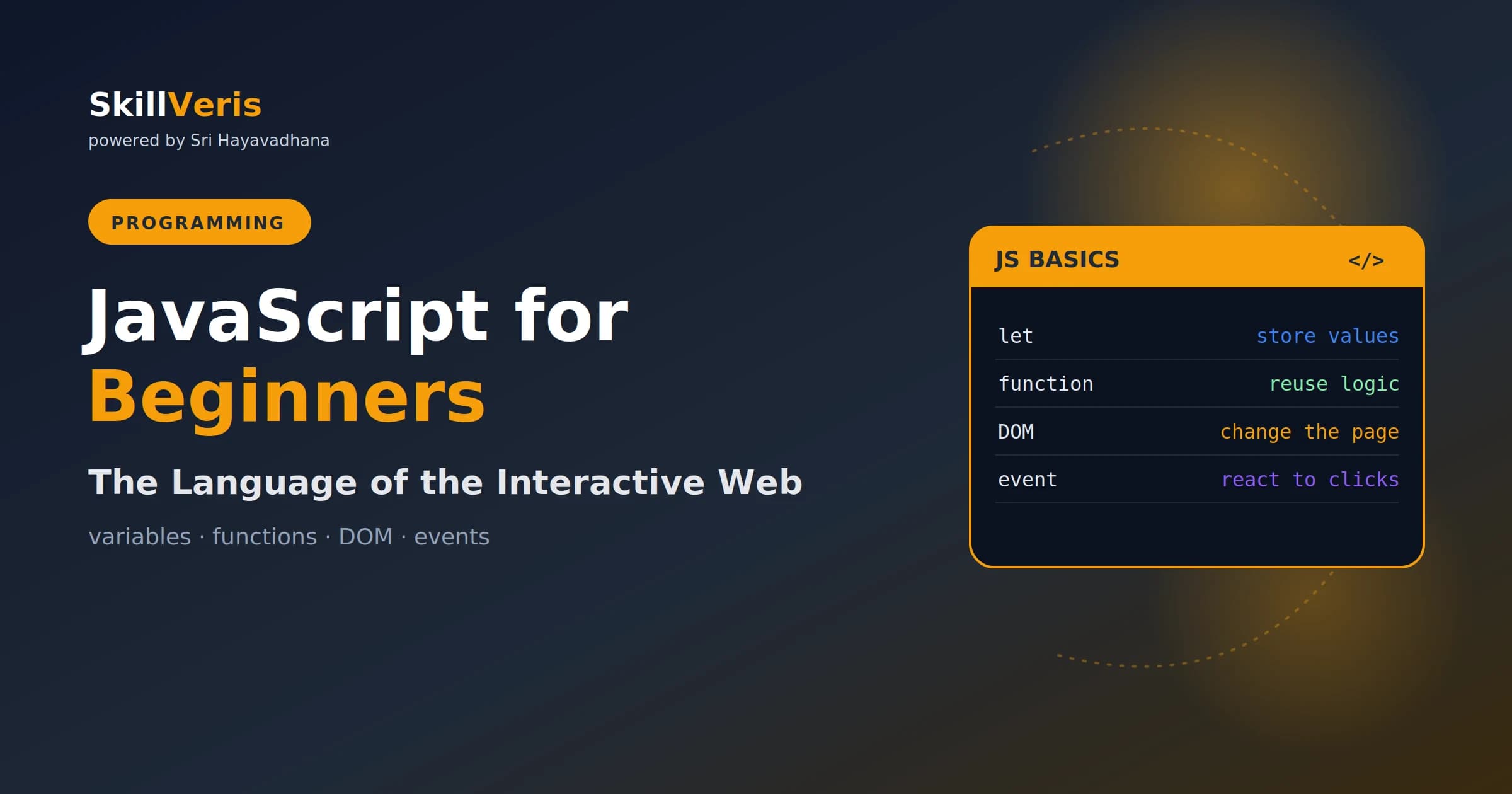
JavaScript is the language that makes web pages interactive
In this guide, you'll learn:
- Master a small core — variables, functions, conditions and loops, and the DOM with events — and you can build real, responsive pages
- It runs in browsers, on servers, and in apps.
- All concepts are explained with real-world examples and hands-on practice.
- All concepts are explained with real-world examples and hands-on practice.
1About This Guide
JavaScript is one of the most useful first languages — it runs everywhere and powers the interactive
web. This guide gets you from zero to writing real code. By the end you'll understand variables, functions,
2What Is JavaScript?
JavaScript is the programming language of the web. HTML provides structure and CSS provides style,
but JavaScript provides behaviour — the clicks, updates, and interactivity that make a page feel alive.
3Where JavaScript Runs
It started in the browser but now runs almost everywhere: on servers (via Node.js), in mobile and desktop
apps, and beyond. It's consistently among the most-used languages in the world, with an enormous
4Variables: Storing Data
Use const by default and let when a value needs to change. Avoid the old var .
5Data Types
This section provides key insights and practical guidance.
- Numbers: 42 , 3.14 .
- Strings: text like "hello" .
- Booleans: true / false .
- Arrays: lists, [1, 2, 3] .
- Objects: key-value data, { name: "Asha" } .
6Functions
This section provides key insights and practical guidance.
7Conditions and Loops
The DOM (Document Object Model) is JavaScript's view of the page. You select elements and change
Events — clicks, typing, scrolling — are how your code responds to the user. Master the DOM and
- Using var — prefer const and let .
- Confusing = and === — one assigns, the other compares.
- Forgetting the script runs top to bottom — order matters.
- Not checking the console — it shows your errors.
- JavaScript adds behaviour to web pages.
Related Reading
Get The Print Version
Download a PDF of this article for offline reading.
About the Publisher
SkillVeris Team
Engineering Team
Our engineering writers turn abstract code concepts into hands-on, project-driven learning experiences.
View all postsRelated Posts




Never miss an update
Get the latest tutorials and guides delivered to your inbox.
No spam. Unsubscribe anytime.