JavaScript ES6+ Features Every Developer Should Know
SkillVeris Team
Engineering Team
ES6+ features make JavaScript dramatically more readable and less error-prone.
In this guide, you'll learn:
- The six most impactful additions are const/let over var, arrow functions, template literals, destructuring, the spread operator, and async/await.
- Use const by default, let only when reassignment is needed, and never var.
- Arrow functions inherit this from the enclosing scope, eliminating a classic source of binding bugs.
- async/await makes asynchronous code read like synchronous code; use Promise.all for parallel operations.
1Why ES6+ Matters
ES6 (ECMAScript 2015) and subsequent annual releases modernised JavaScript fundamentally. Before ES6, JavaScript had no modules, no block-scoped variables, no clean way to handle async operations, and verbose syntax for common operations.
Every modern framework — React, Vue, Node.js — is written in ES6+ and expects you to understand it. If you're reading React tutorials and the syntax looks unfamiliar, this guide is where to start.
2const and let
ES6 replaced var with two block-scoped declarations. The default rule: use const for everything, switch to let only when you need to reassign, and never use var.
With objects, const makes the reference constant, not the content — you can still mutate the object's properties.
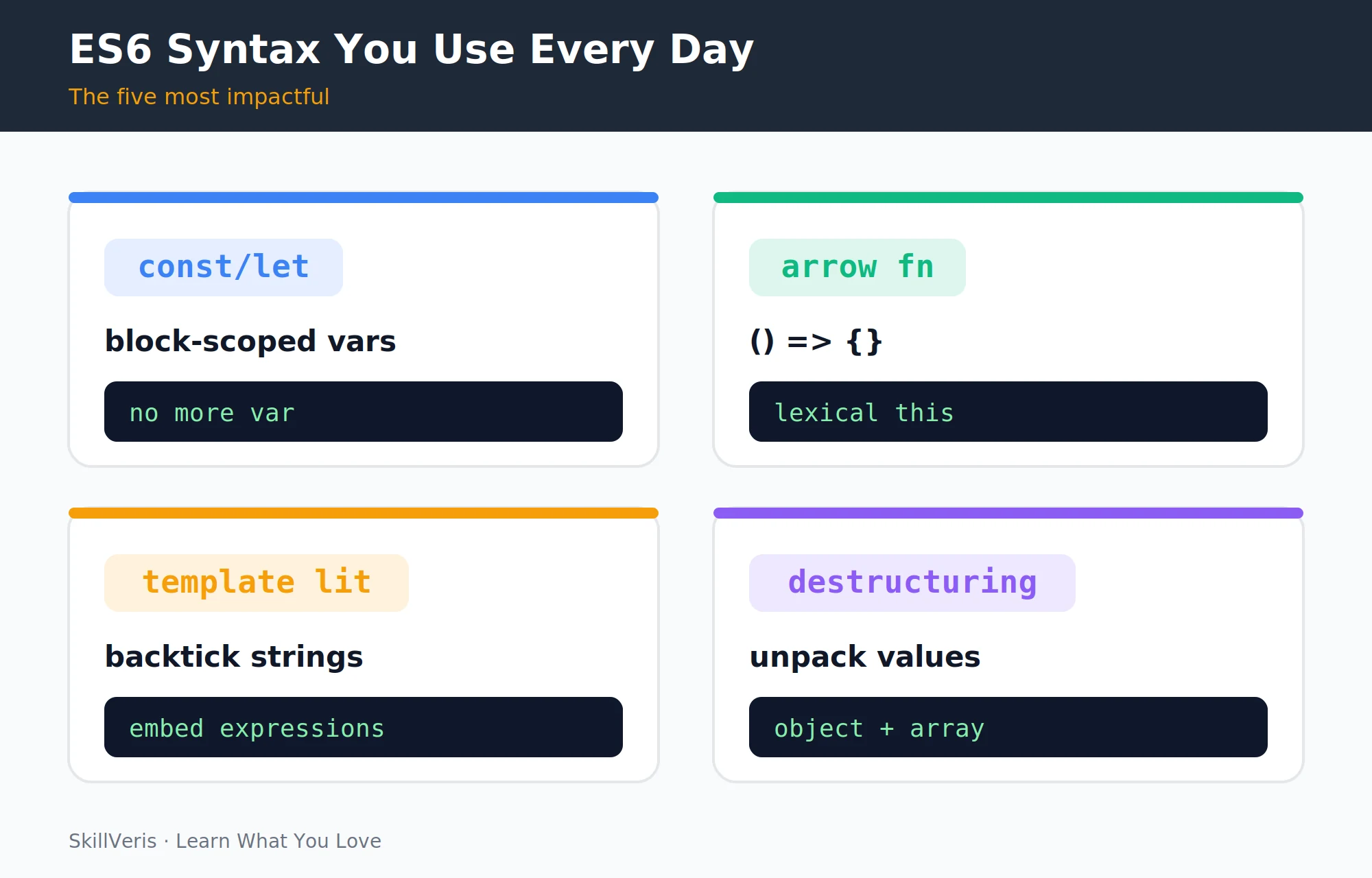
Declaring Variables
Compare the three declaration keywords and how const behaves with objects.
// var: function-scoped, hoisted, avoid in modern JS
var name = "Alice";
// let: block-scoped, reassignable
let count = 0;
count = count + 1; // OK
// const: block-scoped, cannot be reassigned
const PI = 3.14159;
// PI = 3; // Error: Assignment to constant variable
// const with objects: the reference is constant, not the content
const user = { name: "Alice" };
user.name = "Bob"; // OK - mutating the object, not the reference3Arrow Functions
Arrow functions provide a concise syntax for defining functions, especially as callbacks. Single-parameter functions can omit the parentheses, and a single expression body has an implicit return.
Crucially, arrow functions don't have their own this — they inherit it from the enclosing scope. This makes them ideal for callbacks and React event handlers where this binding was previously a common source of bugs.
Arrow Function Syntax
From a traditional function to concise arrow forms used in array methods.
// Traditional function
function add(a, b) { return a + b; }
// Arrow function
const add = (a, b) => a + b;
// Single parameter: parens optional
const double = x => x * 2;
// Multi-line: curly braces + explicit return
const greet = (name) => {
  const msg = `Hello, ${name}!`;
  return msg;
};
// Common in array methods
const doubled = [1, 2, 3].map(n => n * 2); // [2, 4, 6]
const evens = [1, 2, 3, 4].filter(n => n % 2 === 0); // [2, 4]4Template Literals
Template literals use backticks and ${expression} interpolation instead of string concatenation. Any expression works inside the placeholders, and the syntax supports multi-line strings natively.
Interpolation and Multi-line Strings
Replace clunky concatenation with readable interpolation.
const name = "SkillVeris";
const year = 2026;
// Old way
const msg1 = "Welcome to " + name + " in " + year;
// Template literal: backticks, ${expression}
const msg2 = `Welcome to ${name} in ${year}`;
// Any expression works
const msg3 = `Total: ${price * quantity} items: ${items.length}`;
// Multi-line strings
const html = `
<div class="card">
  <h2>${title}</h2>
  <p>${body}</p>
</div>
`;5Destructuring
Destructuring extracts values from objects and arrays into named variables in a single line. You can rename properties, supply default values, and collect the rest of an array with the rest syntax.
Destructuring function parameters is especially common in React components.
Object and Array Destructuring
Pull fields out cleanly, with renaming and defaults.
// Object destructuring
const user = { name: "Sathya", age: 32, city: "Coimbatore" };
const { name, age } = user; // name="Sathya", age=32
const { name: userName } = user; // rename: userName="Sathya"
const { city, country = "India" } = user; // default value
// Array destructuring
const [first, second, ...rest] = [1, 2, 3, 4];
// first=1, second=2, rest=[3,4]
// In function parameters (very common in React)
function renderUser({ name, email, role = "viewer" }) {
  return `${name} (${email}) - ${role}`;
}6Spread and Rest Operators
The spread operator (...) expands an iterable into individual elements, making it easy to combine arrays or merge and clone objects. When merging objects, later sources win on conflicting keys.
The same syntax acts as rest in function parameters, collecting the remaining arguments into an array.
Spreading and Collecting
Combine, clone, and gather values without mutation.
// Spread: expand an iterable into individual elements
const a = [1, 2, 3];
const b = [4, 5, 6];
const combined = [...a, ...b]; // [1, 2, 3, 4, 5, 6]
// Spread objects: merge or clone
const defaults = { theme: "light", lang: "en" };
const userPrefs = { theme: "dark" };
const settings = { ...defaults, ...userPrefs };
// { theme: "dark", lang: "en" } (userPrefs wins)
// Rest: collect remaining items
function sum(first, ...others) {
  return first + others.reduce((acc, n) => acc + n, 0);
}7Default Parameters
Default parameter values let a function supply fallbacks when arguments are omitted, removing the need for manual undefined checks at the top of a function body.
Defaults in Action
Omitted arguments fall back to their declared defaults.
function createUser(name, role = "viewer", active = true) {
  return { name, role, active };
}
createUser("Alice"); // { name:"Alice", role:"viewer", active:true }
createUser("Bob", "admin"); // { name:"Bob", role:"admin", active:true }
createUser("Carol", "editor", false); // { name:"Carol", role:"editor", active:false }8Modules: import and export
ES6 modules let you split code across files with named and default exports. Named exports are imported with braces, a default export without, and you can import everything under a namespace.
Importing and Exporting
Named exports, default exports, and namespace imports.
// math.js — named exports
export const PI = 3.14159;
export function square(x) { return x * x; }
// utils.js — default export
export default function formatDate(date) {
  return date.toLocaleDateString();
}
// app.js — importing
import formatDate from './utils'; // default import
import { PI, square } from './math'; // named imports
import * as math from './math'; // import everything9Promises
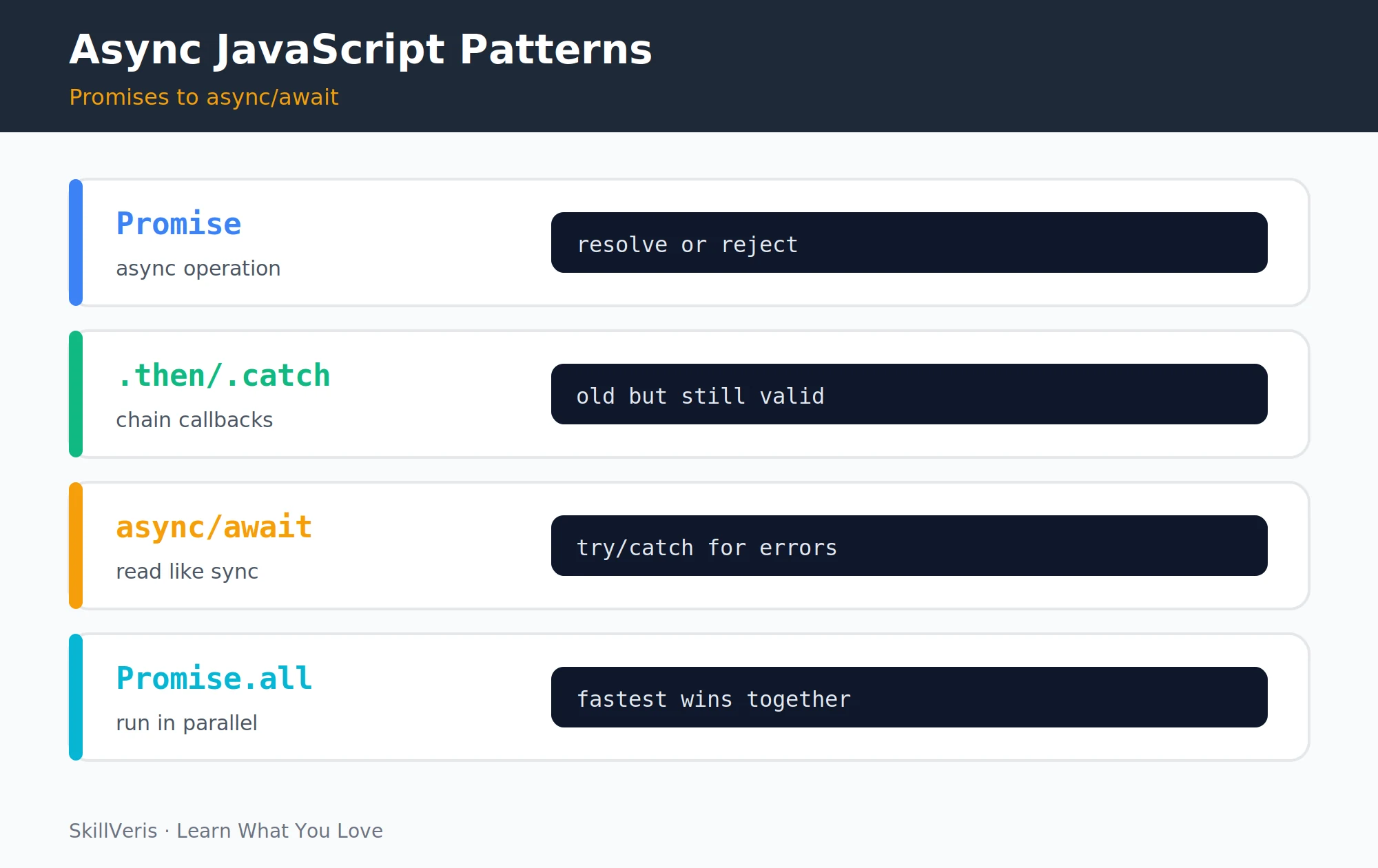
A Promise represents a value that will be available in the future. It resolves on success or rejects on failure, and you handle the outcomes with .then(), .catch(), and .finally().
Creating and Consuming a Promise
Resolve or reject based on the input, then chain handlers.
const fetchUser = (id) =>
  new Promise((resolve, reject) => {
    setTimeout(() => {
      if (id > 0) resolve({ id, name: "Alice" });
      else reject(new Error("Invalid ID"));
    }, 500);
  });
fetchUser(1)
  .then(user => console.log(user.name))
  .catch(err => console.error(err.message))
.finally(() => console.log("Done"));10async/await
async/await is syntactic sugar over Promises — the same operations, but reading like synchronous code. An async function can await each Promise and wrap the whole sequence in a try/catch.
When operations are independent, run them in parallel with Promise.all rather than awaiting sequentially.
💡Pro Tip
Use Promise.all() when fetching independent data in parallel. Awaiting them sequentially (one after another) is 2x slower than running them simultaneously when neither depends on the other's result.
Sequential vs Parallel
await reads top to bottom; Promise.all runs independent calls at once.
// Same operation as a Promise chain, but readable
async function loadUserData(id) {
  try {
    const user = await fetchUser(id);
    const posts = await fetchPosts(user.id);
    const profile = await fetchProfile(user.id);
    return { user, posts, profile };
  } catch (err) {
    console.error("Failed to load:", err.message);
  }
}
// Parallel: don't await sequentially when order doesn't matter
const [posts, profile] = await Promise.all([
  fetchPosts(userId),
  fetchProfile(userId)
]); // both run simultaneously11Optional Chaining and Nullish Coalescing
Optional chaining (?.) safely accesses deeply nested properties, returning undefined instead of crashing when a step is null or undefined. Nullish coalescing (??) supplies a default only when the left side is null or undefined.
These two operators (added in ES2020) dramatically reduce null-checking boilerplate. ?? is safer than || for defaults because || replaces any falsy value (including 0 and ""), while ?? only replaces null or undefined.
Safe Access and Defaults
Avoid crashes and avoid overriding valid falsy values.
// Optional chaining: safely access nested properties
const city = user?.address?.city; // undefined if any step is null
const len = user?.friends?.length; // no crash if friends is undefined
user?.greet?.(); // call method only if it exists
// Nullish coalescing: default only for null/undefined
const name = user.name ?? "Anonymous"; // uses right side if null/undefined
const count = data.count ?? 0; // 0 doesn't override 0 (unlike ||)12Key Takeaways
Master this handful of features and modern JavaScript codebases become far easier to read and write.
- Use const by default; let when reassignment is needed; never var.
- Arrow functions are concise and avoid this binding issues.
- Destructuring and spread make object/array manipulation readable and immutable.
- async/await makes asynchronous code read like synchronous code; use Promise.all for parallel operations.
- Optional chaining (?.) and nullish coalescing (??) eliminate most null-check boilerplate.
13What to Learn Next
Apply ES6+ in real frameworks where these features appear constantly.
- React Hooks Explained — hooks use almost every ES6+ feature.
- TypeScript for Beginners — add types to your modern JavaScript.
- Node.js for Beginners — ES6+ modules and async on the backend.
14Frequently Asked Questions
What is the difference between == and === in JavaScript? == compares values after type coercion (so 1 == "1" is true). === compares value AND type (so 1 === "1" is false). Always use === to avoid unexpected coercion bugs.
When should I use async/await vs .then()/.catch()? Prefer async/await for readability in most cases. Use .then() chains when you need to compose Promises functionally or when you're in contexts where async functions aren't available. Both are correct; pick whichever your codebase is consistent about.
What does "ES6" stand for? ES6 stands for ECMAScript 6, the 6th edition of the ECMAScript standard that JavaScript implements. It was released in 2015, which is why it's also called ES2015. Later versions are named by year (ES2016, ES2017), and "ES6+" informally means ES6 and all later versions.
Does all ES6+ work in all browsers? Modern evergreen browsers (Chrome, Firefox, Safari, Edge) support ES2020+ natively. For older browsers, tools like Babel transpile modern JavaScript to older syntax automatically. Create React App and Vite include Babel by default, so you can use modern features without worrying about compatibility.
Related Reading
Get The Print Version
Download a PDF of this article for offline reading.
About the Publisher
SkillVeris Team
Engineering Team
Our engineering writers turn abstract code concepts into hands-on, project-driven learning experiences.
View all postsRelated Posts




Never miss an update
Get the latest tutorials and guides delivered to your inbox.
No spam. Unsubscribe anytime.