Infrastructure as Code With Terraform
SkillVeris Team
Cloud & Security Team
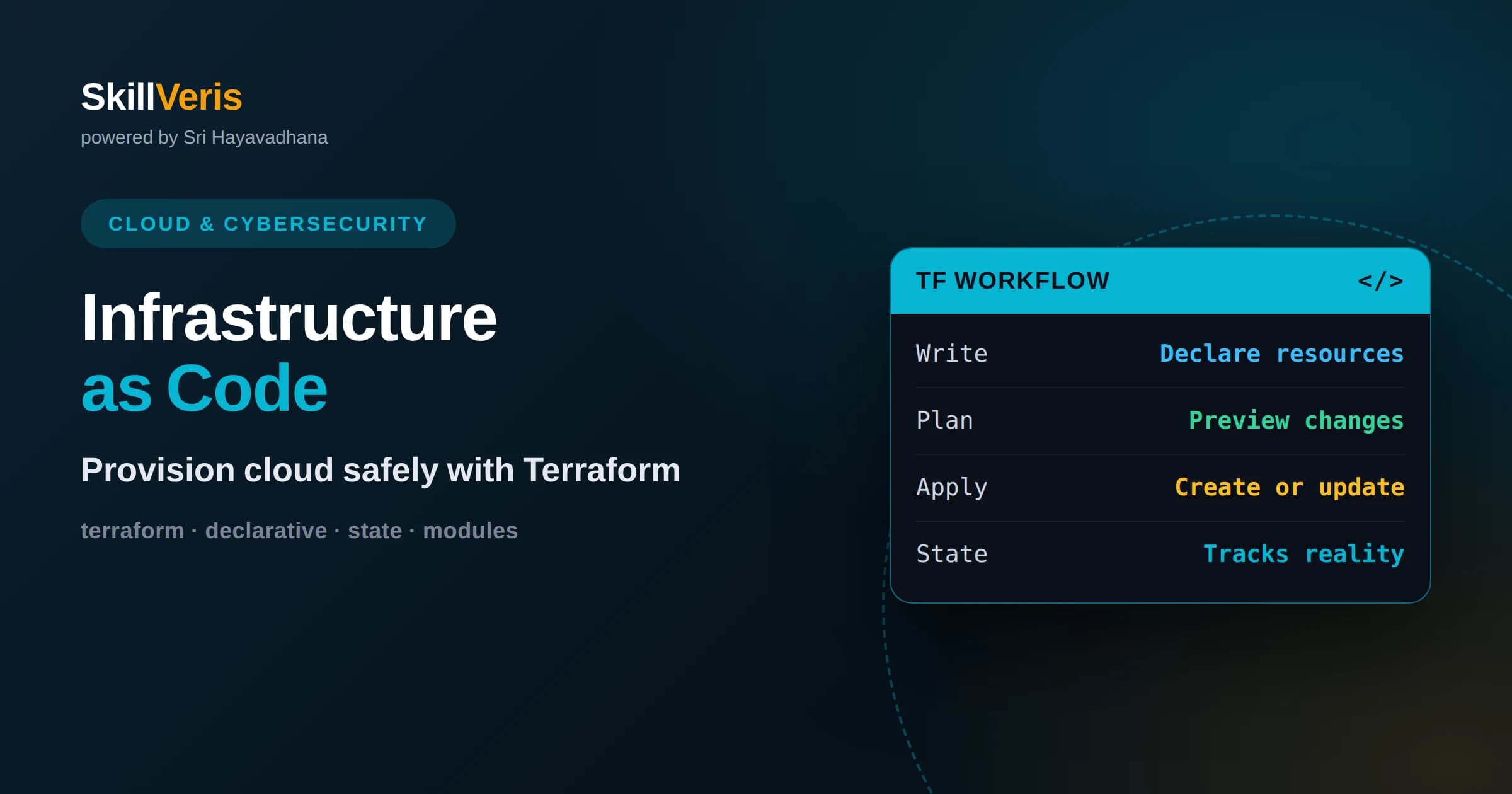
Terraform lets you declare infrastructure in code so environments are reproducible, reviewable, and version-controlled like any software.
In this guide, you'll learn:
- You describe the desired state and Terraform figures out the create, update, or destroy actions needed to reach it.
- State files track what Terraform manages, so protecting and sharing state correctly is essential on any real team.
- The plan-then-apply workflow lets you preview every change before it happens, turning risky manual clicks into reviewed, deliberate updates.
1What Infrastructure as Code Means
Infrastructure as code is the practice of defining your servers, networks, databases, and other cloud resources in text files rather than creating them by clicking through a web console. Terraform is a popular tool for this: you write files describing the infrastructure you want, and Terraform creates and manages it to match. This makes infrastructure reproducible, reviewable, and version-controlled just like application code.
The problem it solves is the fragility of manual setup. When people build infrastructure by hand, the steps live in someone's memory, environments drift apart, and rebuilding after a disaster is slow and error-prone. Writing it as code captures the exact configuration once, so anyone can recreate it reliably.
With infrastructure as code, your environment becomes a file you can read, review in a pull request, and store in version control. If you need a second identical environment, you run the same code. If you need to know what changed, you look at the history. This turns infrastructure from a mystery into an auditable artifact.
2The Declarative Approach
Terraform is declarative, which means you describe the end state you want rather than the step-by-step commands to get there. You write that you want a particular server, a network, and a database, and Terraform determines what actions are needed to make reality match your description.
This differs from a script that runs commands in sequence. A script must handle whether things already exist, in what order to create them, and how to update them. Terraform handles that reasoning for you, comparing what you declared against what currently exists and computing the difference.
The benefit is that the same configuration works whether you are creating everything from scratch or making a small change to an existing setup. You always express the desired outcome, and Terraform works out the path. This keeps your files clean and focused on intent.
3Providers and Resources
Terraform works with many platforms through providers. A provider is a plugin that knows how to talk to a specific service, such as a cloud platform, and translate your declarations into the right API calls. You configure which providers you use, and Terraform downloads them for you.
Within a provider you define resources, which are the individual pieces of infrastructure like a virtual machine, a storage bucket, or a network. Each resource block describes one thing you want to exist and its settings. Terraform reads these blocks to understand your desired infrastructure.
Because Terraform supports many providers with the same language and workflow, you can manage infrastructure across different platforms and services using one consistent tool. This uniformity is a large part of why Terraform became so widely adopted.
Resources can also depend on one another, and Terraform understands those relationships. If a server needs a network to exist first, Terraform works out the correct order automatically from how the resources reference each other. You describe the connections and let the tool handle sequencing rather than scripting it by hand.
4Writing Configuration
Terraform configurations are written in a readable, block-based language designed for describing infrastructure. Each block declares something, a provider, a resource, a variable, and its settings appear as simple key-value pairs. It is meant to be easy for humans to read and review.
Variables let you avoid hardcoding values and reuse the same configuration for different environments. You might define a variable for the region or the instance size, then supply different values for development and production while keeping one set of files.
Outputs let a configuration report useful results, like the address of a server it created, so you or other systems can use them. Together, resources, variables, and outputs give you a tidy way to describe infrastructure, parameterize it, and expose the important details.
Because the same files can be driven by different variable values, one configuration can produce a small, cheap development environment and a larger production one without duplicating logic. This is where infrastructure as code starts to feel powerful: the description stays single and clear while the environments it produces can differ exactly where you intend.
5State: Terraform's Memory
Terraform keeps a state file that records what it has created and maps your configuration to the real resources. This state is how Terraform knows that the server in your file corresponds to a specific running server, so that next time it can update rather than duplicate it.
State is essential and also sensitive. It can contain details about your infrastructure, and losing it or corrupting it makes Terraform lose track of what it manages. That is why understanding and protecting state is one of the most important parts of using Terraform on real projects.
When you change your configuration, Terraform compares the desired state in your files against the recorded state and the actual infrastructure to decide what to do. State is the bridge between your intentions and reality, and treating it carefully is non-negotiable.
6Sharing State on a Team
When you work alone, state can live on your machine, but on a team it must be shared so everyone operates on the same picture of the infrastructure. Terraform supports remote state, storing the file in a shared, secure location that the whole team and automation can access.
Remote state also enables locking, which prevents two people from applying changes at the same time and corrupting the state. Without locking, simultaneous changes can conflict and leave your infrastructure in an inconsistent, hard-to-recover condition.
Setting up remote state with locking is one of the first things a team should do. It turns Terraform from a personal tool into a safe, collaborative one where changes are coordinated and the shared source of truth is protected.
7The Plan and Apply Workflow
The heart of using Terraform is a two-step workflow: plan, then apply. When you run a plan, Terraform shows you exactly what it intends to do, which resources it will create, change, or destroy, without making any changes yet. This preview is your chance to catch mistakes.
Once you have reviewed the plan and it matches your intention, you apply it, and Terraform makes the changes. This separation between previewing and executing is a major safety feature. You never blindly change infrastructure; you always see the consequences first.
This workflow turns infrastructure changes into deliberate, reviewable events. In a team setting, the plan can be part of a pull request so others see the exact impact before anything happens. Manual clicking gives you none of this foresight; Terraform makes it routine.
Reading a plan carefully is a skill in itself. Pay special attention to anything Terraform intends to destroy and recreate, because some changes to a resource force its replacement rather than an in-place update. Catching an unexpected replacement in the plan can save you from accidentally wiping out something important.
8Idempotency and Drift
Terraform is idempotent, meaning you can run the same configuration many times and it will only make changes when the real infrastructure differs from what you declared. Running apply when everything already matches simply does nothing. This predictability is a core strength.
Drift happens when someone changes infrastructure outside of Terraform, for instance by editing a setting directly in the console. On the next plan, Terraform notices the difference and proposes to bring reality back in line with your code, or you update the code to match the new intent.
The lesson is to make changes through Terraform, not around it. When the code is the single source of truth and everyone respects that, drift stays rare and your infrastructure stays trustworthy. Treating manual console changes as exceptions keeps the whole system coherent.
9Modules for Reuse
As configurations grow, you organize them into modules, which are reusable bundles of resources that represent a logical piece of infrastructure. A module might define a standard network setup or a typical web server arrangement, packaged so you can reuse it consistently.
Modules reduce duplication and enforce good patterns. Instead of copying the same fifty lines into every project, you write a module once and call it wherever needed, passing in variables for the parts that differ. This keeps configurations shorter and more consistent.
Modules also make collaboration easier, because a well-designed module hides internal complexity behind a clean set of inputs and outputs. Teams often build a small library of shared modules that encode their standards, so new projects start from proven building blocks.
You do not need modules on day one, and over-modularizing early can make simple things harder to follow. A good rule is to start with plain resources, then extract a module once you notice yourself copying the same arrangement into a second or third place. Let real repetition, not speculation, drive the abstraction.
10Why Teams Adopt This
The benefits of infrastructure as code compound over time. Environments become reproducible, so spinning up a new one is fast and reliable. Changes go through review, so mistakes are caught before they hit production. History is recorded, so you can see who changed what and when.
Disaster recovery improves dramatically. If an environment is destroyed, you can recreate it from code rather than reconstructing it from fragile memory. Testing is easier too, because you can stand up a realistic environment, use it, and tear it down cleanly.
Perhaps most importantly, infrastructure as code brings software engineering discipline to operations. The same practices that make application code manageable, version control, review, and automation, now apply to your infrastructure, raising quality and reducing surprises.
11Good Practices to Adopt Early
Store your Terraform code in version control from the start, and treat infrastructure changes like code changes, reviewed before they are applied. This single habit prevents a huge share of costly mistakes and creates a clear record of every change.
Never commit secrets into your configuration files. Use variables and secure secret handling so credentials do not end up in your version history. Protect your state as carefully as you protect any sensitive data, since it can reveal details about your systems.
Keep configurations small and modular, use meaningful variable names, and always read the plan before applying. Combined with remote state and locking on teams, these practices keep Terraform safe and pleasant to use as your infrastructure grows.
12Start Practicing With Terraform
The concepts become intuitive once you run the workflow yourself. Write a small configuration that creates one simple resource, run a plan to see what it will do, and apply it. Then change a setting, plan again to see the difference, and apply. Finally destroy it and watch it cleanly disappear.
That short loop of plan, apply, change, and destroy teaches the core of Terraform better than any amount of reading. Once it feels natural, add a variable, split code into a module, and set up remote state to experience how it works on a team.
SkillVeris provides guided, hands-on lessons that take you through exactly this progression, so you build real infrastructure-as-code skills step by step. Practice deliberately, keep your code in version control, and you will soon manage infrastructure with the same confidence you bring to writing software.
The mindset shift is the real prize. Once you stop treating infrastructure as something you assemble by hand and start treating it as code you write, review, and version, whole categories of mistakes simply disappear. That discipline, more than any single command, is what Terraform is really teaching you.
Related Reading
Get The Print Version
Download a PDF of this article for offline reading.
About the Publisher
SkillVeris Team
Cloud & Security Team
Our cloud and security experts break down complex infrastructure topics into practical, beginner-friendly guides.
View all postsRelated Posts




Never miss an update
Get the latest tutorials and guides delivered to your inbox.
No spam. Unsubscribe anytime.