HTML and CSS for Beginners: Build Your First Web Page
SkillVeris Team
Engineering Team
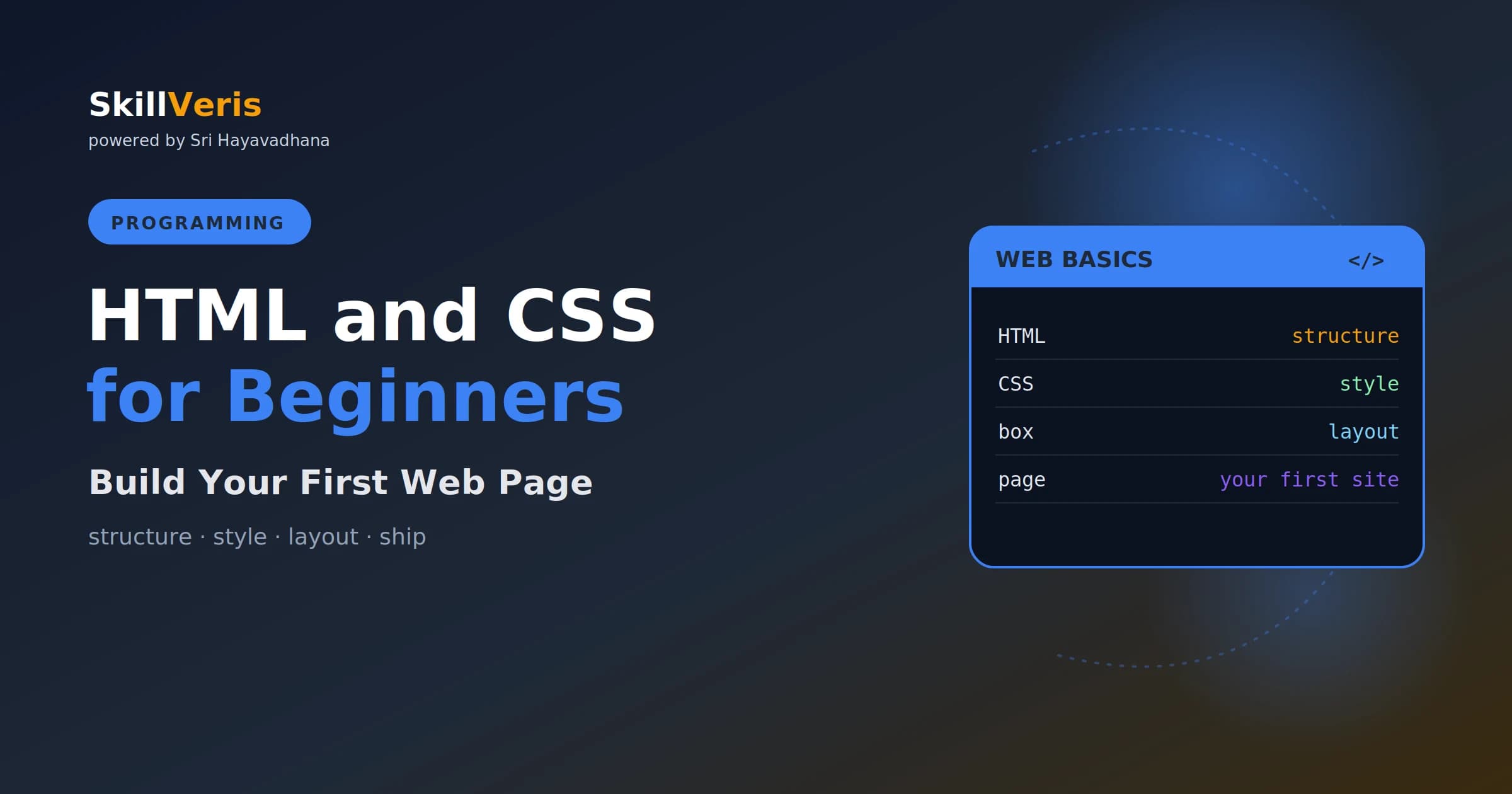
HTML gives a web page its structure and content (headings, text, images); CSS gives it style (colours, fonts, layout)
In this guide, you'll learn:
- Learn a handful of HTML tags and CSS properties — plus the box model and flexbox — and you can build and style your first page today.
- All concepts are explained with real-world examples and hands-on practice.
- All concepts are explained with real-world examples and hands-on practice.
- All concepts are explained with real-world examples and hands-on practice.
1About This Guide
see results instantly in a browser. This guide takes you from nothing to a styled web page. By the end
2HTML and CSS: The Two Jobs
Think of a web page like a house. HTML is the structure — the walls and rooms (headings, paragraphs,
images). CSS is the decoration — the paint, furniture, and layout (colours, fonts, spacing). You need
3Your First HTML Page
Save it as index.html , open it in a browser, and you have a web page.
5Adding CSS
This section provides key insights and practical guidance.
6CSS Selectors
Selectors choose what to style: by tag ( p ), by class ( .note ), or by id ( #title ). Classes are the
7The Box Model
Every element is a box with content, padding (space inside), border, and margin (space outside).
Understanding the box model is the key to controlling spacing — the thing beginners struggle with most.
- Forgetting to close tags — every <p> needs a </p> .
- Inline styles everywhere — keep CSS separate and use classes.
- Fighting spacing — learn the box model early.
- Not testing in the browser as you go.
- HTML is structure; CSS is style.
Related Reading
Get The Print Version
Download a PDF of this article for offline reading.
About the Publisher
SkillVeris Team
Engineering Team
Our engineering writers turn abstract code concepts into hands-on, project-driven learning experiences.
View all postsRelated Posts




Never miss an update
Get the latest tutorials and guides delivered to your inbox.
No spam. Unsubscribe anytime.