How HTTPS and TLS Actually Work
SkillVeris Team
Cloud & Security Team
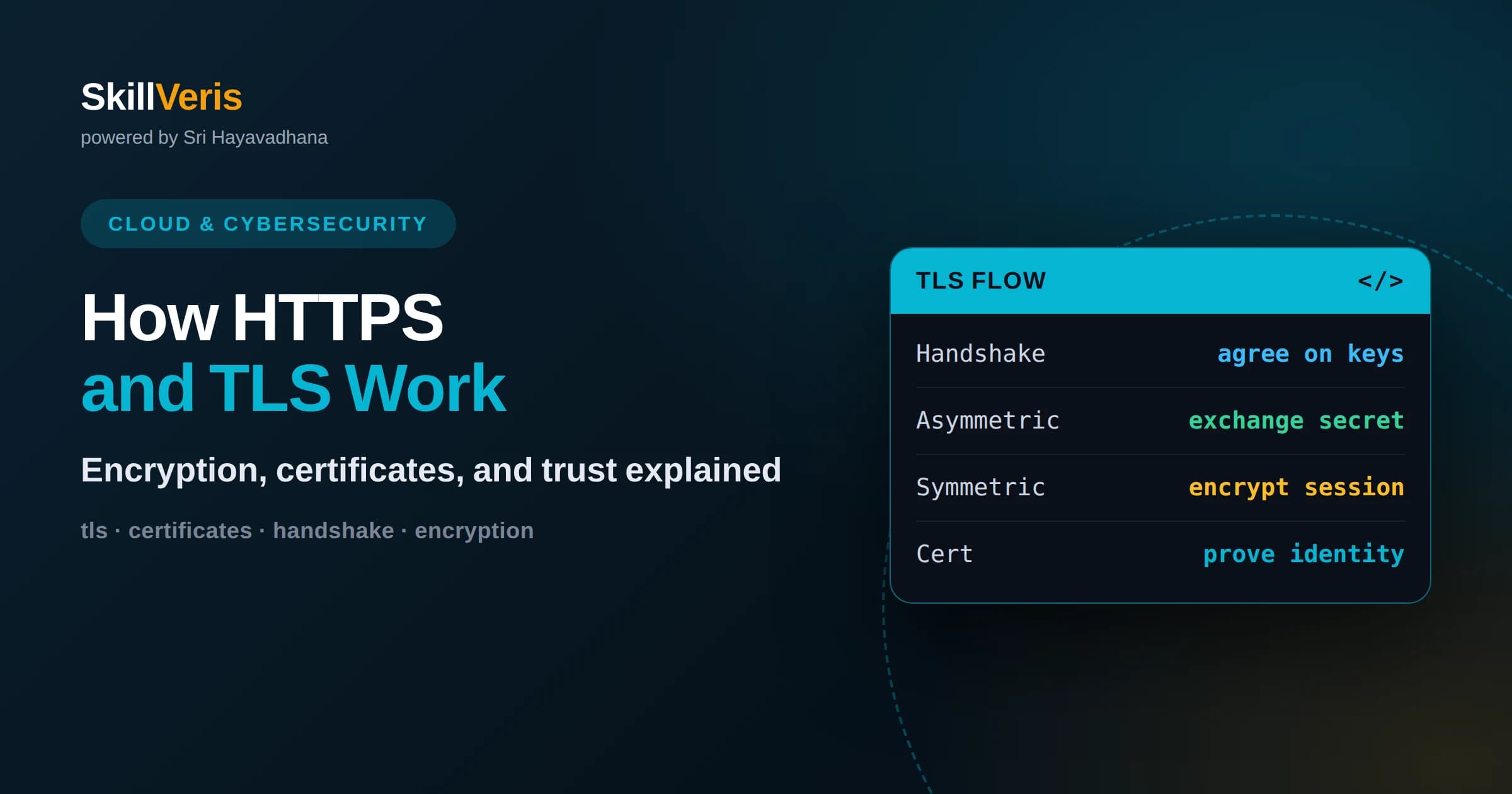
HTTPS is simply HTTP running inside a TLS-encrypted tunnel that protects data from eavesdropping and tampering in transit.
In this guide, you'll learn:
- The TLS handshake combines asymmetric cryptography to exchange keys with faster symmetric encryption for the actual data.
- Certificates and certificate authorities let your browser verify it is really talking to the intended server, not an imposter.
- Understanding TLS helps you debug certificate errors, configure servers correctly, and reason about what encryption does and does not protect.
1What HTTPS and TLS Actually Are
HTTPS is ordinary HTTP wrapped inside a secure tunnel created by TLS, the Transport Layer Security protocol. TLS does three things at once: it encrypts data so eavesdroppers cannot read it, it verifies the server's identity so you know you are talking to the real site, and it detects tampering so no one can alter messages in transit. When you see the padlock in a browser, TLS is doing all three quietly beneath the request.
The important insight is that HTTPS does not change how HTTP works. The methods, headers, status codes, and bodies are identical. TLS simply sits between the application and the network, scrambling everything before it leaves and unscrambling it on arrival. Your application code usually does not even know TLS is there, which is exactly the point of a well-designed security layer.
This matters because a huge portion of web security depends on TLS being configured correctly. Understanding the handshake, certificates, and keys turns confusing errors like certificate expired or handshake failed into problems you can reason about, and it lets you make informed decisions about how to protect the traffic your applications send.
2Why Plain HTTP Is Not Safe
Data sent over plain HTTP travels as readable text across many machines: routers, proxies, and networks you do not control. Anyone positioned along that path can read it, and in the case of open wireless networks that is trivially easy. Passwords, session tokens, and personal information sent over HTTP are effectively public to anyone watching the wire.
Reading is not the only risk. Without protection, an attacker in the middle can also alter content, injecting scripts or changing responses without either side noticing. This is why modern browsers increasingly warn against or block plain HTTP, and why search engines and platforms strongly favor encrypted connections. HTTPS closes both the eavesdropping and the tampering holes at once.
The threat model TLS defends against is often called the man in the middle, an attacker who sits between client and server. TLS defeats this by encrypting the conversation and cryptographically proving the server's identity, so even an attacker who can see and modify the raw bytes cannot read the contents or impersonate the server.
3Two Kinds of Cryptography
TLS relies on two complementary types of encryption. Symmetric encryption uses a single shared key to both encrypt and decrypt, and it is fast, making it ideal for encrypting the actual data of a conversation. The catch is that both sides must somehow agree on that secret key without an eavesdropper learning it, which is hard over an open network.
Asymmetric encryption solves the key-sharing problem using a pair of mathematically linked keys: a public key that anyone can know and a private key kept secret. Data encrypted with the public key can only be decrypted with the private key. This lets two parties establish a shared secret over an insecure channel, but asymmetric operations are slower and unsuitable for bulk data.
TLS uses the best of both. It uses asymmetric cryptography during the handshake to safely agree on a shared symmetric key, then switches to fast symmetric encryption for the rest of the session. This hybrid design is the elegant core of how TLS achieves both security and speed.
4The TLS Handshake Step by Step
The handshake is the opening negotiation that sets up a secure session. The client begins by greeting the server and listing the cipher suites and protocol versions it supports. The server responds by choosing an agreeable set and presenting its certificate, which contains the server's public key and identity information signed by a trusted authority.
Next, the two sides use asymmetric techniques to establish a shared secret that only they know, even though the exchange happens in the open. Modern TLS uses key exchange methods that provide forward secrecy, meaning that even if the server's long-term private key is later compromised, past recorded sessions cannot be decrypted. From the shared secret, both sides derive the symmetric keys they will use for the session.
Finally, both parties confirm that the handshake completed correctly and switch to encrypted communication. The whole exchange takes a fraction of a second, and once complete, all further HTTP traffic flows inside the encrypted tunnel. Newer versions of TLS have streamlined this handshake to require fewer round trips, reducing the latency cost of establishing security.
5Certificates and What They Prove
A certificate is a digital document that binds a public key to an identity, such as a domain name. It is like an ID card for a website. Crucially, a certificate is signed by a certificate authority, a trusted organization whose signature vouches that the identity in the certificate is legitimate. Your browser checks this signature during the handshake.
The certificate answers the question that encryption alone cannot: am I really talking to the right server? Without identity verification, an attacker could present their own encryption keys and you would have a perfectly encrypted conversation with the wrong party. The certificate, backed by a trusted authority, is what prevents that impersonation.
Certificates also carry an expiration date and the specific domain names they cover. This is why you see errors when a certificate expires, when it is issued for the wrong domain, or when it is self-signed and therefore not backed by a recognized authority. Each of these errors is the browser correctly refusing to trust an identity it cannot verify.
6The Chain of Trust
Trust in TLS flows through a chain. Your browser and operating system ship with a built-in list of root certificate authorities they trust implicitly. These roots sign intermediate authorities, which in turn sign the certificates that individual websites use. When your browser validates a site, it follows this chain from the site's certificate up to a root it already trusts.
This layered design keeps the powerful root keys offline and safe while allowing intermediate authorities to issue everyday certificates. If any link in the chain is missing, expired, or untrusted, validation fails. A common server misconfiguration is forgetting to install the intermediate certificate, which makes some clients unable to complete the chain even though the site certificate itself is valid.
Understanding the chain explains why trust is not magic but a deliberate hierarchy. It also explains the stakes: if a certificate authority is compromised or misbehaves, it can undermine trust broadly, which is why the system includes mechanisms to revoke certificates and remove misbehaving authorities from the trusted lists.
7Encrypting the Actual Conversation
Once the handshake finishes, the client and server share symmetric keys that no one else knows. From that point, every HTTP message is encrypted with those keys before leaving and decrypted on arrival. The encryption also includes integrity protection, so any tampering with the ciphertext is detected and the connection is aborted rather than delivering altered data.
Because symmetric encryption is fast, this ongoing protection adds very little overhead to modern connections. The expensive part, the asymmetric handshake, happens only once per session, and connection reuse means even that cost is amortized across many requests. This is why HTTPS today carries no meaningful performance penalty compared to plain HTTP for most applications.
It is worth noting exactly what this protects. TLS secures data in transit between client and server. It does not encrypt data once it arrives and is decrypted, and it does not protect against a compromised server or malicious code running on either endpoint. Knowing these boundaries prevents overconfidence about what the padlock guarantees.
8What TLS Does and Does Not Protect
The padlock means the connection is encrypted and the server's identity was verified, but it says nothing about whether the site itself is trustworthy. A phishing site can obtain a valid certificate for its own deceptive domain and display a padlock while still trying to steal your credentials. Encryption protects the channel, not the intentions of the party at the other end.
TLS also does not hide everything. Observers can still see which server you connected to and roughly how much data you exchanged, even if they cannot read the contents. And once data reaches the server and is decrypted, its protection depends entirely on how that server handles it. Security is a chain, and TLS secures only one link.
For developers, the practical takeaway is to treat TLS as necessary but not sufficient. Use it everywhere, because unencrypted traffic is indefensible, but pair it with strong authentication, careful data handling on the server, and awareness that a valid certificate proves identity, not honesty.
9Common TLS Errors and Their Causes
Most TLS errors fall into a few recognizable categories. Certificate expired means the certificate passed its validity date and needs renewal. Name mismatch means the certificate was issued for a different domain than the one you are visiting. Untrusted issuer means the signing authority is not in the client's trusted list, which is exactly what happens with self-signed certificates.
Another frequent problem is an incomplete certificate chain, where the server presents its own certificate but omits the intermediate certificates needed to link back to a trusted root. Some clients keep enough cached intermediates to succeed anyway, which is why such a misconfiguration can appear to work in one browser and fail in another, a genuinely confusing symptom.
When debugging, reading the exact error is the fastest path to a fix. Each message maps to a specific check the client performed and rejected, so the message itself tells you whether to renew a certificate, correct a domain, install a missing intermediate, or add a trusted authority. TLS errors feel opaque until you learn to read them as a checklist.
10Modern TLS in Practice
The current generation of TLS is faster and more secure than earlier versions, dropping outdated algorithms and reducing the handshake to fewer round trips. Automated certificate issuance and renewal have made obtaining and maintaining certificates free and routine, so there is no longer any excuse for running unencrypted sites. Encryption by default is now the baseline expectation.
As a developer, your job is usually not to implement TLS but to configure and use it correctly: enabling HTTPS, keeping certificates current, disabling obsolete protocol versions, and redirecting plain HTTP to HTTPS. Many platforms and load balancers handle the cryptography for you, terminating TLS at the edge and passing plain traffic to your application behind the scenes.
Understanding what happens under the hood still matters even when tools automate it, because when something breaks, the automation cannot reason for you. Knowing the handshake, the role of certificates, and the chain of trust turns a red padlock warning from a mystery into a solvable problem.
11A Practical Developer Checklist
To apply this knowledge, adopt a few habits. Always serve applications over HTTPS, redirect any plain HTTP requests to the secure version, and use automated tools to renew certificates before they expire. Disable outdated protocol versions and weak cipher suites, and verify that your server presents the full certificate chain, not just its own certificate.
On the client side, never disable certificate validation to make an error go away, because doing so removes the very protection TLS provides and opens the door to impersonation. If you hit a certificate error in development, understand and fix its cause rather than bypassing it, so that the same shortcut does not slip into production where it becomes a real vulnerability.
These habits are small, but together they ensure the encryption you rely on actually holds. TLS is one of the most successful security systems ever deployed, and using it correctly is one of the highest-leverage things a developer can do to protect users.
12Keep Learning and Practice Hands-On
TLS becomes intuitive once you observe it directly. Inspect a certificate in your browser, watch a handshake in developer tools, and deliberately trigger errors like an expired or mismatched certificate to see how clients respond. Each observation connects the abstract concepts here to concrete behavior you can recognize instantly next time.
On SkillVeris you can work through guided, hands-on lessons that reinforce encryption, certificates, and the handshake through practice rather than memorization. Combine this reading with those exercises, keep a browser's security panel open as you explore, and treat every padlock and every warning as a small puzzle. With a solid mental model, HTTPS stops being a black box and becomes a system you can confidently configure, debug, and trust.
Related Reading
Get The Print Version
Download a PDF of this article for offline reading.
About the Publisher
SkillVeris Team
Cloud & Security Team
Our cloud and security experts break down complex infrastructure topics into practical, beginner-friendly guides.
View all postsRelated Posts




Never miss an update
Get the latest tutorials and guides delivered to your inbox.
No spam. Unsubscribe anytime.