Docker for Beginners: Containers Explained
SkillVeris Team
Cloud & Security Team
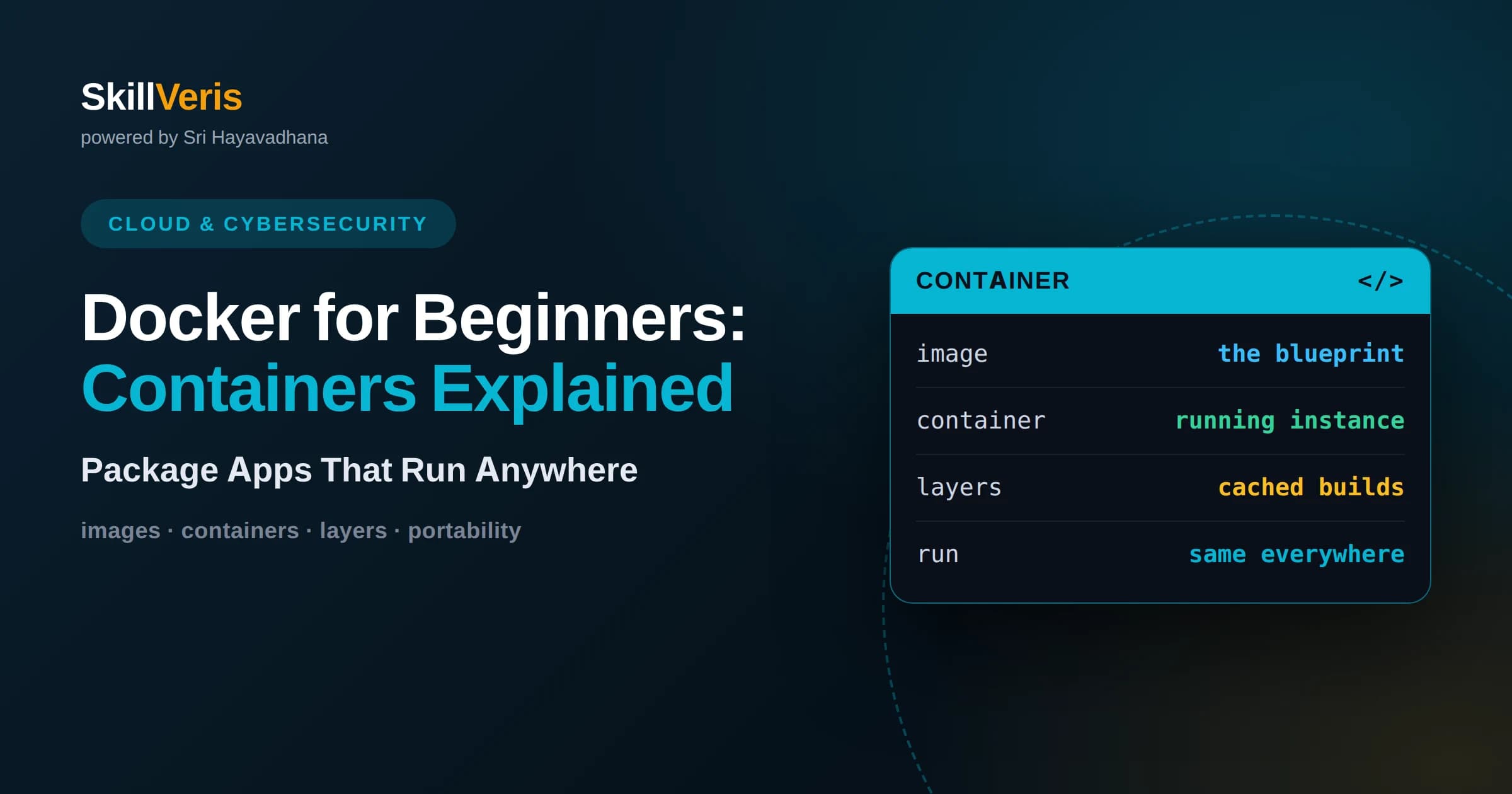
A container is a lightweight, isolated package that bundles an application together with everything it needs to run, so it behaves identically on your laptop, a teammate's machine, and a production server.
In this guide, you'll learn:
- Docker's core distinction is between images and containers: an image is the read-only blueprint you build once, and a container is a running, live instance created from that image, much like a class and an object.
- You describe how to build an image in a Dockerfile, then run the classic build-and-run cycle with commands like docker build and docker run, and coordinate multi-service apps with Docker Compose.
- The best way to learn Docker is by doing, and SkillVeris teaches containers through hands-on lessons personalized to a hobby you already enjoy so the mental models click faster.
1What Is a Container?
A container is a lightweight, self-contained package that holds an application along with all the code, libraries, and settings it needs to run. Because everything the app depends on travels inside the container, it runs the same way no matter where you launch it, eliminating the classic frustration of software that works on one machine but breaks on another. Docker is the most popular tool for creating and running these containers.
The reason this matters is that software rarely runs in isolation. A program depends on a particular version of a language runtime, specific libraries, and configuration that all have to line up. Traditionally, setting up those dependencies on every machine was tedious and error-prone. A container captures the whole environment once, so anyone can run the app with a single command and get identical behaviour.
Containers achieve this without the heavy overhead of running a full separate operating system for each app. They share the host machine's kernel while keeping each application isolated in its own space, which makes them fast to start and light on resources compared with older approaches.
2Containers Versus Virtual Machines
People often first meet the idea of isolation through virtual machines, so it helps to compare the two. A virtual machine emulates an entire computer, including its own full operating system running on top of the host. That gives strong isolation but is heavy: each VM carries gigabytes of operating system and takes time to boot, which limits how many you can run on one machine.
A container, by contrast, shares the host operating system's kernel and only packages the application and its dependencies. This makes containers dramatically smaller and faster, often starting in seconds and measured in megabytes rather than gigabytes. You can comfortably run many containers on hardware that would strain under a handful of virtual machines.
The trade-off is that containers share the host kernel, so the isolation is at the process level rather than a fully separate machine. For the vast majority of application deployment, that isolation is more than sufficient, which is why containers have become the default way to package and ship software.
3Images Versus Containers
The single most important distinction in Docker is between images and containers. An image is a read-only template, a snapshot of a filesystem and configuration that describes everything needed to run an application. A container is a live, running instance created from an image. The relationship is like a recipe and a finished dish, or in programming terms like a class and an object created from it.
You build an image once and can then launch many containers from it, each an independent running copy. If you start three containers from the same image, they all begin identical but run separately, and changes inside one do not affect the others or the original image. This separation is what makes containers easy to scale: to handle more load, you simply run more containers from the same image.
Images are also layered and shareable. Each image is built up from stacked layers, and layers can be reused across images, which saves space and speeds up builds. Images are typically stored in registries, such as Docker Hub, from which anyone can pull them, which is how a database or web server can be up and running on your machine within moments of a single pull command.
4Dockerfile Basics
A Dockerfile is a plain text file containing the step-by-step instructions Docker follows to build an image. You start from a base image, add your application code, install dependencies, and specify how the app should start. Each instruction becomes a layer in the resulting image, and Docker caches these layers so that rebuilding after a small change is fast because unchanged layers are reused.
A typical Dockerfile begins with a FROM instruction naming the base image, such as an official language runtime. It then uses instructions like COPY to bring your source code into the image, RUN to execute setup commands such as installing packages, and WORKDIR to set the working directory. Finally a CMD or ENTRYPOINT instruction defines the command that runs when a container starts. Reading a Dockerfile top to bottom tells you exactly how an image is assembled.
Once the Dockerfile is written, you build the image with a command like docker build -t app . where the -t flag tags the image with a name and the dot tells Docker to use the current directory as the build context. You then launch a container from that image with a command such as docker run app. That build-then-run cycle is the everyday rhythm of working with Docker.
5Running and Managing Containers
Running a container is done with docker run followed by the image name, and a few common flags cover most needs. The -d flag runs a container in the background, or detached, so it keeps working while you use the terminal for something else. The -p flag maps a port on your machine to a port inside the container, which is how a web app inside a container becomes reachable from your browser, as in docker run -p 8080:80 app.
Docker gives you simple commands to see and control what is running. The docker ps command lists your running containers, while docker ps -a includes stopped ones. You can stop a container with docker stop, restart it, remove it with docker rm, and inspect what a container is printing with docker logs. Learning this handful of commands quickly makes containers feel manageable rather than mysterious.
Containers are meant to be disposable. Rather than carefully maintaining a long-lived container, the usual pattern is to stop and remove one and start a fresh instance from the image whenever you need changes. This throwaway mindset is central to how containers keep environments clean and predictable.
6Volumes and Persistent Data
By default, anything written inside a container disappears when that container is removed, because the container's own filesystem is temporary. That is fine for a stateless web server, but a database or any app that must keep data needs somewhere durable to store it. Volumes solve this by storing data outside the container's lifecycle so it survives restarts and removals.
A volume is a piece of storage managed by Docker that you attach to a container at a specific path. When the app inside writes to that path, the data actually lives in the volume on the host, so you can destroy and recreate the container without losing anything. You attach one using the -v flag on docker run, mapping a volume or a host directory to a path inside the container.
Volumes are also how you share files between your machine and a container during development. Mounting your local source code directory into the container lets you edit files on your computer and see the changes reflected inside the running container immediately, which makes for a fast and comfortable development loop.
7Docker Networking Basics
Networking is how containers talk to the outside world and to each other. When you map a port with the -p flag, you are creating a bridge between a port on your host machine and a port inside the container, so external traffic can reach the application. Without that mapping, the app is running but sealed off, reachable only from inside the container.
Containers frequently need to communicate with one another, for example a web application talking to a separate database container. Docker lets you place containers on the same user-defined network, where they can reach each other by name rather than by fluctuating IP addresses. This name-based discovery is much more reliable and is the standard way to connect the pieces of a multi-container application.
Understanding this basic model, ports for the outside world and shared networks for container-to-container traffic, covers most everyday scenarios. You rarely need deep networking knowledge to get started, just the awareness that containers are isolated by default and you deliberately open the connections you need.
8Docker Compose for Multi-Container Apps
Real applications rarely consist of a single container. A typical setup might have a web front end, a back-end service, and a database, each in its own container. Starting and connecting all of these by hand with individual run commands is tedious and easy to get wrong. Docker Compose solves this by letting you describe the whole application in a single configuration file.
In a Compose file, written in YAML, you list each service, the image or Dockerfile it uses, the ports it exposes, the volumes it needs, and the network it belongs to. Then a single command, docker compose up, starts everything together in the correct configuration, and docker compose down tears it all down cleanly. Your entire local environment becomes reproducible from one file that lives alongside your code.
Compose is especially valuable for onboarding and consistency. A new teammate can clone a project and bring up the whole stack with one command, confident it matches everyone else's setup. That reproducibility across machines is one of the biggest practical wins containers offer a team.
9When to Use Docker
Docker shines whenever consistency across environments matters. If you have ever heard the phrase it works on my machine, containers are the antidote, because they guarantee the app carries its environment with it. This makes them ideal for team projects where everyone needs an identical setup, and for deploying to servers that should behave exactly like your development machine.
Containers are also a natural fit for microservices, where an application is split into many small services that each run and scale independently. Packaging each service in its own container keeps them isolated and independently deployable. Containers underpin modern deployment platforms and cloud services too, so learning Docker opens the door to a huge amount of contemporary infrastructure.
That said, Docker is not mandatory for every tiny script or simple project, and adding it introduces a learning curve and some overhead. The judgement call is whether reproducibility, isolation, or deployment portability would genuinely help. For most non-trivial applications and any work that will run on more than one machine, the answer is usually yes.
10Common Beginner Mistakes
A frequent early mistake is expecting data to persist without using a volume. Beginners store important data inside a container, remove the container, and are shocked to find the data gone. Remembering that containers are disposable and that anything you want to keep belongs in a volume avoids a lot of painful surprises.
Another common stumble is building bloated images. Starting from an unnecessarily large base image, copying in files you do not need, or failing to order Dockerfile instructions to take advantage of layer caching all lead to slow builds and heavy images. Using a slim base image and only copying what the app requires keeps images lean and builds fast.
Beginners also often forget the port mapping and then wonder why their web app is unreachable, or leave many stopped containers and unused images lying around consuming disk space. A little housekeeping with the remove commands, and double-checking that ports are published, resolves the two problems most newcomers hit in their first week.
11A Simple Practice Workflow
The fastest way to internalise Docker is to run a small real example end to end. Take a simple web application, write a short Dockerfile that starts from an official runtime image and copies your code in, then build it with docker build and run it with docker run, mapping a port so you can open it in your browser. Seeing your own app respond from inside a container makes the abstract concepts concrete.
From there, add one new idea at a time. Introduce a volume so some data survives a restart, then add a second container such as a database and connect the two on a shared network, and finally describe the whole thing in a Compose file so it all starts with one command. Each small step reinforces a concept and builds a workflow you will use constantly.
Because the commands are the same everywhere, practising on your own machine transfers directly to real projects and production systems. Repetition of that build, run, inspect, and tidy cycle is what turns Docker from something you read about into a tool you reach for instinctively.
12Learning Docker on SkillVeris
SkillVeris teaches containers and deployment as part of its cloud and DevOps material, breaking Docker down into approachable, hands-on lessons that follow the same progression described here, from your first container to multi-service applications with Compose. The emphasis is on doing, so you build and run real containers rather than just reading definitions.
The distinctive part is SkillVeris's hobby personalisation. Each lesson can frame an idea through an analogy from something you already enjoy, so the difference between an image and a container, or the purpose of a volume, connects to intuition you already possess instead of feeling like arbitrary jargon. Whether your thing is cricket, cooking, music, or gaming, the technical content stays rigorous while the explanations meet your interests.
Since the platform is free, you can learn Docker alongside closely related topics such as MLOps, cloud infrastructure, and back-end development, seeing how containers fit into the bigger picture of shipping software. Learning containers in that connected context is what turns a beginner skill into a genuinely useful, career-relevant capability.
Related Reading
Get The Print Version
Download a PDF of this article for offline reading.
About the Publisher
SkillVeris Team
Cloud & Security Team
Our cloud and security experts break down complex infrastructure topics into practical, beginner-friendly guides.
View all postsRelated Posts




Never miss an update
Get the latest tutorials and guides delivered to your inbox.
No spam. Unsubscribe anytime.