Data Structures Explained: A Beginner's Guide
SkillVeris Team
Engineering Team
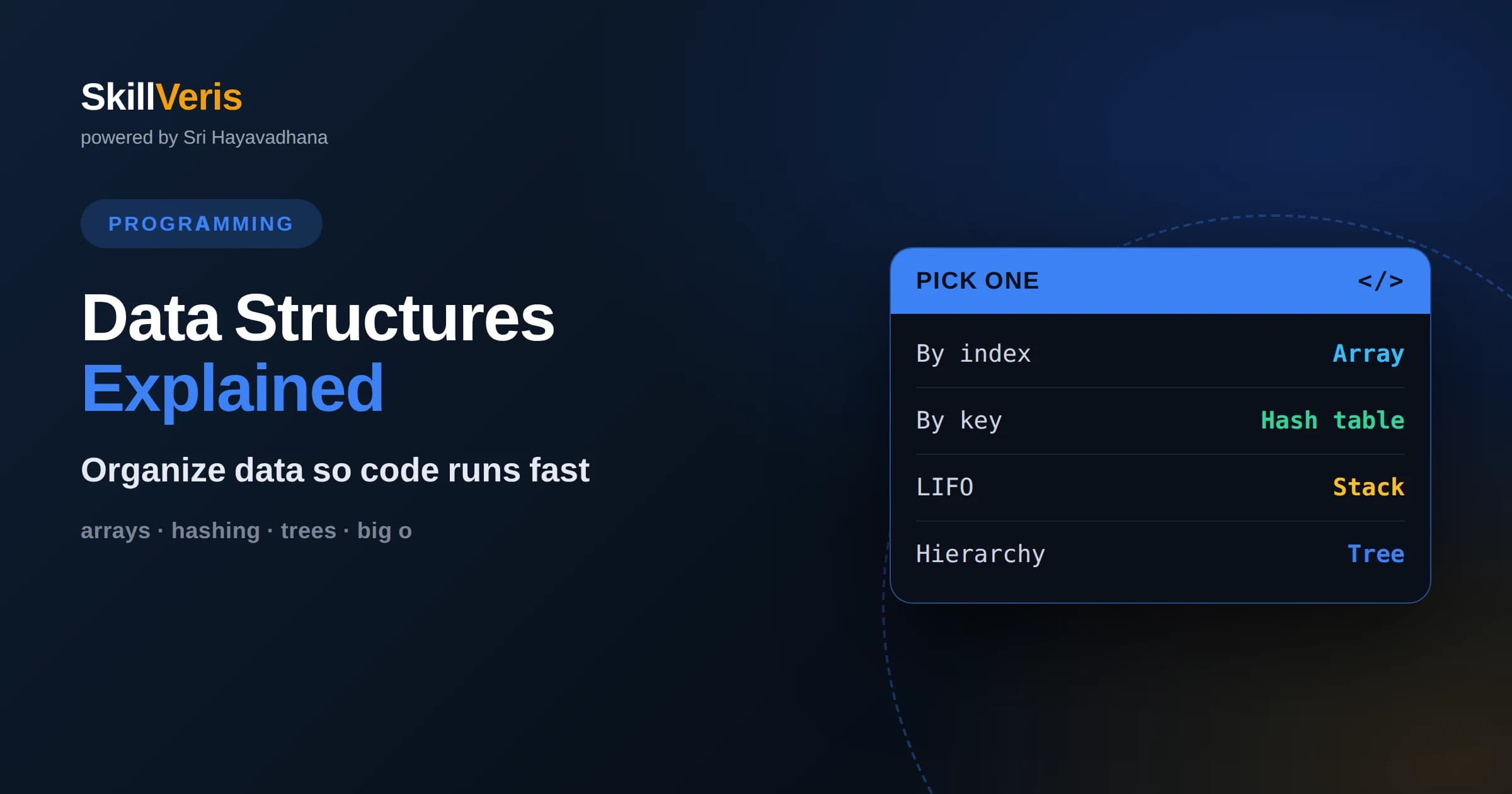
A data structure is a deliberate way of organizing data in memory so that the operations your program performs on it are fast and convenient.
In this guide, you'll learn:
- Choosing the right structure is often the difference between code that feels instant and code that crawls as data grows.
- The core building blocks are arrays, linked lists, stacks, queues, hash tables, trees, and graphs, each tuned for different access patterns.
- You reason about structures using time and space complexity, which describe how cost scales as the amount of data increases.
1What Are Data Structures?
A data structure is an organized way of storing data in a computer's memory so that it can be used efficiently. The organization is not arbitrary: each structure is designed to make certain operations, such as looking something up, adding an item, or removing one, as fast and convenient as possible for a particular kind of task.
The reason data structures matter is that the same information can be arranged in many different ways, and the arrangement dramatically affects performance. A phone book sorted alphabetically lets you find a name quickly, while the same names scattered randomly would force you to check every entry. Data structures are the programming equivalent of that sorted phone book.
Every nontrivial program uses data structures, whether the programmer names them explicitly or not. Learning them gives you a vocabulary for thinking about trade-offs and a toolbox for making your code faster, clearer, and more scalable.
2Why the Choice Matters
The choice of data structure often determines whether a program stays fast as its data grows or slows to a crawl. An operation that is instant on a well-chosen structure can be painfully slow on the wrong one, and the gap widens as the dataset gets larger. With a handful of items the difference is invisible; with millions it can be the difference between a usable app and an unusable one.
Choosing well also makes code simpler. When a structure naturally fits the way you need to access data, the surrounding logic becomes shorter and easier to read. Fighting against a poorly matched structure tends to produce convoluted, bug-prone code.
This is why data structures are a foundational topic for every programmer. They are not academic trivia but a daily practical tool that separates code that merely works from code that works well at scale.
3Measuring Efficiency With Big O
To compare structures fairly, programmers use a concept called time complexity, usually expressed with Big O notation. Big O describes how the number of steps an operation takes grows as the amount of data grows, ignoring constant details and focusing on the overall trend.
For example, an operation described as constant time takes roughly the same effort no matter how much data there is, while a linear time operation takes proportionally longer as data increases. Logarithmic time sits pleasantly in between, growing very slowly even for huge inputs. These labels let you predict how a structure will behave before you ever run the code.
There is also space complexity, which describes how much extra memory a structure or operation needs. Efficient programming often means balancing time against space, spending a little more memory to gain speed or the reverse, depending on what the situation demands.
4Arrays: The Foundation
An array is the most fundamental structure: a contiguous block of memory holding a sequence of elements, each reachable by a numeric index. Because the elements sit next to each other and the index maps directly to a memory position, reading or writing any element by its index is extremely fast and takes constant time.
Arrays shine when you know roughly how many items you have and you mostly access them by position or scan through them in order. They are compact and cache-friendly, meaning the hardware can move through them quickly. This makes arrays the default choice for many everyday collections.
Their weakness is flexibility. Inserting or removing an element in the middle requires shifting all the following elements to keep the sequence contiguous, which is slow for large arrays. Fixed-size arrays also cannot grow beyond their capacity without allocating a new, larger block and copying everything over.
5Linked Lists: Flexible Sequences
A linked list stores each element in its own small container, called a node, and each node holds a reference pointing to the next node in the sequence. The nodes need not sit next to each other in memory; the references stitch them into an ordered chain.
This design makes inserting or removing an element cheap once you are at the right spot, because you only rewire a couple of references rather than shifting a whole block of data. Linked lists grow and shrink gracefully without needing to reserve capacity in advance.
The trade-off is that you lose instant index access. To reach the tenth element you must follow the chain from the start, one node at a time, which is slower than an array's direct lookup. The scattered nodes are also less cache-friendly, so linked lists often perform worse than arrays for simple traversal even when the theory looks similar.
6Stacks and Queues: Controlled Access
Stacks and queues are structures defined more by how you are allowed to use them than by how they store data internally. A stack follows a last-in, first-out rule: the most recently added item is the first one removed, like a stack of plates where you take from the top. Stacks are perfect for undo features, evaluating expressions, and tracking function calls.
A queue follows the opposite first-in, first-out rule: items are removed in the same order they were added, like people waiting in line. Queues suit tasks that must be handled in arrival order, such as processing jobs, buffering data, or scheduling work fairly.
Both can be built on top of arrays or linked lists, but their value lies in the discipline they impose. By restricting access to a well-defined pattern, they make certain algorithms simpler to reason about and less prone to error.
7Hash Tables: Fast Lookups by Key
A hash table stores data as key and value pairs and lets you retrieve a value almost instantly by its key. It works by running the key through a hash function that computes a position, then storing the value at that position. Because the position is computed directly, lookups, insertions, and deletions are typically constant time on average.
Hash tables power a huge amount of everyday programming. Dictionaries, maps, and objects in many languages are hash tables under the hood, and they are the natural choice whenever you need to associate names or identifiers with data and look them up quickly.
Their main subtlety is collisions, which happen when two keys compute to the same position. Well-designed hash tables handle collisions gracefully so performance stays strong, but the structure does not keep items in any sorted order, so it is not the right tool when you need ordered traversal or range queries.
8Trees: Hierarchies and Order
A tree organizes data into a hierarchy of nodes, starting from a single root and branching downward, where each node can have child nodes. This shape naturally models anything with nested structure, such as file systems, organization charts, or the parsed structure of a document.
A particularly important variety is the binary search tree, where each node has at most two children arranged so that smaller values go left and larger values go right. This ordering lets you search, insert, and delete in logarithmic time when the tree stays balanced, combining reasonable speed with the ability to traverse data in sorted order.
Balance is the catch. If items are added in an unlucky order, a simple tree can degrade into a long chain that behaves no better than a linked list. Self-balancing tree variants exist to keep operations efficient, and they underpin many databases and indexes.
9Graphs: Modeling Relationships
A graph is a collection of nodes connected by edges, and it is the most general structure for representing relationships. Unlike a tree, a graph can have edges going in any direction and can contain cycles, making it ideal for modeling networks such as social connections, maps of roads, or dependencies between tasks.
Graphs come in flavors: edges may be directed or undirected, and they may carry weights representing distances or costs. This flexibility lets a single abstraction describe an enormous range of real-world problems, from finding the shortest route to detecting communities.
Working with graphs relies on traversal algorithms that visit nodes systematically, exploring the network breadth first or depth first. These traversals are the foundation for answering practical questions like whether two things are connected or what path between them is cheapest.
10Choosing the Right Structure
The right structure depends entirely on what your program needs to do most often. If you mostly access items by position and rarely insert in the middle, an array is ideal. If you frequently add and remove at the ends and look things up by a key, a hash table or a queue may serve better. Start by asking which operations dominate your workload.
It also helps to weigh the cost of the operations you care about against the ones you can afford to be slow. A structure that makes lookups instant but insertions slow is a great fit for data you read far more often than you change, and a poor fit for the reverse.
In practice, many programs combine several structures, using each where it fits best. Recognizing which tool suits which job is the core skill, and it grows naturally as you build real projects and feel the consequences of your choices.
11Abstract Types Versus Implementations
It helps to separate two ideas: the abstract behavior you want and the concrete structure that provides it. An abstract data type describes what operations are available, such as a list that can grow, a map from keys to values, or a queue you can push to and pop from, without saying how they are built.
A single abstract type can often be implemented by more than one underlying structure, each with different performance. A map, for instance, might be built on a hash table for speed or on a balanced tree to keep keys sorted. Knowing the abstract goal separately from the implementation lets you swap the underlying structure when your needs change.
Most programming languages ship with ready-made implementations of these common types, so you rarely build them from scratch. Understanding what lies beneath still matters, because it tells you which built-in type to reach for and why.
12Common Beginner Mistakes
A frequent mistake is reaching for the most familiar structure regardless of the task, often defaulting to a plain list for everything. This works for small data but leads to slow lookups and awkward code when a hash table or a set would have been the obvious fit.
Another pitfall is ignoring how data grows. Code that feels instant during testing with a few records can become unbearably slow in production with real volumes, because the chosen structure scales poorly. Thinking about complexity early prevents these surprises.
Finally, beginners sometimes optimize prematurely, choosing a complex structure for a problem that a simple one handles fine. The goal is a good fit, not maximum sophistication. Clear, correct code with an appropriate structure beats clever code that is hard to maintain.
13Build Your Intuition on SkillVeris
Data structures click when you use them, not just read about them. Try implementing a small program that stores and retrieves records, then swap one structure for another and observe how the code and its speed change. Building a stack-based undo feature or a hash-table-backed lookup makes the abstract concepts concrete.
On SkillVeris, guided lessons and exercises walk you through each core structure with hands-on practice and clear explanations of when to use it. Working through real problems is the fastest way to develop the instinct for choosing the right structure, which is a skill that pays off in every program you will ever write.
Get The Print Version
Download a PDF of this article for offline reading.
About the Publisher
SkillVeris Team
Engineering Team
Our engineering writers turn abstract code concepts into hands-on, project-driven learning experiences.
View all postsRelated Posts




Never miss an update
Get the latest tutorials and guides delivered to your inbox.
No spam. Unsubscribe anytime.