Build a React Chatbot with the OpenAI API
SkillVeris Team
Engineering Team
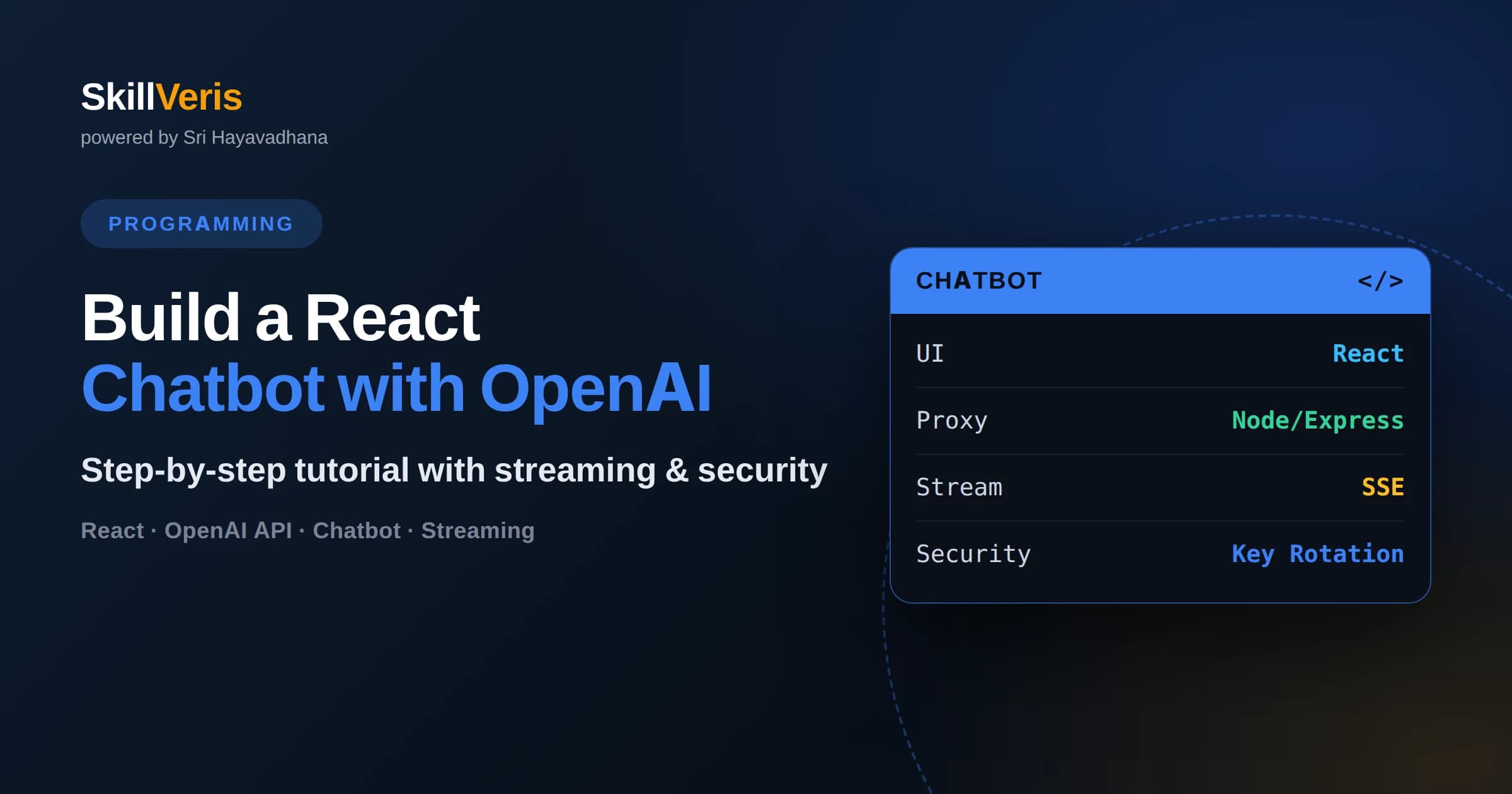
A production-safe React chatbot never calls the OpenAI API directly from the browser — the key must live behind a backend proxy.
In this guide, you'll learn:
- Streaming responses token-by-token dramatically improves perceived speed even when total response time is unchanged.
- Conversation history must be resent with every request because the API itself is stateless between calls.
- Rate limiting and per-user request caps are what actually control your OpenAI bill, not client-side throttling alone.
- A minimal working chatbot needs only three pieces: a message-list component, an input form, and one backend route.
1What Does It Take to Build a React Chatbot with the OpenAI API?
Building a React chatbot with the OpenAI API takes three components working together: a React frontend for the chat interface, a lightweight backend proxy that holds your API key and forwards requests, and a state layer that tracks conversation history so the model has context across turns.
This is different from wiring the OpenAI API into a script or notebook. A real chatbot needs to handle streaming output so replies feel instant, manage growing conversation history without blowing past token limits, and protect your API key from ever reaching a user's browser — where anyone with dev tools open could steal it and run up your bill.
This tutorial builds that system from scratch: the UI, the proxy, the streaming logic, and the security layer around it. By the end you will have a working chatbot you understand completely, not a black-box wrapper around someone else's boilerplate.
2Setting Up the Project: Why You Need a Backend Proxy
You need a backend proxy because the OpenAI API key must never be embedded in frontend JavaScript, since anything shipped to the browser — including environment variables prefixed for client use — is visible to anyone who opens the network tab or view-source.
Start with two folders: a React app (created with Vite or Create React App) for the frontend, and a small Node.js/Express server for the backend. The frontend only ever talks to your own backend, using a relative path like /api/chat. Your backend is the only thing that holds the real OPENAI_API_KEY, stored in a server-side .env file that is never bundled into the client build.
This separation matters for a second reason beyond security: it gives you a place to add logic OpenAI doesn't provide, like rate limiting, logging, content moderation, or swapping models without redeploying the frontend. Treat the backend as the actual 'brain' of your chatbot and the React app as purely presentational.
- Frontend: React app, handles UI state and rendering only
- Backend: Node/Express server, holds the API key and calls OpenAI
- Environment: .env file on the server, never referenced by client code
- Communication: frontend calls your backend, backend calls OpenAI
3Building the Chat UI: Message List and Input
The chat UI needs exactly two working parts: a scrollable message list that renders an array of message objects, and a form that captures user input and appends new messages to that array.
Model your state as an array of objects shaped like role and content, where role is 'user' or 'assistant'. Each new user message gets pushed to this array immediately on submit, followed by an empty placeholder assistant message that gets filled in as the streamed response arrives. Keep this array in a single useState hook (or a reducer if the app grows) so the message list and the API call logic share one source of truth.
For styling, distinguish user and assistant bubbles visually — alignment, color, or an avatar — and auto-scroll the container to the bottom on every new message using a ref and a scrollIntoView call inside a useEffect that fires when the message array changes. Disable the submit button while a response is streaming so users can't fire overlapping requests.
4Calling the OpenAI Chat Completions API from Your Backend
Your backend calls the OpenAI Chat Completions (or Responses) API by sending the accumulated message array plus a system prompt to OpenAI's endpoint using the official SDK, then relaying the result back to the frontend.
On the Express route handling POST requests to /api/chat, initialize the OpenAI client once at server startup using the API key from process.env. On each incoming request, take the messages array sent from the frontend, prepend a system message that defines the assistant's persona and constraints, and pass the whole array to the chat completions call along with your chosen model.
Keep the model and default parameters (temperature, max tokens) configured server-side, not accepted as arbitrary input from the client — this prevents users from manipulating cost or behavior by tampering with request payloads. Validate and cap the incoming message array length before forwarding it, since an unbounded array is both a cost risk and a token-limit risk.
5Handling Streaming Responses and Conversation History
Streaming works by having your backend request a streamed completion from OpenAI and forward each chunk to the frontend as it arrives, typically over Server-Sent Events or a chunked HTTP response, so the user sees words appear incrementally instead of waiting for the full reply.
On the backend, enable streaming in the API call, then as each chunk arrives, write it directly to the HTTP response stream without buffering. On the frontend, read the response body as a stream (using the Fetch API's reader), decode each chunk, and append it to the current assistant message's content in state — this is what produces the familiar typewriter effect.
Conversation history has to be managed explicitly because the API is stateless: it has no memory of previous calls. Every request must include the full relevant history. To avoid exceeding context limits on long conversations, truncate or summarize older turns once the history grows past a reasonable size — keeping the system prompt and the most recent several exchanges is usually enough for a general-purpose chatbot.
6Deployment and Security: Rate Limiting and Key Rotation
Deploying a React chatbot safely means adding rate limiting on your backend route, rotating your API key periodically, and scoping keys to the minimum permissions needed so a leak has limited impact.
Add per-IP or per-user rate limiting middleware on your /api/chat route to prevent a single client from sending unlimited requests and running up costs, and consider a daily or monthly usage cap enforced server-side as a hard stop. Log request volume so unusual spikes are visible before they become a large bill.
For key hygiene, generate a dedicated API key per project or environment rather than reusing one key everywhere, store it only in server environment variables or a secrets manager (never in source control), and rotate it on a schedule or immediately if you suspect exposure. Deploy the frontend as static files (Vercel, Netlify, or similar) and the backend as a separate service with its own environment variables — this keeps the key isolated from the deployed client bundle entirely. Once you're comfortable with this request-and-respond pattern, SkillVeris's AI Agents & Agentic Workflows course is a natural next step for learning how to give a chatbot like this tools, memory, and the ability to take multi-step actions on its own.
7Frequently Asked Questions
Q: Can I call the OpenAI API directly from React without a backend? A: Technically yes, but you should never do this in production because your API key would be visible in the browser's network requests, letting anyone extract it and use it at your expense.
Q: Which OpenAI model should I use for a chatbot? A: Choose based on your latency and cost requirements; smaller, faster models work well for casual conversation, while larger models are better for complex reasoning, and you can switch models server-side without touching the frontend.
Q: How do I keep the conversation on-topic? A: Use a system prompt that clearly defines the assistant's role, scope, and tone, and consider adding a moderation check on user input before it's sent to the model.
Q: Why does my chatbot forget earlier messages? A: The API doesn't retain memory between calls, so if your backend isn't resending the full (or summarized) conversation history with each request, the model has no way to know what was said before.
Q: How do I handle errors like rate limits or timeouts from OpenAI? A: Wrap your API call in a try/catch on the backend, return a clear error status to the frontend, and show the user a friendly retry prompt rather than a raw error message.
Q: Do I need a database to store chat history? A: Not for a basic session-based chatbot, since state can live in memory on the frontend, but a database becomes necessary if you want conversations to persist across page reloads or across devices for the same user.
Related Reading
Get The Print Version
Download a PDF of this article for offline reading.
About the Publisher
SkillVeris Team
Engineering Team
Our engineering writers turn abstract code concepts into hands-on, project-driven learning experiences.
View all postsRelated Posts




Never miss an update
Get the latest tutorials and guides delivered to your inbox.
No spam. Unsubscribe anytime.