Binary Search Explained Step by Step
SkillVeris Team
Engineering Team
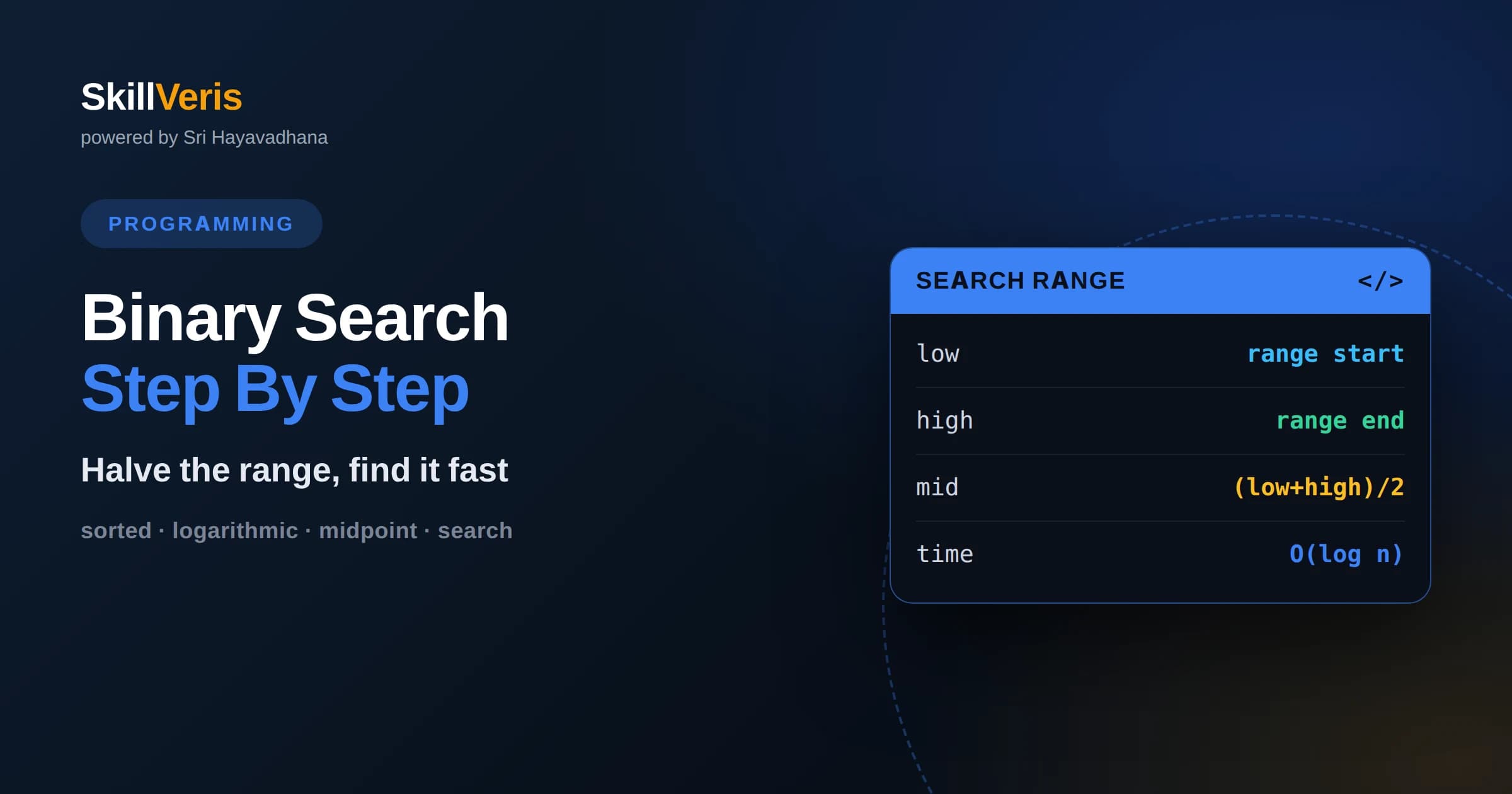
Binary search only works on sorted data and repeatedly halves the search range, giving O(log n) time instead of O(n).
In this guide, you'll learn:
- The core idea is tracking a low and high boundary, checking the middle, and discarding the half that cannot contain the target.
- Off-by-one errors and integer overflow in the midpoint calculation are the two mistakes that trip up almost every beginner.
- Once you understand the pattern, you can reuse it for insertion points, first and last occurrences, and searching on answer ranges.
1What Is Binary Search
Binary search is an algorithm that finds the position of a target value inside a sorted collection by repeatedly cutting the remaining search range in half. Instead of checking every element from start to finish, it looks at the middle element, decides whether the target is smaller or larger, and throws away the half that cannot possibly contain the answer. Each comparison eliminates roughly half of the remaining candidates, which is why it is so fast.
The single most important requirement is that the data must be sorted. Binary search relies on order to reason about which side of the middle the target lives on. If the collection is unsorted, the guarantee breaks and the algorithm can walk right past the value it is looking for.
Because each step halves the problem, binary search runs in logarithmic time. Searching a list of a million items takes only about twenty comparisons, and a list of a billion items takes only about thirty. That scaling behaviour is what makes binary search one of the first truly powerful algorithms most programmers learn.
2Linear Search Versus Binary Search
Linear search is the naive approach: start at the first element and check each one in turn until you find the target or reach the end. It is simple, works on any list sorted or not, and requires no preparation. Its weakness is speed. In the worst case it inspects every single element, so its running time grows in direct proportion to the size of the list.
Binary search trades that simplicity for dramatically better scaling. On a sorted list it needs only a handful of comparisons even for enormous inputs. The catch is the sorting requirement and slightly trickier logic. If you only search a small list once, linear search is fine. If you search a large list many times, sorting it once and using binary search repeatedly pays for itself quickly.
A helpful way to appreciate the gap is to imagine the numbers growing. On a list of a thousand items, linear search might inspect a thousand elements in the worst case while binary search inspects about ten. On a list of a million, the contrast widens to a million versus about twenty. The larger the data, the more decisively binary search wins, which is why it becomes essential precisely when performance matters most.
3The Core Idea Of Halving
Picture looking up a word in a physical dictionary. You do not start at page one and read every word. You open near the middle, see whether your word comes before or after, and then repeat that process on the correct half. Binary search formalizes exactly this intuition into precise steps a computer can follow.
You maintain two markers, usually called low and high, that describe the current range still worth searching. You compute the middle position between them, compare the middle value to your target, and then move either low or high so that the range shrinks. You keep repeating until you either find the target or the range becomes empty, which means the target is not present.
4A Step By Step Walkthrough
Imagine a sorted list of numbers: 2, 5, 8, 12, 16, 23, 38, 56, 72, 91, and you are searching for 23. Set low to the first index and high to the last index. The middle index lands on the value 16. Since 23 is greater than 16, the target must be in the upper half, so you move low to just past the middle.
Now the range covers 23, 38, 56, 72, 91. The new middle lands on 56. Since 23 is less than 56, you move high down below the middle, leaving the range 23, 38. The next middle is 23, which matches your target, so the search ends successfully. In three comparisons you located the value in a list where linear search might have taken six.
If you had searched for a value that was not present, say 20, the range would eventually shrink until low passed high with no match found. That empty range is the signal to report that the value does not exist in the list.
5Writing The Algorithm In Code
In most languages the iterative version uses a while loop. You initialize low to zero and high to the last index, then loop while low is less than or equal to high. Inside the loop you compute mid, compare the element at mid with the target, and update low or high accordingly. When the element matches, you return mid; when the loop exits, you return a sentinel such as minus one to indicate the value was not found.
A common way to express the midpoint is low plus high minus low divided by two, using integer division. Writing it this way rather than low plus high divided by two avoids a subtle overflow bug in languages with fixed-size integers, because low plus high could exceed the maximum value even when both indices are individually valid.
There is also a recursive version that passes the current low and high into each call. It reads elegantly and mirrors the mathematical definition, but it uses stack space proportional to the number of steps. For most practical purposes the iterative form is preferred because it uses constant extra memory.
When you return a value for the not-found case, choose a sentinel that cannot be confused with a valid index. Returning minus one is a widespread convention because valid indices are never negative. Some libraries instead return the position where the missing value would be inserted, which is more informative because it tells you not just that the value is absent but exactly where it belongs.
6Tracing The Boundaries By Hand
One of the best ways to build confidence is to trace the low, high, and mid values on paper for a specific example. Draw the list, write the indices above it, and update the three markers after each comparison. Watching the range shrink concretely turns the abstract loop into something you can see, and it quickly reveals whether your boundary updates are correct.
Pay special attention to the final iterations, where the range narrows to one or two elements. This is where off-by-one bugs hide. If your trace shows the range collapsing correctly to a single element and then either matching or reporting absence, your logic is almost certainly sound. If the range ever fails to shrink, you have found your bug before writing a single test.
7Time And Space Complexity
Binary search runs in O(log n) time because each iteration removes half of the remaining elements. The number of times you can halve n before reaching one is the base-two logarithm of n, which grows extremely slowly. This is the defining strength of the algorithm and the reason it appears everywhere from databases to standard libraries.
The iterative version uses O(1) additional space because it only stores a few index variables regardless of input size. The recursive version uses O(log n) space for the call stack. Neither modifies the original list, so binary search is non-destructive and safe to run repeatedly on the same sorted data.
8Common Mistakes To Avoid
The most frequent bug is an off-by-one error in the boundary updates. If you accidentally leave low or high pointing at an already-checked element, the range may stop shrinking and the loop can run forever or miss the target. Being deliberate about whether you use mid, mid plus one, or mid minus one when updating boundaries prevents most of these errors.
Another classic mistake is forgetting the sorted precondition. Binary search on unsorted data produces silently wrong answers rather than crashing, which makes the bug hard to spot. Always confirm the collection is sorted, and if it is not, either sort it first or use a different search strategy.
Finally, watch the loop condition. Using less than instead of less than or equal to, or vice versa, changes whether the final single-element range gets checked. Choose your condition and your boundary updates as a matched pair, and test with tiny lists of one and two elements where these bugs surface fastest.
9Useful Variations Of Binary Search
Beyond finding an exact match, binary search powers several important variations. You can find the first position where a value could be inserted while keeping the list sorted, which many standard libraries expose as a lower bound or upper bound function. This is invaluable for maintaining ordered collections efficiently.
You can also find the first or last occurrence of a value that appears multiple times by continuing to search even after a match, nudging the boundary to keep looking left or right. These variants share the same halving skeleton but adjust what happens when the middle equals the target, which is a great exercise for cementing your understanding.
10Binary Search On The Answer Space
One of the most powerful advanced uses is binary searching not over a list but over a range of possible answers. When a problem asks for the smallest or largest value that satisfies some monotonic condition, you can binary search the numeric range itself. If a candidate answer works, you know everything on one side also works, so you halve the range just like searching an array.
This technique appears in problems like minimizing the maximum load, finding a threshold, or allocating resources. The key insight is recognizing monotonicity: as your candidate increases, the condition flips from false to true exactly once. When that structure exists, binary search transforms a slow brute-force scan into a fast logarithmic search.
11Where Binary Search Shows Up In Practice
Databases use binary search inside indexes to locate rows quickly without scanning entire tables. Version control tools use a related idea to pinpoint which commit introduced a bug by repeatedly bisecting the history. Standard libraries in nearly every language ship a built-in binary search for sorted arrays, so you rarely need to reinvent it in production.
Understanding the mechanics still matters even when a library does the work for you. Knowing when data is sorted, why the logarithmic cost is achievable, and how to adapt the pattern to insertion points or answer ranges lets you reach for the right tool and reason confidently about performance.
It also helps you decide when binary search is not the answer. If the data changes constantly and keeping it sorted is expensive, a hash-based structure offering constant-time lookup may serve better. Binary search shines when data is sorted once and queried many times, so weighing the cost of maintaining order against the number of searches guides the right architectural choice.
12Building A Practice Mindset
The fastest way to internalize binary search is to implement it by hand several times without copying, then test it against tiny edge cases. Try an empty list, a single element, a two-element list, a target at the first position, a target at the last position, and a target that is missing. If your implementation handles all of those, it almost certainly handles the general case too.
Once the exact-match version feels natural, extend it to the variations. Write lower bound and upper bound, then find first and last occurrences. Each variation reinforces the same boundary discipline while teaching you how small changes ripple through the logic.
13Keep Learning On SkillVeris
Binary search is a gateway algorithm. Master it and you unlock a way of thinking about problems in terms of halving, monotonicity, and boundaries that reappears throughout computer science. The concepts here connect directly to sorting, trees, and the divide-and-conquer strategies you will meet next.
On SkillVeris you can practice binary search interactively, step through animated examples, and take short assessments that catch the exact off-by-one bugs beginners struggle with. Work through the exercises, implement each variation yourself, and you will carry this skill into every future coding challenge with confidence.
Get The Print Version
Download a PDF of this article for offline reading.
About the Publisher
SkillVeris Team
Engineering Team
Our engineering writers turn abstract code concepts into hands-on, project-driven learning experiences.
View all postsRelated Posts




Never miss an update
Get the latest tutorials and guides delivered to your inbox.
No spam. Unsubscribe anytime.