Async/Await in JavaScript Explained
SkillVeris Team
Engineering Team
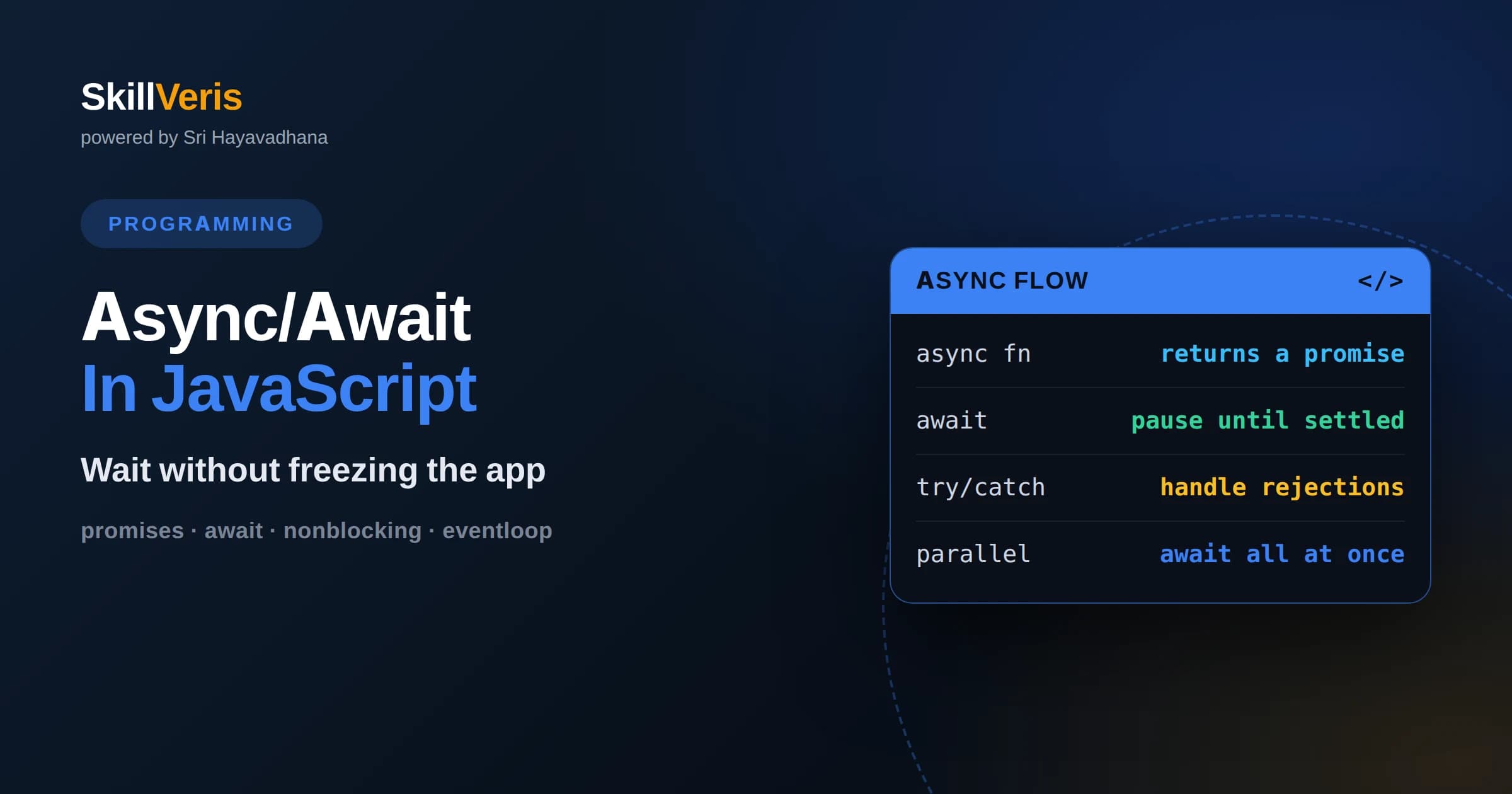
Async/await lets you write non-blocking asynchronous code that reads top to bottom like synchronous code.
In this guide, you'll learn:
- It is built on promises, so understanding promises is the key to understanding async/await.
- The await keyword pauses a function until a promise settles without freezing the rest of the program.
- Proper error handling with try and catch turns tangled callback logic into clean, readable flows.
1What Is Async/Await
Async/await is JavaScript syntax that lets you write asynchronous code, code that waits for slow operations like network requests, in a style that reads like ordinary sequential steps. You mark a function with the async keyword, and inside it you use await before any operation that takes time. The function pauses at each await until the result is ready, then continues, all without freezing the rest of your program.
The problem it solves is that many operations in JavaScript do not finish instantly. Fetching data from a server, reading a file, or waiting for a timer all take unpredictable amounts of time. If the program simply stopped and waited, the whole page or server would lock up. Async/await lets you express waiting cleanly while the underlying engine keeps doing other work in the background.
Under the hood, async/await is a friendlier face on promises, which are JavaScript's core mechanism for representing a value that will exist in the future. Everything await does can be done with promises directly, but the syntax makes the code far easier to read and reason about, which is why it has become the standard way to handle asynchronous work.
2Why JavaScript Is Asynchronous
JavaScript runs on a single thread, meaning it does one thing at a time. If that single thread stopped to wait for a slow network request, nothing else could happen: buttons would not respond, animations would freeze, and a server could not handle other users. To stay responsive, JavaScript uses an event-driven model where slow operations are started and then set aside, freeing the thread to keep working.
When a slow operation finishes, it schedules a callback to run once the thread is free. This is managed by the event loop, a mechanism that continuously checks whether the main thread is idle and, if so, runs the next waiting task. The result is a program that never blocks on slow work yet still processes results in an orderly way when they arrive.
Understanding this model explains why asynchronous syntax exists at all. Async/await does not add real parallelism or extra threads; it simply gives you a clean way to schedule work and resume it later on the same single thread. Keeping that mental picture prevents a lot of confusion about what await really does.
3The Callback Era
Before promises, JavaScript handled asynchronous work with callbacks, functions you passed in to be run once an operation finished. A single callback is manageable, but real programs often chain many dependent steps: fetch a user, then fetch their orders, then fetch each order's details. Nesting callback inside callback produced deeply indented code that was hard to read and easy to break.
This pattern earned the nickname callback hell, or the pyramid of doom, because the code drifted ever further to the right with each nested step. Worse, error handling was awkward, since every callback had to check for failure separately, and it was easy to forget one and let an error vanish silently. Reasoning about the order of operations became genuinely difficult.
Promises and then async/await were invented to solve exactly these problems. They flatten the nesting, centralize error handling, and let asynchronous steps read in the natural top-to-bottom order. Knowing the pain of callbacks makes it clear why the newer syntax is such an improvement.
4Understanding Promises
A promise is an object representing a value that is not available yet but will be at some point. When you start an asynchronous operation, it immediately returns a promise, which is in a pending state. Later the promise either resolves with a value, meaning the operation succeeded, or rejects with an error, meaning it failed. Once settled, a promise never changes state again.
You react to a settled promise with the then method for success and the catch method for failure. Because then returns another promise, you can chain steps in sequence, each waiting for the previous one, without the deep nesting of callbacks. This chaining made asynchronous code far more manageable and laid the groundwork for async/await.
Async/await is essentially syntactic sugar over these promises. When you await a promise, you are telling JavaScript to pause the async function until that promise settles, then hand you the resolved value or throw the rejection as an error. Because of this, everything you know about promises applies directly, and any function that returns a promise can be awaited.
5The Async Keyword
Marking a function as async does two things. First, it allows you to use the await keyword inside that function, which is not permitted in ordinary functions. Second, it guarantees the function returns a promise, wrapping whatever value you return so callers can await it. Even if you return a plain number, an async function hands back a promise that resolves to that number.
This automatic wrapping is convenient and consistent. It means async functions compose cleanly: one async function can await another, which can await another, and the whole chain reads like a sequence of ordinary steps while remaining fully non-blocking underneath. The async keyword is the entry point that unlocks this style.
It is worth remembering that calling an async function does not pause your current code. The function starts running, hits its first await, and returns a promise immediately, letting the caller decide whether to await it or move on. Keeping this in mind avoids the surprise of code seeming to run out of order.
6The Await Keyword
The await keyword pauses the surrounding async function until the promise beside it settles, then yields the resolved value. Crucially, this pause is local: only the async function waits, while the rest of the program, including the event loop and other tasks, keeps running. This is what lets you write waiting as a simple line without freezing the whole application.
Because await unwraps the promise for you, the code that follows can use the result directly as if it had always been there. A line that awaits a fetch and stores the response reads exactly like synchronous code, even though a network round trip happened in between. This readability is the whole point, turning tangled asynchronous flows into ordinary-looking sequences.
You can only use await inside an async function, though modern environments also allow it at the top level of modules. If you try to await outside an async context in older setups, you get a syntax error, which is the language reminding you that await needs the async machinery around it to work.
7Handling Errors
One of the biggest advantages of async/await is clean error handling. When an awaited promise rejects, it throws an error just like a synchronous exception, so you can wrap your awaits in a try block and catch failures in a single catch block. This unifies error handling for synchronous and asynchronous code, which was nearly impossible in the callback era.
A typical pattern surrounds a group of related awaits with try and catch, so any failure among them lands in one place where you can log it, retry, or show the user a message. This centralization means you are far less likely to forget an error path, and it keeps the happy path readable instead of interleaving success and failure handling on every line.
It is important not to swallow errors silently. Catching an error only to ignore it hides real problems and makes debugging miserable. A good catch block either handles the failure meaningfully or rethrows it so a higher layer can decide, ensuring that failures surface rather than disappear.
8Running Tasks In Parallel
A common performance mistake is awaiting independent operations one after another when they could run at the same time. If you await the first request, then await the second, the second cannot begin until the first finishes, even though neither depends on the other. The total time becomes the sum of both waits instead of the longer of the two.
The fix is to start the operations together and await them collectively. By kicking off both promises first and then awaiting a combined promise that resolves when all of them finish, you let the slow operations overlap. The total time drops to roughly the duration of the slowest one, which can be a dramatic improvement when fetching many independent resources.
The judgment call is knowing when tasks are truly independent. If the second operation needs a value produced by the first, they must run in sequence and awaiting them one by one is correct. Recognizing independence versus dependence is the key skill for writing fast asynchronous code.
9Common Mistakes
A classic error is forgetting to await a promise, which leaves you holding a pending promise object instead of the value you expected. The code often appears to work at first, then behaves strangely because it used a promise where it needed a resolved result. Getting into the habit of asking whether each async call needs an await prevents this whole category of bug.
Another mistake is using await inside a loop when the iterations are independent, forcing them to run one at a time and slowing everything down. Unless each step depends on the previous one, it is usually better to start all the operations and await them together. Watching for serial awaits in loops is a reliable way to spot performance problems.
Finally, mixing older callback or promise-chaining styles with async/await in the same flow can create confusing, hard-to-follow code. While the styles are compatible, committing to async/await for a given piece of logic keeps it consistent and readable, which matters more than cleverly blending approaches.
10Async In Real Projects
In real applications, async/await appears everywhere data crosses a boundary. A web page fetches JSON from an API and awaits the response before rendering. A server awaits a database query before sending a reply. A build script awaits reading and writing files. Anywhere the program must wait for something outside itself, async/await keeps the code readable and the application responsive.
The pattern scales gracefully from tiny scripts to large systems. A single async function can orchestrate a whole workflow: authenticate, fetch several resources in parallel, transform the results, and save them, all expressed as a clear sequence of awaited steps with unified error handling. This readability is a major reason async/await became the default across the JavaScript ecosystem.
Because so many libraries return promises, adopting async/await also means learning to read their documentation for what returns a promise and therefore what to await. Once that instinct develops, using unfamiliar asynchronous libraries becomes straightforward, since the same await pattern applies to almost all of them.
11Async And The Event Loop
To use async/await confidently, it helps to picture the event loop underneath. When your async function hits an await, it effectively schedules the rest of itself to resume once the awaited promise settles, and control returns to the event loop to handle other work in the meantime. Nothing blocks; the thread stays free to respond to clicks, timers, and incoming requests.
This is why an await does not make your program slower for other users or interactions. The waiting is cooperative, not a hard stop, so a server can await one user's database query while simultaneously making progress on another user's request. Async/await gives you the readability of sequential code while preserving the responsiveness of an event-driven system.
Holding this model in mind resolves many puzzles, such as why code after an async call sometimes seems to run before the awaited result arrives, or why heavy synchronous computation still freezes the page despite async syntax. Async/await manages waiting, not raw computation, and understanding that boundary makes its behavior predictable.
12Build Something Asynchronous
The surest way to master async/await is to build a small app that talks to an API. Fetch some data, await and display it, add error handling with try and catch, and then optimize by running independent requests in parallel. Deliberately introduce a failure to see your catch block work, and forget an await once on purpose to feel how the bug manifests.
SkillVeris guides you through this progression with hands-on exercises that move from promises to async functions to real-world data fetching and parallelism. Each concept in this article maps to a task you can run and inspect, which is where intuition forms. Pick a data source, wire it up, and let the feedback loop teach you the timing that no explanation fully conveys.
Related Reading
Get The Print Version
Download a PDF of this article for offline reading.
About the Publisher
SkillVeris Team
Engineering Team
Our engineering writers turn abstract code concepts into hands-on, project-driven learning experiences.
View all postsRelated Posts




Never miss an update
Get the latest tutorials and guides delivered to your inbox.
No spam. Unsubscribe anytime.