How to Build a Standout Tech Resume
SkillVeris Team
Careers Team
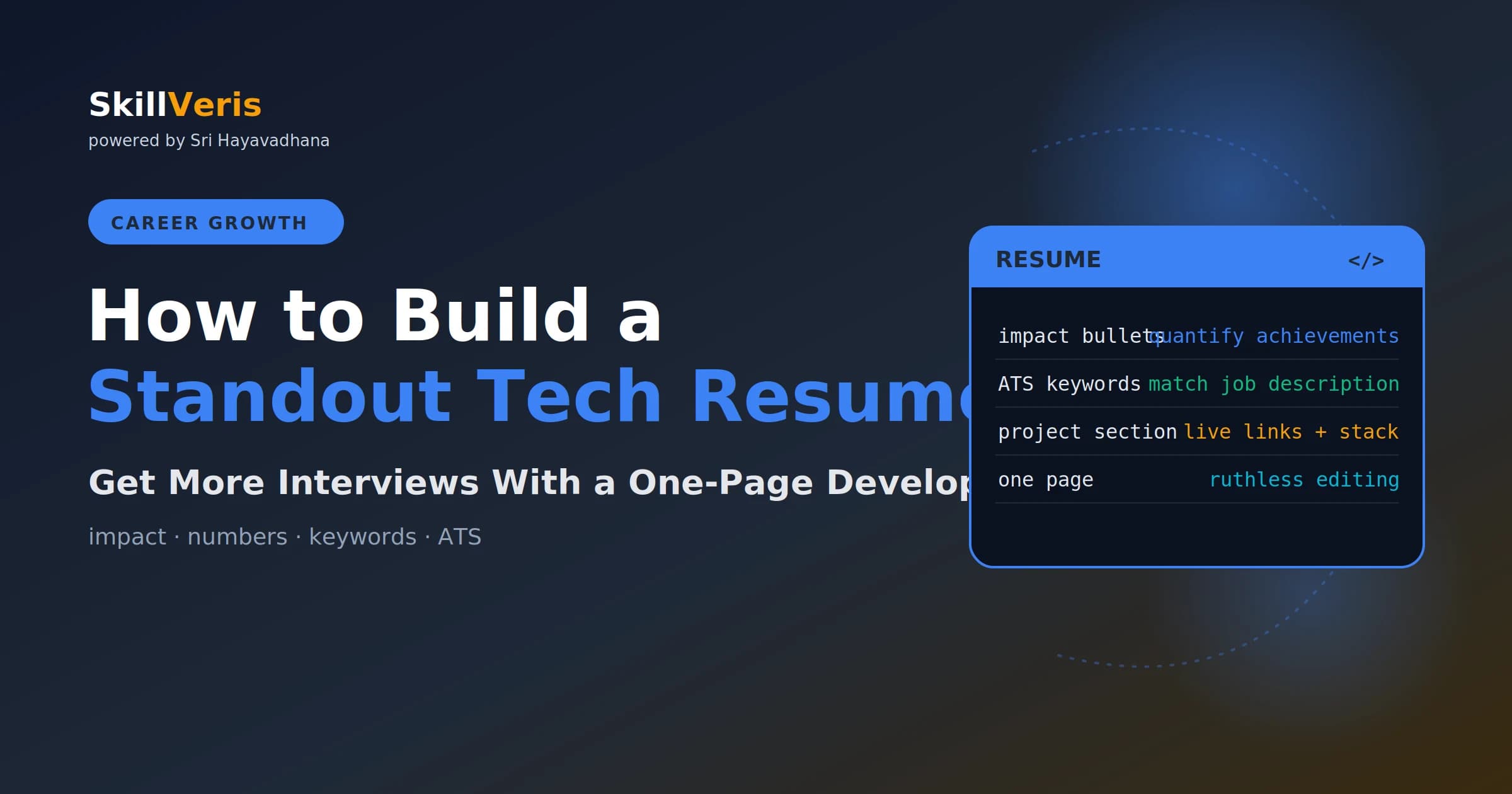
A standout tech resume has three qualities: impact bullets, ATS-compatible keywords, and proof via projects.
In this guide, you'll learn:
- Recruiters spend just 6 to 10 seconds on a first scan, so every line has to earn its place.
- Most resumes fail by listing responsibilities instead of quantified impact.
- Applicant Tracking Systems parse and filter resumes before a human ever sees them, so layout and keywords matter.
- Every bullet should follow the formula: action verb plus what you did plus the impact plus context.
1Why Most Tech Resumes Fail
The most common mistake in tech resumes is listing responsibilities instead of impact. 'Responsible for maintaining the database' tells a recruiter nothing, while 'Reduced average query time by 40% through index optimisation, cutting page load time for 12,000 daily users' tells them a great deal. Every bullet should answer the question: so what changed because of what you did?
The second mistake is treating the resume as a comprehensive career history. It isn't; it's a marketing document with one goal, getting you a first-round interview, and that requires ruthless editing rather than exhaustive listing.
2The ATS Reality
Most companies, and all large ones, use Applicant Tracking Systems (ATS) to parse and filter resumes before a human sees them. Complex layouts with tables, text boxes, or columns often confuse parsers, so use a simple single-column layout for the main content.
ATS also filters by keyword match against the job description, so use exact technology names. Write 'React.js' or 'React', 'PostgreSQL' rather than 'relational database', and 'Docker' rather than 'containerisation'.
- ATS extracts text from your resume; complex layouts confuse parsers, so keep the main content single-column.
- ATS filters by keyword match, so if the JD says 'FastAPI' and your resume says 'API framework', you may not match.
- Use exact technology names rather than generic descriptions.
- PDF is generally fine for ATS in 2026 and Word is widely accepted; avoid heavily graphic PDFs.
3Resume Structure
For most developers, a predictable section order helps both ATS parsers and human readers move through the document quickly. Lead with your header and recent experience, then back it up with projects, education, and skills.
For new graduates or career changers with no professional tech experience, move Projects above Education and above (or instead of) a thin Experience section.
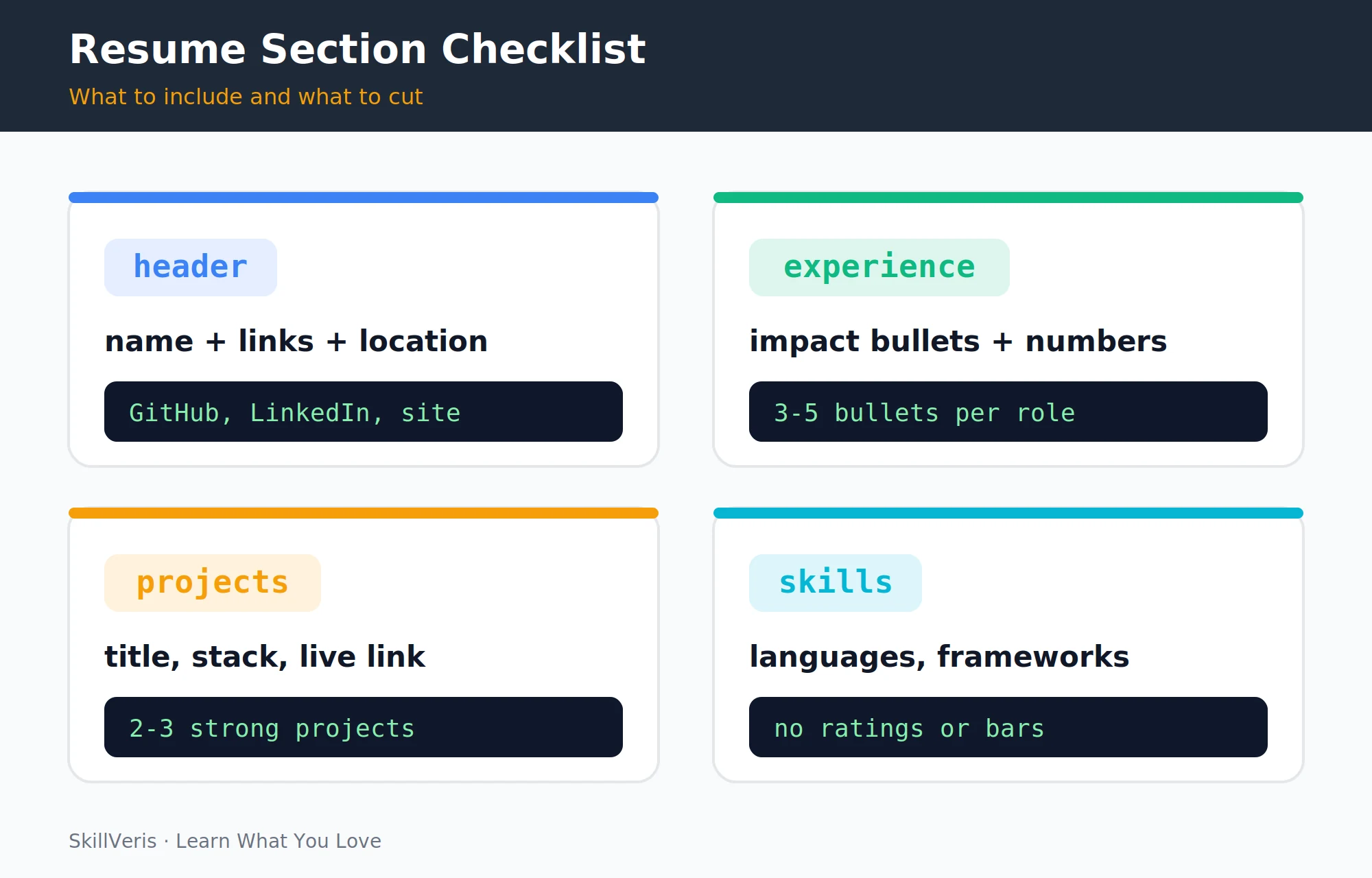
- Header: name, contact, and links.
- Summary (optional, 2-3 sentences): who you are and what you're looking for; useful for career changers, often omitted by experienced developers.
- Experience: most recent role first, with 3-5 bullets per role.
- Projects: 2-3 strong projects with stack and a live link.
- Education.
- Skills: technologies, languages, and frameworks.
4The Header
The header should make it effortless to contact you and to find your work. Include your name, city and country, email, phone, GitHub, LinkedIn, and a personal site if you have one.
Exclude your full street address, a photo unless required by local norms, date of birth, and nationality unless the application requests it. Make sure your GitHub and LinkedIn URLs are customised rather than auto-generated.
Header example
A compact, link-rich header.
Sathya Kumar
Coimbatore, India | [email protected] | +91-XXXXX-XXXXX
github.com/sathya | linkedin.com/in/sathya | skillveris.com5Work Experience: The Impact Formula
Every experience bullet should follow one formula: an action verb, what you did, the impact expressed as a metric, and the context. The difference between a duty and an impact statement is the difference between being ignored and getting an interview.
If you don't have exact numbers, approximate with context such as '~200 users', 'reduced by roughly 30%', or 'processing 10K records daily'. Approximations with context are far better than no numbers at all.
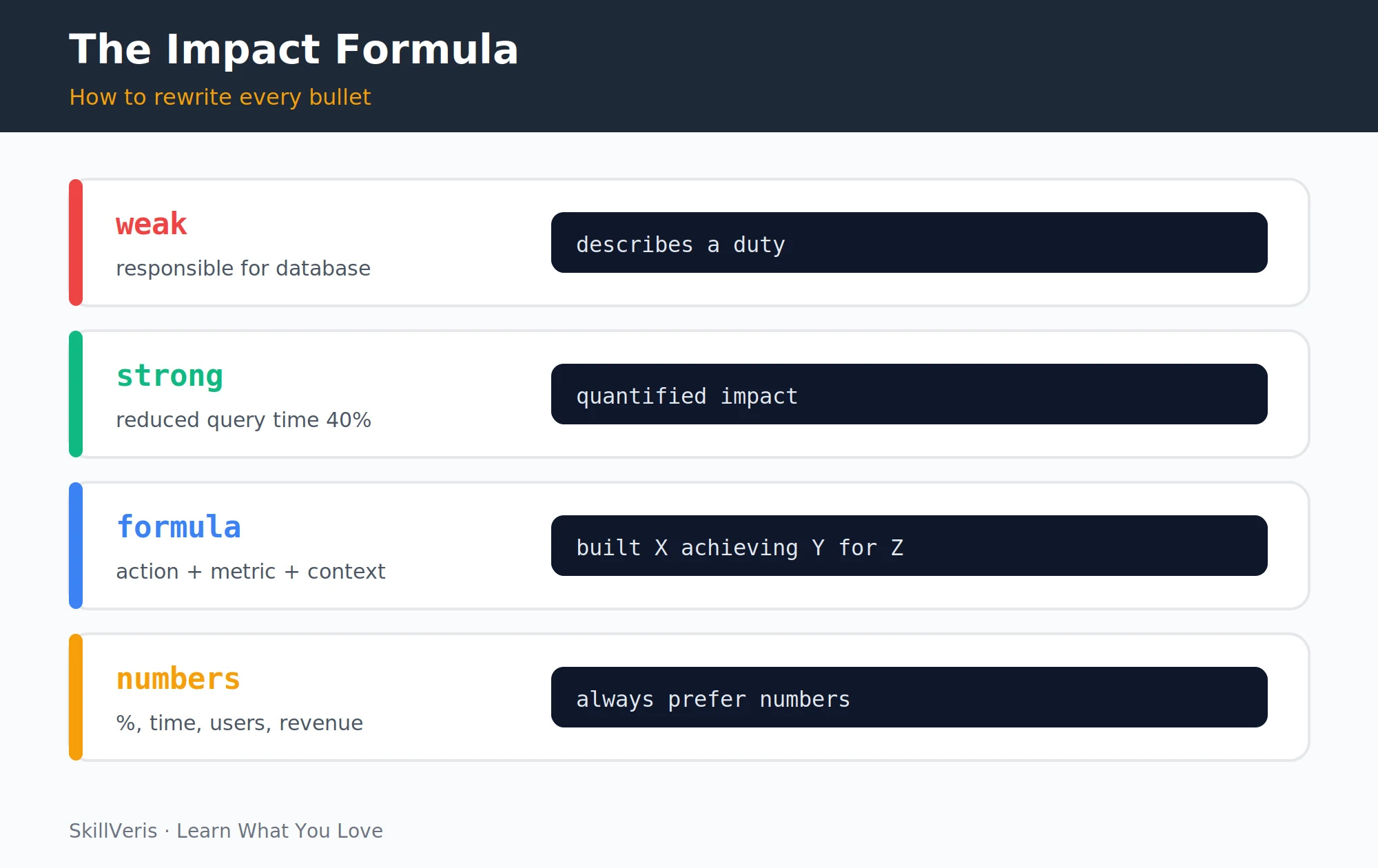
- Responsible for the backend API -> Built a FastAPI backend serving 500K daily requests with 99.8% uptime.
- Worked on database optimisation -> Reduced query latency 60% by adding composite indexes and query caching.
- Maintained CI/CD pipeline -> Reduced deployment time from 45 minutes to 8 minutes by migrating to GitHub Actions.
- Helped with data migration -> Led zero-downtime migration of 2.4M records from MySQL to PostgreSQL.
💡Strong Verbs
Use action verbs like Built, Designed, Led, Reduced, Increased, Migrated, Automated, Optimised, Implemented, Deployed, Architected, Refactored, and Scaled. Avoid weak openers like Helped, Assisted, Participated, and Responsible for.
6Projects Section
For developers without three or more years of experience, the projects section is the most important part of the resume. Format each project with a title, the stack, links to the repository and a live deployment, and a few bullets describing scale and outcomes.
Two strong projects beat six mediocre ones, so edit ruthlessly.
- Shows the stack relevant to the jobs you're applying for.
- Has a live deployment, not just GitHub code.
- Solves a real problem, not 'todo app #47'.
- Has something to quantify: users, data volume, performance, or features.
Project example
A project entry with stack, links, and quantified bullets.
Cricket Analytics Dashboard | Python, pandas, Streamlit, Matplotlib
github.com/sathya/cricket-dashboard | live: cricket-dash.streamlit.app
- Analysed 1.2M IPL ball-by-ball records to surface batting trends and venue statistics
- Built interactive filters for team, season, and player comparison
- Deployed to Streamlit Community Cloud; 200+ monthly active users7Education
For most professional developers with two or more years of experience, a single line covering degree, university, and year is enough. There's no need for grades, coursework, or activities unless they're specifically relevant.
New graduates can include relevant coursework, a strong GPA, and academic projects not covered elsewhere. Certifications go here or in their own section, but list only recognised ones such as AWS, CompTIA, or Google and skip low-signal certificates.
Education example
A one-line degree entry for experienced developers.
B.E. Computer Science | Anna University, Chennai | 20228Skills Section
List actual technologies you can discuss in an interview, grouped logically, and use exact names because employers search for 'React' rather than 'frontend framework'. Don't include skill bars or star ratings; they convey nothing meaningful and look amateurish.
Don't list assumed tools like Microsoft Office or Google Docs, and don't list any skill you can't defend when an interviewer probes it.
Skills example
Grouped, exact-name technology lists.
Languages: Python, JavaScript, TypeScript, SQL
Frameworks: FastAPI, React, Node.js, pandas, scikit-learn
Databases: PostgreSQL, MongoDB, Redis
Cloud/Tools: AWS (EC2, S3, Lambda), Docker, GitHub Actions, Linux9Design and Formatting
Keep the resume to one page for zero to five years of experience and two pages only for ten or more; anything longer for a junior developer is almost always the wrong choice. Use a clean sans-serif font at 10 to 11pt for body text, generous margins, and deliberate white space.
Avoid graphics entirely, since profile photos, skill bars, icons, and decorative elements confuse ATS and distract recruiters. Stay consistent with date formats, bullet style, and verb tense, and name the file FirstName_LastName_Developer_Resume.pdf.
- One page for 0-5 years of experience; two pages for 10+ years.
- Font: clean sans-serif (Calibri, Arial, Inter) at 10-11pt body, 14-16pt for your name.
- Margins: 0.75-1 inch, using white space deliberately.
- No graphics: no photo, skill bars, icons, or decorative elements.
- Consistent formatting: same date format, bullet style, and verb tense.
- File name: FirstName_LastName_Developer_Resume.pdf, not 'resume_final_v3.pdf'.
💡Pro Tip
Build your resume in Google Docs or LaTeX, not a design tool. Design tools produce gorgeous PDFs that ATS can't parse. Google Docs resume templates produce clean, ATS-friendly documents, and Jake's Resume (a LaTeX template popular with developers) is another excellent choice.
10Tailoring for Each Application
Sending the same resume to every job is leaving interviews on the table. For each application, read the job description carefully, mirror its language where honest, reorder bullets to surface the most relevant experience, and swap projects in or out based on relevance.
Keep a 'master resume' with everything, then create a tailored version for each application category such as backend, data science, or DevOps. This takes 5 to 10 minutes per application and significantly improves response rates.
- Read the JD carefully and note exact technology names, required skills, and responsibilities.
- Mirror the JD language where honest: if it says 'REST APIs' and you wrote 'web services', update it.
- Reorder bullet points to put the most relevant experience first.
- Add or remove projects based on relevance to the specific role.
11Common Mistakes
A handful of avoidable mistakes sink otherwise strong resumes. Most are easy to fix once you know to look for them.
- Duty descriptions without impact -> use the impact formula: action + metric + context.
- Too many pages for your experience level -> one page max for under five years.
- Generic objective statement -> remove it or replace with a specific two-sentence summary.
- Skills you can't discuss -> only list what you can confidently interview about.
- Broken links -> test every GitHub and live project link before sending.
- Typos -> run Grammarly, read it aloud, and have one other person review it.
12Key Takeaways
A standout resume is impact-driven, ATS-friendly, project-backed, concise, and tailored, and it always ships error-free.
- Every bullet: action verb + what you did + quantified impact. Never duties alone.
- ATS-friendly: simple layout, exact technology names, no graphics or text boxes.
- Projects: 2-3 strong ones with live links, stack, and something to quantify.
- One page for under five years, and tailored for each application category.
- Test all links, proofread, and get someone else to review before sending.
13What to Do Next
Strengthen the foundations your resume rests on and round out your job search.
- How to Build a Developer Portfolio: the project foundation your resume needs.
- LinkedIn Tips for Developers: complement your resume with a strong LinkedIn presence.
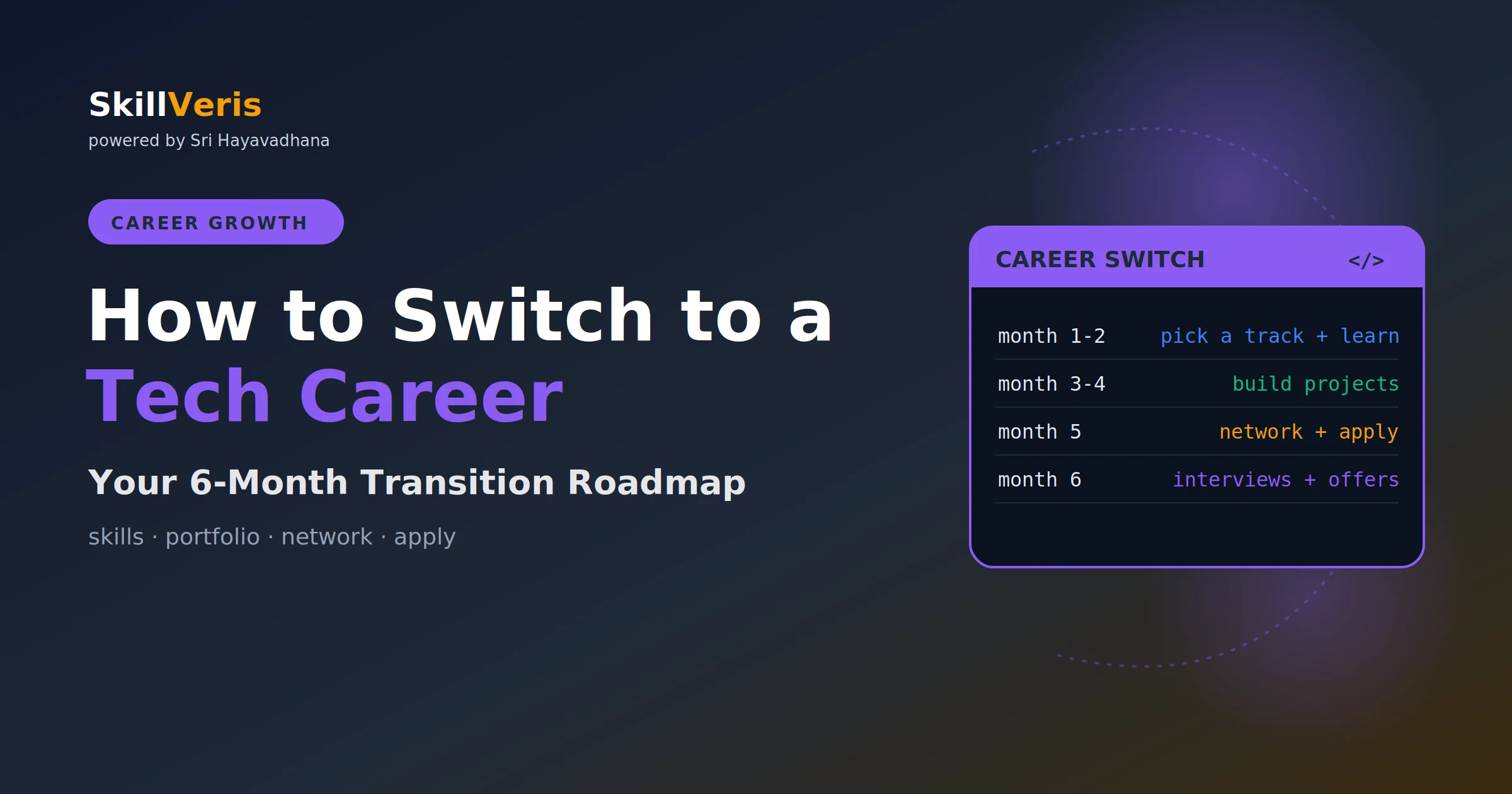
- How to Switch to a Tech Career: the full roadmap from skills to offer.
14Frequently Asked Questions
Should I include a photo on my tech resume? In most Western markets such as the US, UK, Canada, and Australia, no; photos introduce bias and are not expected. In some Asian and European markets photos are more common, so follow local norms for the market you're applying to, and when in doubt, omit it.
How do I quantify impact if I don't have access to metrics? Use what you can: team size, project scale, rough user counts, time saved, or before/after comparisons you remember. Ask your manager or colleagues before leaving a role, and remember that an approximation with context ('reduced deployment failures by approximately 70%') is far better than no number; where something genuinely can't be quantified, describe the scale and scope instead.
Should I include every job I've ever had? Include the last 10 years or the last 3-4 relevant roles, whichever is more concise. Older or irrelevant roles such as retail or hospitality can be omitted unless they demonstrate directly relevant transferable skills, with one exception: include significant non-tech roles that show leadership, scale, or domain expertise that strengthens your candidacy.
How long should I spend tailoring my resume for each application? Around 5 to 10 minutes for a targeted application to a role you genuinely want. Build a template with your strongest universal content, then adjust keywords, reorder bullets, and swap in the most relevant project. Spray-and-pray, sending identical resumes to 100 companies, consistently produces worse outcomes than 20 tailored applications.
Get The Print Version
Download a PDF of this article for offline reading.
About the Publisher
SkillVeris Team
Careers Team
Our careers team helps you navigate tech job markets, build portfolios, and land the roles you want.
View all postsRelated Posts
Never miss an update
Get the latest tutorials and guides delivered to your inbox.
No spam. Unsubscribe anytime.