How to Build a Developer Portfolio That Gets You Hired
SkillVeris Team
Careers Team
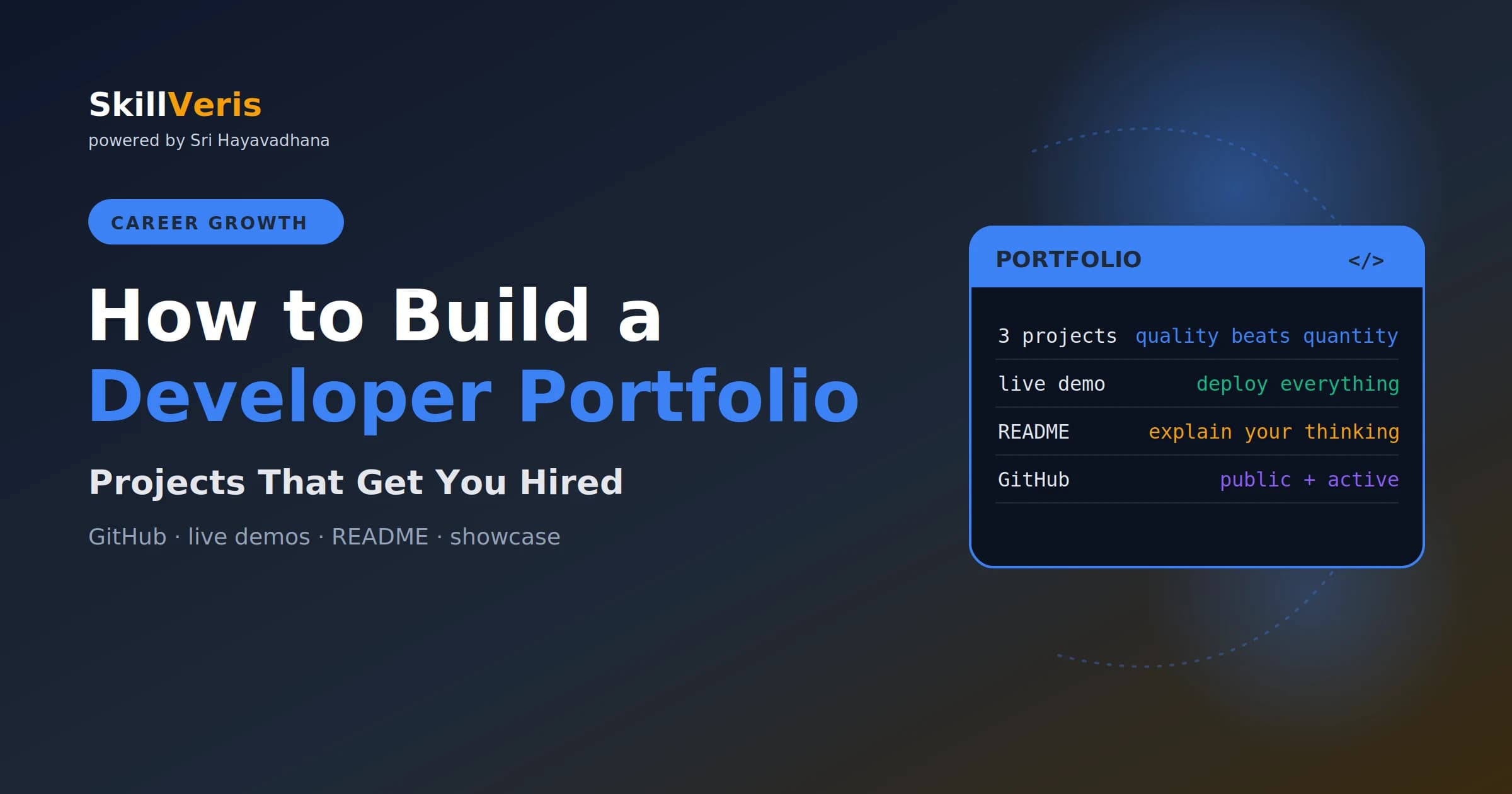
Three well-documented, deployed projects beat a hundred tutorial certificates.
In this guide, you'll learn:
- Each portfolio project needs a real problem, a live demo, a clean README, and a short write-up of your decisions.
- Quality beats quantity: three strong projects impress recruiters far more than ten half-finished tutorials.
- A strong README with a screenshot and live demo link is what stops a recruiter from closing the tab.
- Every project must be deployed and reachable by URL, with guest credentials provided when login is required.
1Why Your Portfolio Matters More Than Your Degree
In tech hiring, evidence beats credentials. A recruiter looking at two candidates — one with a CS degree and no projects, one with a bootcamp certificate and three deployed apps — will typically call the second candidate first.
Code is concrete; it answers "can you actually build things?" better than any qualification. For career switchers and self-taught developers, a strong portfolio is not just helpful — it's the primary path to getting hired.
2How Many Projects Do You Need?
Quality beats quantity. Three strong, well-documented, deployed projects are far more impressive than ten half-finished tutorials.
Once you're employed, you'll add real work to your portfolio naturally. Don't delay applying while building a tenth project — ship three good ones and start.
- Entry level (0–2 years): 3 projects, each solving a different type of problem.
- Mid-level (2–5 years): 3–5 projects; at least one with meaningful scale, a team collaboration, or open-source contribution.
3Choosing the Right Projects
The best portfolio projects come from problems you personally encountered. That authenticity comes through in interviews when you're asked "why did you build this?"
A few principles separate a portfolio project from a tutorial clone.
- Avoid tutorial clones: a to-do app or Netflix clone signals you followed instructions; it doesn't show independent problem-solving.
- Use job-relevant tech: look at 10 job descriptions for your target role and note the most-mentioned stack. Build with those tools.
- Start small, finish completely: a simple, polished, deployed app beats an ambitious unfinished one. Recruiters click live links; they don't run unfinished code locally.
4What Makes a Project Portfolio-Worthy
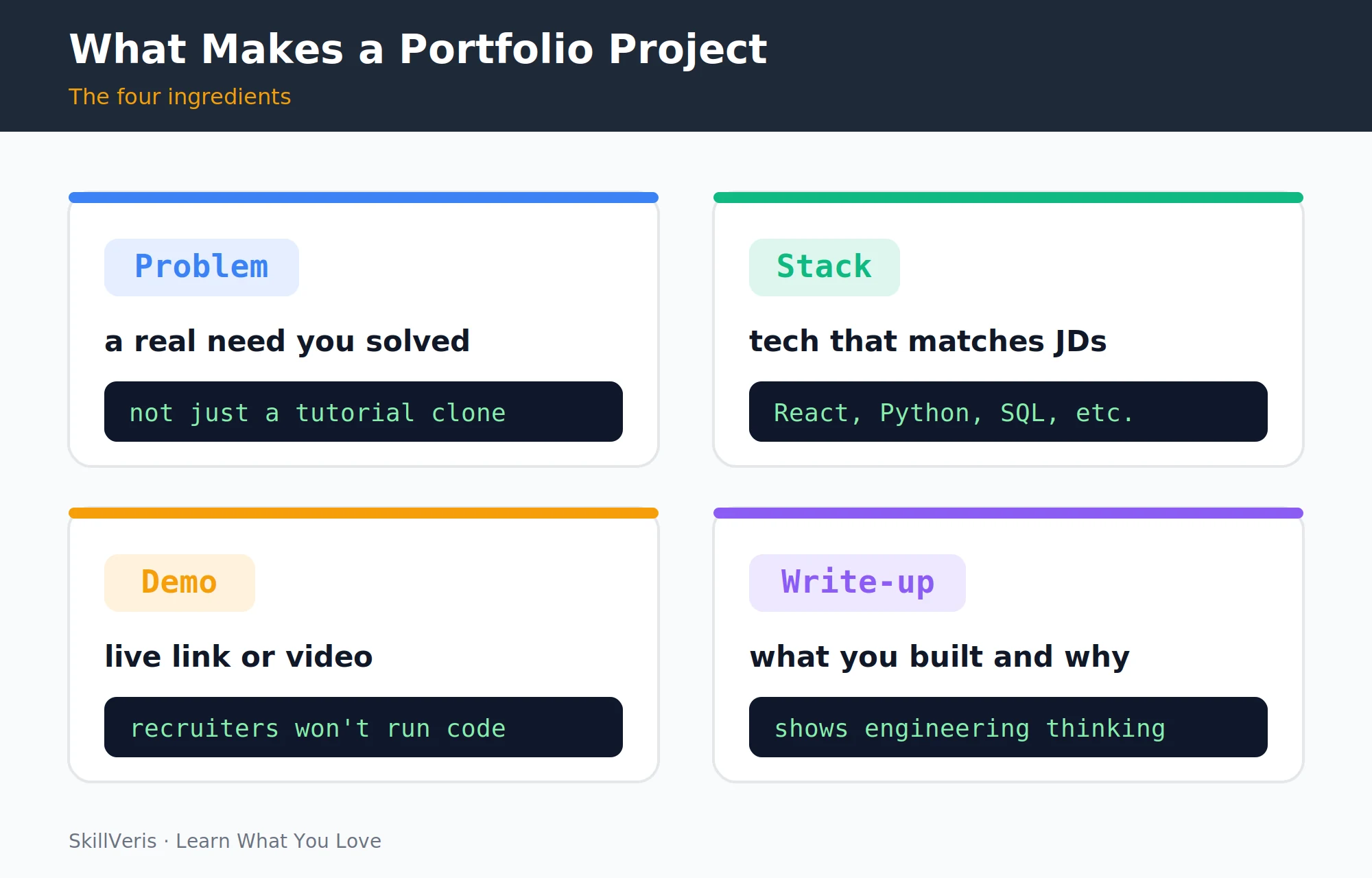
A portfolio project needs four things. Each one signals engineering maturity beyond raw coding ability.
- A real problem: something you or someone else actually needed — a cricket match scheduler, a bus route planner, a personal budget dashboard.
- A live demo: deployed and accessible via a URL. If it requires login, provide guest credentials in the README.
- A clean README: what it does, the tech stack, setup instructions, a screenshot, and ideally a link to the live demo.
- A brief case study or write-up: 3–5 sentences explaining the challenge you faced, the approach you took, and what you'd do differently. This demonstrates engineering thinking, not just coding ability.
5Writing a Great README
Most developers neglect READMEs. A strong README is what separates a recruiter clicking "live demo" from them closing the tab immediately.
Follow a consistent structure so anyone can understand your project in seconds.
- Title + one-line description: what is this?
- Screenshot or GIF: show it before explaining it.
- Live demo link: right at the top.
- Tech stack: bullet list of key technologies.
- Features: 4–6 bullet points of what it can do.
- Setup instructions: how to run it locally (assume nothing).
- What I learned / challenges: one short paragraph. This is what differentiates you.
💡Pro Tip
Use a tool like ttygif or Loom to record a 30-second GIF or video of your app in action and embed it in the README. A visual demo increases engagement dramatically — recruiters see the output before they read a word.
6Deploying Your Projects
Every project must be live. Free deployment options vary by the type of project you're shipping.
- Frontend (React, HTML) — Vercel, Netlify, GitHub Pages
- Full-stack (Node, Python backend) — Railway, Render, Fly.io
- Android app — Google Play (free tier), APK download link
- Data dashboard — Tableau Public, Streamlit Community Cloud
- API / microservice — Render, Railway, AWS Free Tier
⚠️Watch Out
Free hosting tiers often spin down after inactivity. Add a note in your README ("May take 30 seconds to wake up on first visit") so recruiters don't assume it's broken.
7Your GitHub Profile
GitHub is your public coding identity. Recruiters who are serious about a candidate will always check it, so make it count.
- Profile README: create a special repo named yourusername/yourusername with a README.md — it appears at the top of your profile. Use it as a brief bio with your stack and current focus.
- Pin 6 repositories: pin your best 3 portfolio projects and 2–3 other relevant repos.
- Green squares: consistent daily commits (even small ones) signal discipline. Don't commit empty files to game it — commit real work.
- Clean commit messages: "Fixed bug" tells nothing; "Fix: handle null user ID in auth middleware" shows professionalism.
8Building Your Portfolio Site
A personal portfolio site doesn't need to be elaborate — clean, fast, and easy to navigate matters more than impressive design.
Deploy it for free via GitHub Pages or Netlify. Use your own domain if possible (cheap .dev domains cost under ₹1,000/year and look significantly more professional).
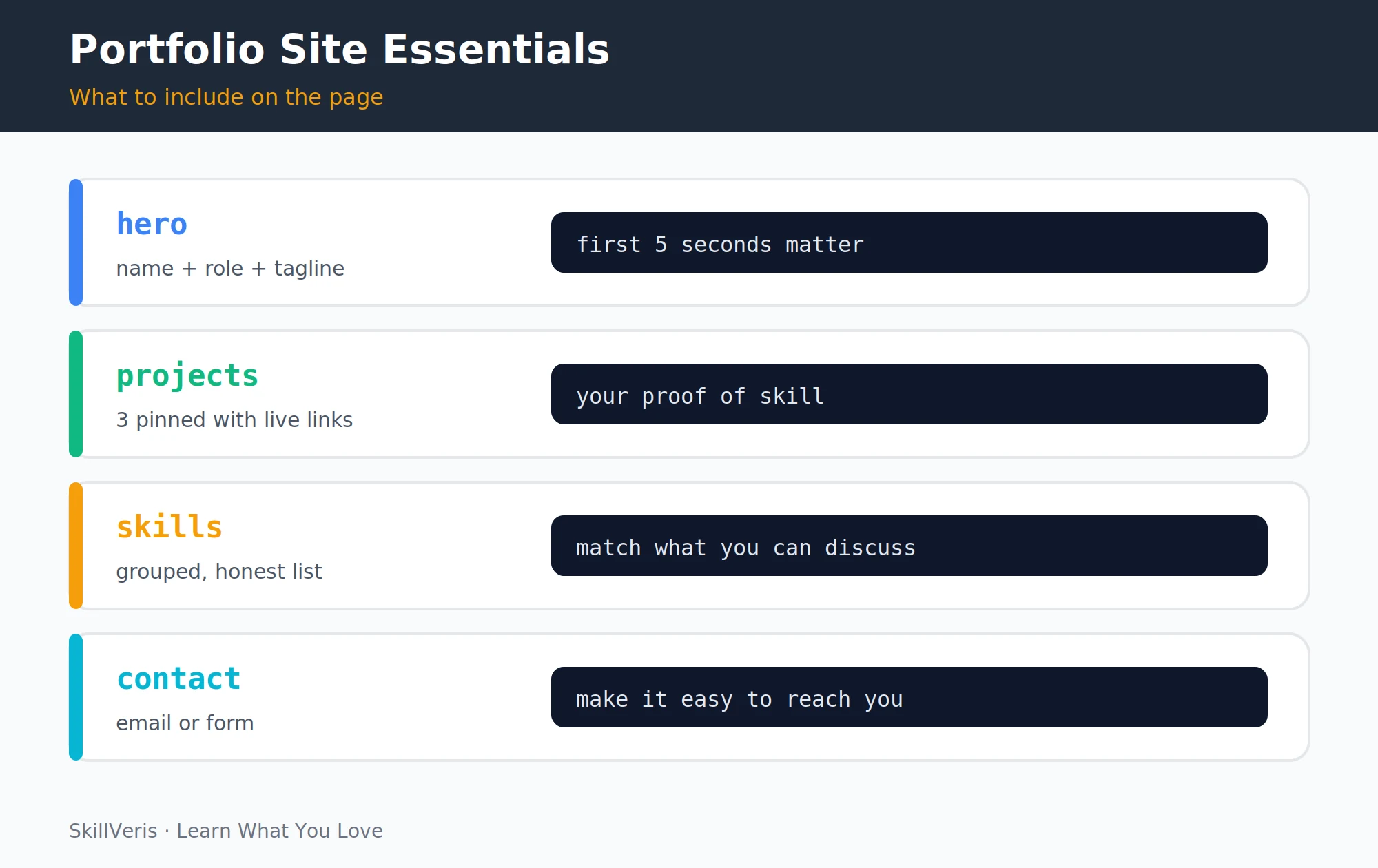
- Hero: your name, role ("Full-Stack Developer • React • Python"), and a one-line value statement.
- Projects: 3 cards, each with a screenshot, one-line description, tech badges, and links to the live demo and GitHub repo.
- Skills: grouped (Languages, Frameworks, Tools, Cloud). Keep it honest — only list skills you can discuss in an interview.
- About: 2–3 sentences on your background, what you're building toward, and one personal detail (hobbies, location). This humanises you.
- Contact: email link and LinkedIn. A contact form is nice but not necessary.
9Project Ideas by Role
Stuck on what to build? These project ideas are mapped to common target roles and use the stacks employers actually look for.
- Frontend Dev — Weather app with geolocation, expense tracker PWA, recipe search with API
- Backend / Full-stack Dev — REST API with auth (JWT), URL shortener, real-time chat with WebSockets
- Data Analyst — Public dataset dashboard (Tableau/Streamlit), IPL or cricket stats analyser, stock price visualiser
- ML / AI — Sentiment analyser, image classifier with TensorFlow Lite, LLM-powered chatbot
- Android Dev — Offline-first utility app (budget, notes, habit tracker), news aggregator, civic guide app
- DevOps / Cloud — Fully Dockerised app with CI/CD pipeline, Terraform config for a VPC + EC2, monitoring stack
10What NOT to Include
What you leave out matters as much as what you show. Avoid anything that undermines the impression of a working, professional developer.
- Tutorial clones labelled as original projects (recruiters recognise them).
- Private or broken repos — link only to what works.
- Outdated technology that no employer uses (jQuery-only sites, Flash demos).
- Dozens of small, uncommitted repos — quality over quantity; archive or delete anything you wouldn't discuss in an interview.
11Keeping It Current
A portfolio that hasn't changed in two years signals stagnation. Keep it alive with small, regular updates.
- Add or update one project every 3–6 months.
- Refresh the skills section as you learn new technologies.
- Replace your weakest project with a better one once you have it.
- Keep all live demos working — dead links actively hurt your impression.
12Key Takeaways
A portfolio is the most persuasive asset in your job search. Keep these principles front of mind as you build.
- Three deployed, documented projects beat ten tutorial certificates every time.
- Each project needs: a real problem, a live demo, a clean README, and a brief write-up.
- Your GitHub profile and a personal portfolio site frame your projects for recruiters.
- Use job-relevant tech, keep demos live, and update every few months.
13What to Learn Next
Complete your job-search toolkit by pairing your portfolio with the rest of the package recruiters review.
- How to Build a Standout Tech Resume — pair your portfolio with a strong resume.
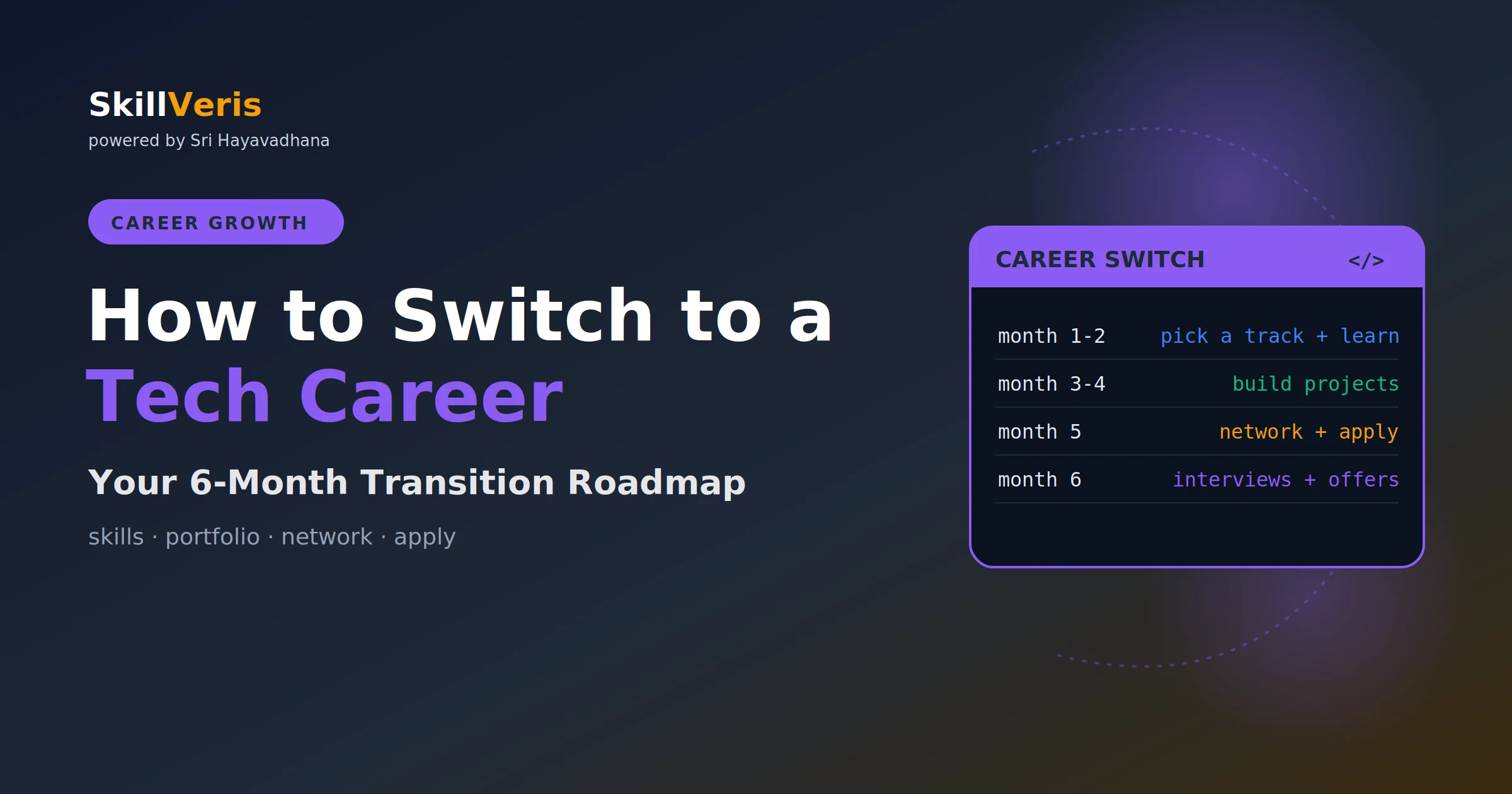
- How to Switch to a Tech Career in 6 Months — the full transition plan.
- LinkedIn Tips for Developers — make your profile match your portfolio.
14Frequently Asked Questions
Do I need a portfolio site or is GitHub enough? GitHub is essential; a portfolio site adds polish and makes it easier for non-technical recruiters to understand your work. Build GitHub first, then add a site once you have 2–3 projects to show.
Should I include group projects or only solo ones? Both are valuable. Group projects show collaboration skills and often involve more complex codebases. Be clear about your specific contribution — "built the authentication system and REST API" is better than "worked on a team project."
What if my projects use paid APIs I can no longer afford to keep running? Record a screen-capture video of the app working and embed it in the README. Note in the live demo link that the app is demo-only. Most recruiters will understand; what matters is they can see it worked.
Can I include projects I built while learning (like from a course)? Only if you extended them significantly beyond the tutorial. A to-do app from a course is weak; the same app extended with user authentication, cloud sync, and a mobile-responsive design becomes a real project. The key is what you added independently.
Get The Print Version
Download a PDF of this article for offline reading.
About the Publisher
SkillVeris Team
Careers Team
Our careers team helps you navigate tech job markets, build portfolios, and land the roles you want.
View all postsRelated Posts
Never miss an update
Get the latest tutorials and guides delivered to your inbox.
No spam. Unsubscribe anytime.