Learn Python Through Cricket: Your Ultimate Beginner's Guide
SkillVeris Team
Content Team
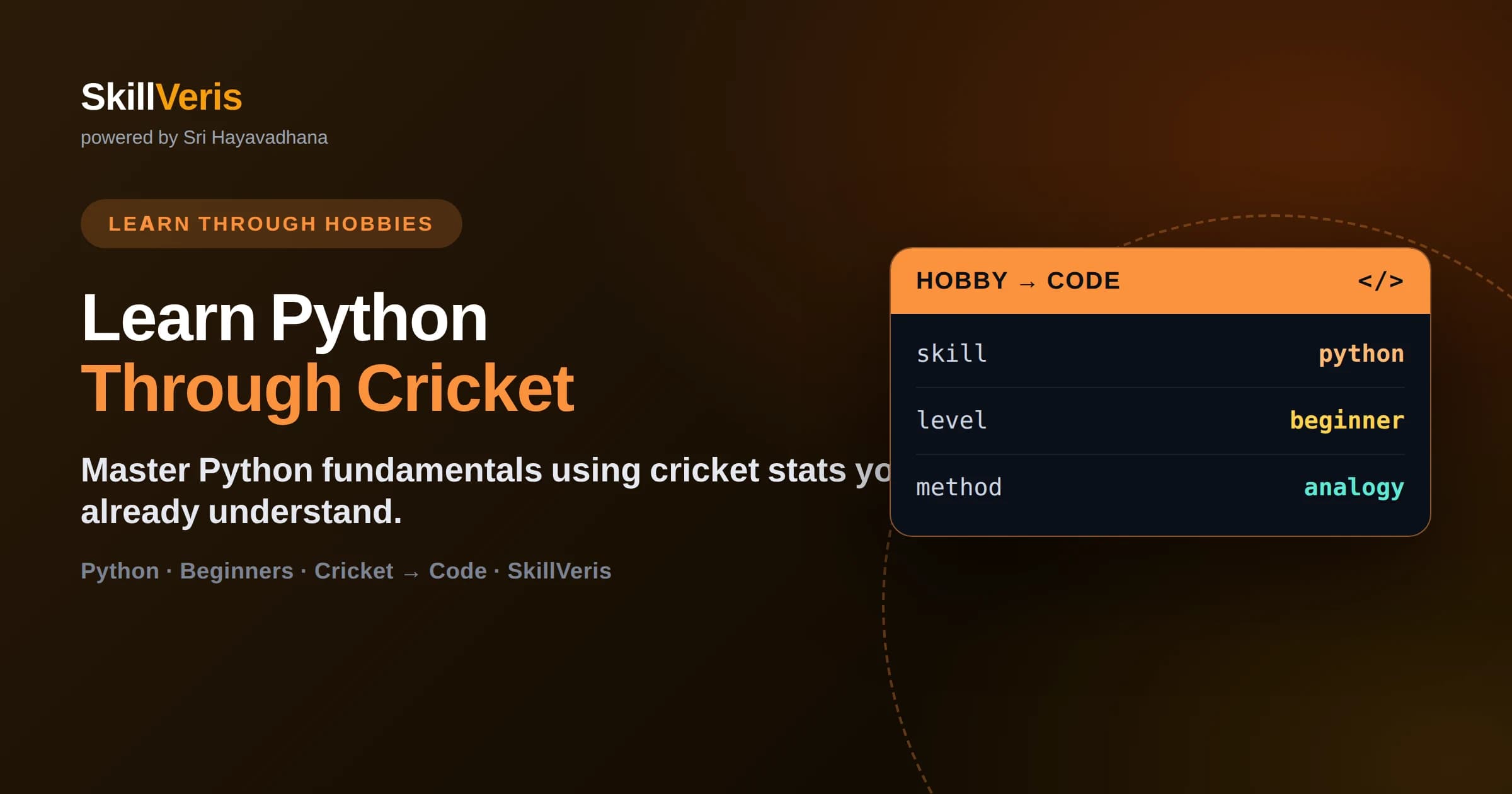
Learning Python through cricket makes abstract concepts instantly relatable and memorable.
In this guide, you'll learn:
- Real match data — player stats, innings, economy rates — gives you the perfect practice dataset.
- Every core Python concept maps cleanly onto a cricket concept you already understand.
- This guide requires zero prior programming experience — only a love for the game.
- By the end, you will have built a working cricket stats analyser in Python.
1About This Guide
This guide is part of SkillVeris's "Learn Through Hobbies" series — a teaching philosophy built on a simple but powerful insight: when you learn a technical skill through something you already love, everything clicks faster.
Most Python tutorials start with boring examples — calculating the area of a rectangle, printing "Hello World", sorting random numbers. Those examples work, but they don't motivate you. Cricket does.
Whether you follow the IPL, Test cricket, or your local club matches, you already carry rich domain knowledge in your head. You understand averages, strike rates, economy rates, Duckworth-Lewis-Stern. We're going to use that knowledge as scaffolding for everything you learn here.
By the end of this guide, you won't just understand Python — you'll have written real code that analyses actual match data and produces insights you can discuss with any fellow fan.
2Why Cricket Is Perfect for Learning Python
Cricket is a deeply statistical sport. Every delivery produces data — runs, wickets, dot balls, boundaries, run rate, required rate. The IPL alone generates millions of data points across each season. This richness makes it an ideal sandbox for a new programmer.
Think about how naturally cricket maps onto programming concepts. A team lineup is a list. A player's career stats are a dictionary. An innings is a loop that runs until 10 wickets fall or overs are exhausted. A scoring function takes runs and balls as inputs and returns a strike rate as output.
Beyond the structural fit, there is an emotional one. When you write code that computes Virat Kohli's batting average or predicts the winner of an IPL match, you care about the answer. That care is rocket fuel for learning.
💡Pro Tip
Download the IPL Ball-by-Ball dataset from Kaggle before starting. Having real data to work with makes every example in this guide instantly more satisfying.
3Setting Up Python: Your Digital Pitch
Before you can bat, you need a pitch. Before you can code, you need a Python environment. The good news is that setup takes about ten minutes and you only have to do it once.
Download Python 3.12 or later from python.org and run the installer. On Windows, make sure to tick "Add Python to PATH" — that single checkbox saves beginners hours of confusion. On macOS, you can also use Homebrew: brew install python.
Next, install Visual Studio Code (VS Code). It is free, fast, and what most professional developers use. Once installed, add the Python extension from Microsoft. This gives you syntax highlighting, code completion, and the ability to run scripts directly inside the editor.
- Install Python 3.12+ from python.org
- Install VS Code from code.visualstudio.com
- Add the Python extension in VS Code
- Open a terminal in VS Code and type: python --version
- Create a new file called cricket_stats.py and write: print("Match started!")
- Press F5 to run — you should see "Match started!" in the terminal.
4Variables and Data Types: Reading the Scorecard
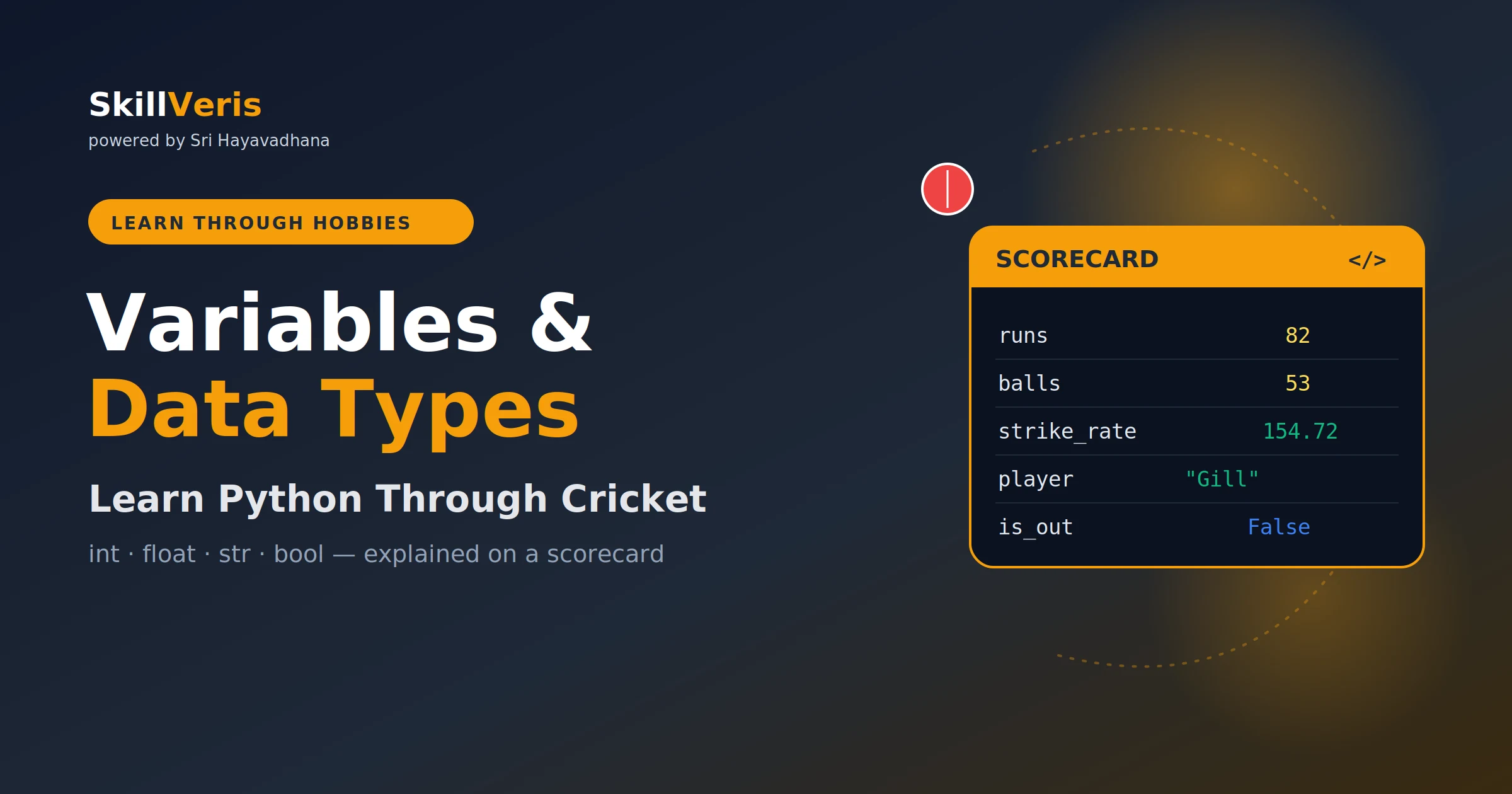
In cricket, a scorecard shows runs, wickets, overs, and player names. In Python, each of these is a different data type. Runs are integers (whole numbers). Averages are floats (decimals). Player names are strings (text). Whether a batsman is "not out" is a boolean (True or False).
Let's write our first real code. Open cricket_stats.py and replace its contents with the snippet below. Every variable name tells you exactly what it holds — that is called self-documenting code, and professional developers consider it a mark of quality.
Notice how readable this is even without comments. player_name is clearly a string. runs_scored is clearly an integer. strike_rate is a float calculated from two other variables. Python's clean syntax is one of the reasons it dominates data science — it reads almost like English.
🔑Key Concept
Python uses dynamic typing — you don't need to declare a variable's type. Python figures it out from the value you assign. This is why player_name = "Virat Kohli" just works, with no extra ceremony.
Your First Cricket Script
Copy this starter code and run it. Experiment by changing the numbers and names. The fastest way to learn programming is to break things intentionally and figure out why.
player_name = "Virat Kohli"  # string
runs_scored = 82  # integer
balls_faced = 54  # integer
is_not_out = True  # boolean
strike_rate = (runs_scored / balls_faced) * 100  # float
print(f"{player_name}: {runs_scored} off {balls_faced} balls — SR {strike_rate:.1f}")5Control Flow: The Captain's Decisions
A cricket captain makes decisions every ball — which bowler to bring on, where to set the field, when to declare. In Python, we model decisions using if/elif/else statements and we repeat actions using loops.
Imagine you are building a function that decides a batting strategy based on the required run rate. If the required rate is below 6, you play conservatively. Between 6 and 10, you take calculated risks. Above 10, you go all-out attack. This translates directly into an if/elif/else chain.
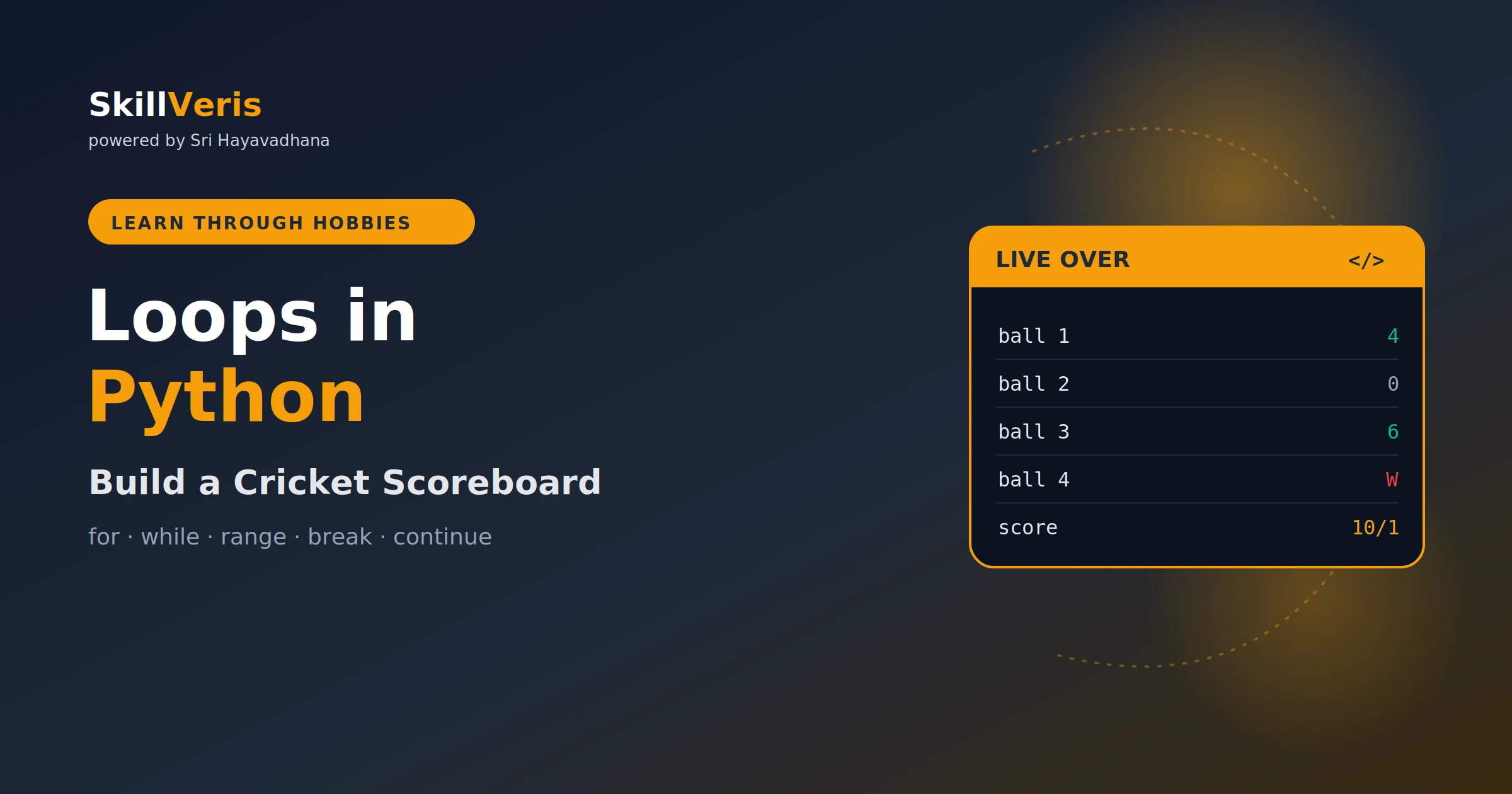
Loops are equally natural in cricket. An over consists of 6 deliveries. A for loop runs exactly as many times as you tell it — so simulating an over is simply iterating six times. An innings continues until 10 wickets fall or overs run out — a perfect use case for a while loop with two exit conditions.
6Building Your First Cricket Stats App
Now that you understand variables, control flow, and functions, it is time to combine them into a real application. We are going to build a command-line cricket stats analyser that reads a CSV of match data, computes batting averages, identifies the highest scorer, and prints a formatted scorecard.
This project touches every concept you have learned so far — and introduces two powerful libraries: csv for reading data files and sorted() for ranking. These are standard Python tools you will use throughout your entire programming career.
Once the basic app is working, extend it. Add a function that calculates economy rate for bowlers. Build a leaderboard sorted by batting average. Plot run rates over the innings using matplotlib. Each extension deepens your understanding and adds a bullet point to your portfolio.
💡Next Steps
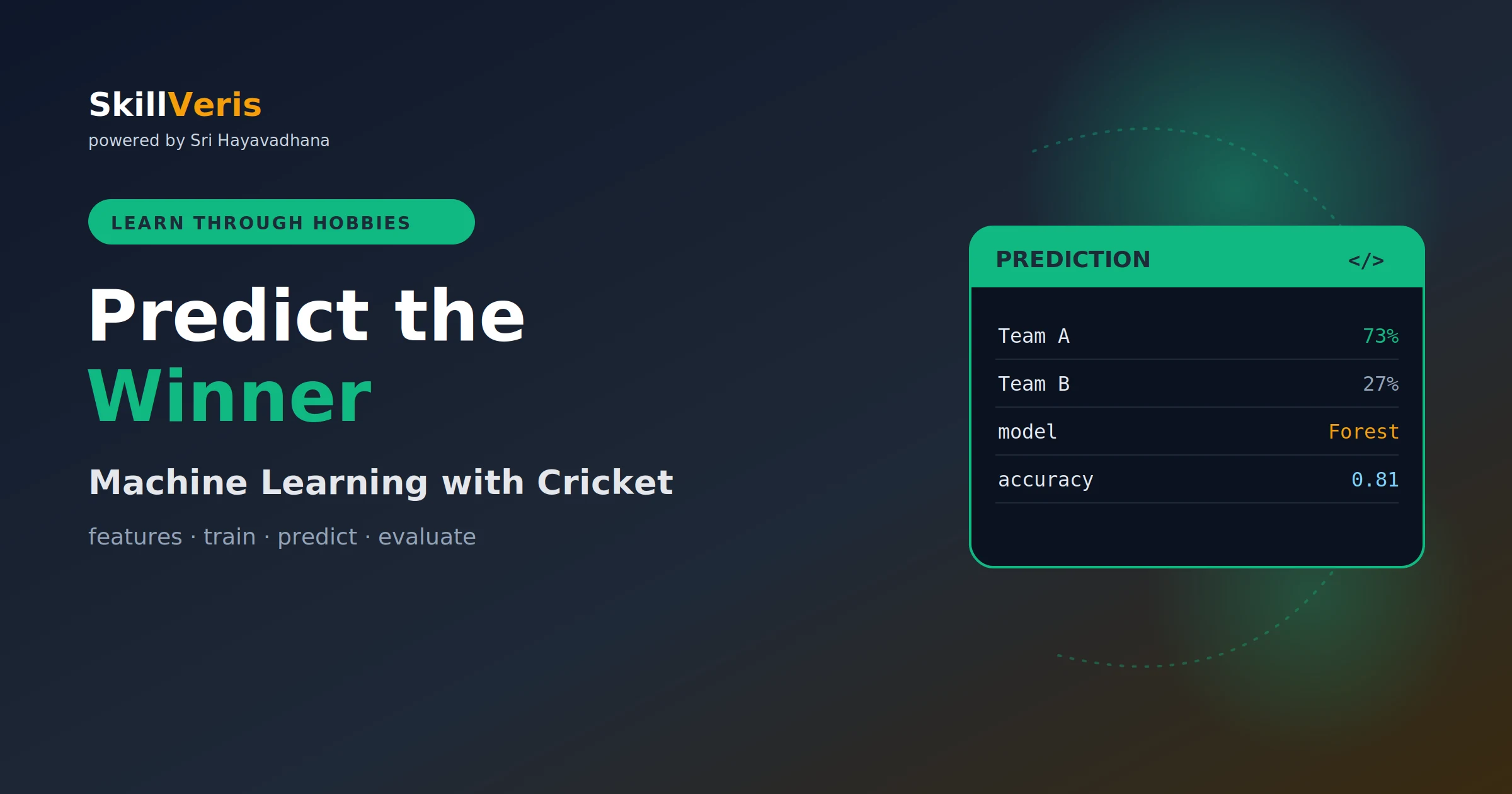
After completing this project, check out the SkillVeris "Data Science Through Cricket" lesson series. It takes these exact skills and scales them into machine learning — predicting match winners using real IPL historical data.
Related Reading
Get The Print Version
Download a PDF of this article for offline reading.
About the Publisher
SkillVeris Team
Content Team
We believe the best way to learn tech is through what you already love — sports, music, photography, and more.
View all postsRelated Posts
Never miss an update
Get the latest tutorials and guides delivered to your inbox.
No spam. Unsubscribe anytime.