Testing Python Code with pytest: A Beginner's Guide
SkillVeris Team
Engineering Team
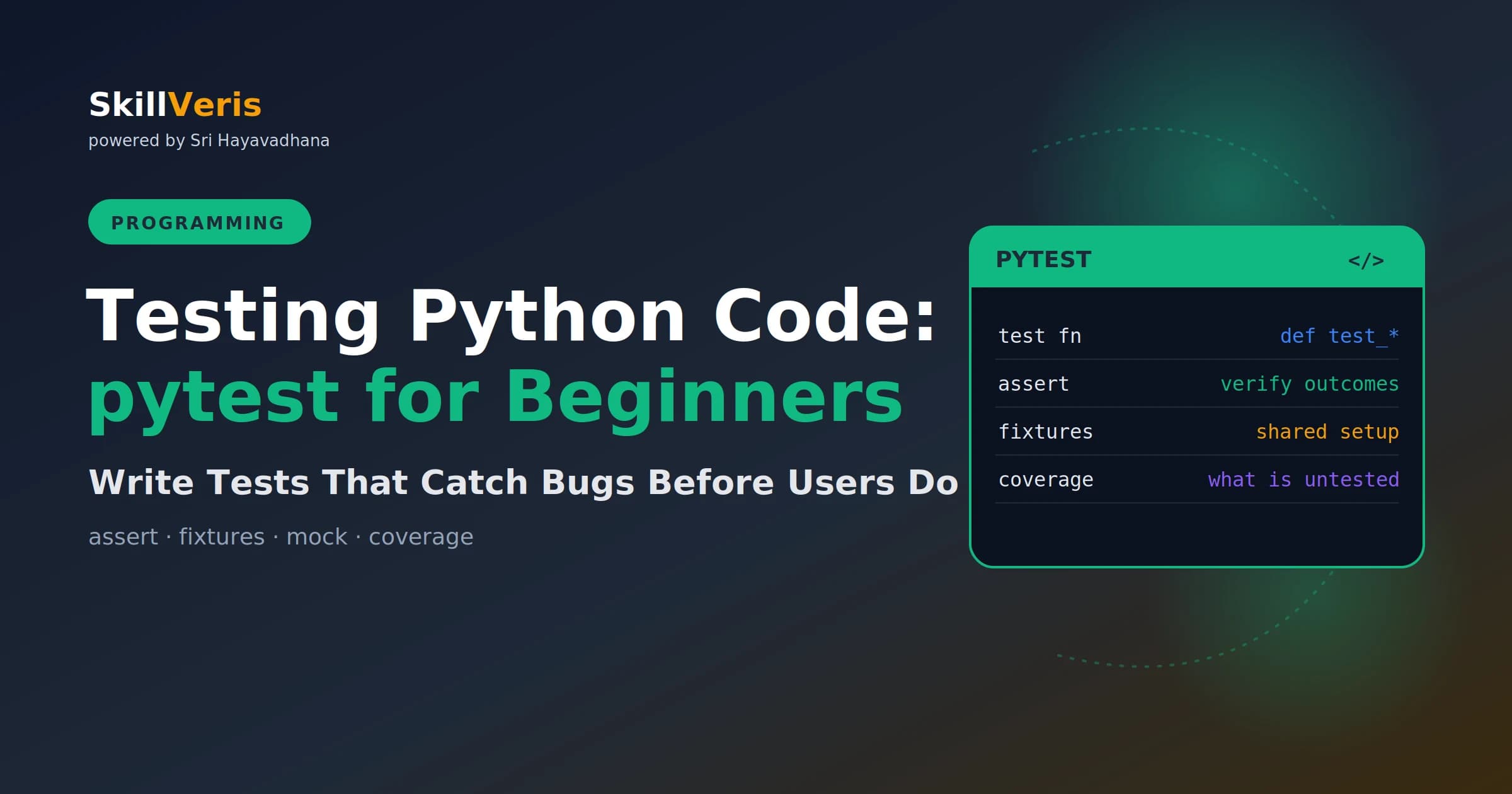
A pytest test is any function whose name starts with test_, using plain assert statements to verify outcomes.
In this guide, you'll learn:
- Use fixtures for shared setup, parametrize to test many inputs with one function, and mock to replace external dependencies.
- Run pytest --cov to see exactly which lines of your code are untested.
- Test exceptions with pytest.raises to assert that the expected error is raised.
- Fixtures are injected by name and can include teardown logic via yield.
1Why Testing Matters
Without tests, every code change is a risk. Tests let you refactor confidently, catch regressions before they reach users, document expected behaviour, and ship faster because you spend less time debugging in production. The investment pays back within the first bug a test catches.
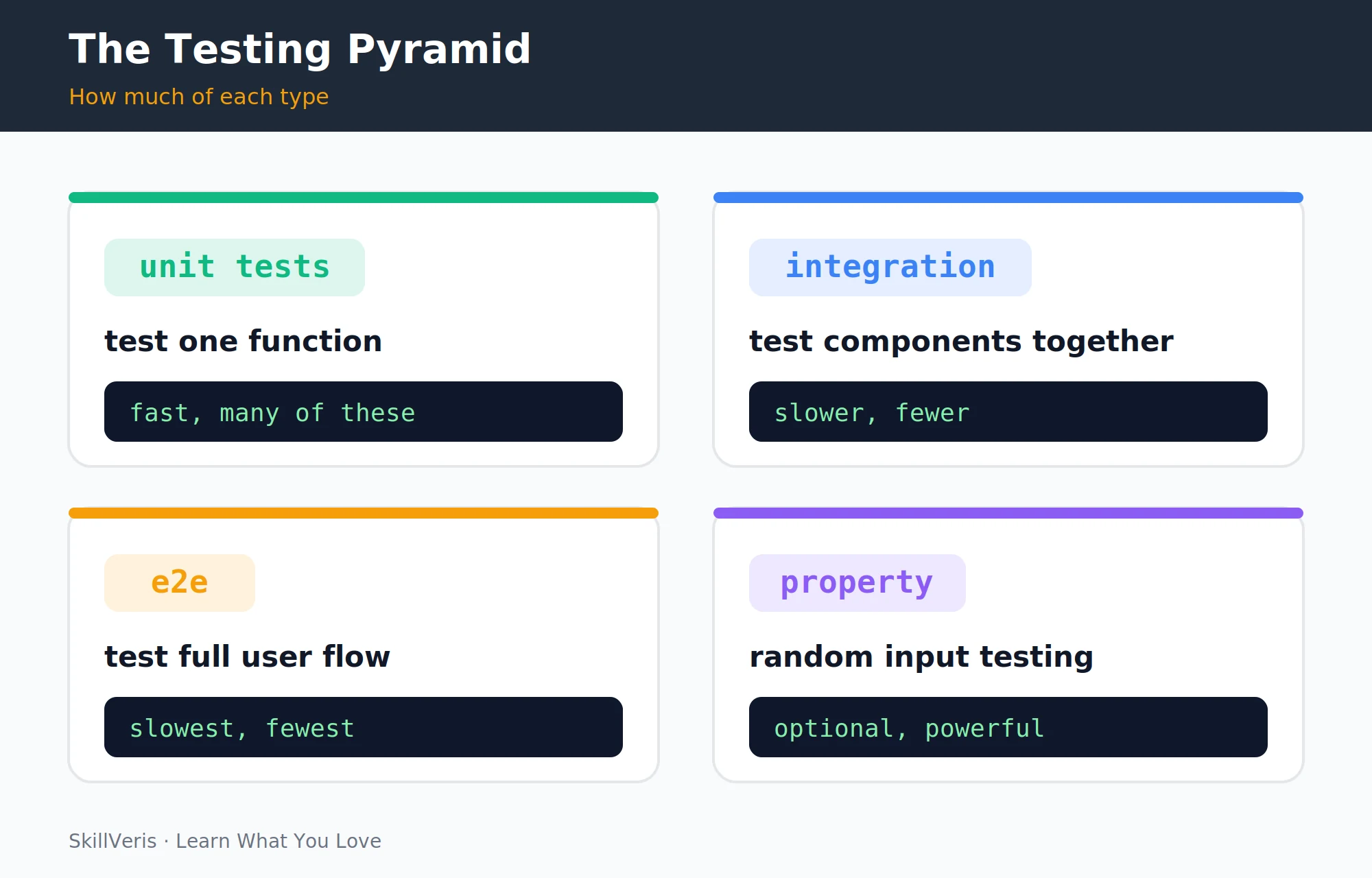
Python has two testing frameworks: the built-in unittest (verbose, class-based) and pytest (concise, function-based, much more popular). This guide covers pytest — it's what most Python projects use in 2026.
2Installing pytest
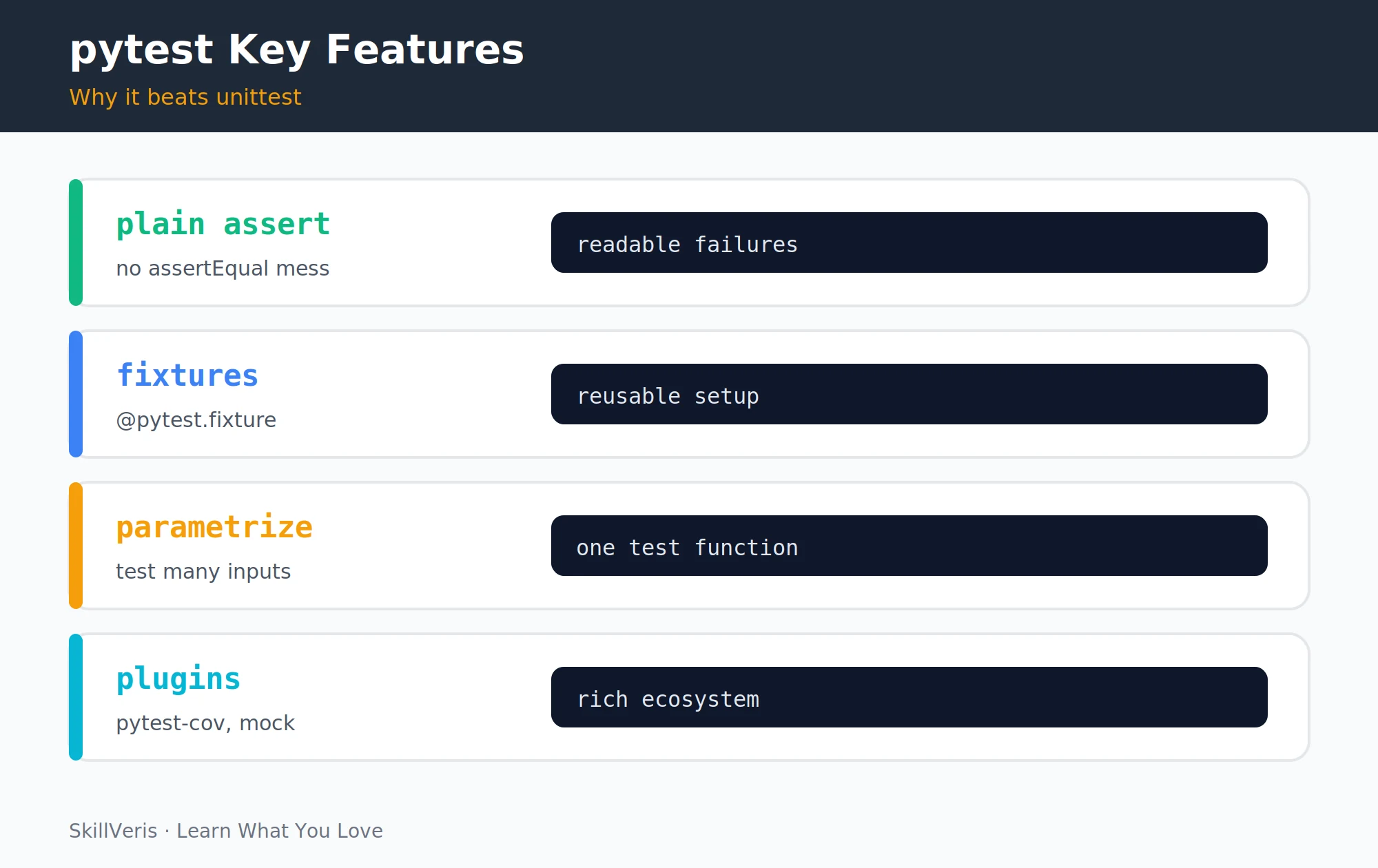
Install pytest into your virtual environment and verify the version. For any non-trivial project, add a few common plugins that extend its capabilities.
- pytest-cov — Coverage reporting
- pytest-mock — Convenient mocking via the mocker fixture
- pytest-asyncio — Test async functions
- pytest-httpx — Mock httpx requests in tests
- freezegun — Freeze time.time() in tests
Install and Verify
Install pytest with coverage support and confirm it works.
# In your virtual environment
pip install pytest pytest-cov
# Verify
pytest --version3Your First Test
Write the code you want to test, then create a matching test file. Key conventions: test files must be named test_*.py or *_test.py; test functions must start with test_; and assertions use plain assert. pytest introspects the assertion to show you exactly what values failed.
calculator.py
A small module with one normal path and one that raises.
def add(a: float, b: float) -> float:
    return a + b
def divide(a: float, b: float) -> float:
    if b == 0:
        raise ZeroDivisionError("Cannot divide by zero")
    return a / b
test_calculator.py
Each test function starts with test_ and uses a plain assert.
from calculator import add, divide
import pytest
def test_add_two_positives():
    assert add(2, 3) == 5
def test_add_negative_numbers():
    assert add(-1, -2) == -3
def test_add_floats():
assert add(0.1, 0.2) == pytest.approx(0.3) # floating point!4Running Tests
pytest discovers and runs your tests with a single command, and a range of flags let you narrow or expand a run. A passing test shows as ., a failure as F, and a skipped test as s; pytest prints a detailed failure message showing the exact line, the values on both sides of the assertion, and the diff.
Common Commands
From running everything to targeting a single test function.
# Run all tests in current directory and subdirectories
pytest
# Verbose output (shows each test name)
pytest -v
# Run a specific file
pytest test_calculator.py
# Run a specific test function
pytest test_calculator.py::test_add_two_positives
# Stop at first failure
pytest -x
# Show print statements during tests
pytest -s
# Run tests matching a keyword
pytest -k "add"5Testing Edge Cases and Exceptions
pytest.raises(ExceptionClass) asserts that the code inside the with block raises that specific exception. The match parameter checks that the error message matches a pattern. If the exception is NOT raised, the test fails.
Asserting Exceptions
Verify that error conditions raise the right exception.
def test_divide_normal():
    assert divide(10, 2) == 5.0
def test_divide_by_zero():
    # Test that the expected exception is raised
    with pytest.raises(ZeroDivisionError, match="Cannot divide by zero"):
        divide(10, 0)
def test_add_strings_raises_type_error():
    with pytest.raises(TypeError):
add("a", 1)6Fixtures: Shared Setup
Fixtures are functions that set up shared test data or state. They're injected into test functions simply by naming them as parameters, and they run before each test that requests them.
Fixtures can set up databases, create test files, or initialise FastAPI test clients. Add teardown code using yield — anything after the yield runs once the test finishes.
A Simple Fixture
pytest injects the fixture's return value by parameter name.
import pytest
from calculator import add
@pytest.fixture
def sample_numbers():
    return [1, 2, 3, 4, 5]
def test_sum_of_samples(sample_numbers):
    # pytest injects sample_numbers automatically
    total = sum(sample_numbers)
    assert total == 15
def test_max_of_samples(sample_numbers):
    assert max(sample_numbers) == 5
Fixtures with Teardown
yield separates setup from teardown; tmp_path is a built-in fixture.
@pytest.fixture
def tmp_file(tmp_path):
    f = tmp_path / "test.txt"
    f.write_text("hello")
    yield f
# teardown: file is automatically deleted (tmp_path is a pytest built-in)7Parametrize: Testing Many Inputs
Instead of writing a separate test function for each input combination, use @pytest.mark.parametrize. This creates several separate tests from one function, and pytest names them automatically (test_add_parametrized[2-3-5], and so on) so each runs and reports independently.
💡Pro Tip
Write parametrized tests for edge cases: empty string, zero, negative numbers, very large values, None, and Unicode input. The parametrize decorator makes it trivial to add new cases as you discover them.
One Function, Many Cases
Each tuple becomes its own independently reported test.
@pytest.mark.parametrize("a, b, expected", [
    (2, 3, 5),
    (0, 0, 0),
    (-1, 1, 0),
    (100, 200, 300),
    (0.1, 0.2, pytest.approx(0.3)),
])
def test_add_parametrized(a, b, expected):
assert add(a, b) == expected8Mocking: Replace External Dependencies
Tests should be fast, isolated, and free of real network requests or database calls. Use unittest.mock (or pytest-mock) to replace external dependencies.
patch temporarily replaces the named object with a mock during the test. The mock records all calls made to it, letting you assert not just the return value but also whether the dependency was called correctly.
Patching a Network Call
Replace requests.get with a mock and assert how it was called.
from unittest.mock import patch, MagicMock
import requests
def get_weather(city: str) -> str:
    r = requests.get(f"https://api.weather.com/{city}")
    return r.json()["description"]
def test_get_weather():
    mock_response = MagicMock()
    mock_response.json.return_value = {"description": "Sunny"}
    with patch("requests.get", return_value=mock_response) as mock_get:
        result = get_weather("Chennai")
        assert result == "Sunny"
mock_get.assert_called_once_with("https://api.weather.com/Chennai")9Testing Classes
Classes are tested the same way as functions: build the object in a fixture, then exercise its methods and assert on the resulting state, including the error paths.
Testing a BankAccount
A fixture builds the account; each test checks one behaviour.
class BankAccount:
    def __init__(self, balance: float = 0):
        self._balance = balance
    def deposit(self, amount: float): self._balance += amount
    def withdraw(self, amount: float):
        if amount > self._balance: raise ValueError("Insufficient funds")
        self._balance -= amount
    @property
    def balance(self): return self._balance
@pytest.fixture
def account():
    return BankAccount(balance=1000.0)
def test_deposit_increases_balance(account):
    account.deposit(500)
    assert account.balance == 1500.0
def test_withdraw_reduces_balance(account):
    account.withdraw(200)
    assert account.balance == 800.0
def test_overdraft_raises_error(account):
    with pytest.raises(ValueError, match="Insufficient funds"):
account.withdraw(5000)10Code Coverage
Coverage shows which lines were executed during your test run. 80% is a common target; 100% is achievable for small modules but often overkill for large ones. Focus on covering edge cases and error paths, not chasing a percentage.
Running Coverage
Report missing lines, generate an HTML view, or enforce a threshold.
# Run tests with coverage report
pytest --cov=calculator --cov-report=term-missing
# Output shows which lines are NOT covered:
# Name           Stmts   Miss  Cover   Missing
# calculator.py      8      1    88%   12
# Generate an HTML report
pytest --cov=calculator --cov-report=html
# Opens htmlcov/index.html in browser
# Fail if coverage drops below threshold
pytest --cov=calculator --cov-fail-under=8011Test Organisation
For larger projects, organise tests to mirror your source structure. conftest.py is pytest's special file for fixtures shared across multiple test files — pytest discovers it automatically, so you don't import it. Put database connections, API clients, and other expensive fixtures there.
Project Layout
Mirror the source tree under a tests/ directory.
my_project/
  src/
    calculator.py
    bank_account.py
    api/
      routes.py
  tests/
    test_calculator.py
    test_bank_account.py
    api/
      test_routes.py
conftest.py # shared fixtures available to all tests12Key Takeaways
These conventions cover the vast majority of day-to-day testing in Python.
- Test files: test_*.py. Test functions: def test_*(). Assertions: plain assert.
- Test exceptions with: with pytest.raises(ExceptionClass): ...
- Fixtures (@pytest.fixture) provide shared setup and teardown; they're injected by name.
- @pytest.mark.parametrize runs one test with many input combinations.
- Mock external dependencies with unittest.mock.patch; measure coverage with pytest-cov.
13What to Learn Next
Apply testing in real projects and automate it in your pipeline.
- Build a REST API with FastAPI — FastAPI has a built-in test client that works with pytest.
- CI/CD Explained — run pytest automatically on every Git push.
- Python Error Handling — test that your error handling works as expected.
14Frequently Asked Questions
Should I write tests before or after the code? Test-Driven Development (TDD) says write tests first. In practice, many developers write tests after the code, especially when exploring a problem. What matters is that tests exist before you consider a feature "done." Retrofitting tests to existing code is harder but better than no tests.
What is the difference between a unit test and an integration test? Unit tests test a single function or class in isolation, with all external dependencies mocked. Integration tests test how multiple components work together with real dependencies. Unit tests are faster and pinpoint failures precisely; integration tests catch issues that only appear when components interact.
How do I test async functions with pytest? Install pytest-asyncio and mark async tests with @pytest.mark.asyncio (or configure asyncio_mode = "auto" in pytest.ini). The test function uses async def and await normally.
What is a good target for test coverage? 80% is a common baseline; 90%+ is achievable for well-designed modules. 100% coverage doesn't mean all bugs are caught — tests need to verify correct behaviour, not just execute lines. Prioritise coverage of business logic, error paths, and edge cases over getter/setter boilerplate.
Related Reading
Get The Print Version
Download a PDF of this article for offline reading.
About the Publisher
SkillVeris Team
Engineering Team
Our engineering writers turn abstract code concepts into hands-on, project-driven learning experiences.
View all postsRelated Posts




Never miss an update
Get the latest tutorials and guides delivered to your inbox.
No spam. Unsubscribe anytime.