Infrastructure as Code Explained: Terraform Basics
SkillVeris Team
Cloud & Security Team
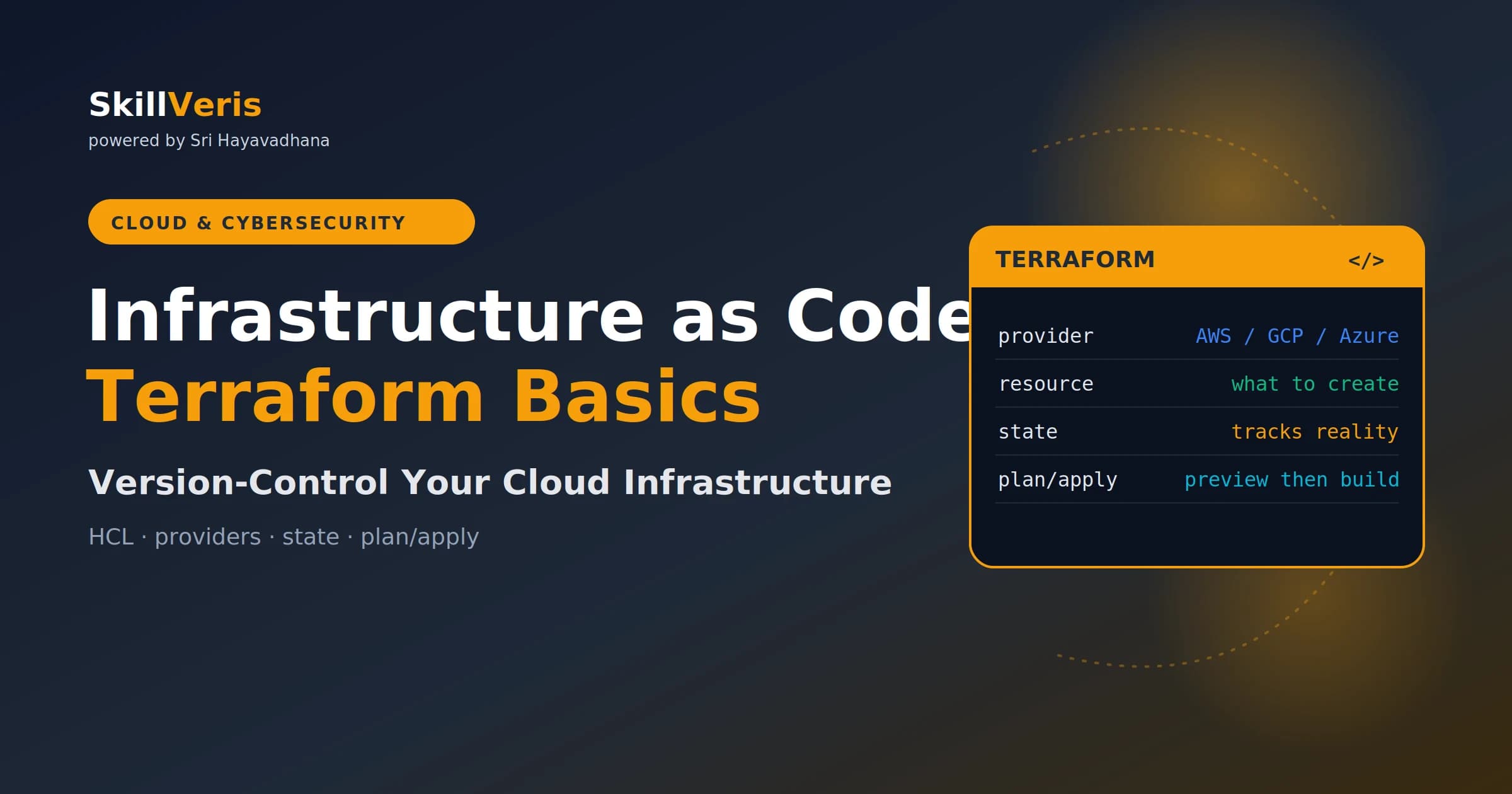
Infrastructure as Code means your cloud resources are defined in files, version-controlled like application code, and provisioned automatically.
In this guide, you'll learn:
- Terraform is the standard IaC tool: write HCL config, run terraform plan to preview, and terraform apply to build.
- IaC makes your entire cloud environment reproducible, reviewable, and recoverable.
- Terraform is declarative, cloud-agnostic, and idempotent across 3,000+ providers.
- The workflow is always init then plan then apply, and you should never skip the plan step.
1What Is Infrastructure as Code?
Infrastructure as Code (IaC) means defining your cloud servers, databases, networks, load balancers, and DNS records in configuration files — then using a tool to create and manage them automatically.
Instead of clicking through a cloud console, you write code. Instead of documenting what you built, the code is the documentation.
2Why IaC Over Manual Clicks
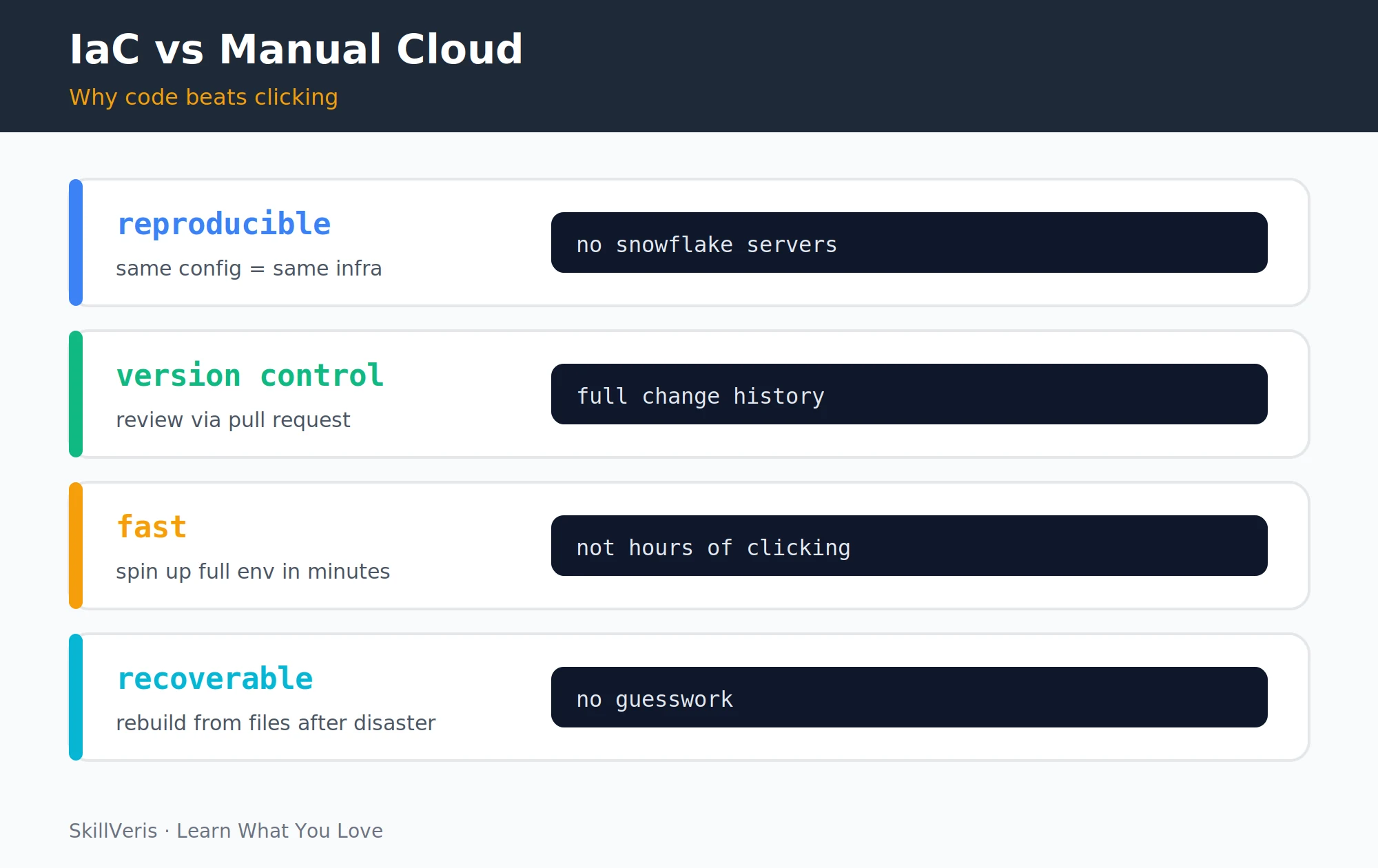
There are four core reasons that writing code beats clicking for infrastructure management. Each one addresses a real pain point of console-driven workflows.
- Reproducibility: run the same config in dev, staging, and production and get identical environments — no more "it works in staging but not prod" mysteries caused by a forgotten config.
- Version control: infrastructure changes go through pull requests with review, history, and the ability to roll back.
- Speed: a full environment that took a day to click through can be reproduced in minutes.
- Disaster recovery: if a region goes down, you rebuild from files — not from memory.
3Terraform Overview
Terraform, built by HashiCorp (now part of IBM), is the most widely adopted IaC tool. It stands out for three defining characteristics.
- Declarative: you describe the desired end state and Terraform figures out how to reach it.
- Cloud-agnostic: one tool manages AWS, GCP, Azure, Cloudflare, GitHub, and 3,000+ providers via a plugin system.
- Idempotent: run terraform apply ten times and you get the same result each time — it only changes what's different.
💡Pro Tip
Terraform uses the HCL (HashiCorp Configuration Language) syntax — it reads like a simple config file, not a full programming language. Most people pick it up in an afternoon.
4Core Terraform Concepts
A handful of building blocks make up every Terraform project. Understanding these terms makes the rest of the tool click into place.
- Provider: a plugin that knows how to talk to a specific cloud (AWS, GCP, Azure). You declare which providers you need and Terraform downloads them.
- Resource: a single infrastructure object — an EC2 instance, an S3 bucket, a DNS record.
- Data source: reads information from existing infrastructure without creating anything.
- State: a file (terraform.tfstate) that records what Terraform has created, so it can calculate what needs to change on the next run.
- Module: a reusable group of resources packaged together, like a function in programming.
5Installing Terraform
Terraform installs as a single binary across the major platforms. Use your system's package manager, then verify the install.
Alternatively, use OpenTofu — the community-maintained open-source fork of Terraform with identical syntax and behaviour.
Install commands
Run the snippet for your platform, then check the version to confirm it worked.
# macOS (Homebrew)
brew tap hashicorp/tap && brew install hashicorp/tap/terraform
# Ubuntu / Debian
wget -O- https://apt.releases.hashicorp.com/gpg | sudo gpg --dearmor -o /usr/share/keyrings/hashicorp-archive-keyring.gpg
sudo apt-get update && sudo apt-get install terraform
# Verify
terraform version6Your First Terraform Config
Create a file called main.tf to provision an S3 bucket on AWS. It declares the AWS provider and a single bucket resource.
This is a complete, working Terraform file. Save it and follow the workflow in the next section.
main.tf
Configure the AWS provider and create an S3 bucket.
# Configure the AWS provider
terraform {
  required_providers {
    aws = { source = "hashicorp/aws", version = "~> 5.0" }
  }
}
provider "aws" {
  region = "ap-south-1" # Mumbai
}
# Create an S3 bucket
resource "aws_s3_bucket" "assets" {
  bucket = "skillveris-assets-2026"
  tags = {
    Environment = "production"
    Project = "SkillVeris"
  }
}7The Plan/Apply Workflow
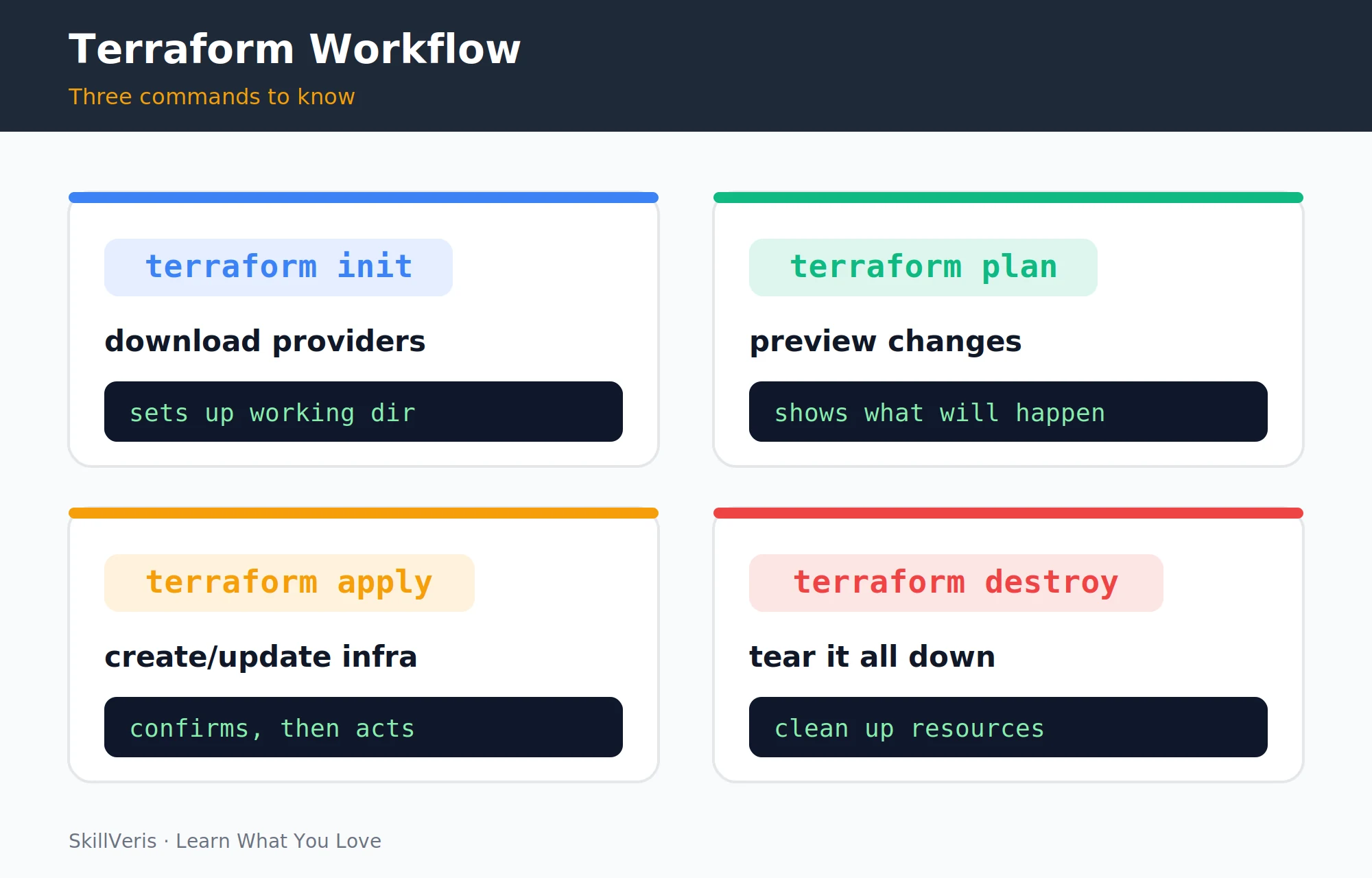
Four commands cover the entire Terraform lifecycle: init, plan, apply, and destroy.
terraform plan is the safety net — it shows exactly what will be created, changed, or deleted before any action is taken. Always review the plan before applying, especially in production.
⚠️Watch Out
terraform destroy deletes all resources managed by the current config. There is no undo. Use it freely in dev/test environments; always double-check before running in production.
Lifecycle commands
Run these in order to stand up and tear down your infrastructure.
# Step 1: initialise (download provider plugins)
terraform init
# Step 2: preview what will change
terraform plan
# Step 3: apply the changes (creates the S3 bucket)
terraform apply
# Step 4: destroy everything when done
terraform destroy8Terraform State
Terraform stores everything it has created in a state file (terraform.tfstate). This is how it knows the difference between "create this" and "update this."
For teams, the state file must be stored remotely — not on a developer's laptop — so everyone works from the same picture of reality.
- Terraform Cloud — managed state storage, free tier available.
- AWS S3 + DynamoDB — S3 stores the file, DynamoDB provides a lock to prevent two people applying simultaneously.
Remote state in S3 (add to main.tf)
Configure an S3 backend with a DynamoDB lock table for safe team collaboration.
terraform {
  backend "s3" {
    bucket = "my-terraform-state"
    key = "prod/terraform.tfstate"
    region = "ap-south-1"
    dynamodb_table = "terraform-locks"
  }
}9Variables and Outputs
Hard-coding values in configs is fine for learning, but production configs use variables for flexibility and outputs to expose values to other configs or users.
Pass variable values via a terraform.tfvars file or environment variables (TF_VAR_bucket_name).
variables.tf, main.tf, and outputs.tf
Declare a variable, reference it in a resource, and expose a value via an output.
# variables.tf
variable "bucket_name" {
  description = "S3 bucket name"
  type = string
}
# main.tf — use the variable
resource "aws_s3_bucket" "assets" {
  bucket = var.bucket_name
}
# outputs.tf
output "bucket_arn" {
  value = aws_s3_bucket.assets.arn
}10Modules: Reusable Infrastructure
A module is a directory of Terraform files that can be called like a function. The Terraform Registry (registry.terraform.io) has thousands of community modules for common patterns.
Modules make configs DRY — define a standard EC2 + security group pattern once, then reuse it across all environments.
Use a community VPC module
Reference a published module by source and version, then pass in your own inputs.
module "vpc" {
  source = "terraform-aws-modules/vpc/aws"
  version = "~> 5.0"
  name = "skillveris-vpc"
  cidr = "10.0.0.0/16"
}11Terraform Best Practices
A few habits keep Terraform projects safe and maintainable as they grow. Adopt them early to avoid painful cleanups later.
- Store state remotely from day one on team projects.
- Use workspaces or separate directories for dev/staging/production to avoid accidental cross-environment changes.
- Pin provider versions: version = "~> 5.0" prevents surprise breaking changes.
- Review the plan before every apply in production — make it a team habit.
- Tag everything: add Environment, Project, and Owner tags to every resource for cost attribution.
12Key Takeaways
These points sum up what makes Infrastructure as Code with Terraform worth adopting.
- IaC means your cloud infrastructure is defined in code — reproducible, reviewable, and recoverable.
- Terraform is the standard tool: HCL syntax, cloud-agnostic, and declarative.
- The workflow is always init then plan then apply. Never skip the plan step.
- Store state remotely for any team project. Use variables and modules to keep configs clean.
13What to Learn Next
Build on your IaC skills with these related topics.
- CI/CD Explained — run Terraform in a pipeline automatically.
- Kubernetes for Beginners — provision K8s clusters with Terraform.
- AWS Free Tier Guide — the cloud to practice your Terraform configs on.
14Frequently Asked Questions
Q: Is Terraform free?
A: The Terraform CLI is free and open source. Terraform Cloud has a free tier for small teams; larger teams pay for advanced features. OpenTofu is a fully free, community-maintained fork with identical syntax.
Q: What's the difference between Terraform and Ansible?
A: Terraform provisions infrastructure (creates VMs, networks, databases). Ansible configures what's already running (installs software, manages files, restarts services). They complement each other: Terraform to build, Ansible to configure.
Q: Does Terraform work with all cloud providers?
A: Yes — AWS, GCP, Azure, DigitalOcean, Cloudflare, GitHub, and thousands more, each via a provider plugin. The same Terraform skills transfer across clouds.
Q: What happens if someone manually changes a resource in the cloud console?
A: Terraform detects the drift on the next plan and shows what changed. Running apply will revert the manual change to match the config — this is why IaC and manual changes don't mix well in production.
Related Reading
Get The Print Version
Download a PDF of this article for offline reading.
About the Publisher
SkillVeris Team
Cloud & Security Team
Our cloud and security experts break down complex infrastructure topics into practical, beginner-friendly guides.
View all postsRelated Posts




Never miss an update
Get the latest tutorials and guides delivered to your inbox.
No spam. Unsubscribe anytime.